tiktok transcript generator
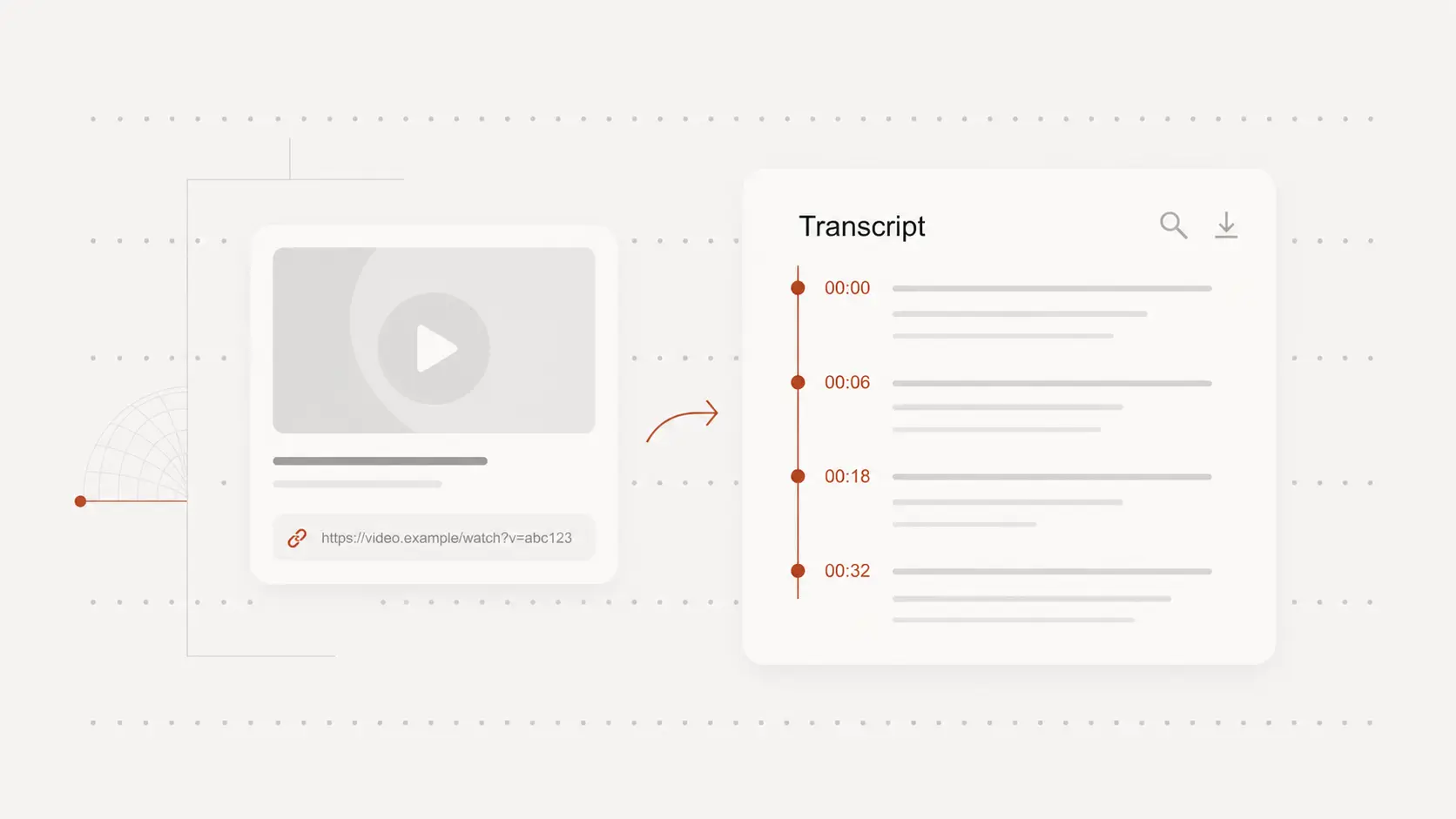
Paste a TikTok link, generate transcript text with timestamps, and export files for editing and publishing.
Paste link
How to Use a TikTok Transcript Generator
1. Paste a TikTok link
Paste a supported TikTok video URL to load source details and begin transcription.
2. Review transcript output
Check timestamped transcript lines, adjust wording, and prepare clean output for reuse.
3. Export transcript files
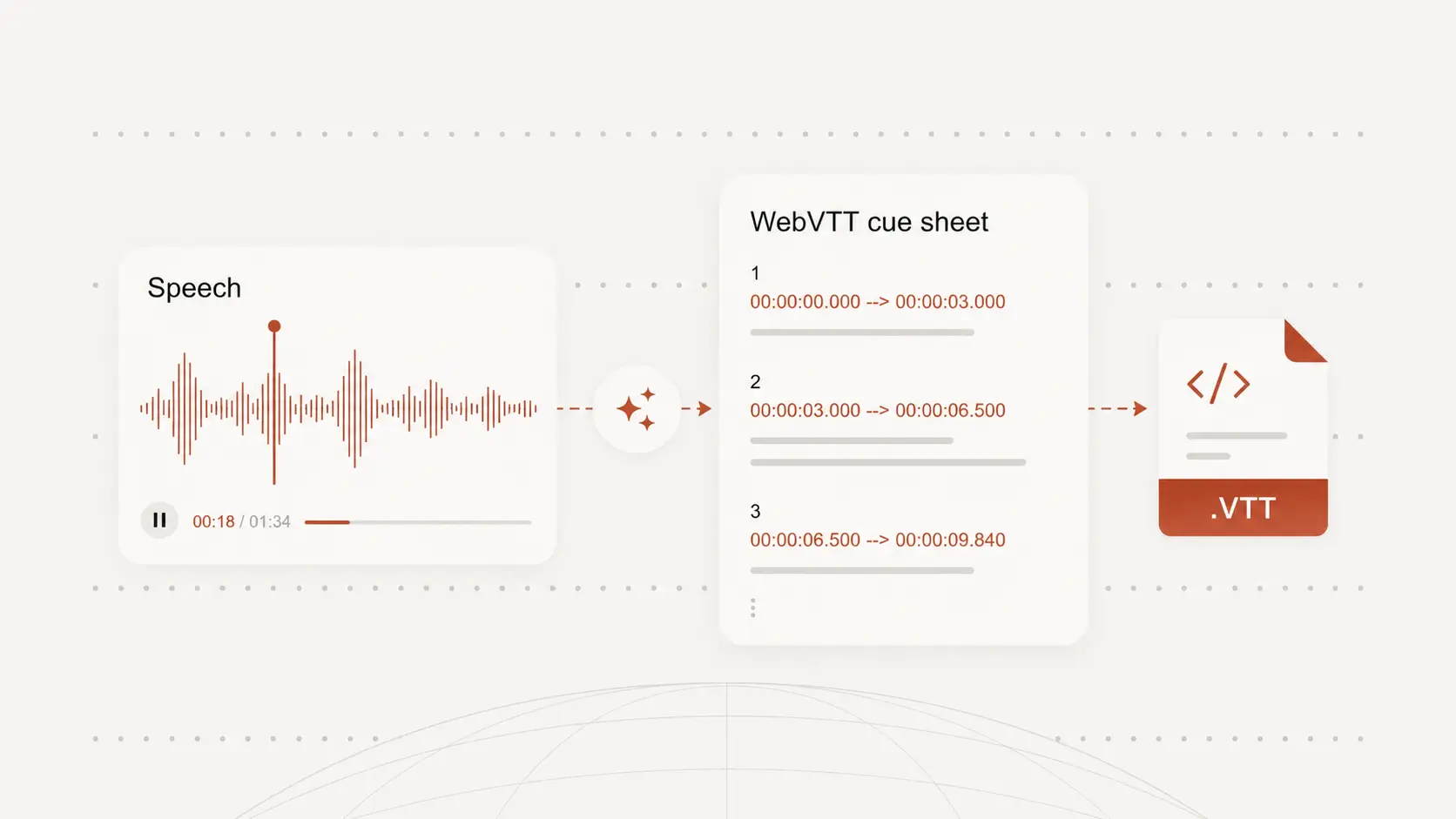
Download output as TXT, DOCX, PDF, SRT, or VTT.
Why use this tiktok transcript generator
TikTok URL transcription flow
Paste supported TikTok links and generate transcript output without manual file handling.
Timestamped transcript output
Keep transcript lines aligned to source timing for review, clipping, and QA.
Export in common formats
Download transcript output as TXT, DOCX, PDF, SRT, or VTT.
Fast source-to-text conversion
Go from link input to editable transcript quickly in one workflow.
Editable transcript in browser
Refine wording and structure before sending transcript files to teammates.
Support for multilingual content
Generate transcript output for multilingual TikTok videos and reuse it downstream.
Generate transcript text from TikTok links
Convert spoken TikTok content into transcript output directly from supported URLs.
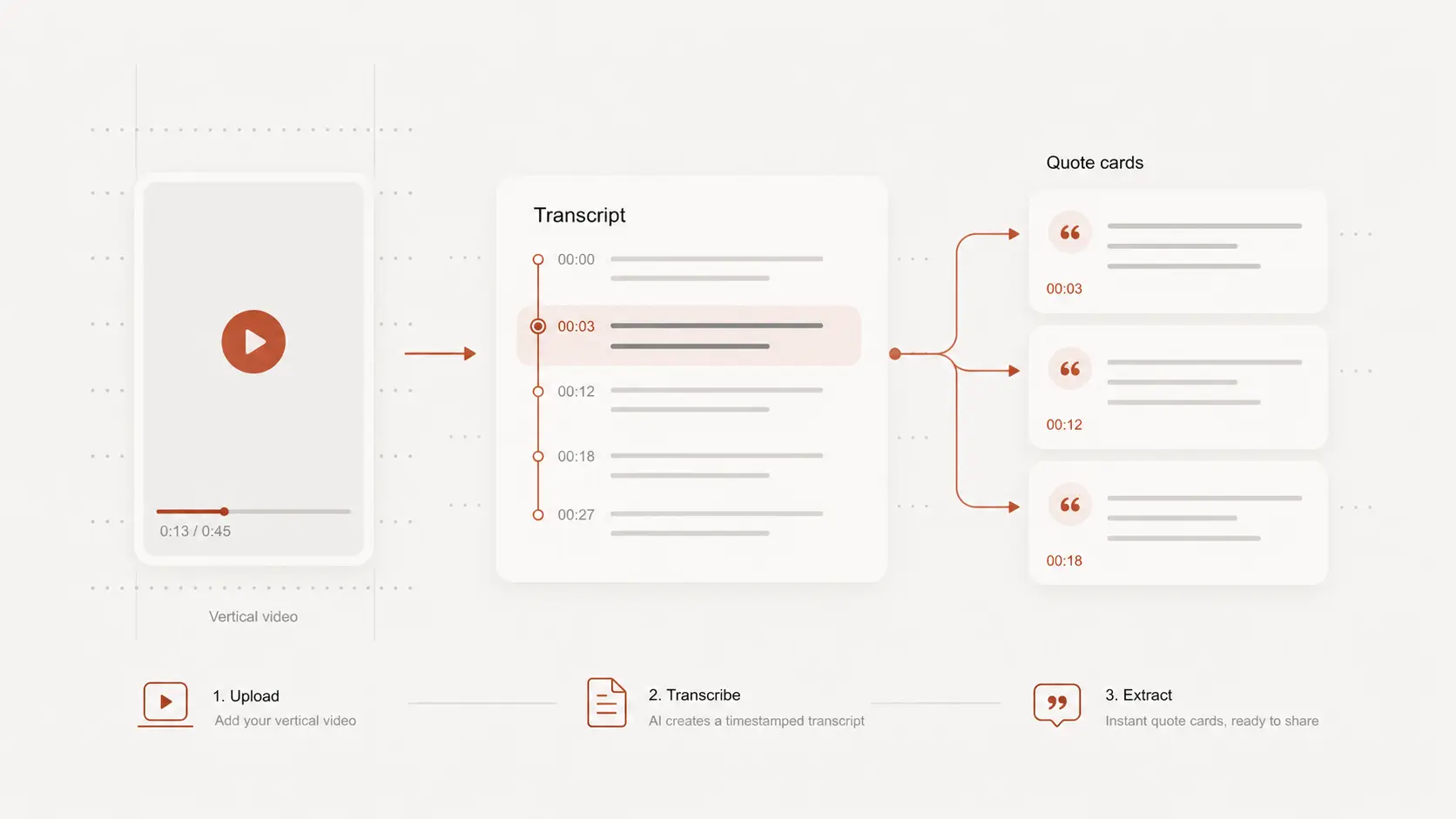
Review transcript quality with timestamps
Use timestamped output to validate key lines and accelerate social video editing workflows.
Export to text and subtitle formats
Reuse transcript output for scripts, summaries, subtitles, and publishing handoffs.
tiktok transcript generator use cases
Short-form content production
Extract transcript text for script edits, caption writing, and content iteration.
Campaign and ad workflows
Convert TikTok spoken content into structured text for campaign review and approvals.
Team collaboration and archives
Store transcript output as searchable records for internal knowledge and reuse.
tiktok transcript generator FAQ
Common questions about transcribing TikTok videos.