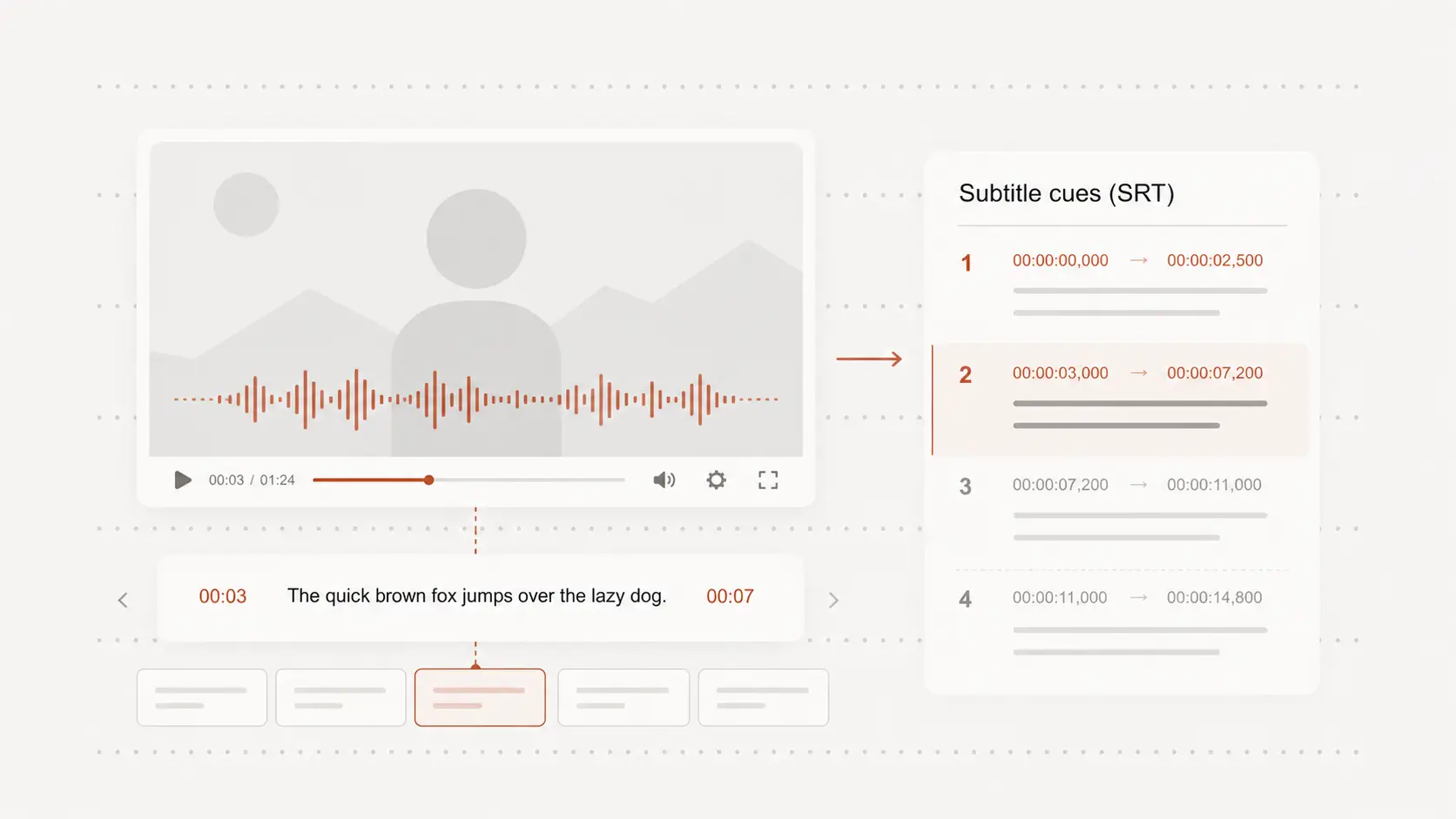
vimeo transcript generator
vimeo transcript generator helps you paste a public Vimeo video and pull the spoken words into a transcript you can review, copy, and export. Start free without creating an account.
Paste link
Start with a Vimeo link
Paste a public Vimeo video link when you do not want to download the file first.
The spoken track becomes editable text, so creator talks, demos, lessons, and interviews are easier to review.
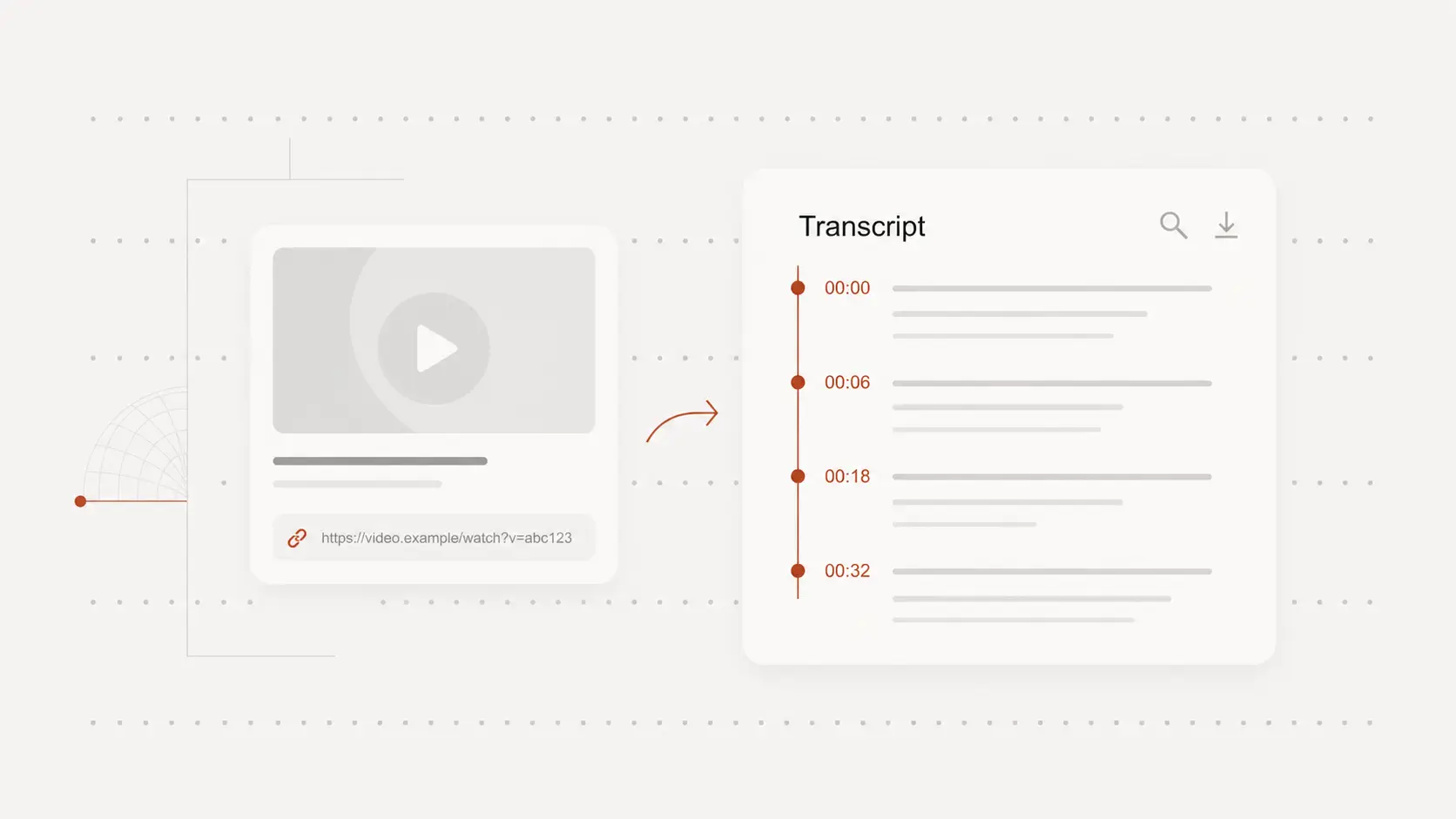
Find quotes without replaying
Vimeo videos often hold useful explanations, product details, webinar answers, and portfolio commentary inside a long timeline.
A transcript lets you scan the words, copy the right line, and return to the video only when a moment needs checking.
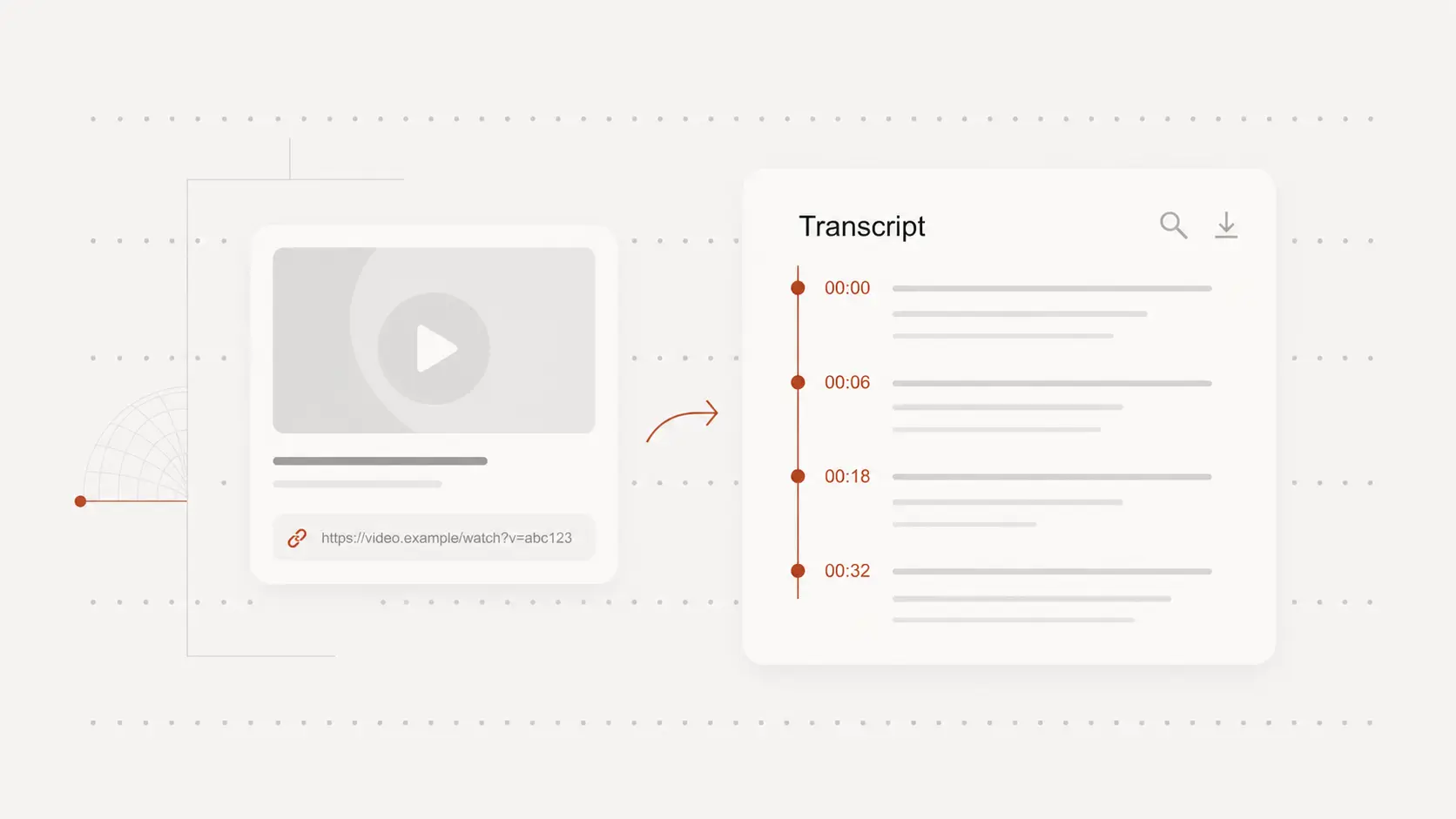
Keep timestamps for review
Timestamps help connect each line of text back to the original video.
Use them to verify names, technical phrases, speaker wording, or any section where the audio is unclear.
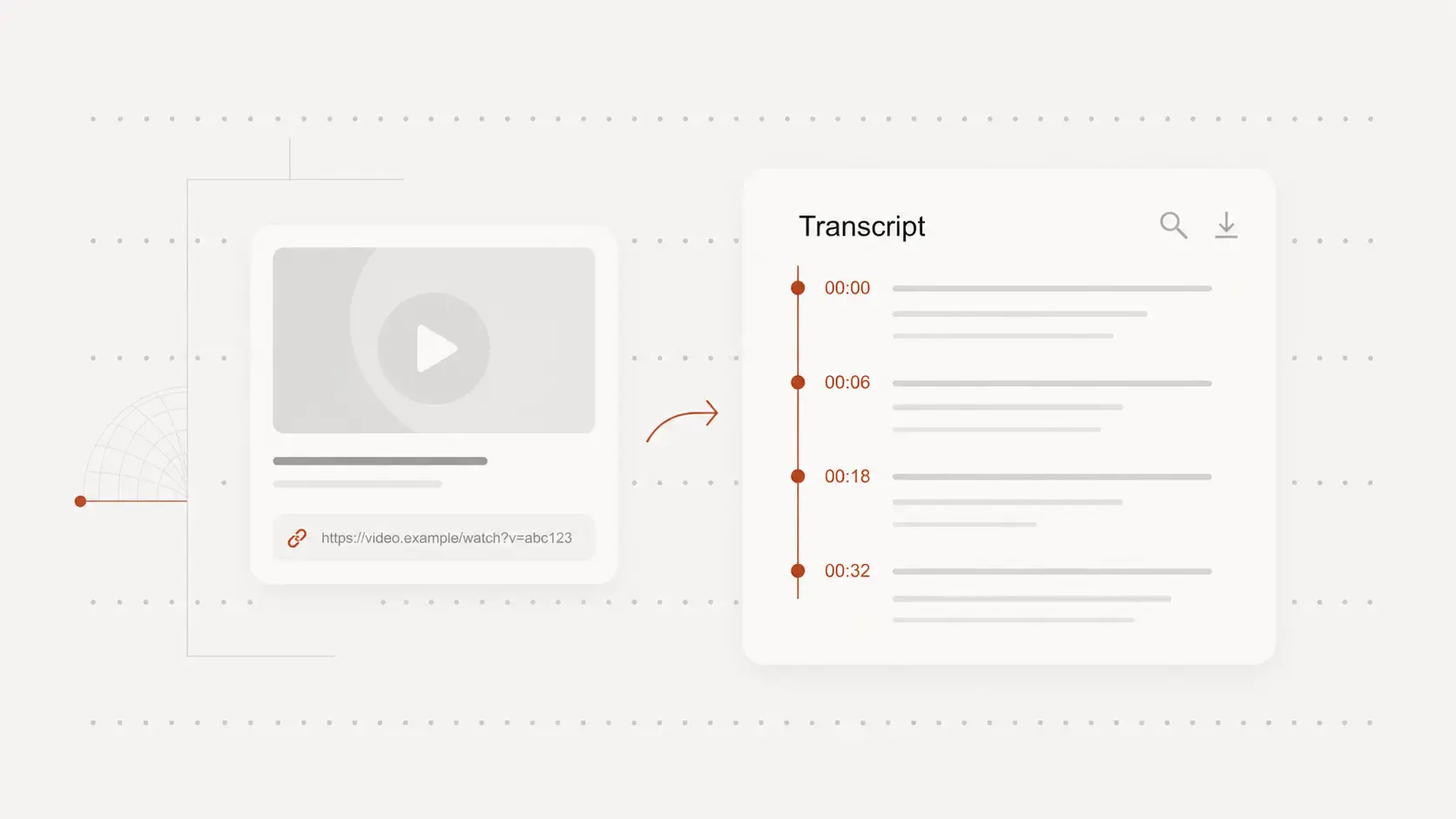
Export text or captions
Use the transcript for notes, captions, content reuse, research, client review, or a cleaner handoff to a teammate.
Download a plain text document when reading matters, or choose a subtitle format when timing matters too.