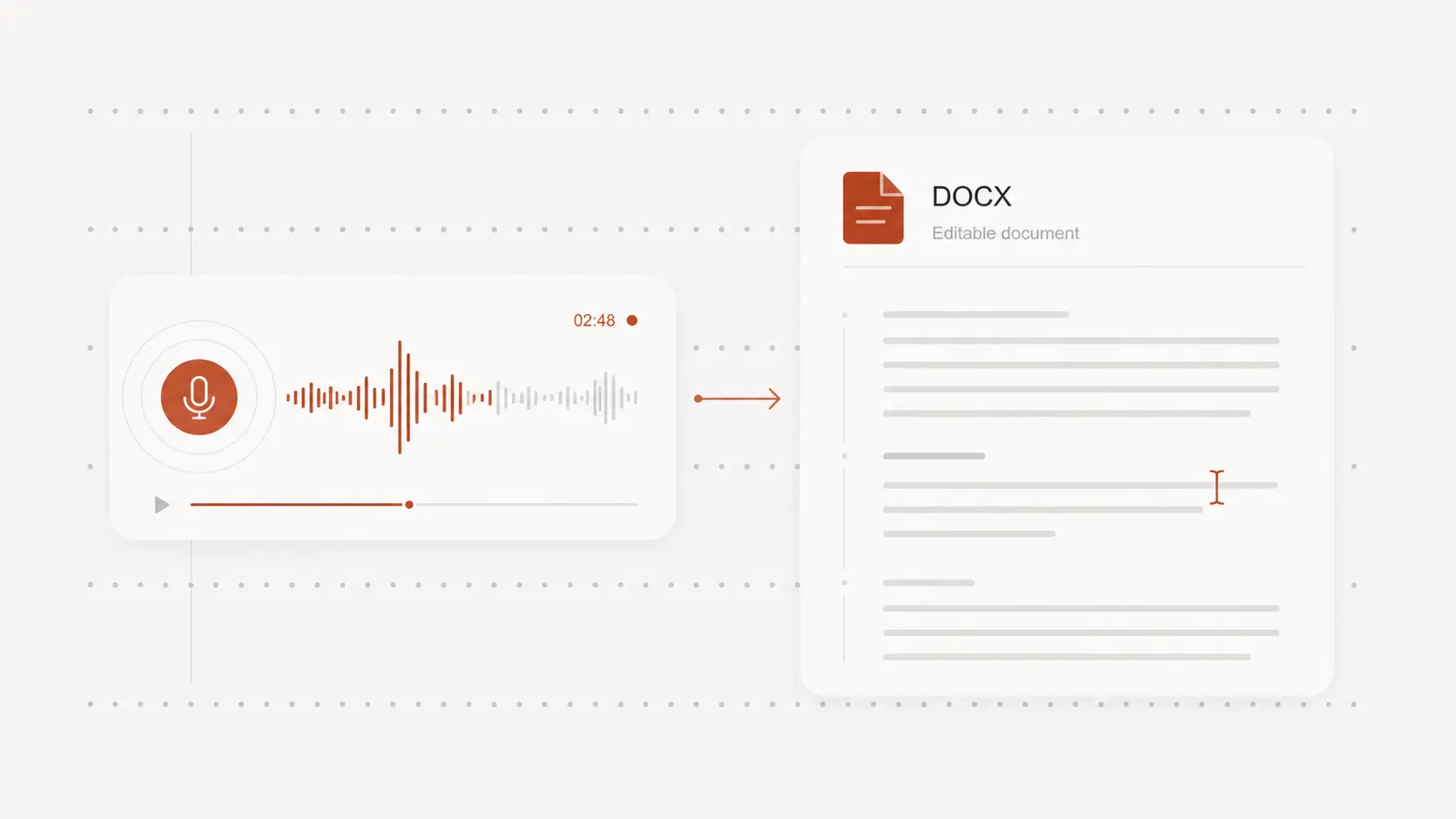
voice memo to text
voice memo to text makes quick recordings easier to read, search, and reuse. Upload your memo and get started free with no signup.
Upload audio or video file, then click Transcribe.
Convert iPhone and Android voice memos
Export an iPhone Voice Memo as an M4A file, or choose a saved recording from an Android phone or another recorder.
Upload the file to turn the spoken memo into text without manually typing every thought or reminder.
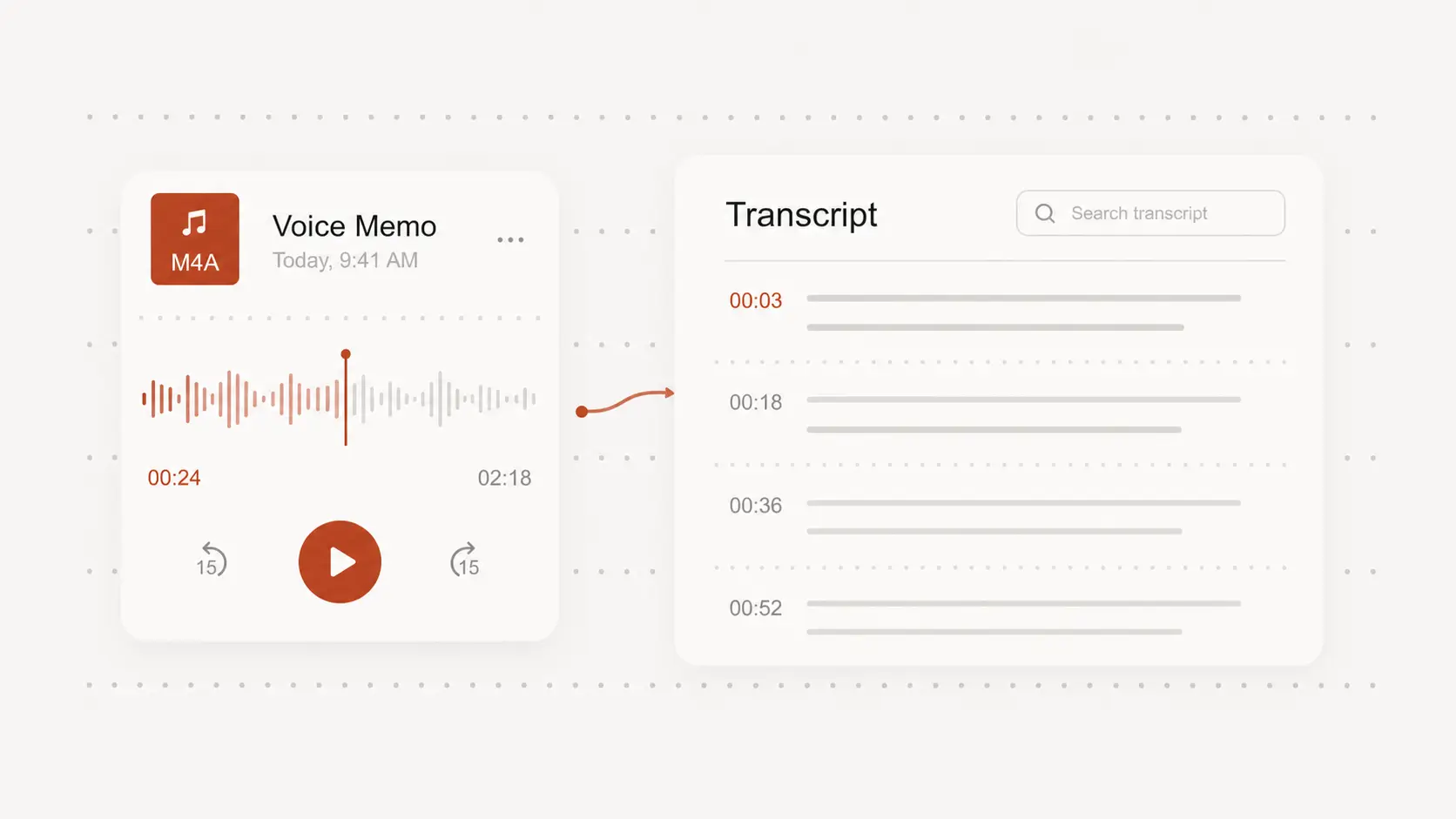
Turn spoken ideas into searchable notes
Voice memos often hold ideas, tasks, observations, and follow-up details that are difficult to find by replaying audio.
A written version lets you scan the memo, locate a phrase, and move useful details into your notes or documents.
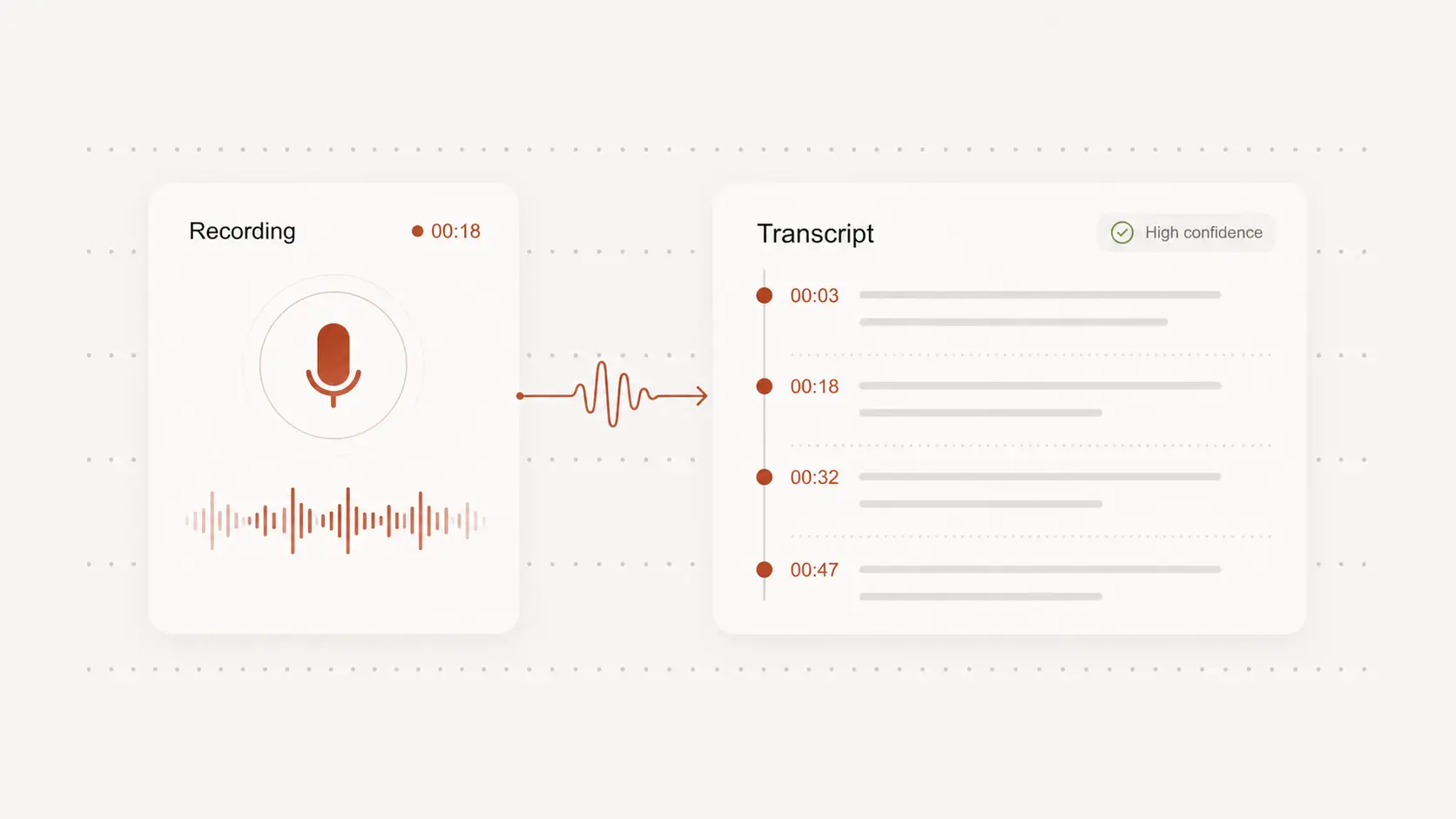
Check details without replaying the whole memo
Timestamps help you return to names, numbers, addresses, and unclear phrases at the right point in the recording.
Review important details against the original voice memo before sharing or acting on the text.
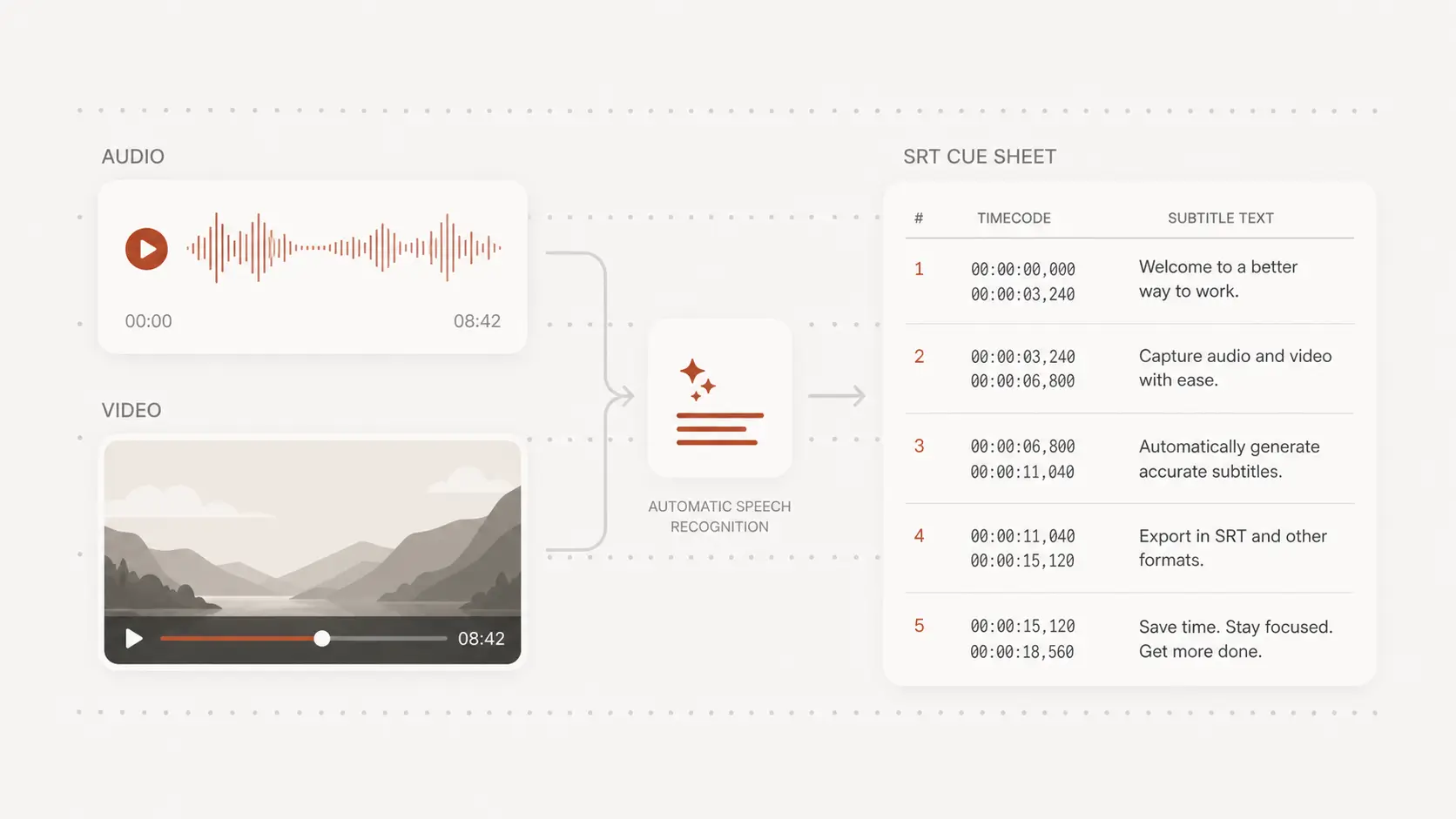
Export voice memo text where you need it
Download the reviewed voice memo text for notes, emails, drafts, meeting follow-ups, or personal records.
Choose an editable document or a timed format when the recording will also be used for captions.