Transcribe Audio to Text Online
Upload an audio file, review the timestamped transcript in the browser, and export clean text, notes, or subtitle files.
Upload audio, recordings, or voice notes, then click Transcribe.
How to Convert Audio to Text
1. Upload your audio or recording
Add MP3, WAV, M4A, AAC, FLAC, OGG, and other common formats. Use it for meetings, interviews, podcasts, voice notes, and other spoken recordings.
2. Transcribe and clean up the transcript
NeatScribe generates editable text with timestamps, so you can review key moments, correct wording, and turn raw speech into a readable transcript fast.
3. Export text, notes, or subtitles
Download TXT, DOCX, or PDF for notes and documents, or export SRT and VTT when your transcript needs to become captions.
Why NeatScribe for Audio Transcription
Fast audio transcription
Upload audio and generate an editable transcript quickly, so you can move from recording to working text without delay.
Accurate transcript editing with timestamps
Review wording line by line and jump to key moments with timestamps when you need to verify or correct details.
Export-ready text for teams and publishing
Download TXT, DOCX, or PDF for documents, or export SRT and VTT when your transcript needs to become subtitles.
Works with common audio formats
Process MP3, WAV, M4A, AAC, FLAC, OGG, OPUS, and AMR from meetings, podcasts, interviews, and voice notes.
Speech from meetings, interviews, and lectures
Handle spoken content from meetings, interviews, lectures, podcasts, and everyday voice recordings.
Supports multilingual audio
Transcribe spoken content across multiple languages and accents, then keep the output easy to review and share.
Transcribe meetings, interviews, and recordings in one place
Upload everyday audio formats and turn spoken content into text without switching tools or manually retyping long recordings.
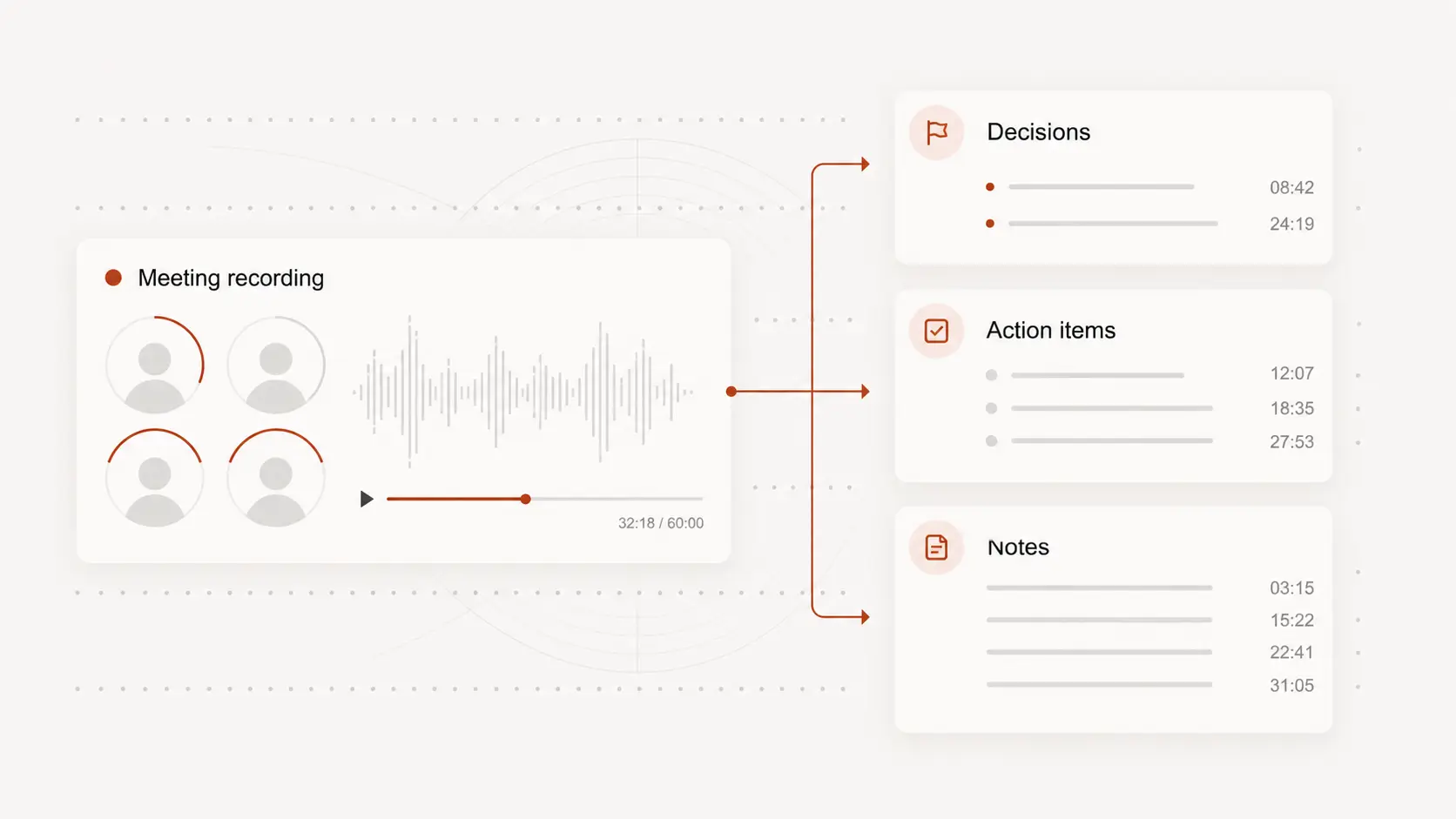
Edit transcripts with timestamps before you share them
Open the transcript in the browser, jump to key moments with timestamps, and clean up the wording before sending notes or publishing the transcript.
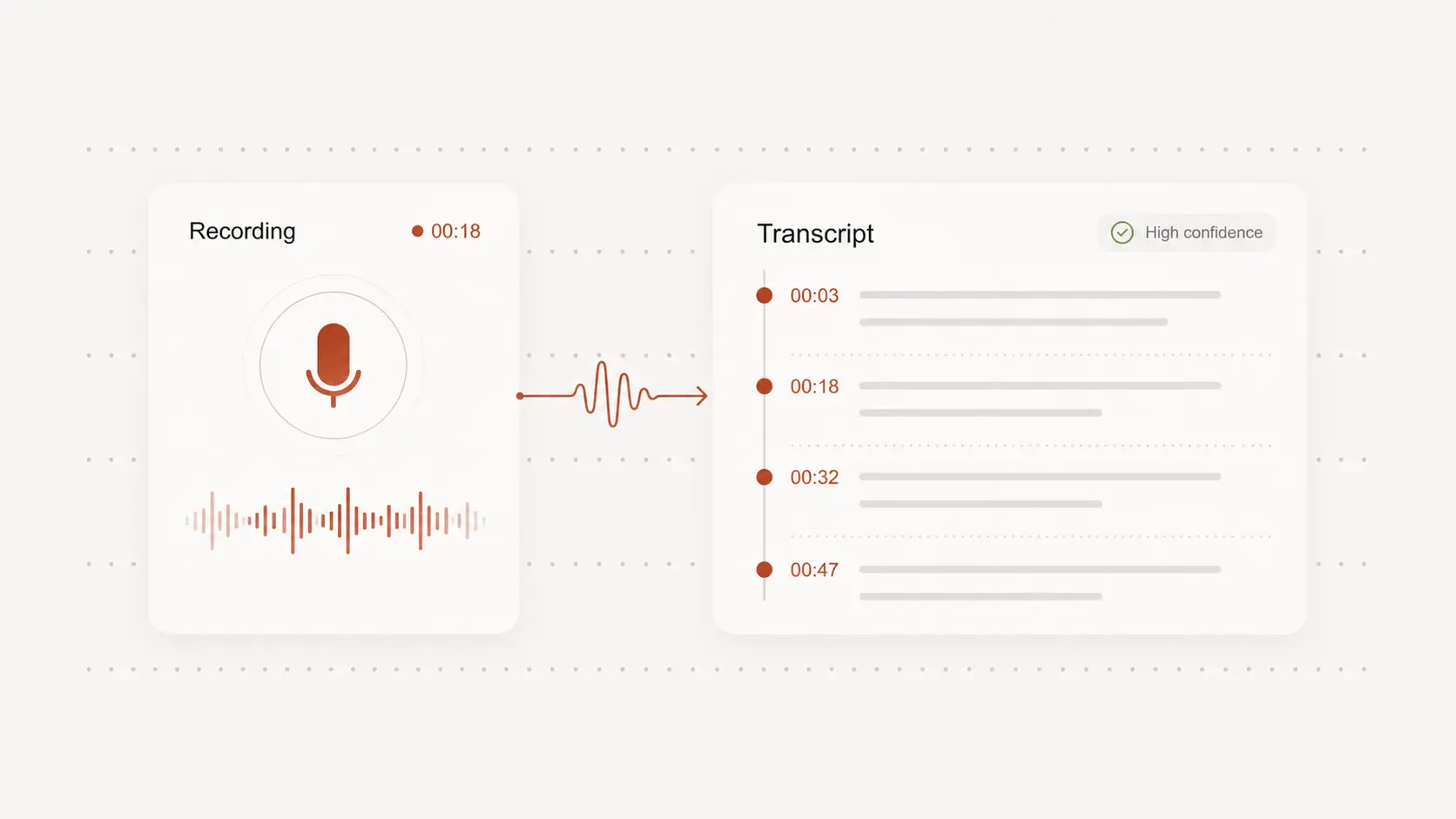
Export clean text or subtitle-ready files
Use the transcript as meeting notes, interview notes, or article drafts, and export SRT or VTT when you need captions for video.
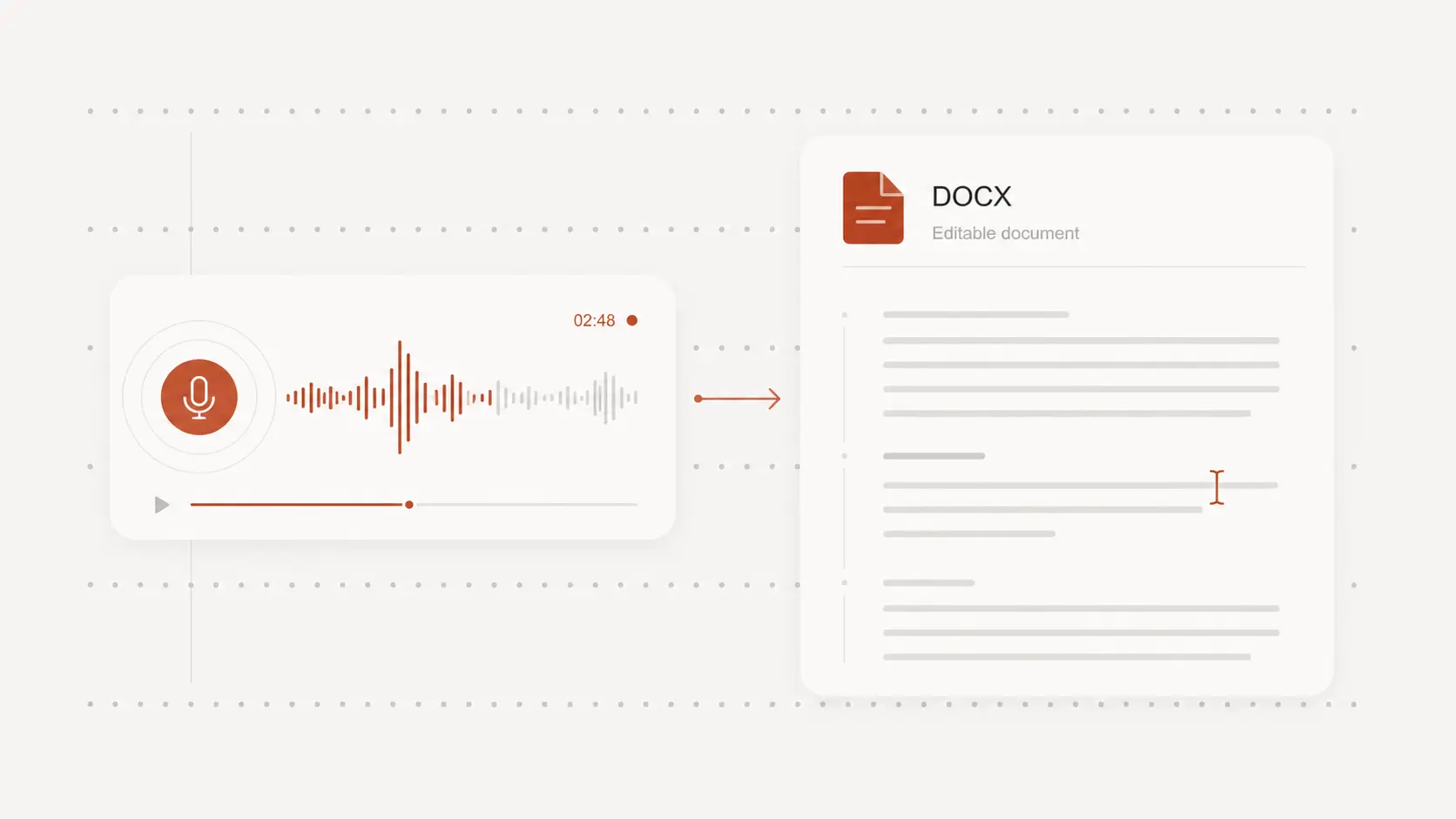
Audio to text tool for any use case
Business meetings and calls
Turn team calls, client meetings, and internal updates into searchable transcripts your team can review and share.
Interviews and user research
Capture every answer from research sessions and interviews, then extract quotes and insights without replaying full recordings.
Podcasts, lectures, and creator content
Generate transcripts for episodes, classes, and long-form recordings, then reuse the text for notes, publishing, and subtitle drafts.
Audio to Text FAQ
Common questions about converting audio files into text.