“I can find the decision behind an action item and check the exact wording without replaying the whole meeting.”
S
Sophie Grant
Project manager
Teams meeting transcription turns saved meeting recordings into searchable, timestamped text. Upload a recording and try it free without creating an account.
Upload audio or video file, then click Transcribe.
Upload a Teams meeting recording you have saved or downloaded and turn the discussion into text you can search. Review the conversation with timestamps before sharing a clear written record.
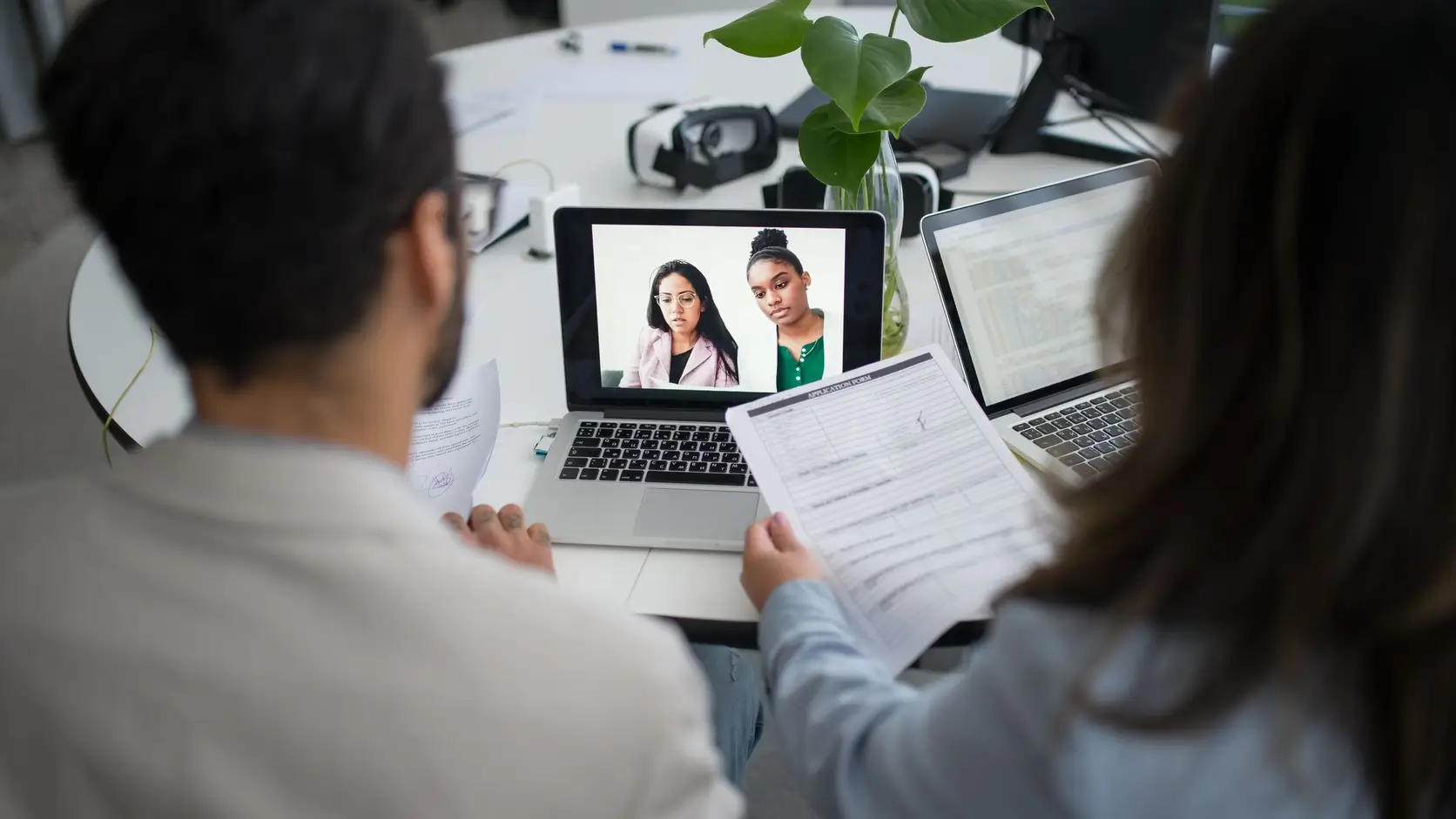
Use an audio or video file that is already on your device, including a Teams recording you downloaded after the meeting.
There is no meeting bot to invite and no Teams account to connect—choose the file, select the spoken language, and begin.
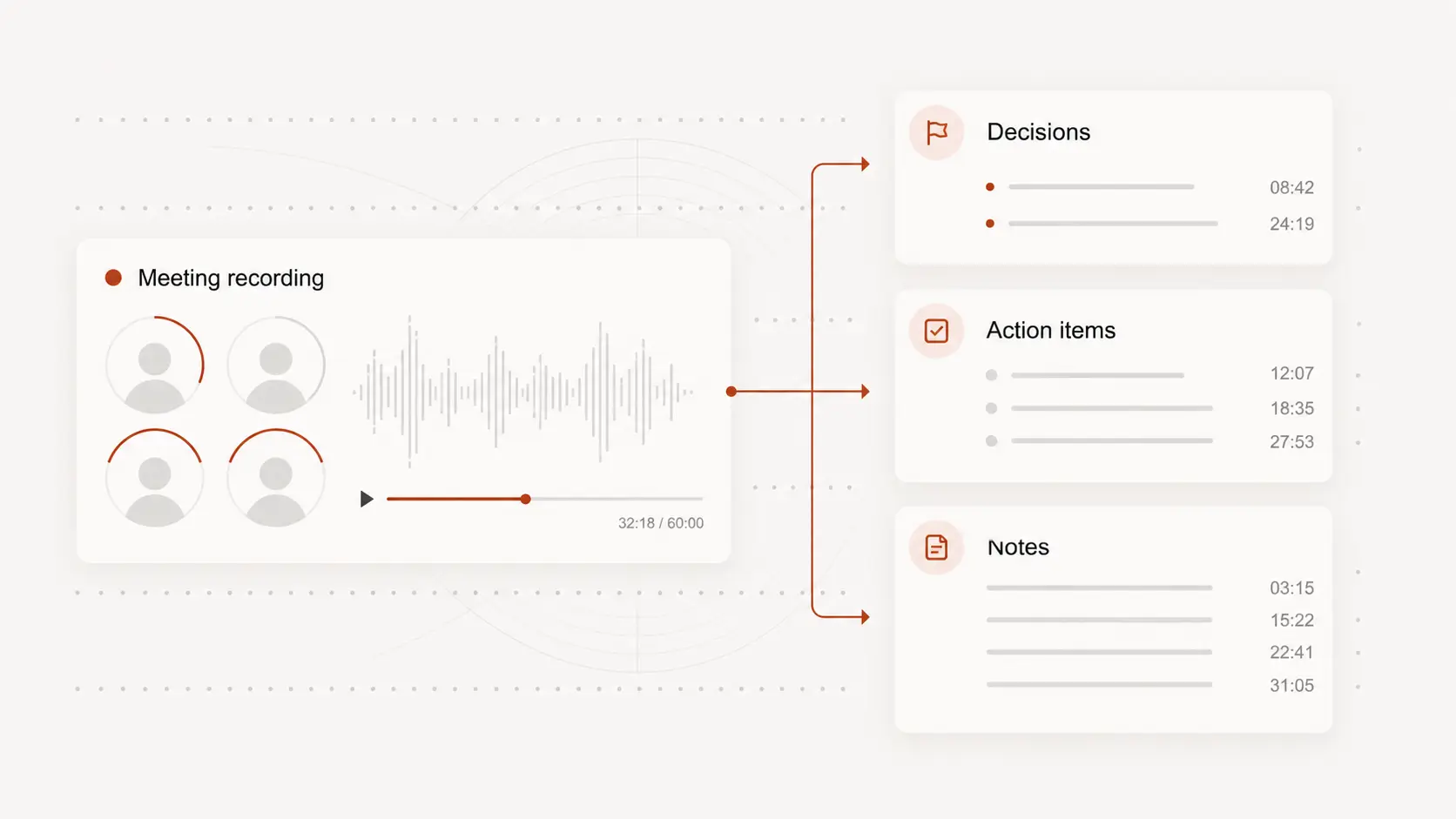
A timestamped transcript helps you locate decisions, questions, explanations, and action items inside a long discussion.
When several people speak or a term needs checking, replay that moment and adjust the wording while listening to the surrounding discussion.
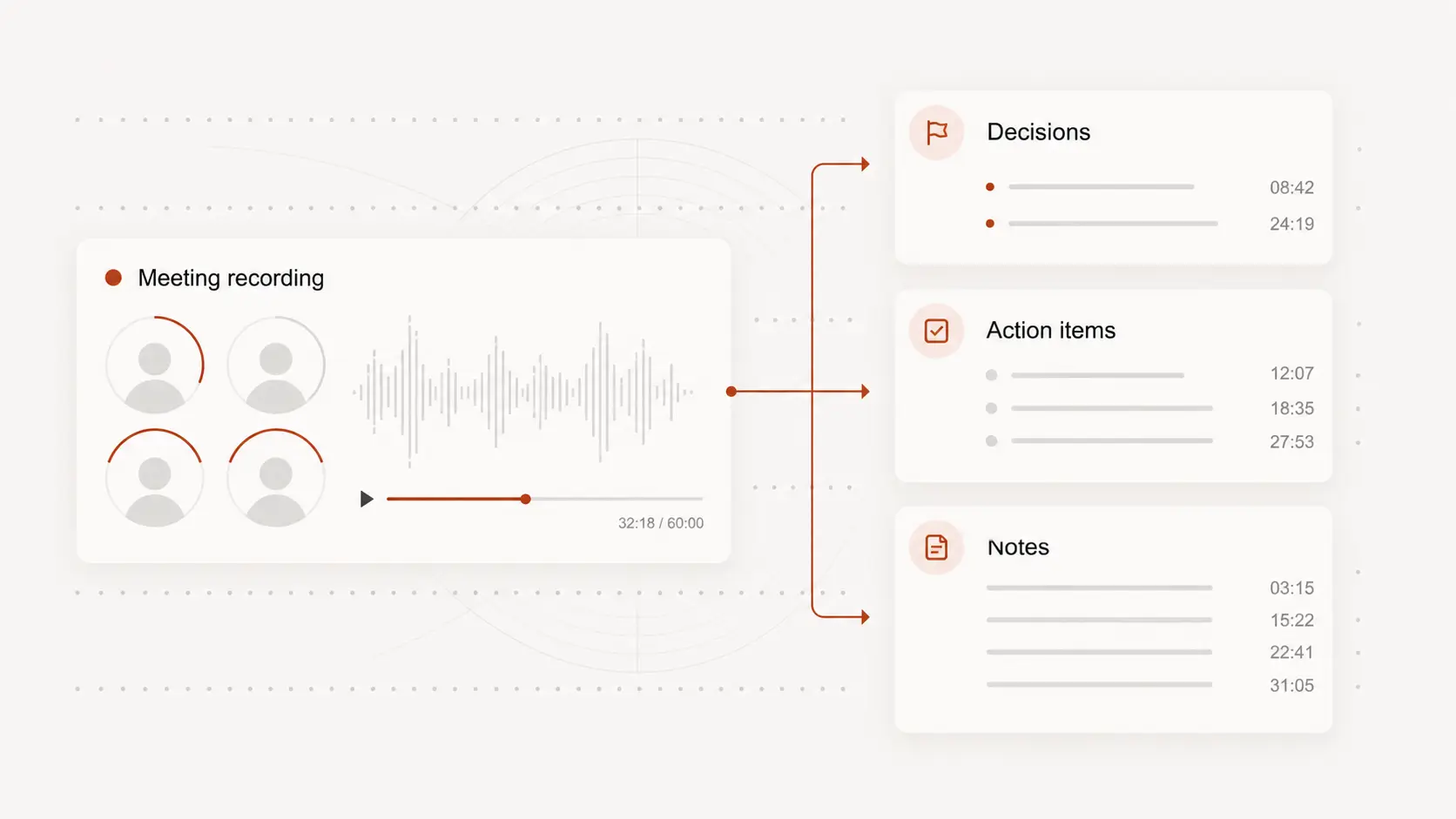
Turn the reviewed transcript into meeting notes, a decision record, or a starting point for your team’s usual follow-up.
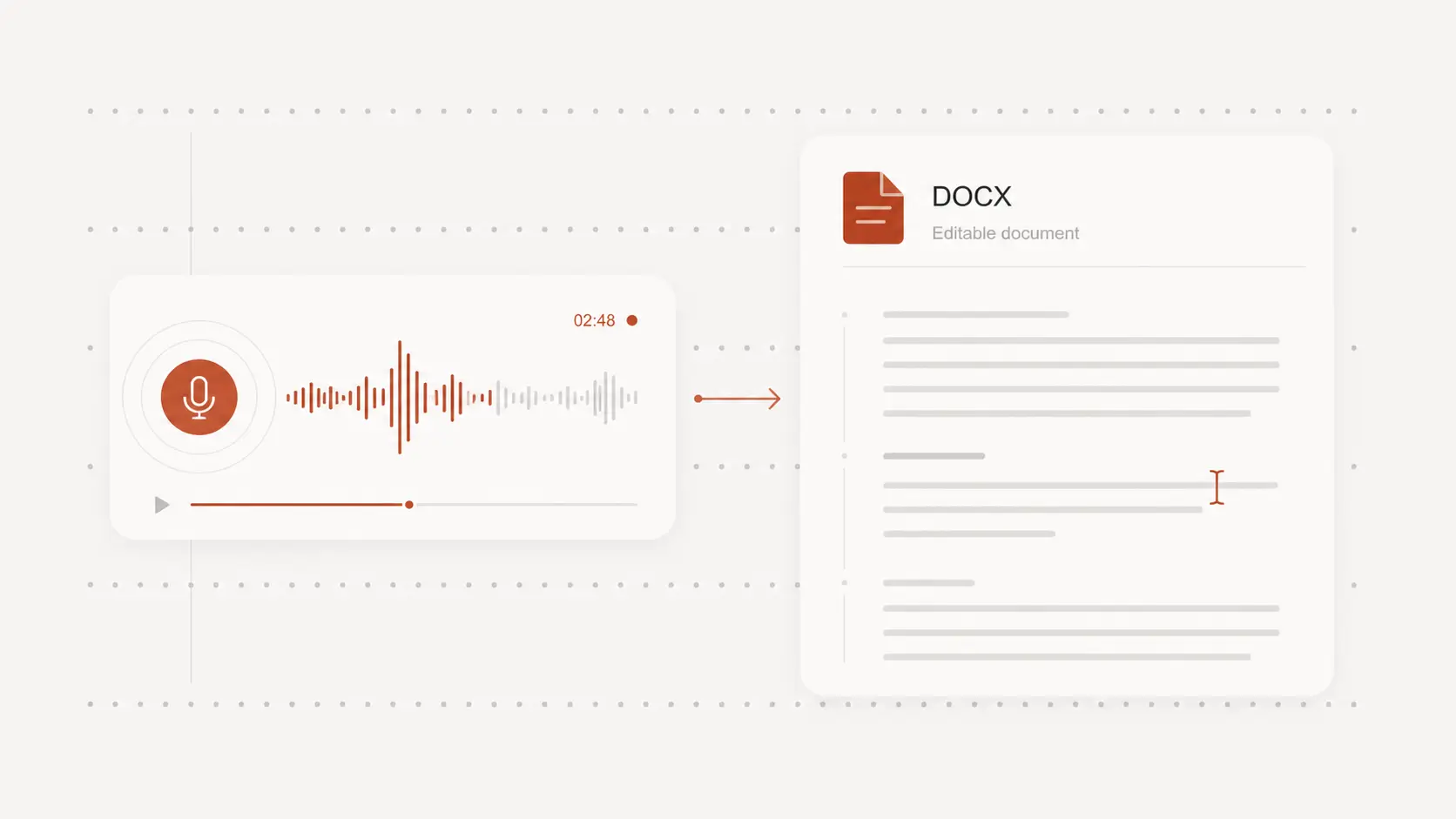
Download editable text or a document for collaboration, and use timed caption formats when the recording will be shared as video.
Testimonials
Saved meetings are easier to act on when the discussion is searchable. Teams value being able to verify decisions, revisit key moments, and prepare clearer follow-up notes.
“I can find the decision behind an action item and check the exact wording without replaying the whole meeting.”
Sophie Grant
Project manager
“Uploading the saved recording fits our process because we decide which meetings need a written record after they finish.”
Adam Chen
Operations lead
“The timestamps are especially useful when several people discuss the same issue from different angles.”
Priya Shah
Product coordinator
“A searchable transcript makes it much easier to confirm what we promised before sending the client follow-up.”
Ben Wallace
Client services manager
“I edit the draft into concise notes, while keeping the full conversation available when more context is needed.”
Nina Alvarez
Program administrator
“Document and caption exports let us reuse the same reviewed meeting text for different internal materials.”
Owen Harris
Training coordinator