“The timestamps let me return to the exact explanation I need without scrubbing through the whole talk again.”
M
Maya Patel
Graduate student
TED Talk transcript generator turns a public talk into readable text you can follow, search, and export. Paste the link and try it free—no signup required.
Paste link
Paste a public TED Talk URL and read the spoken ideas as timestamped text beside the video. Move between the transcript and the original moment without repeatedly searching through the talk.
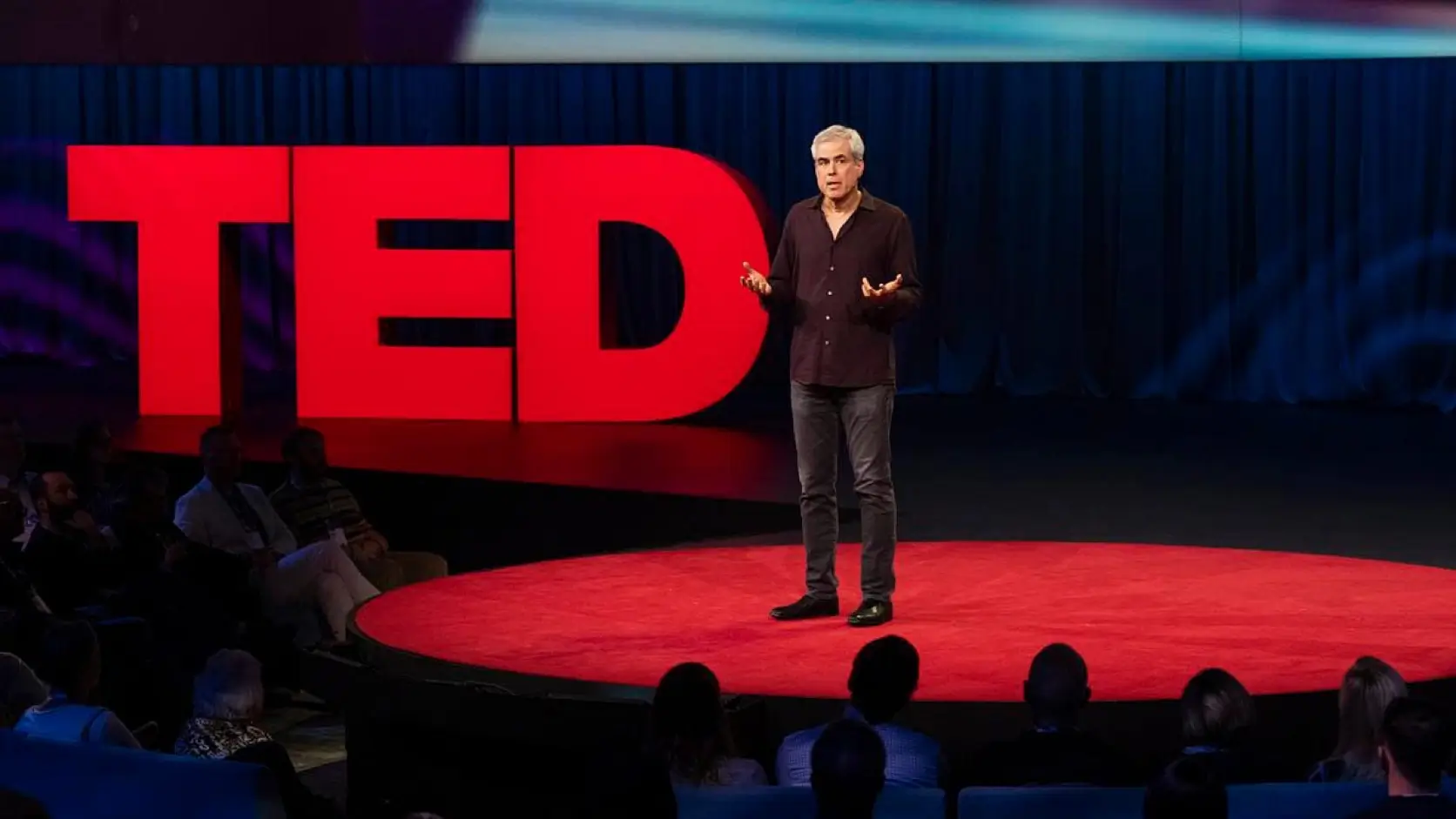
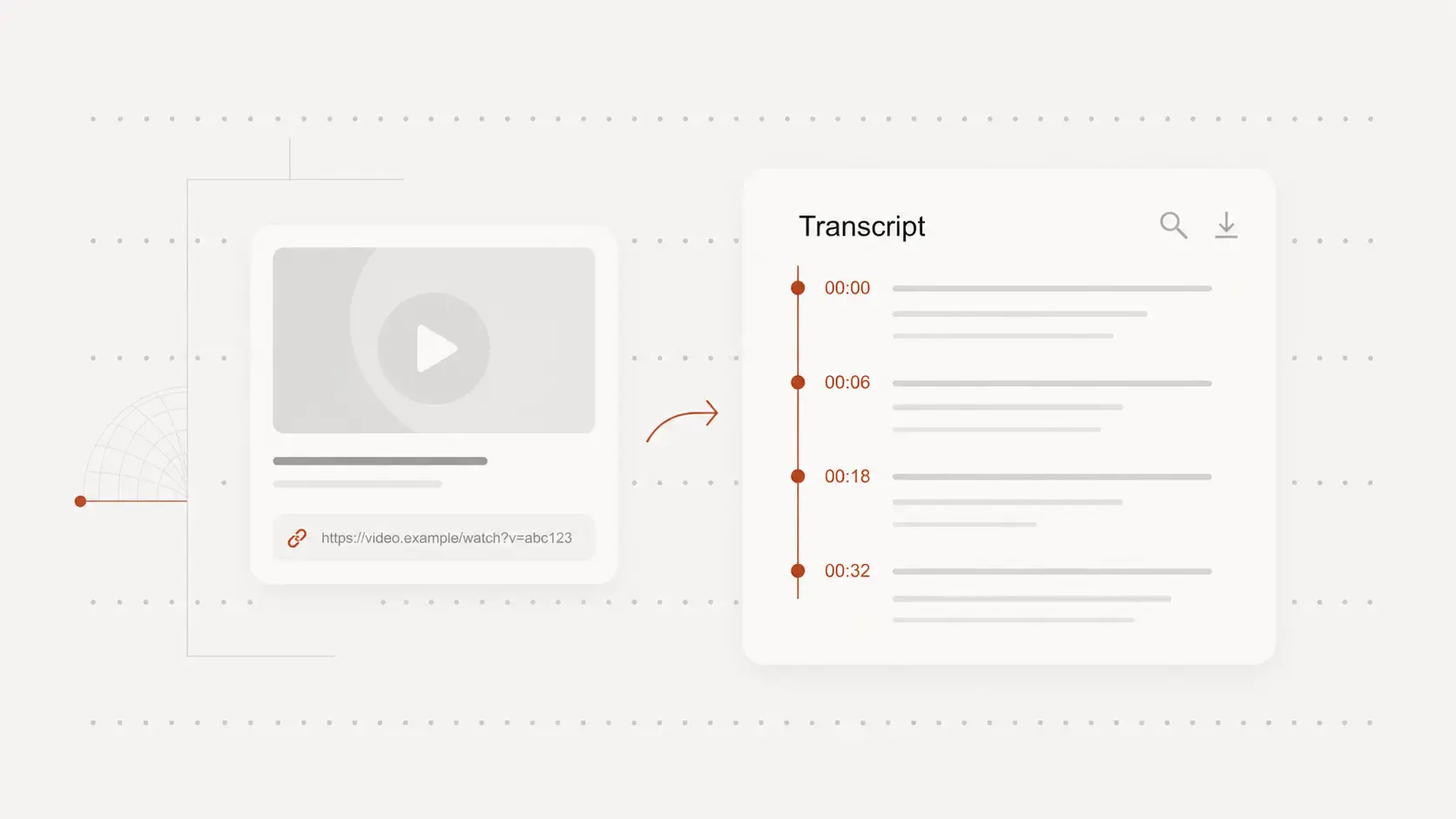
Timestamps connect each part of the TED Talk transcript to the original recording, making a quote, example, or explanation easier to find.
Play the video in the same workspace and return to the source whenever a name, number, or technical phrase needs checking.
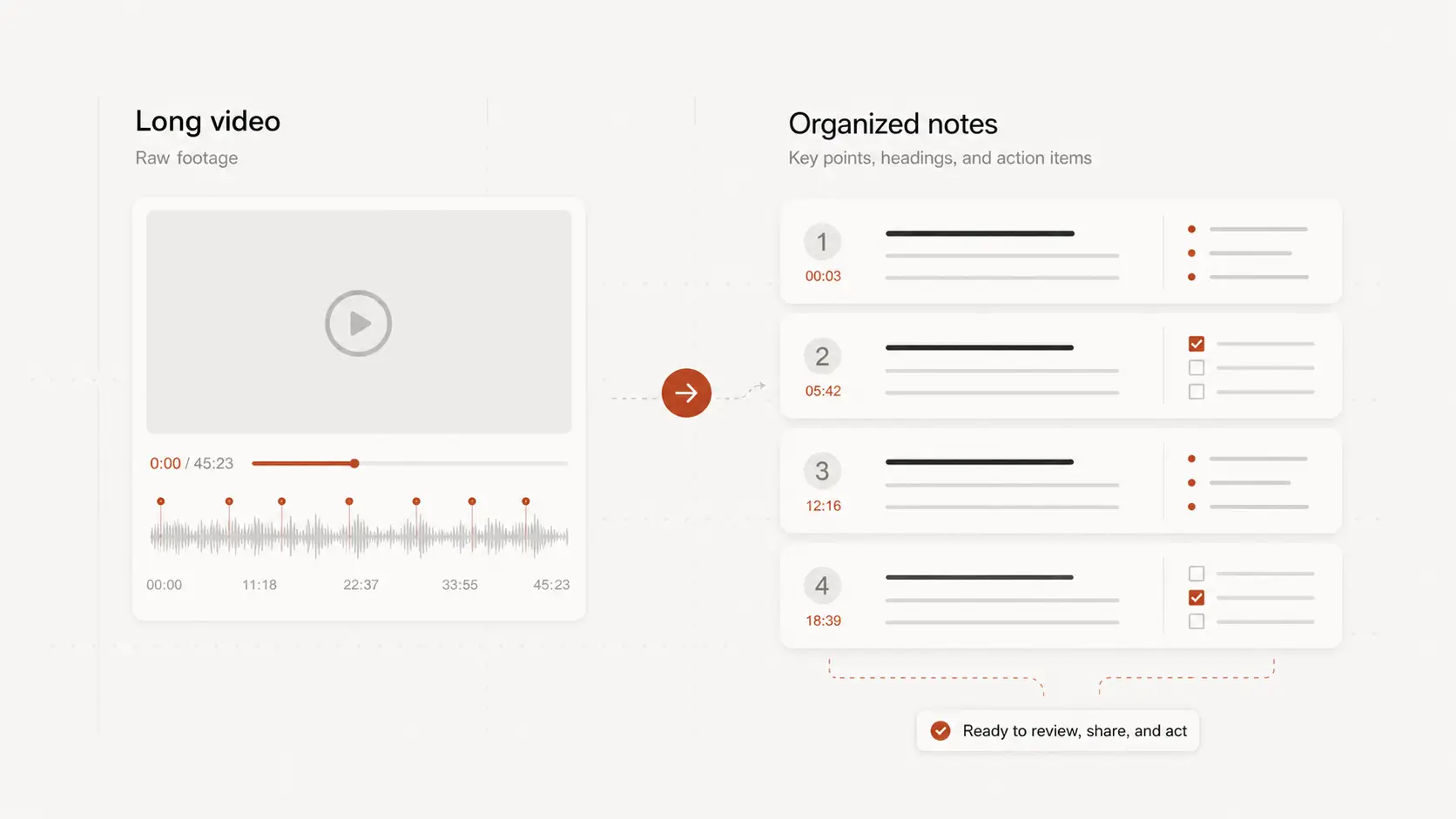
Search the transcript for arguments, examples, quotations, and recurring themes instead of replaying the entire talk.
Use the selected passages as source material for study notes, lesson preparation, research references, or discussion prompts.
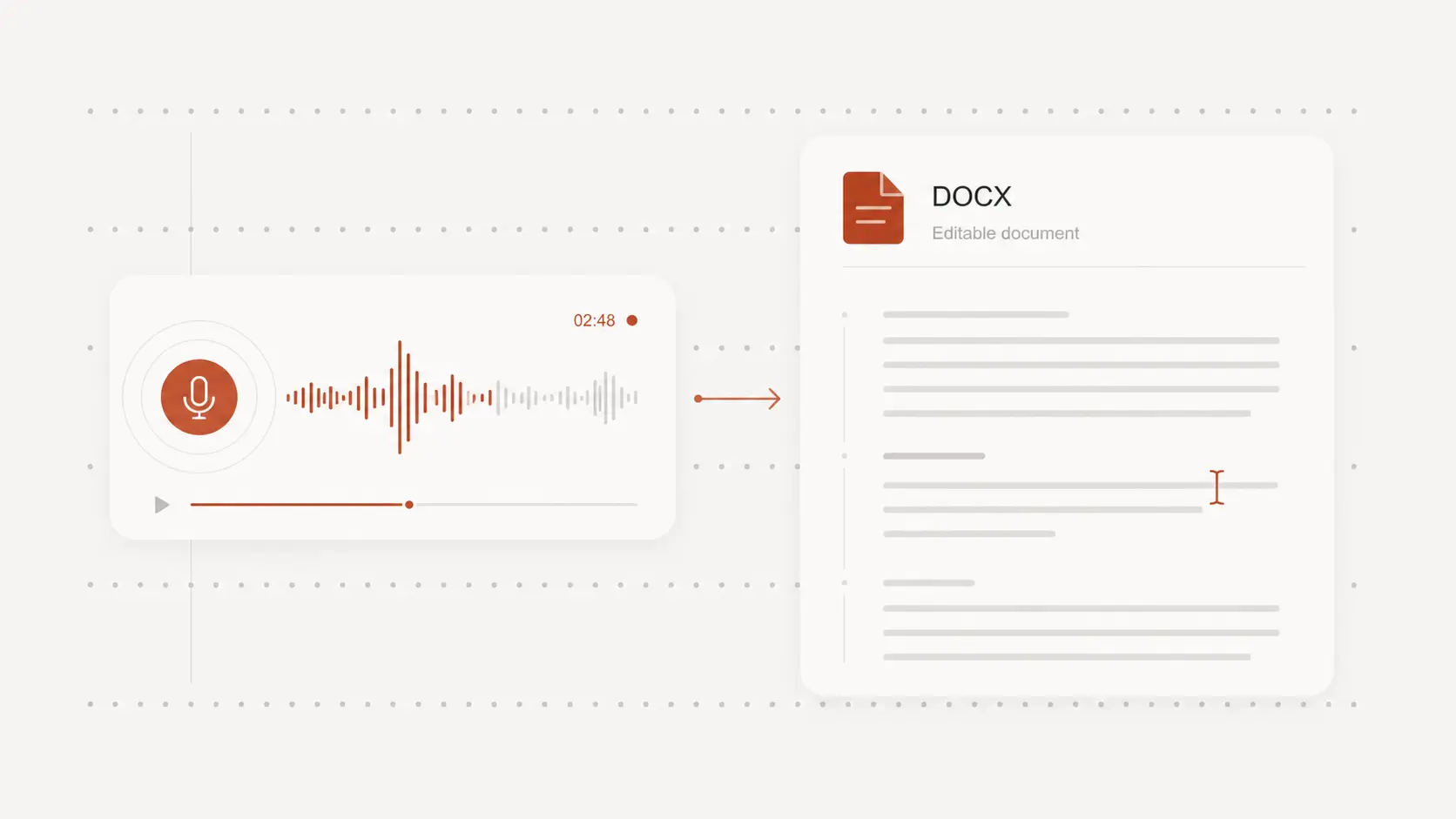
Download the reviewed TED Talk transcript as text or a document when you need a clean version for reading, editing, or sharing.
Choose a timed subtitle format when the words need to stay connected to the original video timeline.
Testimonials
People use NeatScribe to turn audio and video into searchable, editable text. See what they value about faster review, useful timestamps, and flexible exports.
“The timestamps let me return to the exact explanation I need without scrubbing through the whole talk again.”
Maya Patel
Graduate student
“I can pull a few strong passages into lesson notes and still keep every idea connected to the original video.”
Daniel Brooks
High school teacher
“Exporting a clean transcript makes it much easier to compare talks, collect quotations, and organize references.”
Lena Ortiz
Research assistant
“Searching the transcript helps me find the core argument quickly before I decide which parts deserve a closer listen.”
Noah Williams
Content writer
“I use the transcript to prepare discussion questions and bring the most useful moments into the room with context.”
Aisha Rahman
Workshop facilitator
“Reading along with the timestamps helps me catch unfamiliar phrases and replay only the lines I want to hear again.”
Leo Martin
Language learner