x transcript generator
Paste an x.com video URL, generate transcript text with timestamps, and export output for analysis and publishing.
Paste link
How to Use an X Transcript Generator
1. Paste an x.com link
Paste a supported x.com video URL and verify source details before transcription.
2. Review transcript output
Inspect timestamped transcript text, correct wording, and prepare the result for reuse.
3. Export transcript files
Download transcript output as TXT, DOCX, PDF, SRT, or VTT.
Why use this x transcript generator
Supports x.com source links
Start transcription from supported x.com URLs without manual media extraction.
Timestamped transcript output
Keep transcript lines aligned to time so review and verification are faster.
Export to text and subtitle formats
Download output as TXT, DOCX, PDF, SRT, or VTT.
Fast URL-to-transcript processing
Move quickly from source URL to editable transcript text.
In-browser transcript cleanup
Edit and refine transcript content before exporting final files.
Multilingual transcription support
Handle multilingual spoken content and keep transcript output easy to reuse.
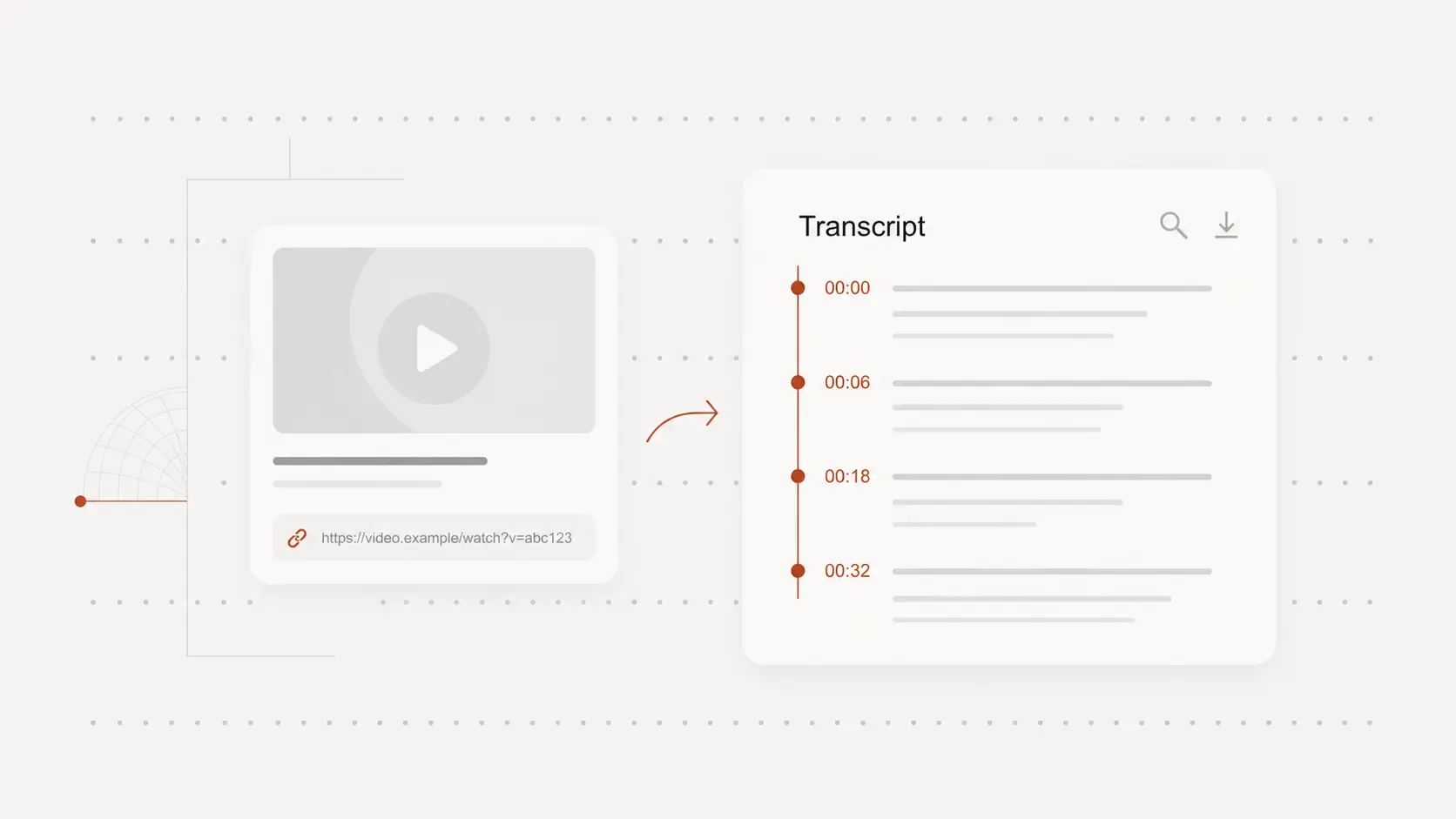
Transcribe x.com videos from links
Generate transcript output directly from supported x.com URLs.
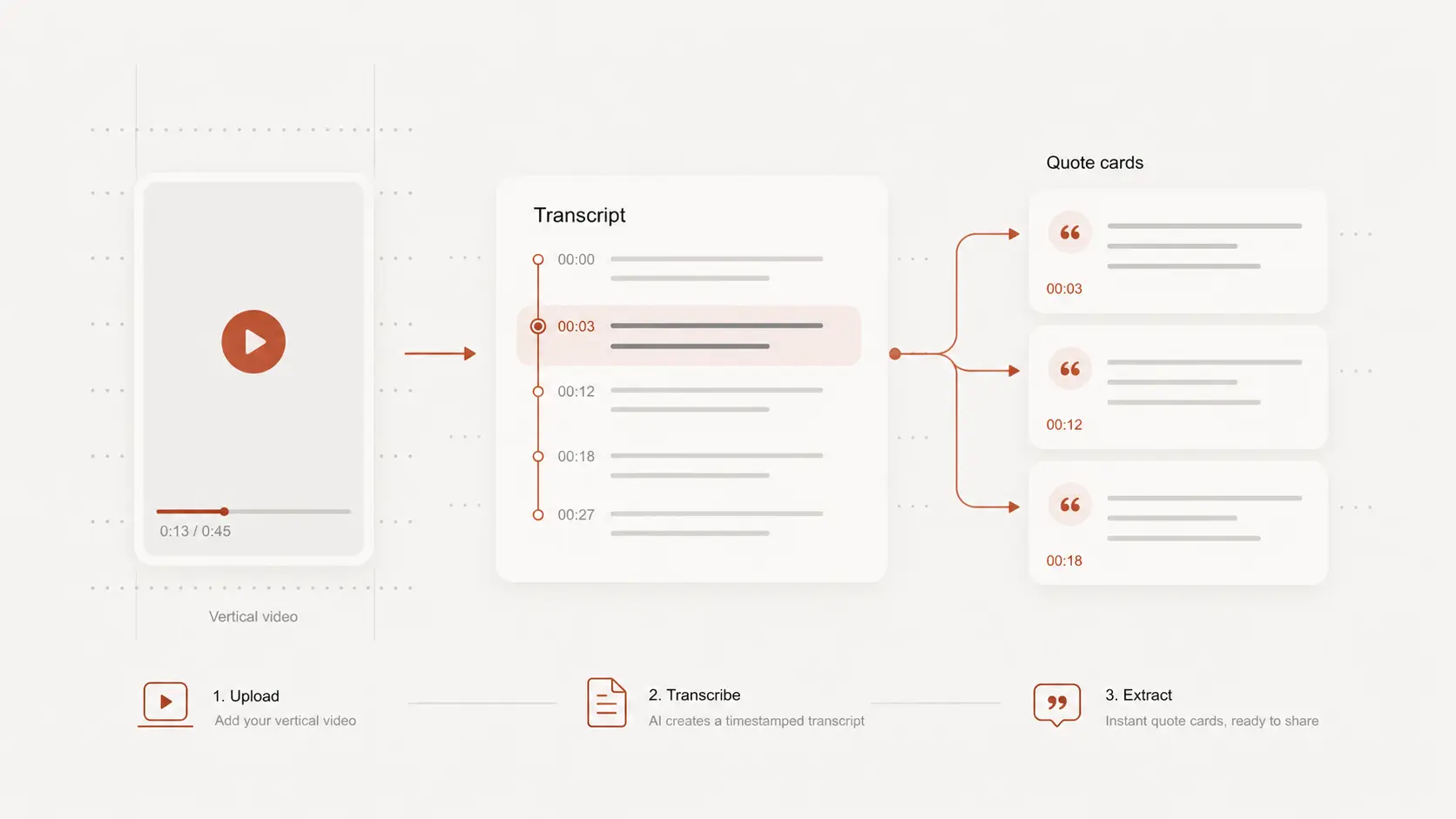
Review transcript text with timestamps
Use timestamped transcript lines to verify key moments and improve content quality.
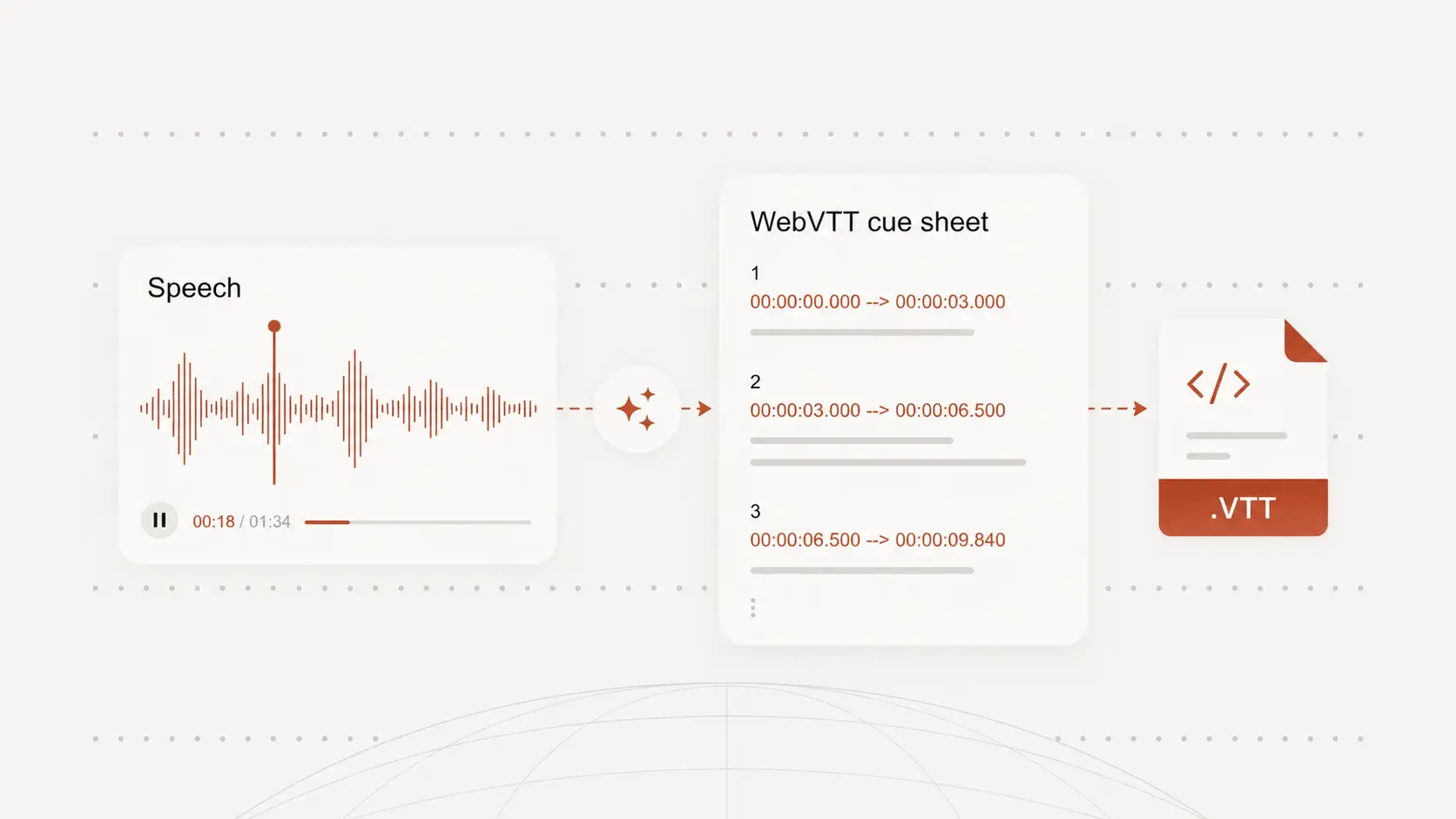
Export transcript output in flexible formats
Use text and subtitle exports for editorial workflows, archives, and social operations.
x transcript generator use cases
Media and social monitoring
Turn x.com video speech into searchable transcript text for monitoring and analysis.
Content reuse workflows
Use transcript output for summaries, scripts, and downstream publishing drafts.
Cross-team collaboration
Share transcript output between editorial, research, and operations teams.
x transcript generator FAQ
Common questions about transcribing x.com videos.