twitter transcript generator
Paste a Twitter video URL, generate transcript text with timestamps, and export output for content and analysis workflows.
Paste link
How to Use a Twitter Transcript Generator
1. Paste a Twitter video link
Add a supported Twitter URL and validate the source before transcription starts.
2. Review transcript output
Check timestamped transcript lines, correct wording, and keep the final text ready for reuse.
3. Export your transcript
Download transcript output as text or subtitle files to fit your publishing and editing workflow.
Why use this twitter transcript generator
Start from a video URL
Paste supported Twitter links and start transcription without local media upload.
Timestamped transcript text
Review transcript output with timing context to find and verify key lines faster.
Export options for multiple workflows
Save output as TXT, DOCX, PDF, SRT, or VTT.
Fast conversion from video to text
Move quickly from source URL to editable transcript output.
Simple transcript editing in browser
Refine transcript wording before sharing with collaborators.
Supports multilingual spoken content
Process videos in multiple languages and keep transcript output ready for downstream use.
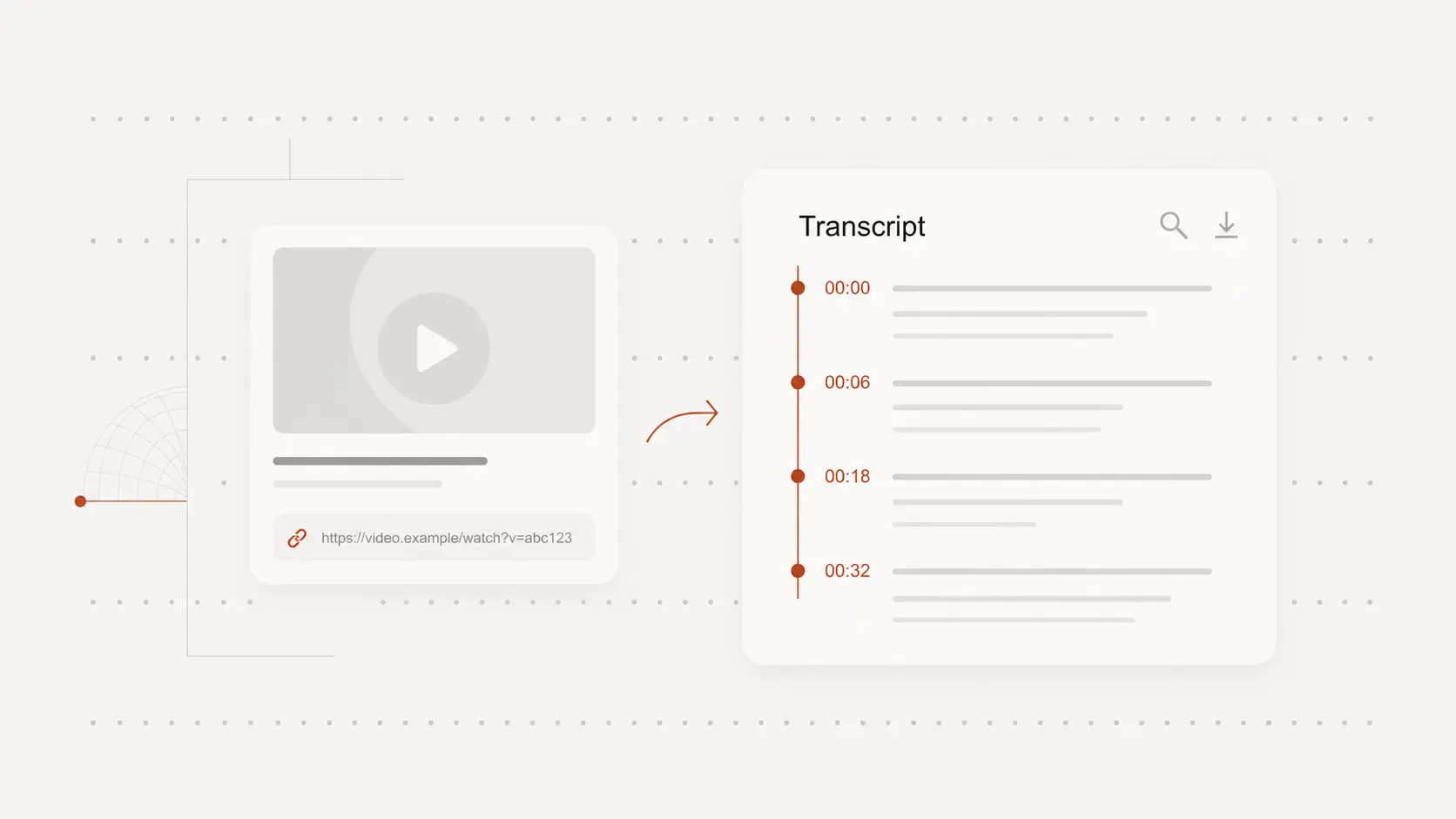
Generate transcripts from Twitter links
Turn supported Twitter videos into transcript text directly from URLs.
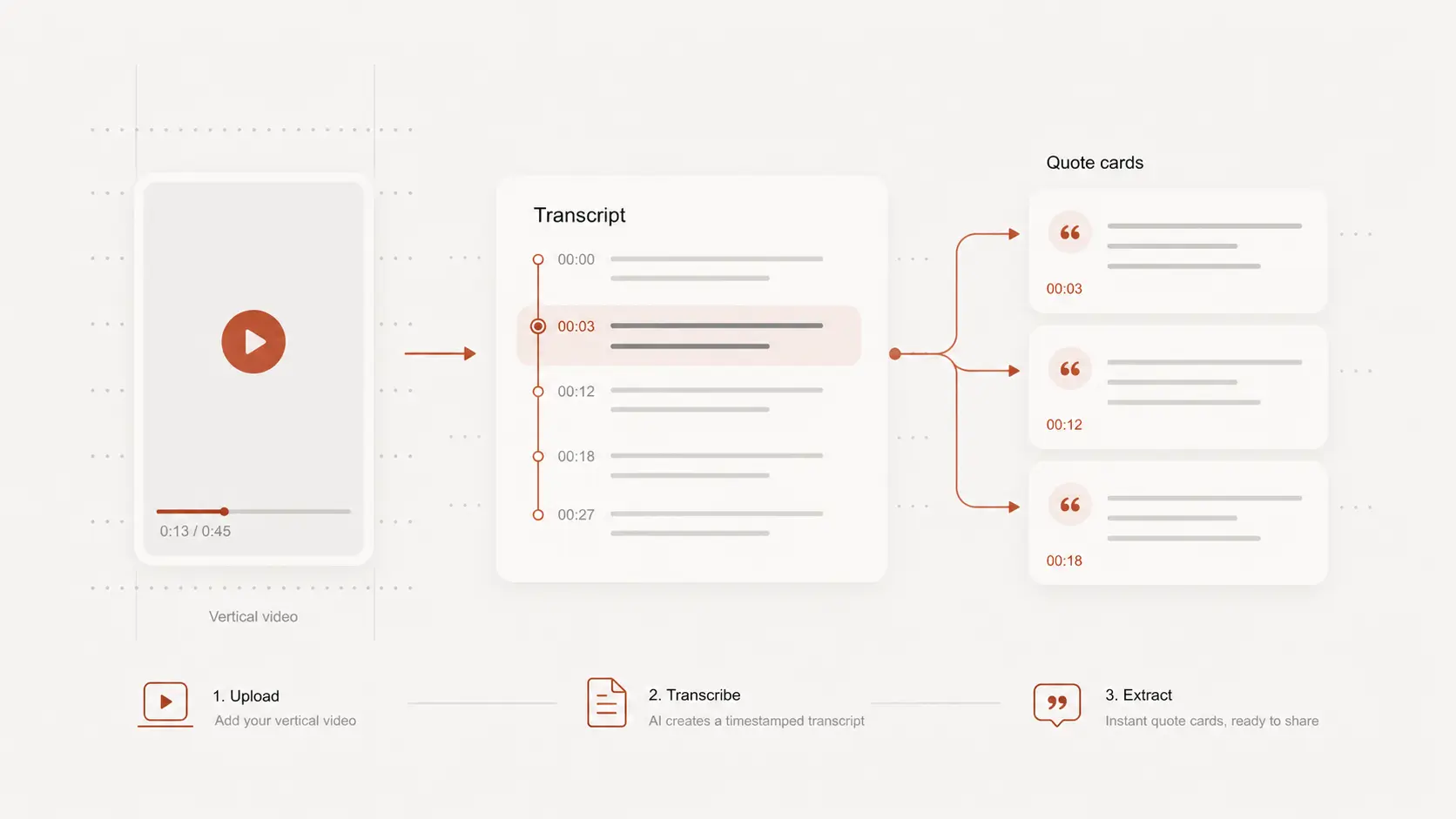
Review transcript timing and wording
Use timestamps to navigate key moments and verify transcript quality before sharing.
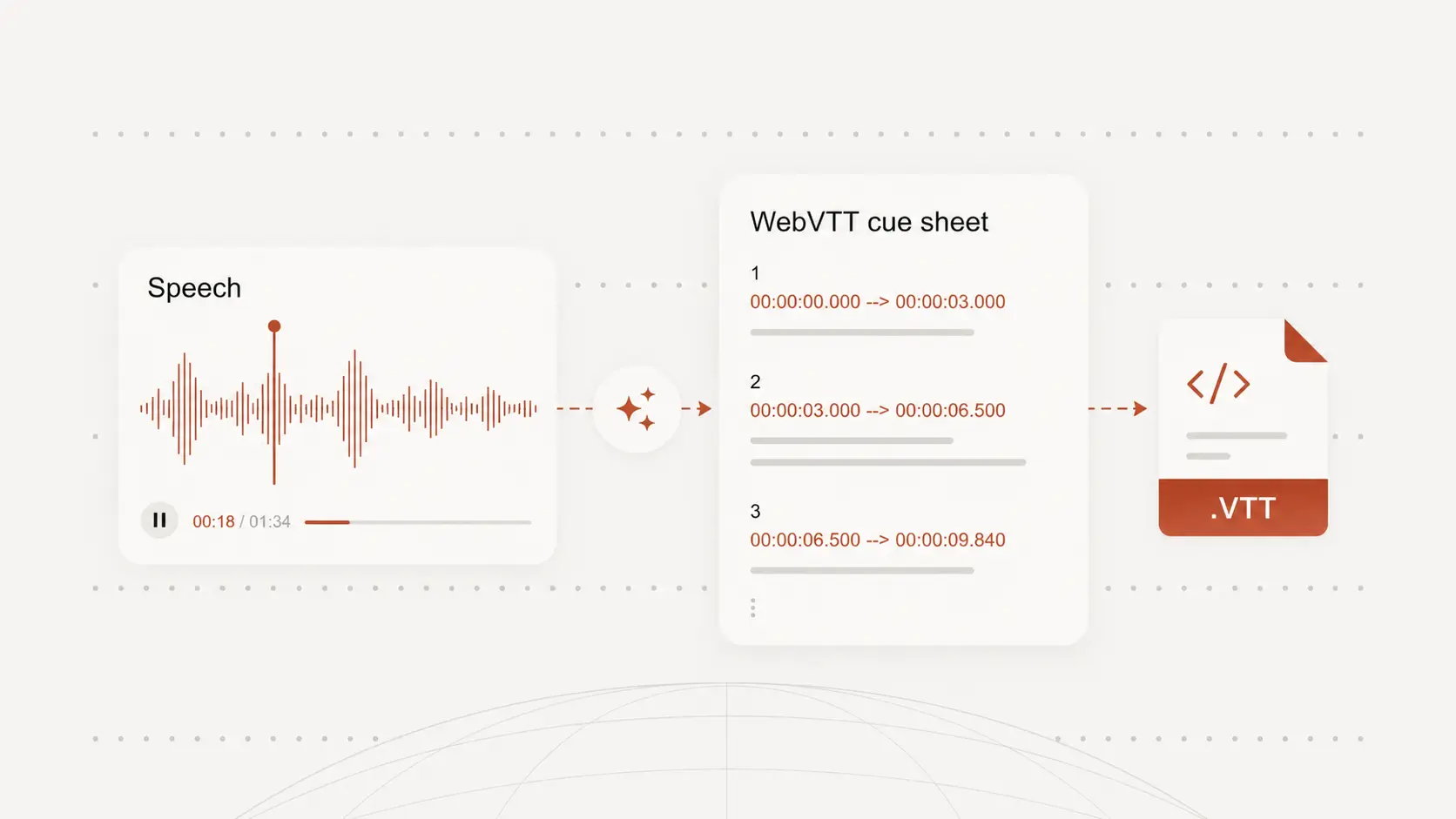
Export transcript and subtitle files
Export to TXT, DOCX, PDF, SRT, or VTT for writing, captioning, and workflow handoff.
twitter transcript generator use cases
Content and clip workflows
Extract transcript text from Twitter videos to support script drafting and clip planning.
Social listening and research
Convert spoken video content into searchable text for trend and narrative analysis.
Team collaboration
Share structured transcript output with operations, editorial, and support teams.
twitter transcript generator FAQ
Common questions about transcribing Twitter videos.