Generate a YouTube Transcript Online
Paste a public YouTube URL, review the timestamped transcript in the browser, and export clean text, notes, or subtitle files.
Paste link
How to Generate a YouTube Transcript
1. Paste a YouTube video link
Add a public YouTube URL and let NeatScribe fetch the video details before transcription starts.
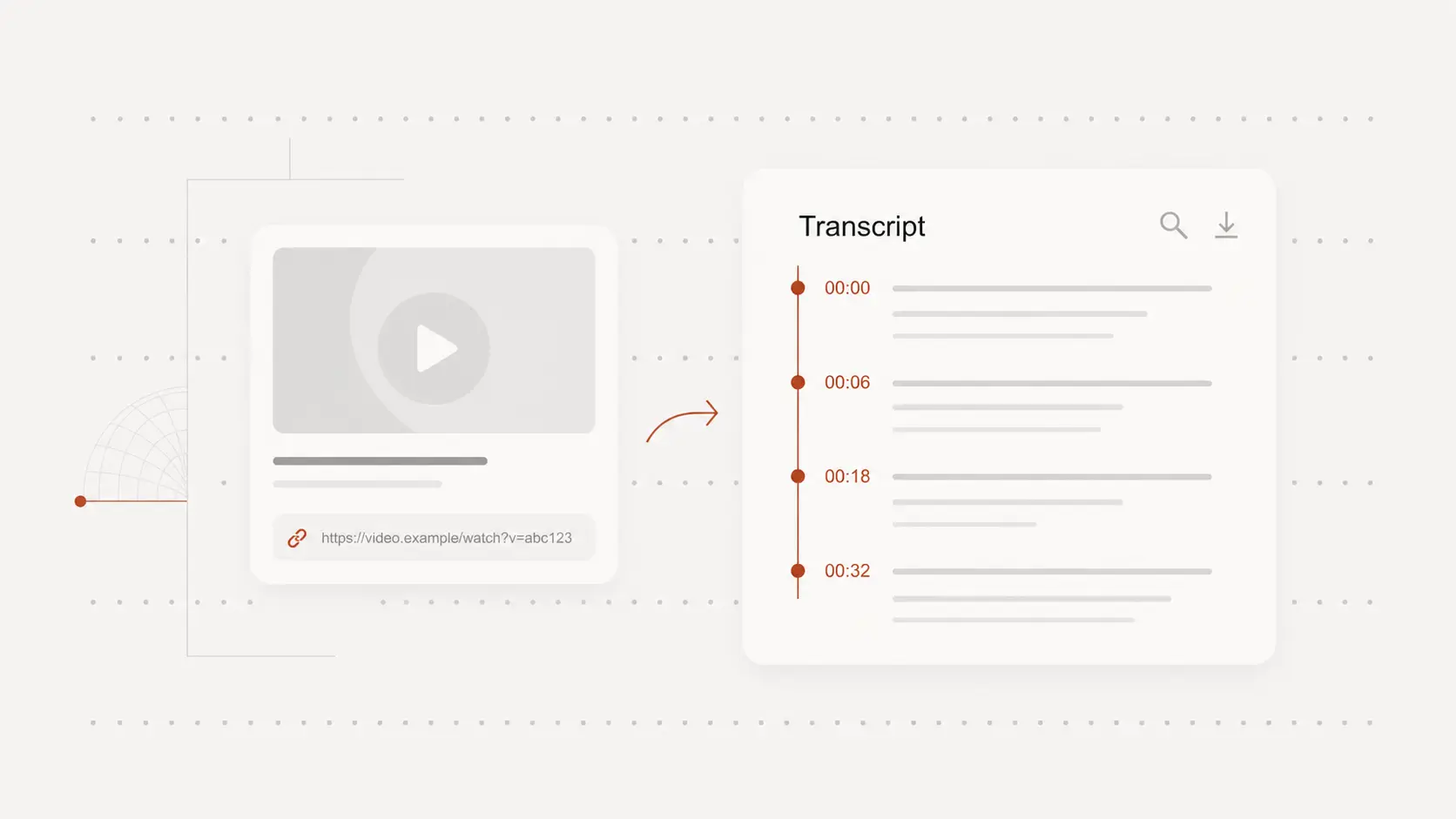
2. Review and clean up the transcript
Generate an editable transcript with timestamps, jump to key moments, and correct wording before you share or publish it.
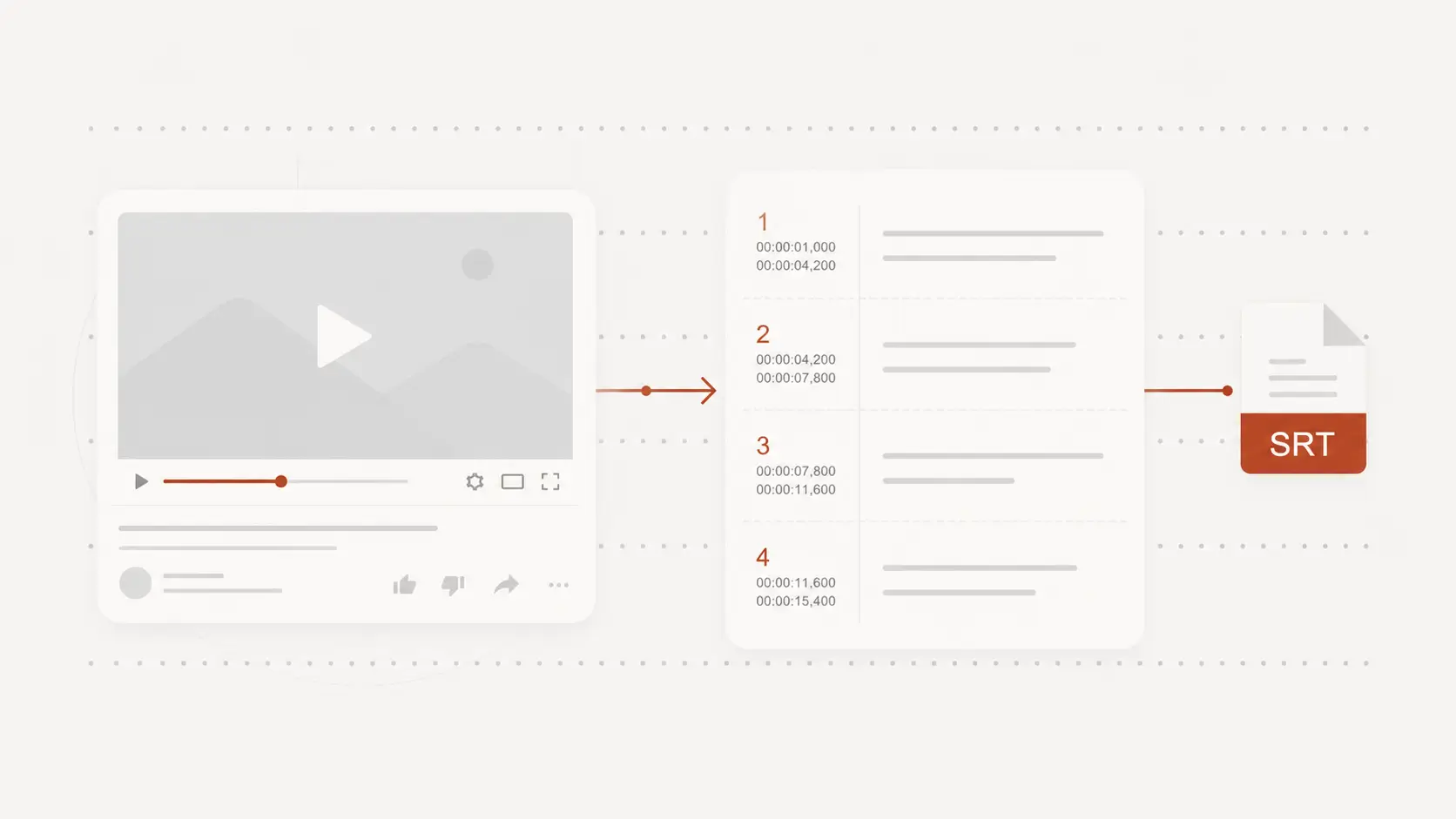
3. Export text or subtitle files
Download the transcript as TXT, DOCX, or PDF, or export SRT and VTT when you need subtitles for your video project.
Why NeatScribe for YouTube Transcription
Paste a public YouTube URL
Start from the video link directly instead of downloading media files and uploading them again.
Review and edit with timestamps
Open the transcript in the browser, jump through key moments, and refine wording before sharing or publishing.
Export text or subtitle-ready files
Download TXT, DOCX, or PDF for documents, and export SRT or VTT when you need captions for your video project.
Supports multilingual YouTube content
Generate transcripts across multiple languages and keep the output easy to read, edit, and reuse.
Searchable text for creators and researchers
Use transcripts for episodes, lectures, explainers, and interviews when you need searchable text from long videos.
Turn transcripts into reusable assets
Repurpose transcript content into notes, summaries, captions, and publish-ready drafts without rewatching the full video.
Turn YouTube videos into transcripts without downloading files
Paste a single YouTube link to start transcription directly from the video URL instead of saving media and uploading it manually.
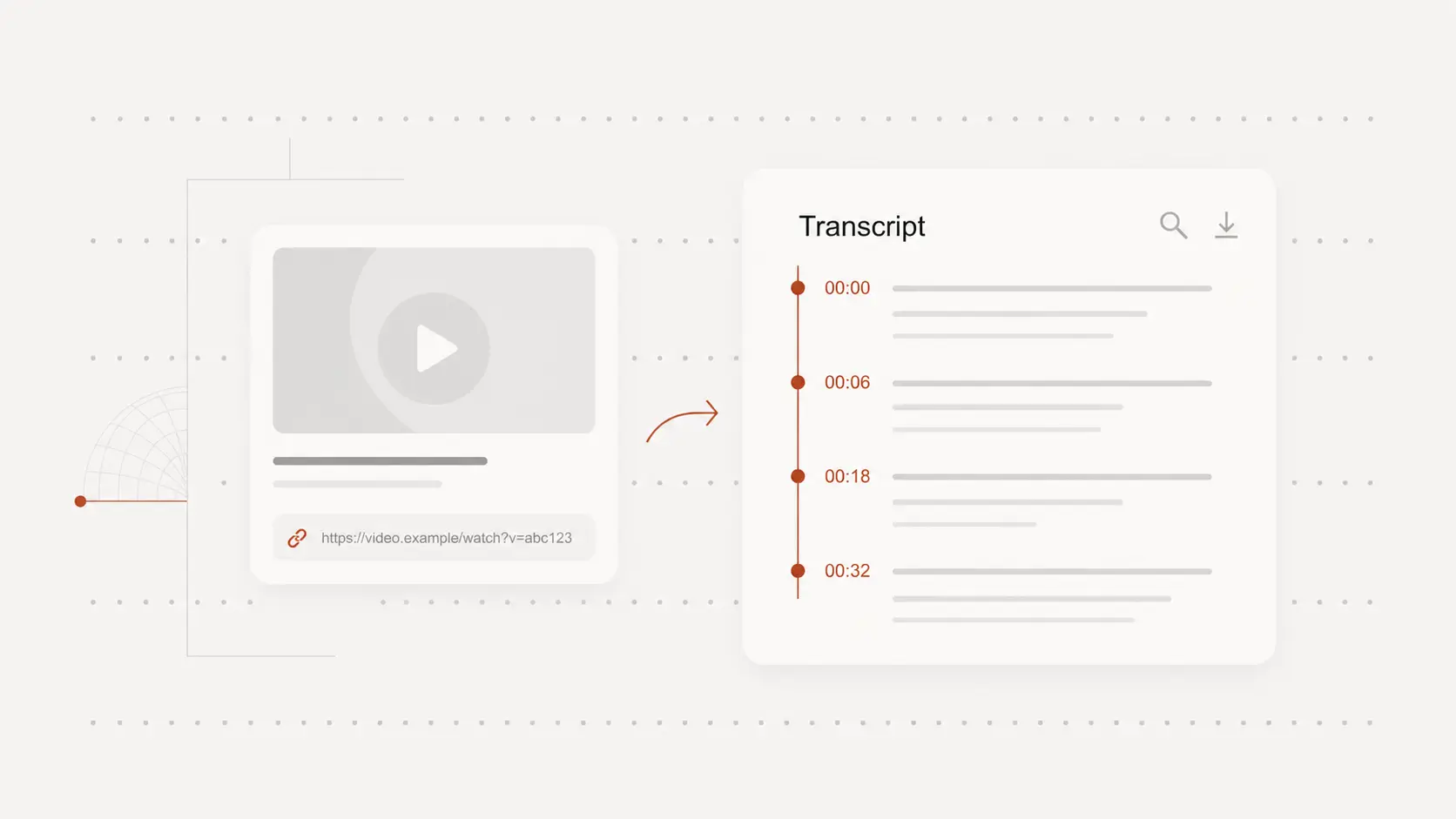
Review timestamped transcripts before you publish
Open the transcript in the editor, jump through the video with timestamps, and clean up phrasing for notes, articles, or repurposed content.
Export transcripts as text or subtitle-ready files
Reuse your YouTube transcript as notes, summaries, captions, or subtitles with export options for documents and common subtitle formats.
YouTube transcript tool for any use case
Content creators
Pull transcript text from public YouTube videos, then reuse it for captions, descriptions, articles, or repurposed clips.
Students and researchers
Review long lectures and explainers with timestamps, capture quotes faster, and turn video into searchable notes.
Marketing and support teams
Extract spoken content from demos, webinars, and tutorials so teammates can review, translate, or republish the key parts.
YouTube Transcript Generator FAQ
Common questions about creating transcripts from YouTube videos.