Generate Subtitles and Captions Online
Upload audio or video, generate timestamped subtitles, review the captions in the browser, and export SRT or VTT files ready to publish.
Upload audio or video, then click Transcribe to generate subtitles.
How to Generate Subtitles
1. Upload your audio or video
Add common file formats such as MP3, WAV, M4A, MP4, MOV, AVI, MKV, or WEBM to start creating subtitles.
2. Review the captions with timestamps
NeatScribe generates editable subtitles with timestamps, so you can check timing, correct wording, and clean up each caption before export.
3. Export subtitle files
Download subtitle-ready files such as SRT or VTT when your video needs captions that are easy to publish or hand off.
Why NeatScribe for subtitle generation
Subtitle-ready captions with timestamps
Generate caption output that is already structured around timestamps, so it is easier to review and publish.
Edit captions in the browser
Review subtitle wording line by line and jump through timestamps when you need to verify timing or fix details.
Export SRT and VTT files
Download subtitle files in the formats most teams need for publishing, editing, and delivery.
Works with audio and video inputs
Start from voice recordings, interviews, meetings, webinars, tutorials, or local video files in one place.
Supports multilingual subtitle projects
Generate subtitle output across many languages while keeping the result easy to review and reuse.
Caption files ready to publish
Move from uploaded media to caption-ready files quickly when the next step is publishing subtitles instead of plain text.
Generate subtitle files from audio and video in one place
Upload spoken audio, interviews, tutorials, webinars, or meeting recordings and turn them into subtitle-ready captions without switching tools.
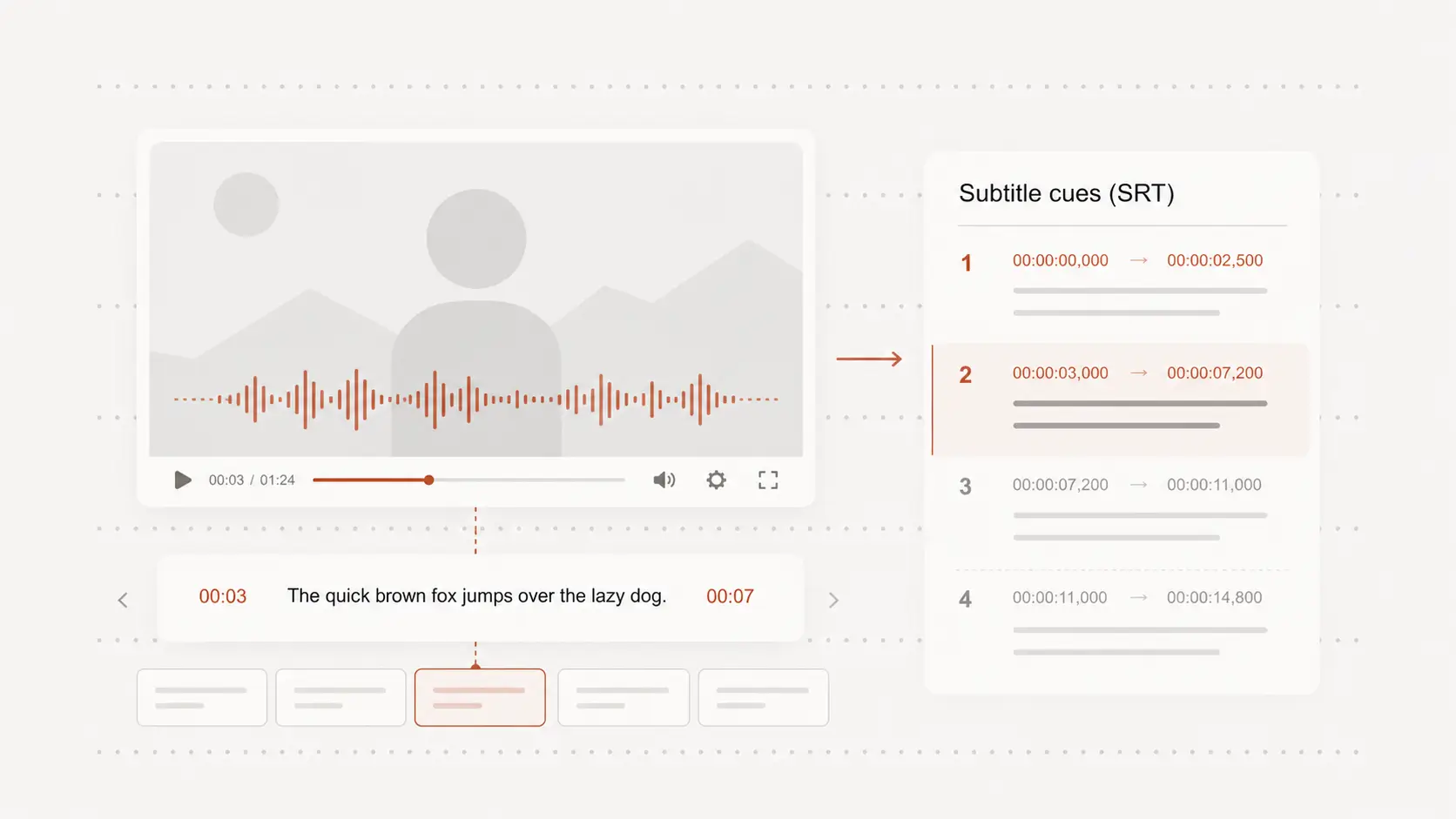
Review subtitle timing and wording before export
Open the result in the browser, jump through timestamps, and clean up caption wording before you publish or send the subtitle file to a teammate.
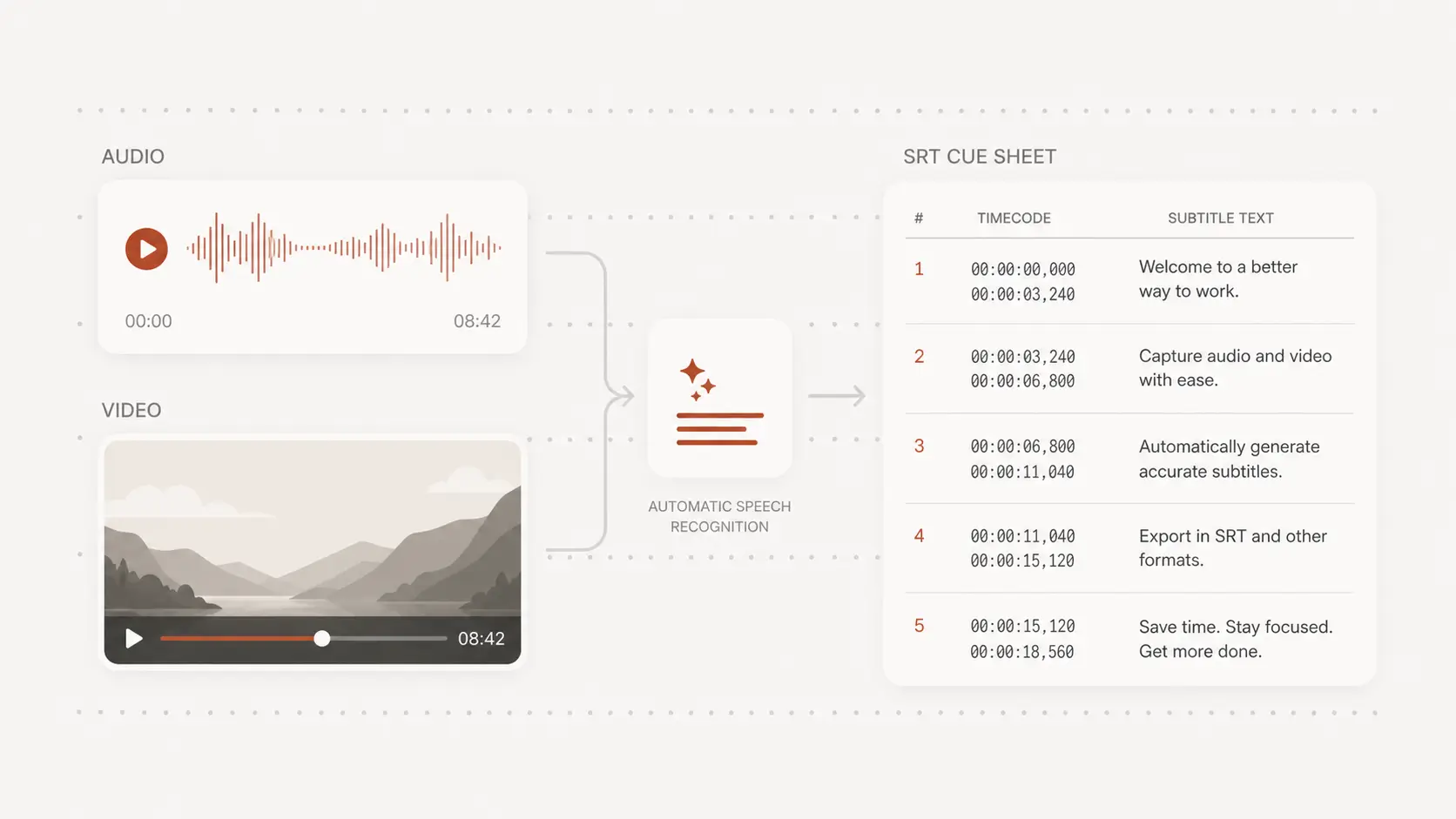
Export SRT or VTT captions ready to publish
Use the generated subtitles for social clips, lessons, interviews, or internal videos, then export the subtitle file in the format you need.
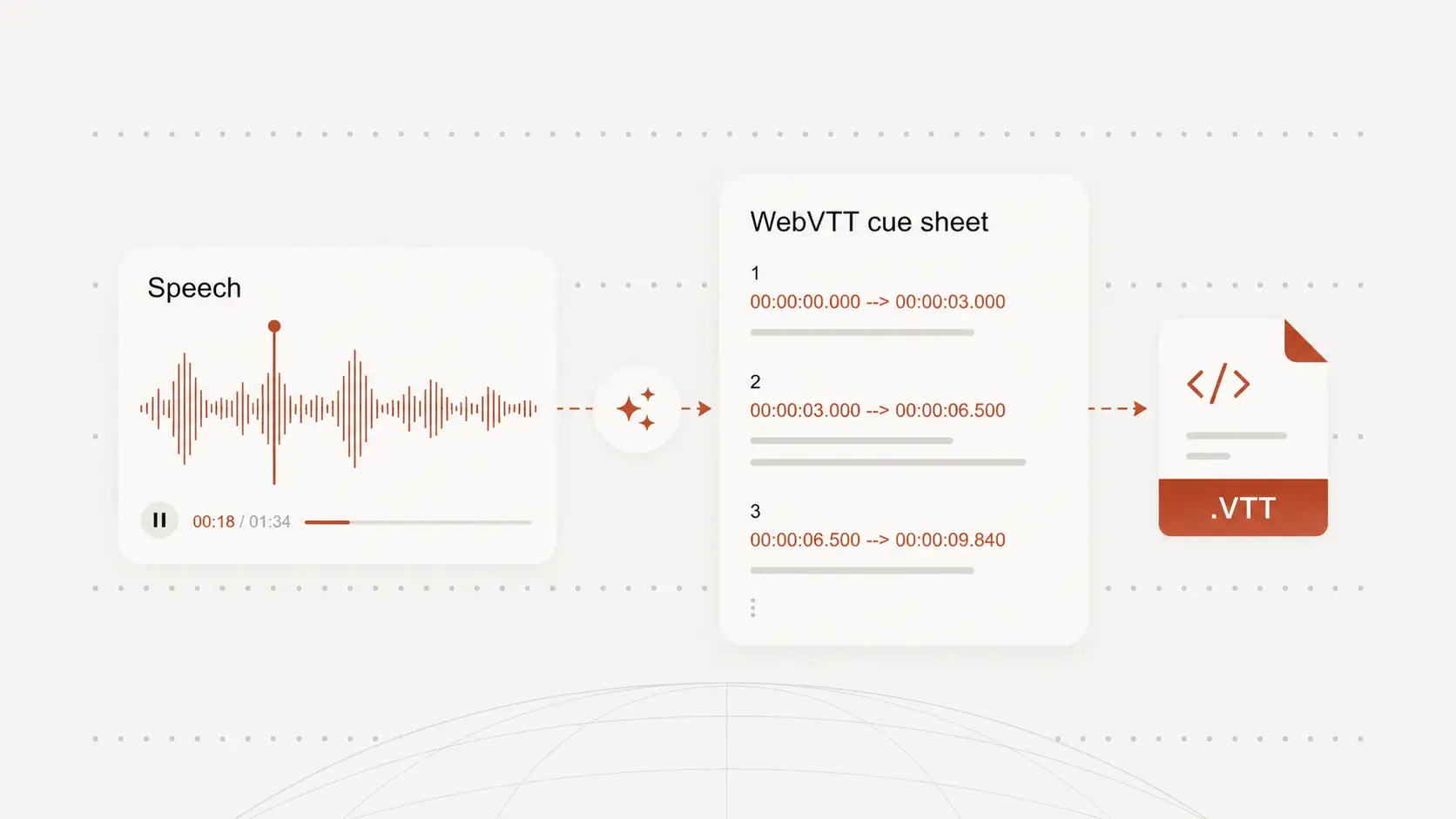
Subtitle generator for real publishing needs
Creators and social clips
Generate subtitle files for short videos, explainers, podcasts, and social clips when you need captions that are ready to publish.
Lessons, webinars, and internal videos
Turn training videos, recorded lessons, and webinars into subtitle files that make spoken content easier to follow.
Interviews and repurposed content
Create subtitle files from interviews and long-form recordings when you need captions for editing, publishing, or reuse.
Subtitle Generator FAQ
Common questions about generating subtitle files from audio and video.