Convert MP4 to Text Online
Upload an MP4 file, get a timestamped transcript in the browser, and export clean notes, documents, or subtitle files.
Upload an MP4 file, then click Transcribe.
How to Convert MP4 to Text
1. Upload your MP4 file
Add MP4 videos from interviews, webinars, tutorials, lectures, product demos, and recorded meetings.
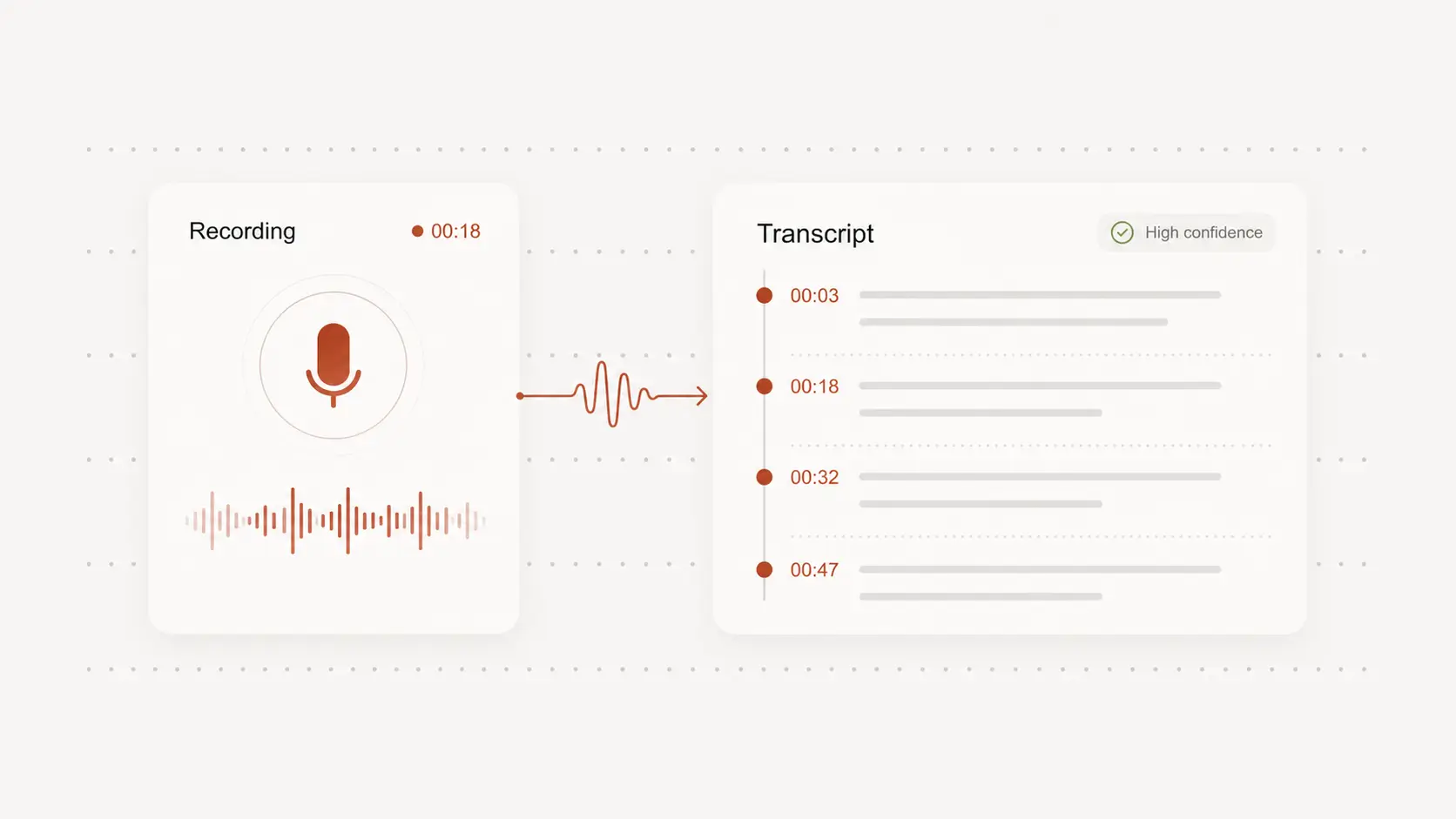
2. Review the transcript with timestamps
NeatScribe generates editable text with timestamps, so you can verify key sections, clean up wording, and make the transcript ready to use.
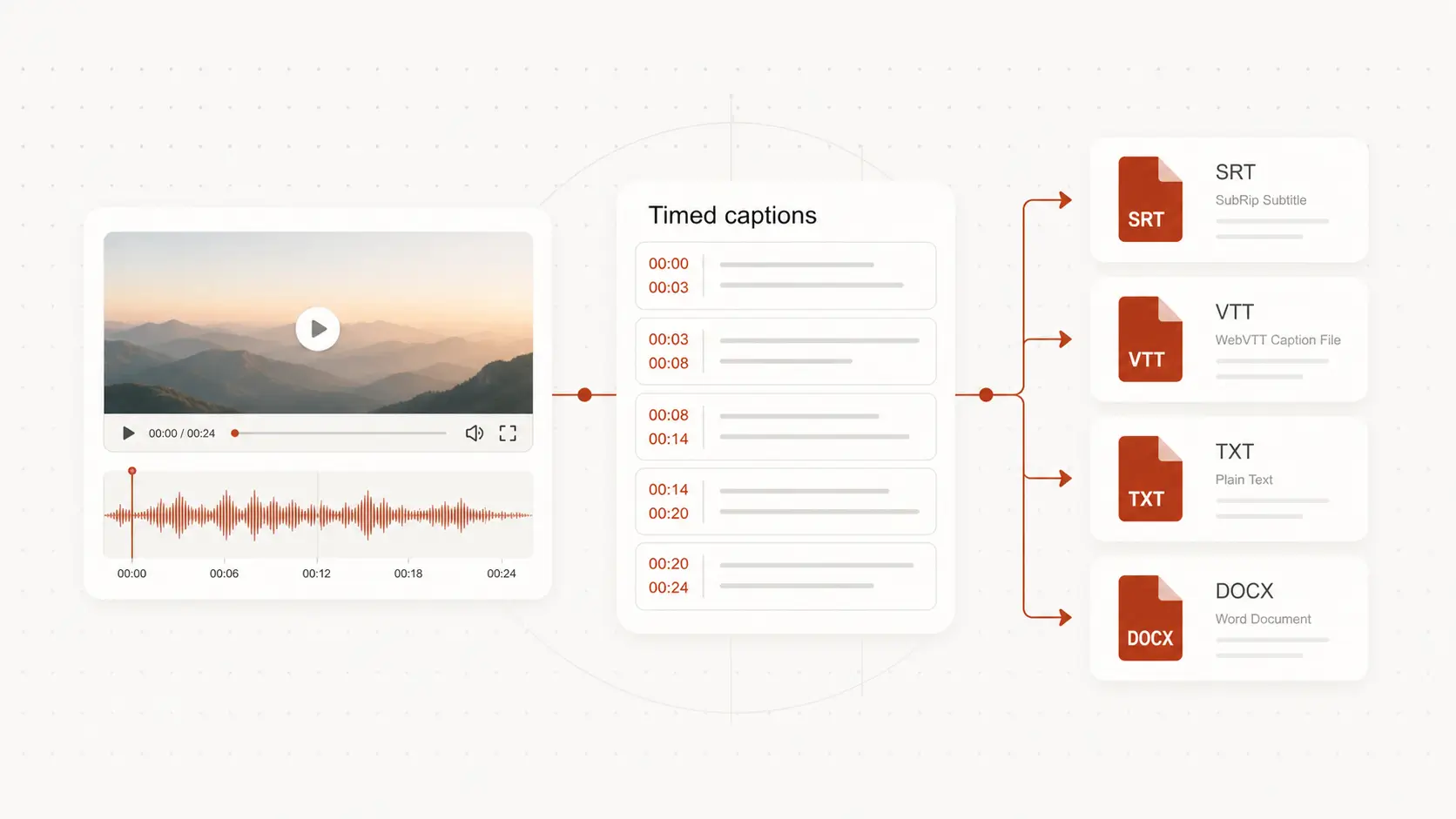
3. Export text or subtitle files
Download TXT, DOCX, or PDF for notes and documents, or export SRT and VTT when your MP4 transcript also needs captions.
Why NeatScribe for MP4 transcription
Start from uploaded MP4 files
Start directly from uploaded MP4 files when your source content lives as local video exports or recordings.
Editable transcript with timestamps
Review wording line by line and jump back to the exact video moment when you need to verify details.
Export text and subtitle formats
Download TXT, DOCX, PDF, SRT, and VTT from the same MP4 transcript.
Works for real spoken-video use cases
Use it for webinars, training videos, lectures, interviews, demos, and meeting recordings.
Fast from upload to output
Move from uploaded MP4 to working transcript text without stitching together multiple tools.
Supports multilingual video projects
Transcribe spoken MP4 content across many languages while keeping the result easy to review and reuse.
Turn MP4 videos into text
Upload MP4 recordings directly and convert spoken content into editable text without retyping long videos by hand.
Review transcript sections with timestamps before publishing
Jump through the MP4 transcript in the browser, correct wording, and verify important moments before sharing or repurposing the output.
Export notes, documents, or subtitle-ready files
Reuse the transcript for articles, notes, documentation, or captions with export options for text and subtitle formats.
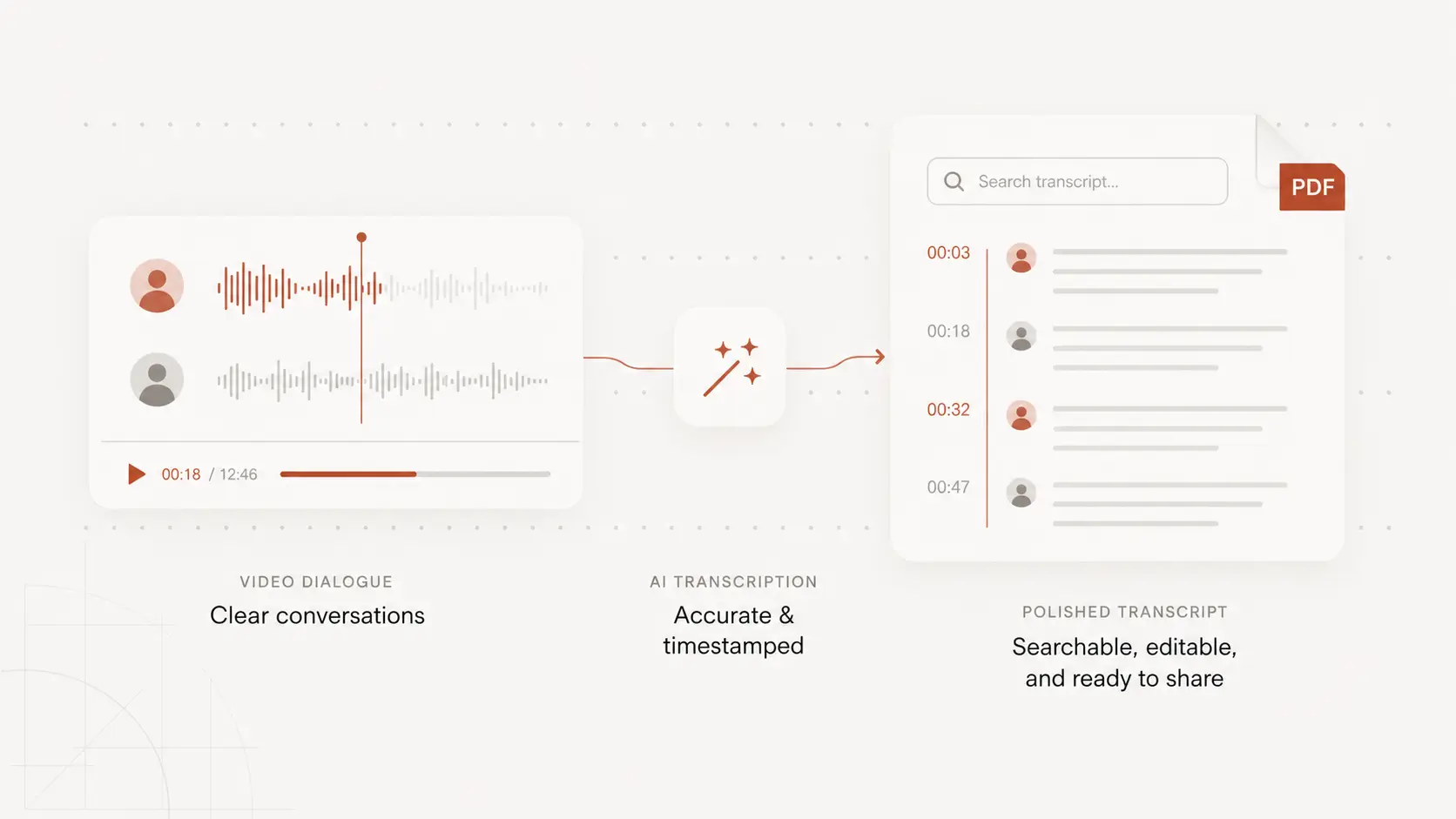
MP4 to text for video projects
Webinars and tutorials
Convert long MP4 recordings into searchable notes, article drafts, and training material.
Interviews and meeting videos
Turn recorded conversations into transcripts your team can review, quote, and share.
Publishing and subtitles
Use MP4 transcripts for documentation, summaries, subtitle drafts, and content repurposing.
MP4 to Text FAQ
Common questions about converting MP4 files into text.