Convert MP4 to SRT Online
Upload an MP4 file, generate timestamped subtitles, review the captions in the browser, and export an SRT file ready to publish.
Upload an MP4 file, then click Transcribe to generate SRT.
How to Convert MP4 to SRT
1. Upload your MP4 file
Add MP4 videos from webinars, interviews, lessons, tutorials, demos, and recorded meetings.
2. Review subtitle timing and wording
NeatScribe generates timestamped captions, so you can inspect each subtitle line, fix wording, and review timing before export.
3. Export the SRT file
Download an SRT subtitle file that is ready for editing, caption review, publishing, or delivery.
Why use NeatScribe for MP4 to SRT
MP4 video ready for subtitles
Start directly from MP4 files when your required output is an SRT subtitle file.
Review subtitle timing in the browser
Inspect caption wording and timestamps before exporting the final subtitle file.
Export a clean SRT file
Download standard SRT output that fits common editing, publishing, and caption delivery.
Strong fit for spoken-video projects
Use it for tutorials, webinars, interviews, classes, demos, and recorded meetings.
From upload to subtitle export
Move from uploaded MP4 video to final SRT output without extra conversion steps.
Supports multilingual subtitle projects
Generate subtitle output across many languages while keeping review straightforward.
Generate SRT from MP4 videos
Upload MP4 video files and move directly into subtitle generation without rebuilding the process across multiple tools.
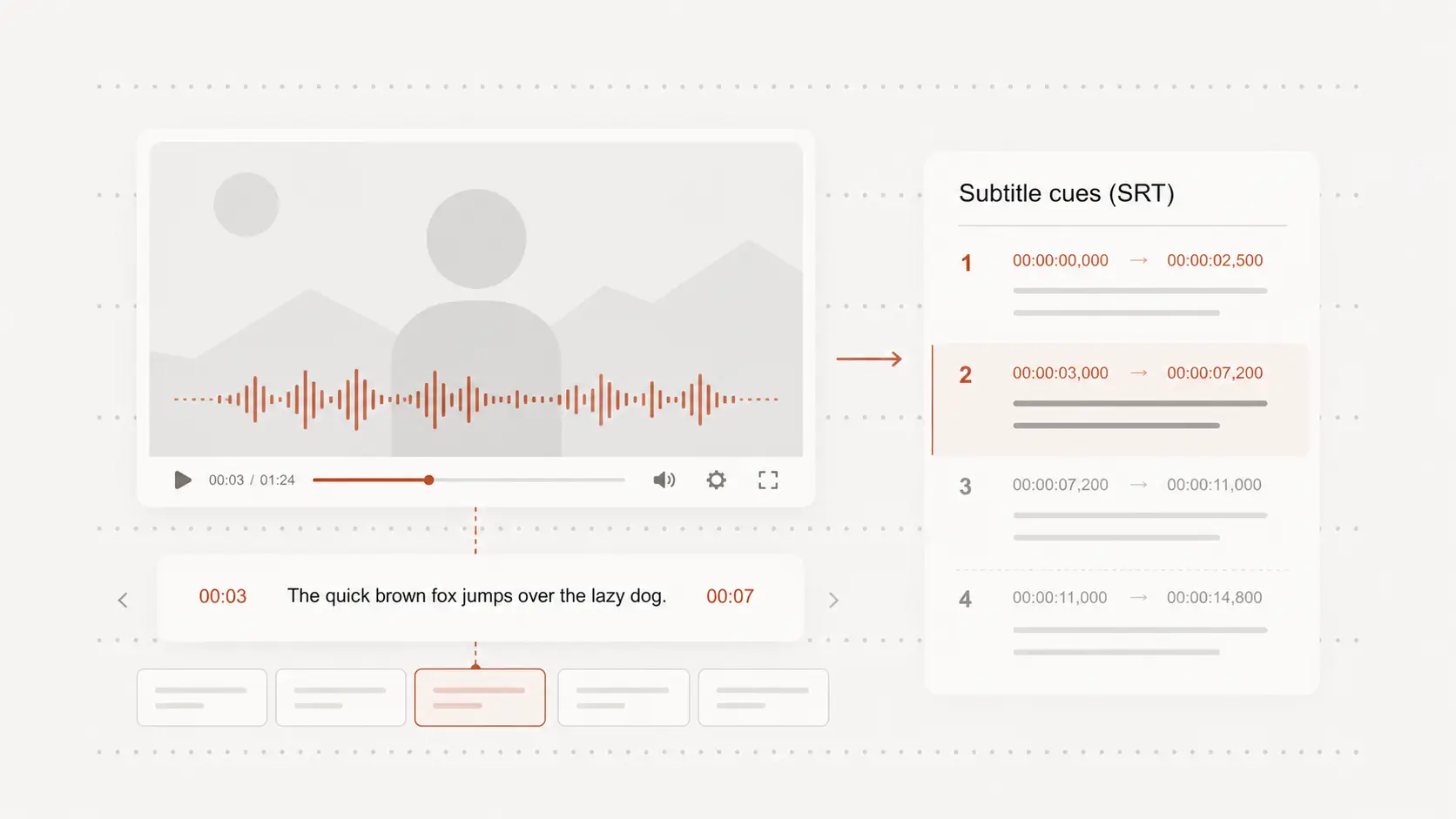
Review MP4 subtitle lines with timestamps before export
Open the subtitles in the browser, jump through timestamps, and clean up caption wording before the SRT file is finalized.
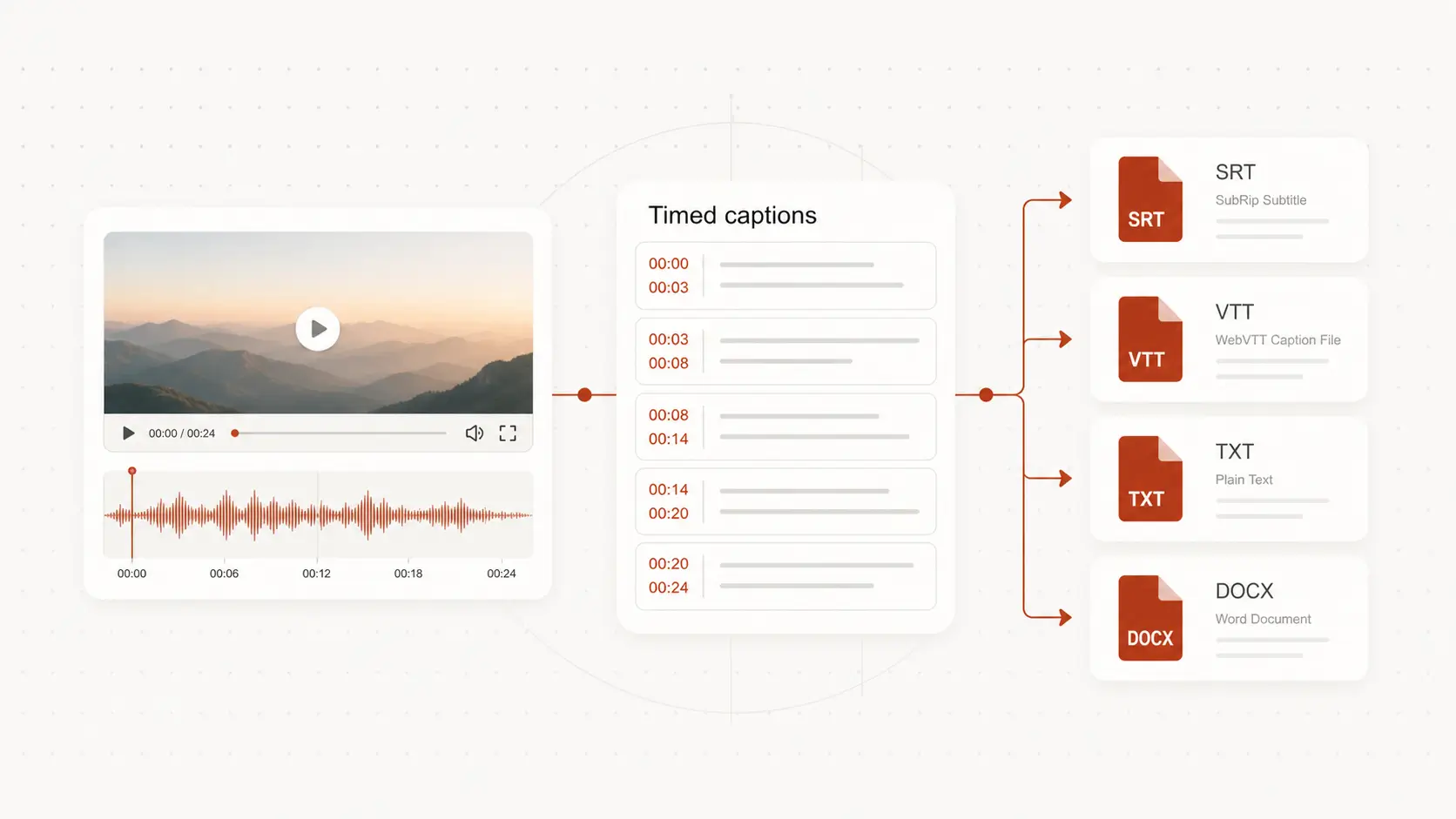
Export an SRT file ready for editing and publishing
Use the generated SRT file for caption review, editing, publishing, and handoff to the next video-production step.
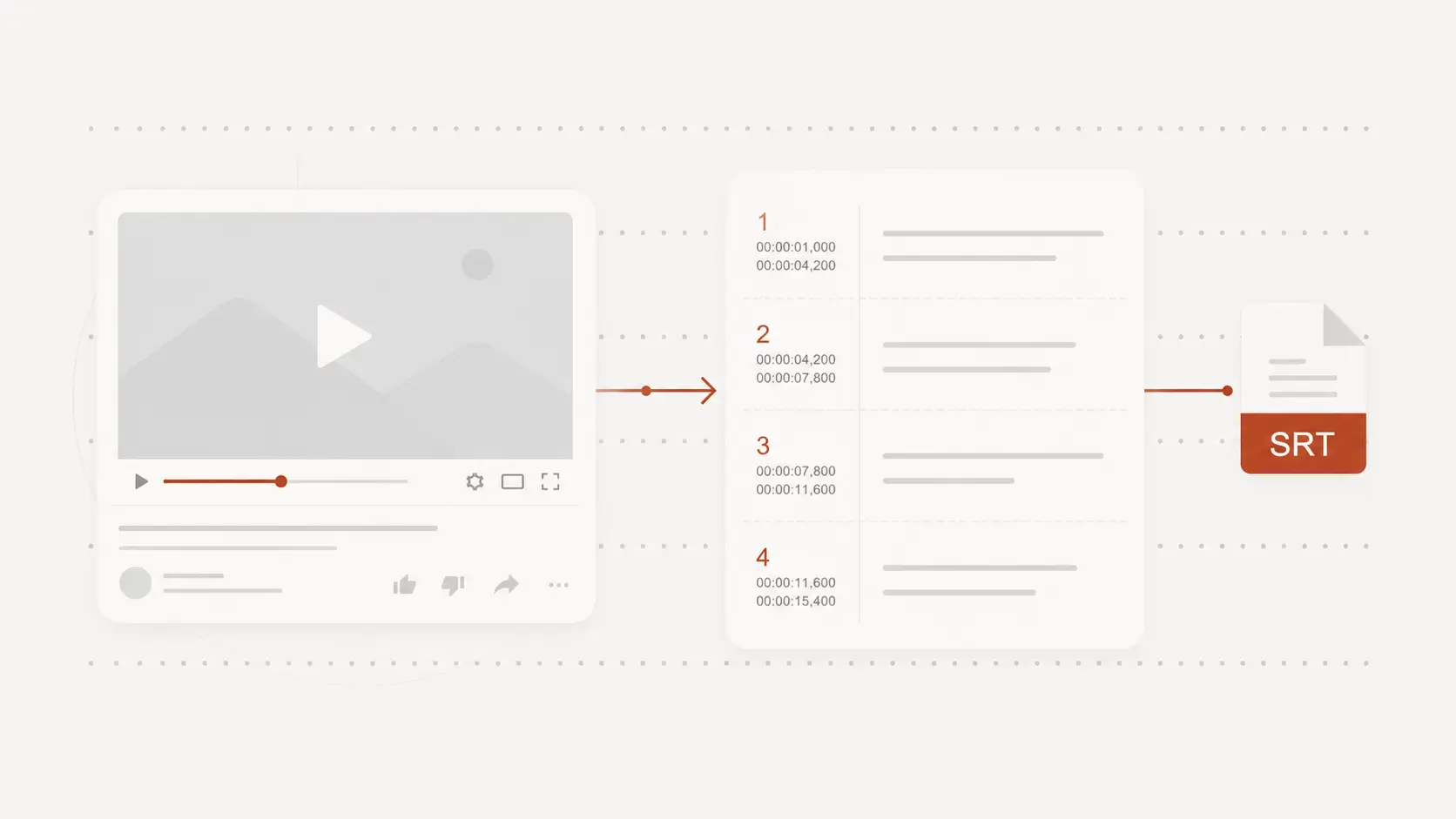
MP4 to SRT for subtitle projects
Webinars and tutorials
Generate SRT subtitles from MP4 training and educational videos for editing or publishing.
Interviews and meeting recordings
Turn MP4 conversation videos into subtitle files when the output needs timing, not just transcript text.
Publishing and caption delivery
Create SRT files for post-production, publishing, caption review, and subtitle handoff.
MP4 to SRT FAQ
Common questions about converting MP4 files into SRT subtitles.