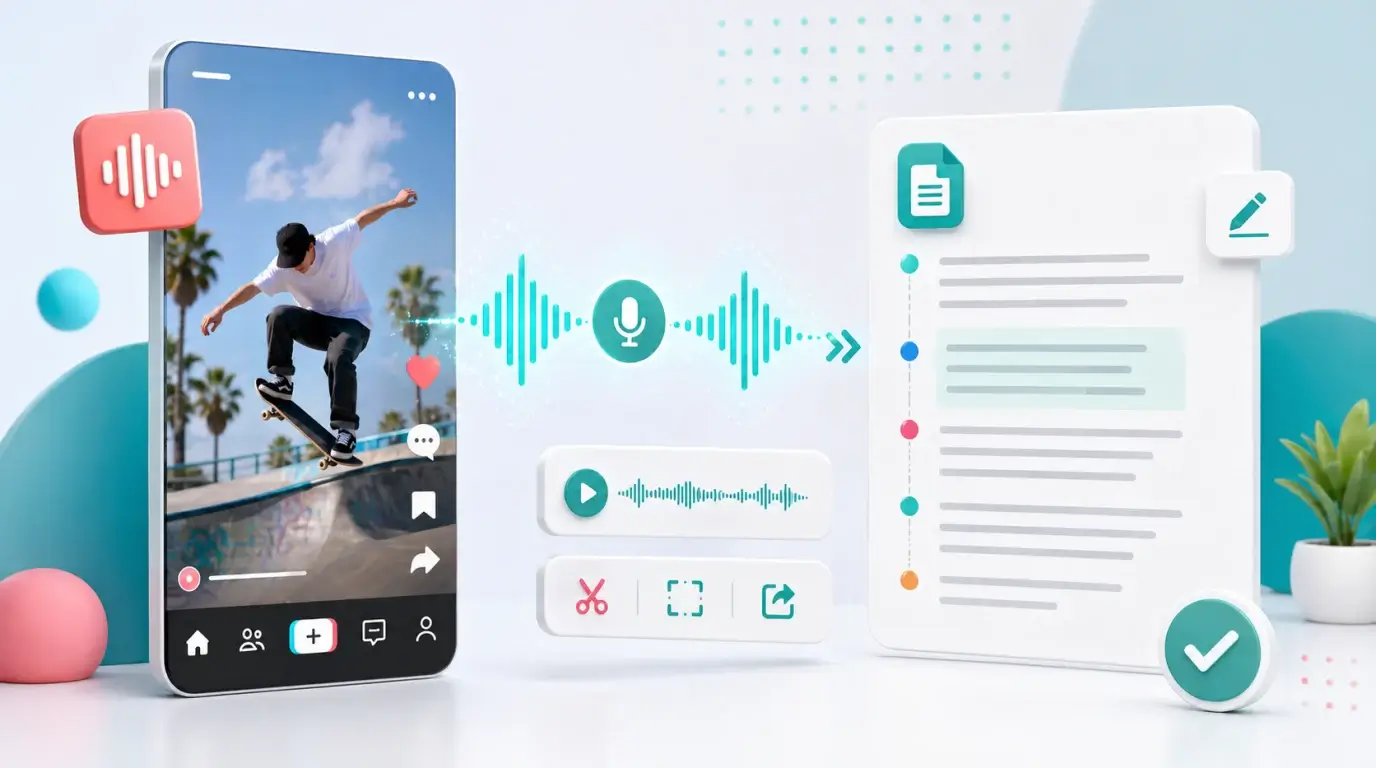
How to get transcript from TikTok
Learn how TikTok captions work and how to create an editable transcript from TikTok audio when you have permission.
The short answer
TikTok supports captions on many videos, but it does not provide a universal transcript download button for every TikTok. Viewers can often show or hide auto-generated captions, while creators can add or edit captions during the publishing workflow.
If you need a complete transcript, use the original video file or permitted audio and transcribe it with a dedicated tool.
For your own TikTok videos
When creating a TikTok, use the Captions option in the editor if it is available. TikTok can automatically transcribe speech into on-screen captions, and you can edit mistakes before posting.
For a separate text transcript, keep the original video file and upload it to NeatScribe, or use NeatScribe’s TikTok transcription workflow when that fits your source.
After NeatScribe generates the transcript, clean up slang, names, captions, and any words hidden by music. NeatScribe also supports audio, video, YouTube, and Instagram transcription, so creators can keep related transcripts in one workflow.
For videos you watch
Long-press the video or use the available video options to manage captions if TikTok offers them in your app version. If captions are not available, the creator may not have enabled them, the language may not be supported, or the audio may not be suitable.
Do not assume that a public TikTok can be downloaded, transcribed, and republished. Respect creator rights and platform rules.
Accuracy tips
TikTok audio often includes music, effects, slang, fast cuts, and overlapping speech. These are hard for automatic transcription. Use the original file instead of a screen recording when possible.
Always review names, brand terms, jokes, and quotes before publishing the transcript anywhere.
When TikTok captions are enough
Built-in captions are usually enough when you only need to understand the video while watching. They are not always enough for quoting, repurposing, accessibility documentation, or turning a short video into a written asset.
For those uses, create a separate transcript and edit it.
Repurpose carefully
A TikTok transcript can become a product note, creator script, short article, FAQ answer, or caption set. But short-form video speech often relies on visuals, cuts, and gestures.
When cleaning the transcript, add context where needed and remove filler only when it does not change the voice or meaning.
If the same content is also published to YouTube Shorts or Instagram Reels, keeping all transcripts in NeatScribe makes it easier to compare versions and reuse the cleanest copy.
More Posts

What is research in film production?
Learn how research supports film production, from story and character work to locations, visuals, interviews, and accuracy.

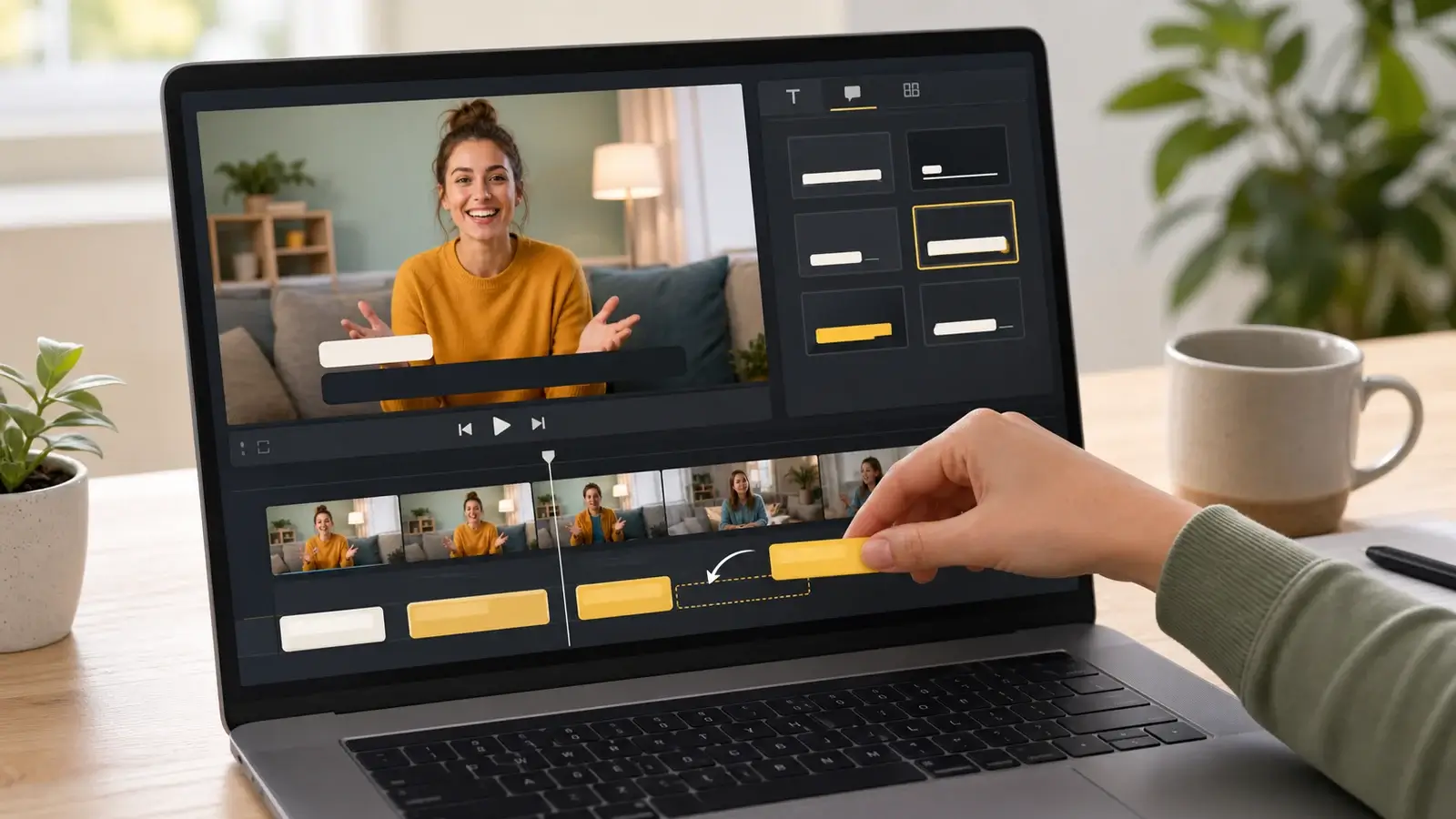
How to add captions in iMovie
Learn how to add caption-like text in iMovie, what the app can and cannot do, and how to keep captions readable.
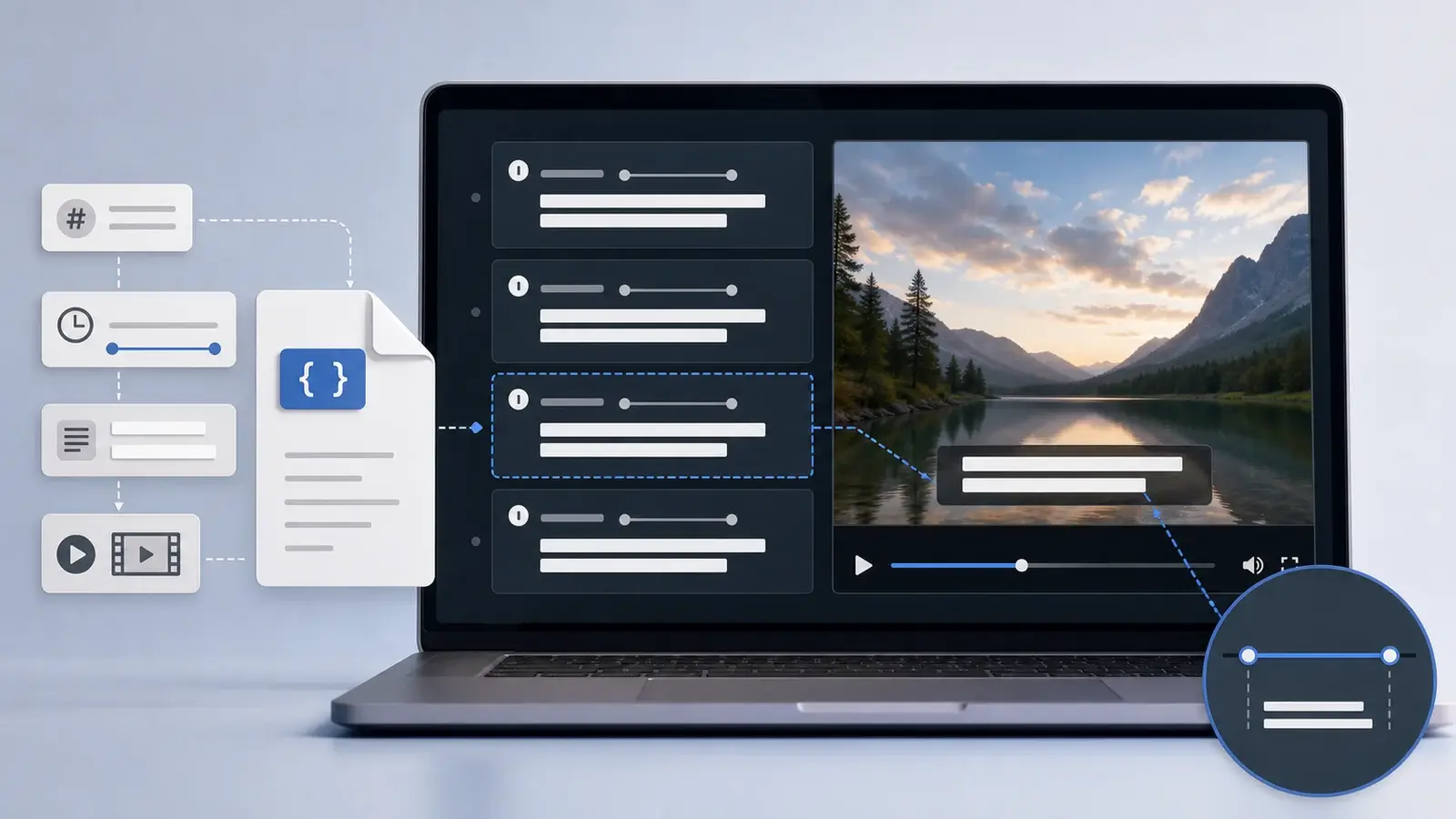
What is an SRT file?
Learn what an SRT file is, what its timestamps mean, and how this plain text subtitle format is commonly used.