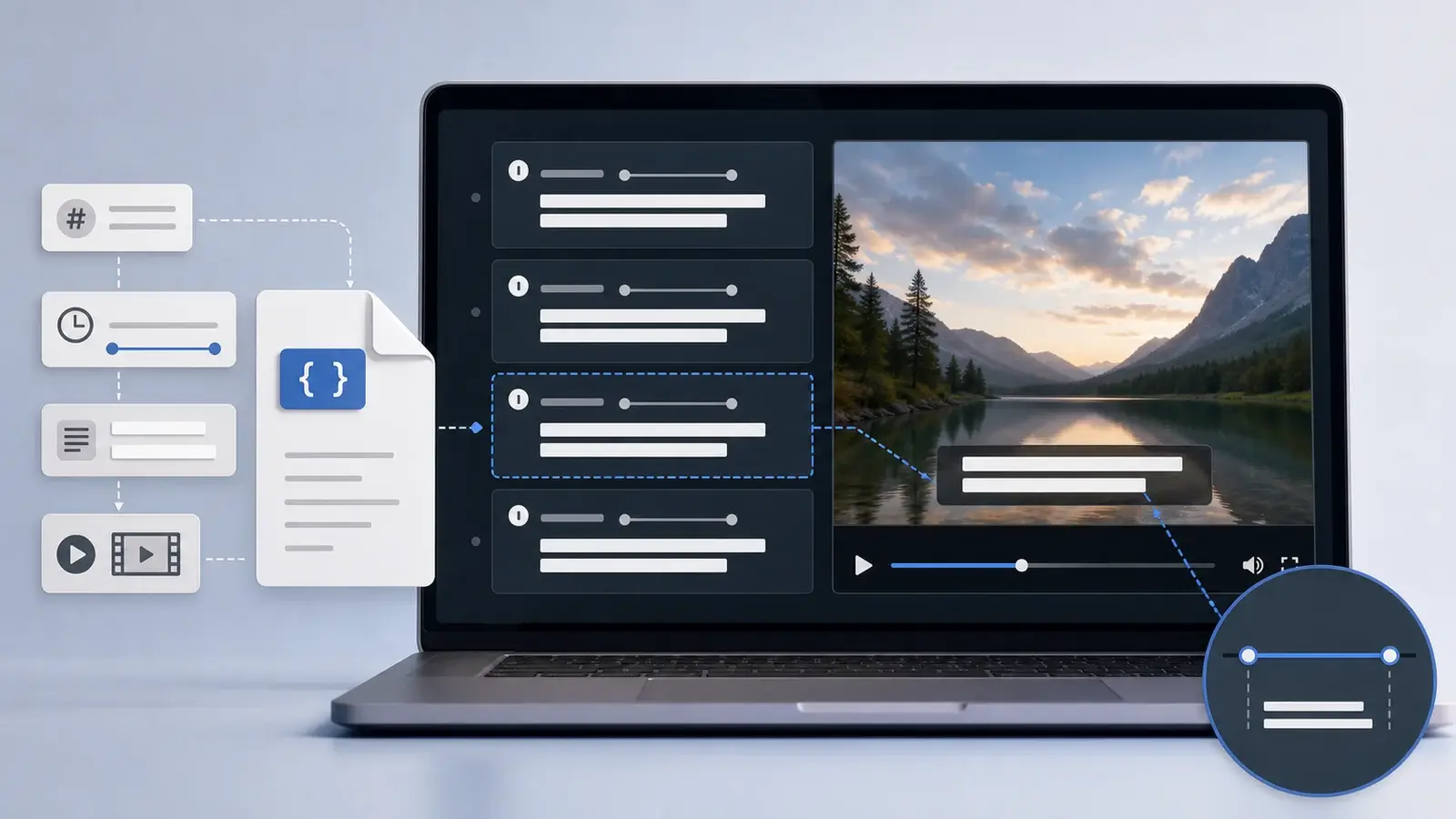
What is an SRT file?
Learn what an SRT file is, what its timestamps mean, and how this plain text subtitle format is commonly used.
The short answer
An SRT file is a plain text subtitle file. It stores subtitle text together with timing information so a video player knows when each subtitle should appear and disappear.
SRT stands for SubRip Subtitle. The format became widely used because it is simple, readable, and supported by many video platforms, media players, and subtitle editors.
What an SRT file looks like
A basic SRT file looks like this:
1
00:00:01,000 --> 00:00:04,000
Welcome to the interview.

2
00:00:04,500 --> 00:00:07,000
Today we are talking about documentary research.

3
00:00:07,500 --> 00:00:10,000
Let's start with the first question.
Even if you have never worked with subtitles before, this structure is easy to read. Each subtitle block has a number, a time range, and the text that should appear on screen.
What each part means
The first line is the cue number. It usually starts at 1 and increases by one for each subtitle block.
The second line is the timestamp range. The first timestamp is when the subtitle appears. The second timestamp is when it disappears. SRT uses the format hours:minutes:seconds,milliseconds.
The arrow --> separates the start time from the end time.
The lines after the timestamp contain the subtitle text. A subtitle can be one line or multiple lines, but it should stay short enough to read comfortably while the video plays.
A blank line separates one subtitle cue from the next.
Where SRT files are used
SRT files are commonly used for online video, social video, course content, interviews, webinars, films, training videos, and accessibility workflows. Many platforms accept SRT because it is simple and easy to inspect.
Creators use SRT files to add captions to videos, translate subtitles into another language, make videos easier to watch without sound, and improve access for people who are deaf or hard of hearing.
Editors also use SRT files as an exchange format. A subtitle editor, video editor, or transcription tool may export SRT so the same captions can be imported somewhere else.
SRT vs TXT vs VTT
An SRT file is not the same as a plain TXT transcript. A TXT file may contain only the words. An SRT file contains words plus timing, so it can synchronize text with video.
SRT is also different from WebVTT. WebVTT is another text-based caption format commonly used on the web. It looks similar to SRT, but it uses a WEBVTT header and dot-based milliseconds instead of comma-based milliseconds. WebVTT can also support some cue settings that SRT does not.
For many basic caption workflows, SRT is the simpler format. For HTML5 web video, VTT is often preferred.
Common SRT file mistakes
One common mistake is using the wrong timestamp punctuation. SRT expects a comma before milliseconds, such as 00:00:01,000. WebVTT uses a dot, such as 00:00:01.000.
Another mistake is missing blank lines between cues. Without a blank line, some players or editors may not parse the file correctly.
Overlapping timestamps can also cause problems. If one subtitle starts before the previous subtitle ends, playback may look strange.
Long subtitle lines are another issue. A transcript paragraph may be readable on a page, but captions need to fit on screen. Long text should be split into shorter cues.
What to check before using an SRT file
Open the file in a plain text editor and check the structure. The cue numbers should be in order. The timestamps should use the SRT format. The text should be readable, short, and synchronized with the video.
If the SRT file was generated automatically, review names, numbers, punctuation, and any technical terms. Automatic captions can be useful, but they often need cleanup.
An SRT file is simple by design. That simplicity is why it remains one of the most common subtitle formats for everyday video publishing.
More Posts

What is research in film production?
Learn how research supports film production, from story and character work to locations, visuals, interviews, and accuracy.


How to add captions in iMovie
Learn how to add caption-like text in iMovie, what the app can and cannot do, and how to keep captions readable.
What is a time coded transcript?
Learn what a time coded transcript is, how timestamps work, and how it differs from subtitles and plain transcripts.