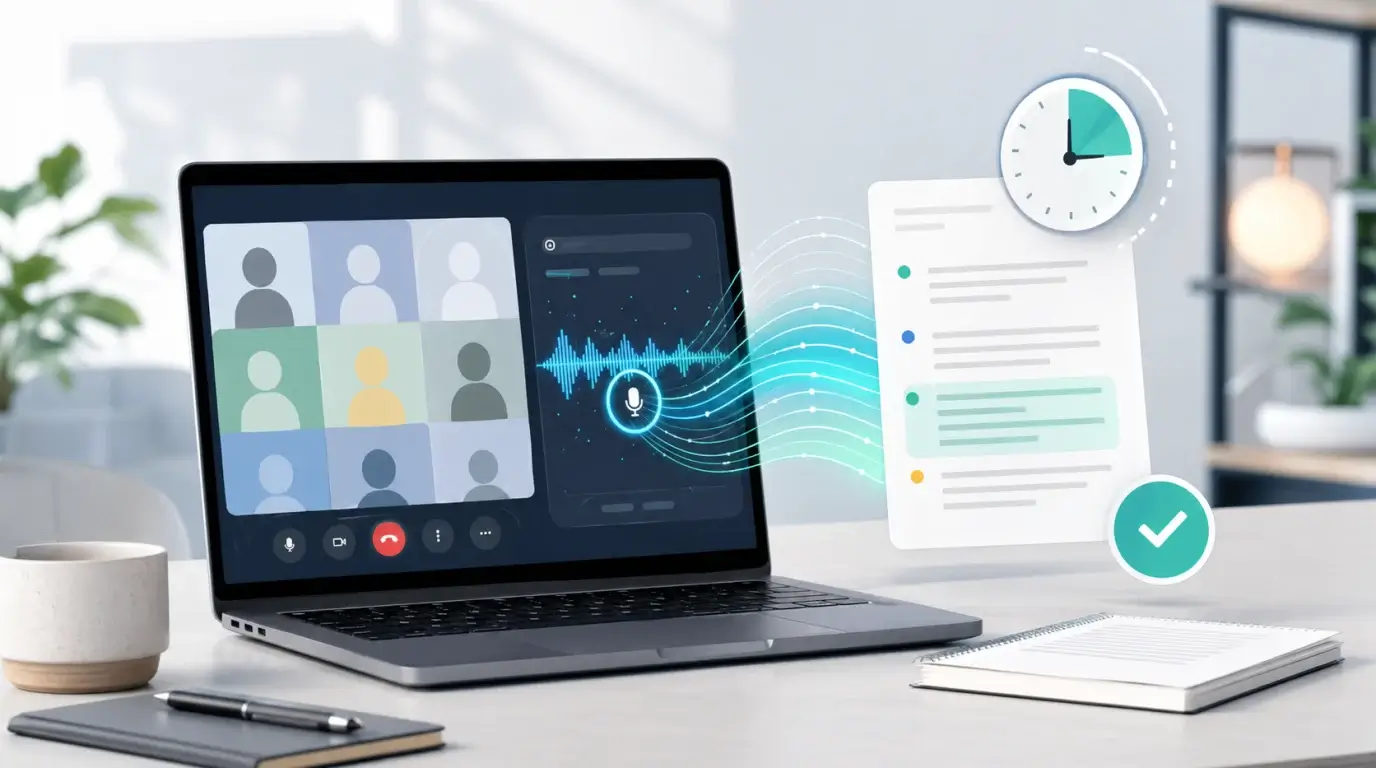
How long does it take for Google Meet to transcribe audio to text?
Learn when Google Meet transcripts become available, why processing can take longer, and what to do if you need a transcript quickly.
The short answer
Google Meet transcription is not usually something you receive while the meeting is still running. When transcription is available for your account and someone starts it during the meeting, Google saves the transcript after the meeting ends and sends a link to the people who are allowed to receive it.
For many meetings, the transcript appears soon after the call finishes. For longer meetings, noisy audio, unsupported languages, or busy processing periods, it can take longer. Google does not give a fixed public minute-by-minute guarantee, so the safest expectation is: wait for the post-meeting email or check the organizer’s Google Drive.
Where the transcript usually goes
Google Meet transcripts are saved to the meeting organizer’s Google Drive, usually in a Meet Recordings folder. After the transcript is saved, the organizer, meeting hosts, and the person who started transcription may receive an email with a link.
If you were only an attendee, you may not automatically get access. If the transcript is missing from your Drive, ask the organizer or host to check the meeting recap, email notification, and Drive folder.
Why it may take longer
Processing time depends on the length of the meeting, audio quality, language, number of speakers, and whether your Workspace administrator allows transcripts. A one-hour meeting with clear speech is easier to process than a three-hour call with overlapping speakers and background noise.
Another common reason is that transcription was never started. Google Meet does not create a saved transcript for every meeting by default in every account. If nobody turned on transcription, there may be nothing to retrieve after the meeting.
How to get the text faster
If you already have the meeting recording or an audio export, upload the file to an audio to text tool such as NeatScribe. This is useful when the Google Meet transcript is delayed, unavailable, or not shared with you.
Use the original recording when possible, choose the right spoken language, and review names, acronyms, and action items after transcription. Meeting transcripts are most useful when they are cleaned into notes, summaries, and tasks rather than treated as perfect final copy.
Before the next meeting
If you rely on transcripts, do not wait until the meeting is over to confirm settings. Check that your Google Workspace edition supports transcripts, that your administrator allows the feature, and that the meeting host knows who should start transcription.
It also helps to tell attendees that transcription is running. This is good meeting etiquette and may be required by company policy or local law.
Practical expectation
For most users, the best expectation is not a fixed number of minutes. Expect the transcript to arrive after the meeting, then check Drive or the email notification. If the transcript is business critical, keep a recording too, because a recording can still be transcribed later if the built-in transcript does not appear.
More Posts

What is research in film production?
Learn how research supports film production, from story and character work to locations, visuals, interviews, and accuracy.


How to add captions in iMovie
Learn how to add caption-like text in iMovie, what the app can and cannot do, and how to keep captions readable.
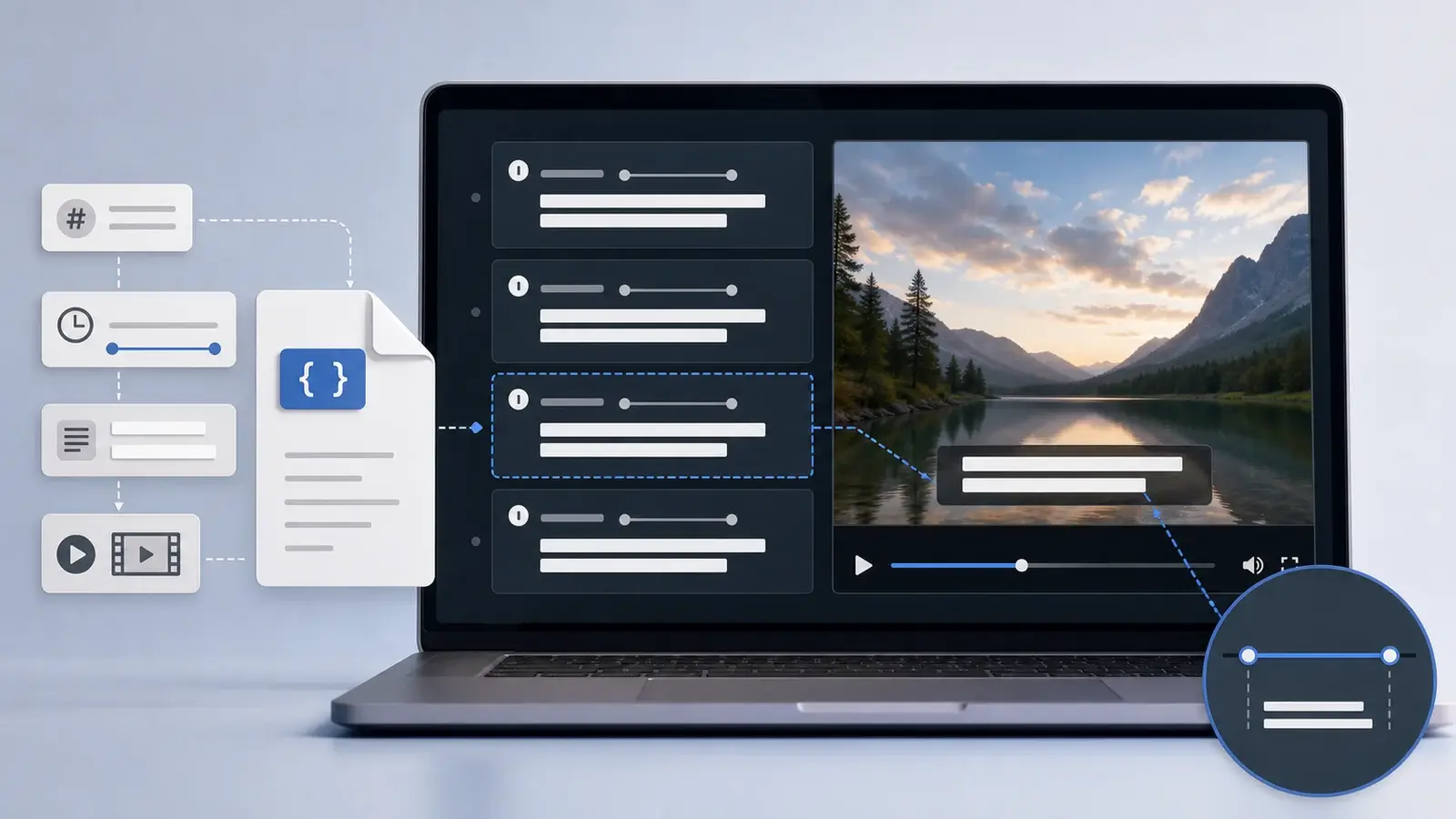
What is an SRT file?
Learn what an SRT file is, what its timestamps mean, and how this plain text subtitle format is commonly used.