“The transcript helps people who missed the meeting understand the discussion without asking for another full recap.”
C
Claire Donovan
Remote team lead
Zoom meeting transcription turns saved meeting recordings into editable, timestamped text. Upload a Zoom recording and start for free without creating an account.
Upload audio or video file, then click Transcribe.
Upload a local or downloaded Zoom recording and turn the meeting into searchable text. Review the discussion with timestamps, correct the wording, and export the version your team needs.

Start with Zoom audio or video that is already saved on your device, whether it came from a local recording or a file you downloaded.
You do not need to invite a live bot or connect a Zoom account; choose the recording you want to process and begin after the meeting.
Search the transcript for a speaker’s point, a decision, or the moment an action item was assigned instead of scrubbing through the full video.
Replay the relevant timestamp when participants overlap or a name, figure, or technical term needs to be confirmed.
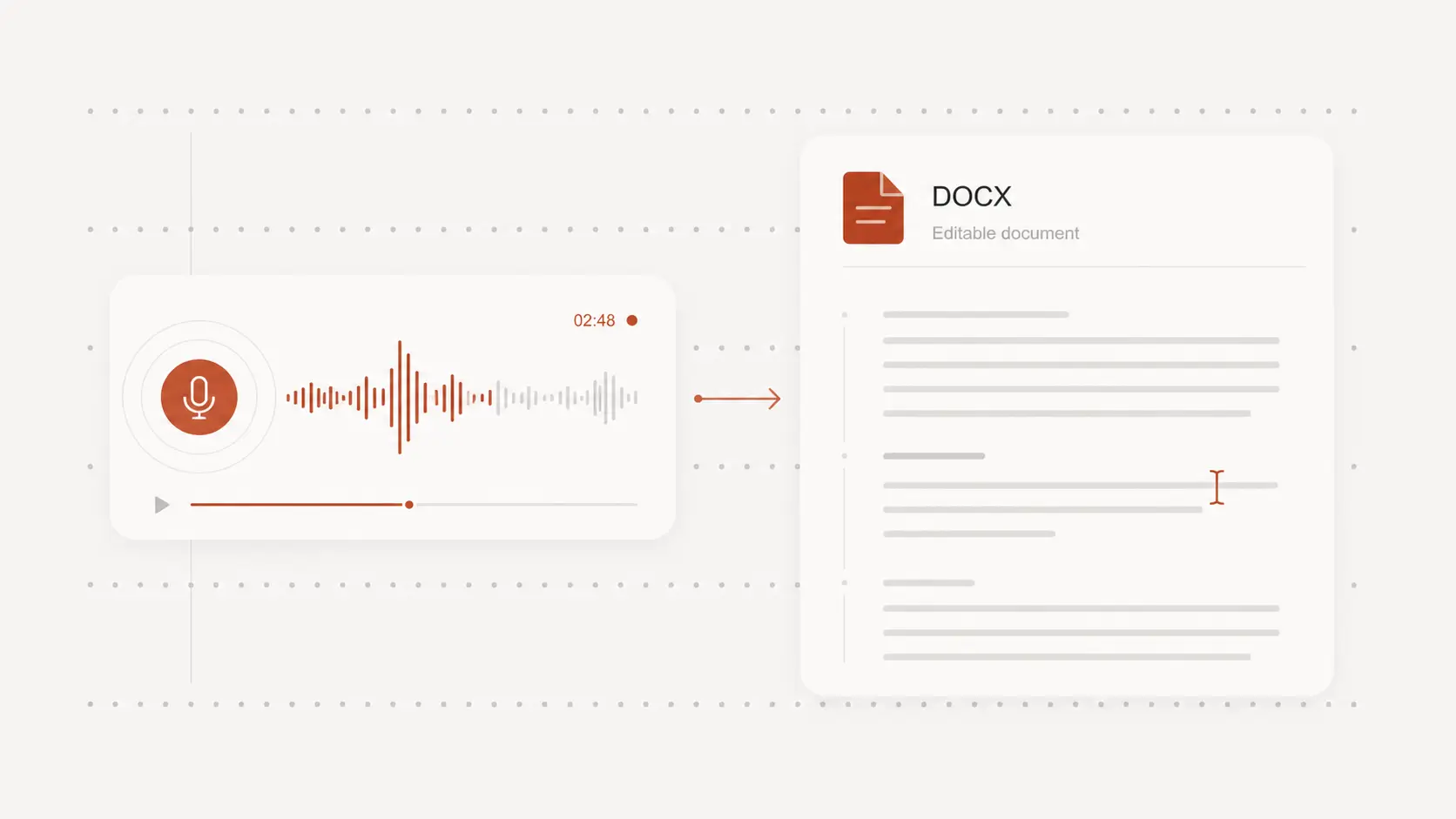
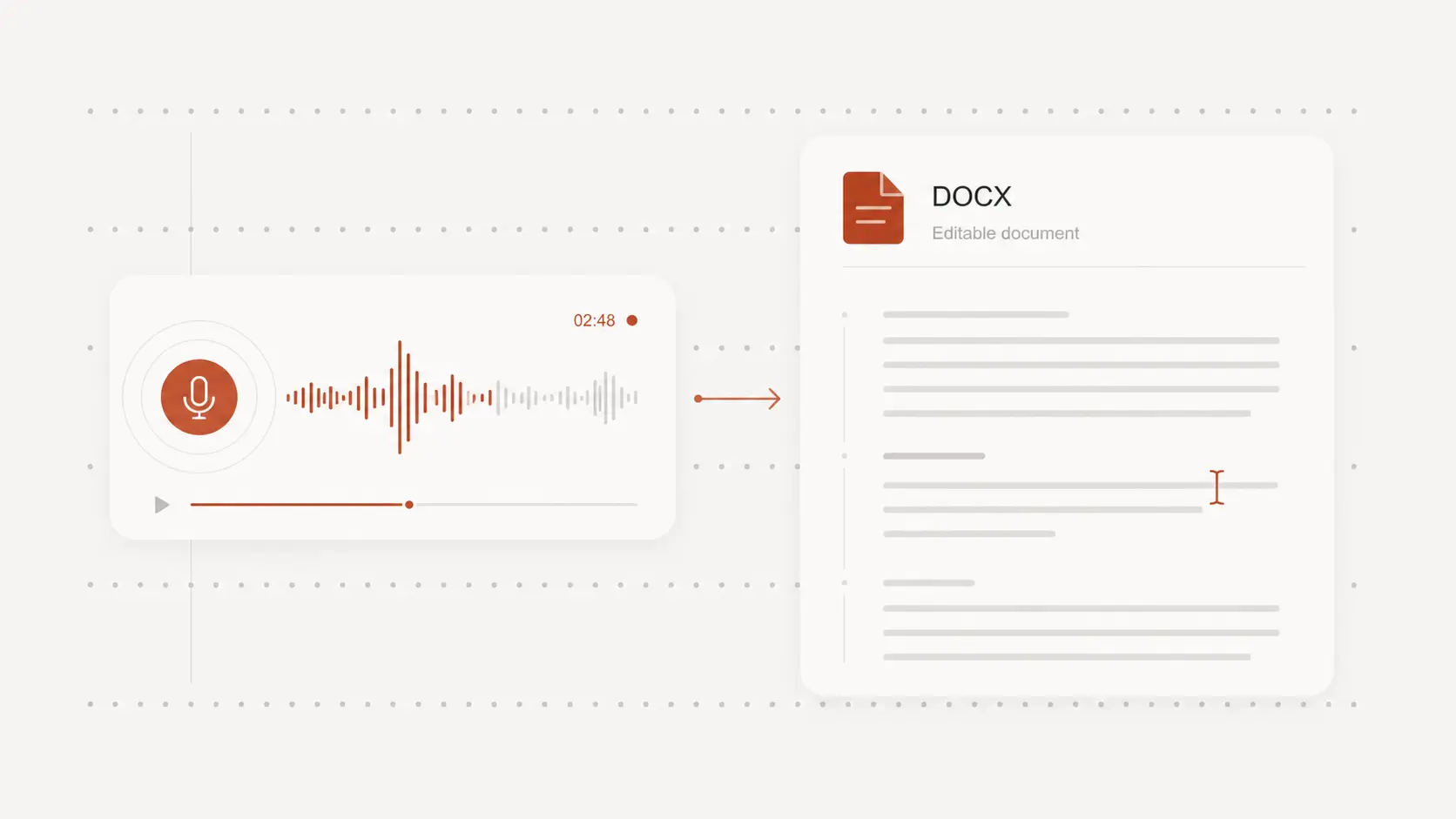
Download editable text or a document when you need meeting notes, a searchable record, or material for a project follow-up.
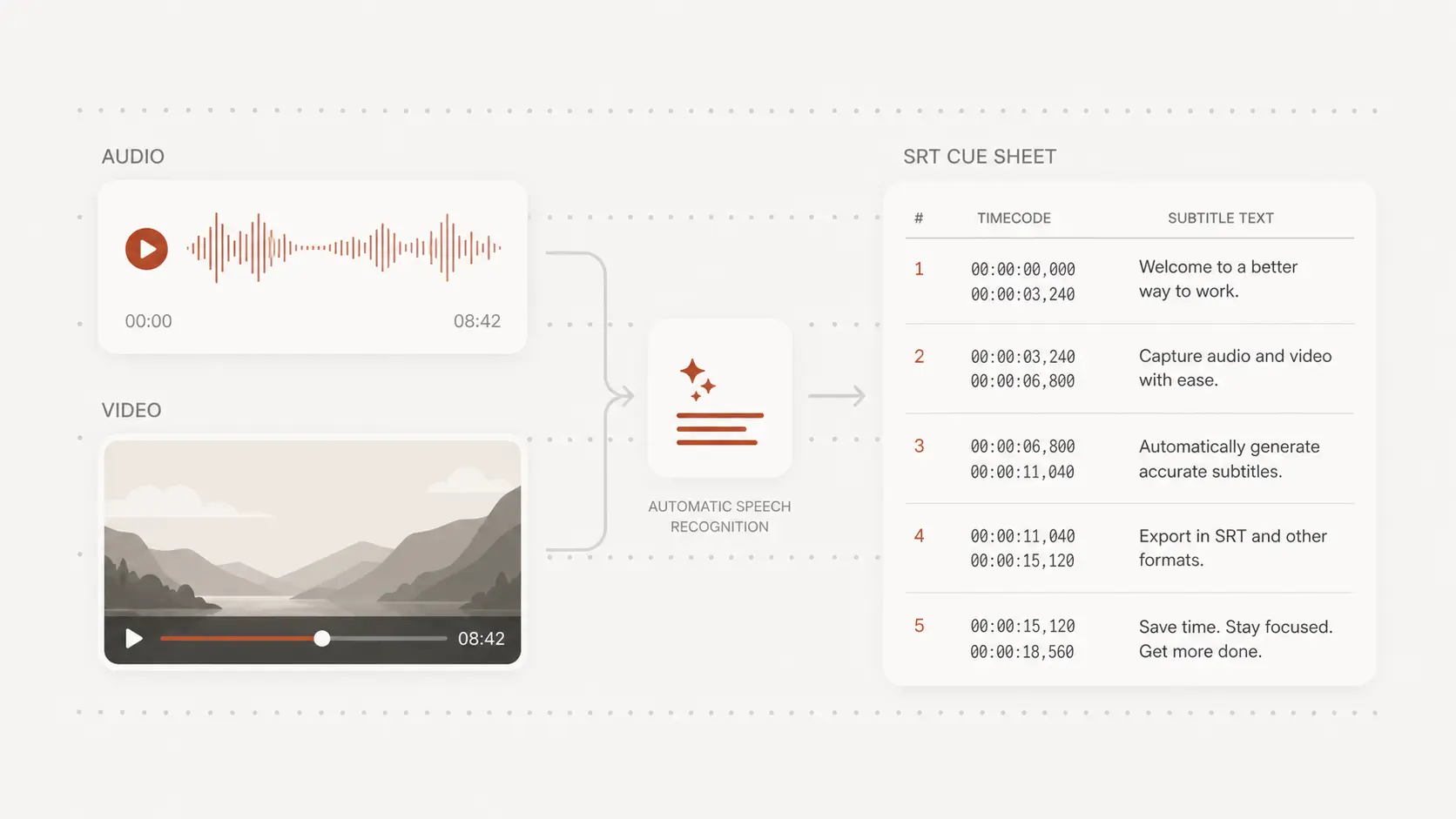
Choose SRT or VTT when you need timed captions that remain aligned with the saved Zoom video.
Testimonials
A searchable transcript helps remote teams get more from a saved Zoom recording. Users value quick access to decisions, editable wording, and caption-ready exports.
“The transcript helps people who missed the meeting understand the discussion without asking for another full recap.”
Claire Donovan
Remote team lead
“I can find the exact decision and listen to the minute around it before turning the outcome into an action item.”
Ravi Menon
Product manager
“Timed caption exports give us a useful starting point when a recorded Zoom session will be shared with learners.”
Emma Fischer
Course facilitator
“Uploading the downloaded recording keeps the process simple and lets us choose which sessions need transcripts.”
Theo Martin
Research coordinator
“Searchable text makes recurring questions much easier to collect across a long virtual discussion.”
Amara Wilson
Community manager
“I review names and numbers beside the recording, then export a clean document for the client follow-up.”
Peter Lang
Consultant