Webex transcription service
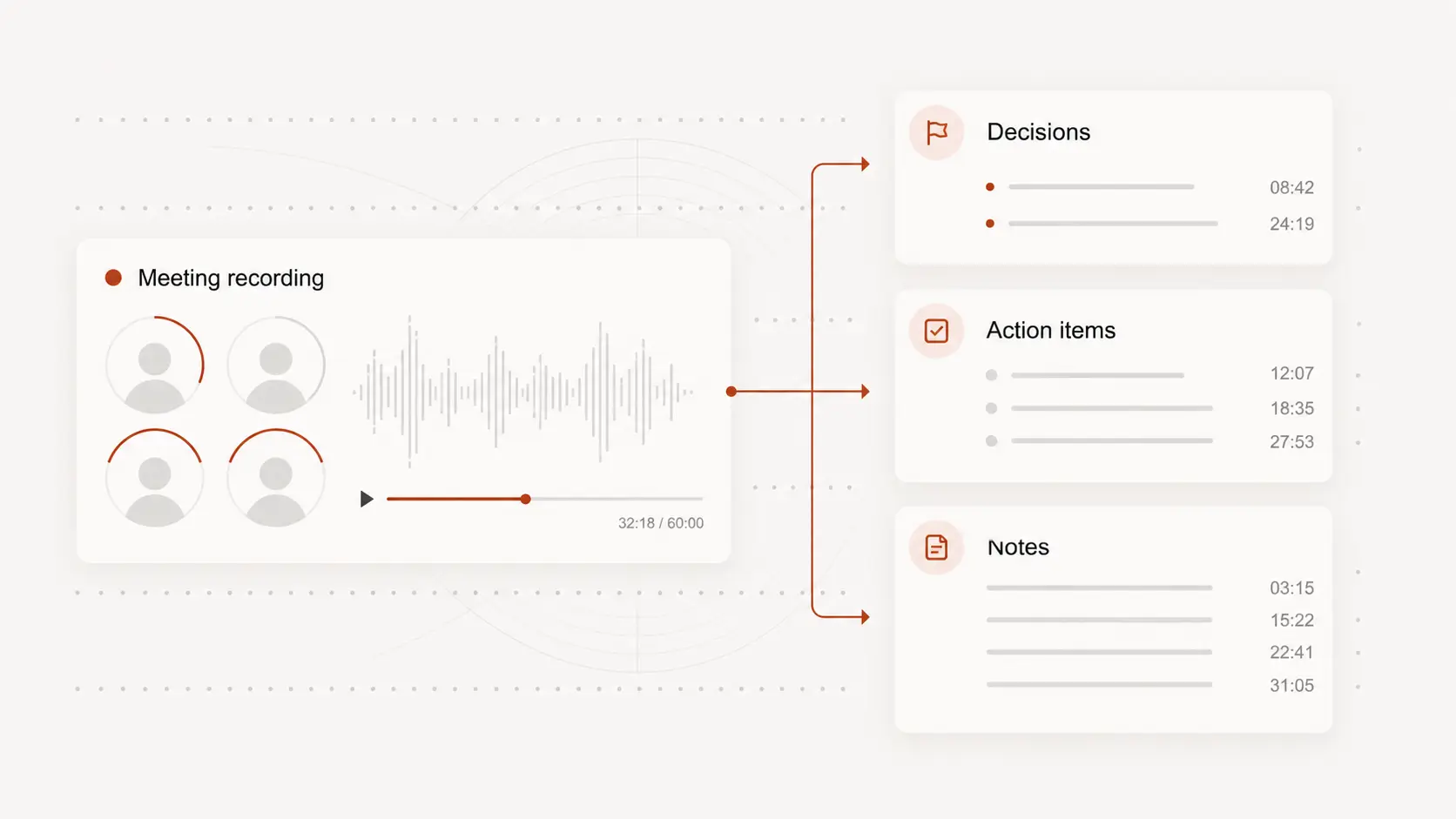
Webex transcription service helps turn saved meeting files into text for decisions, action items, and follow-up notes. Start free with no signup.
Upload audio or video file, then click Transcribe.
Work from Webex recordings
A Webex transcription service is most useful after a meeting, class, demo, or webinar has been saved as a recording.
Upload the audio or video file from your meeting and create text that is easier to scan than the full replay.
Capture decisions and next steps
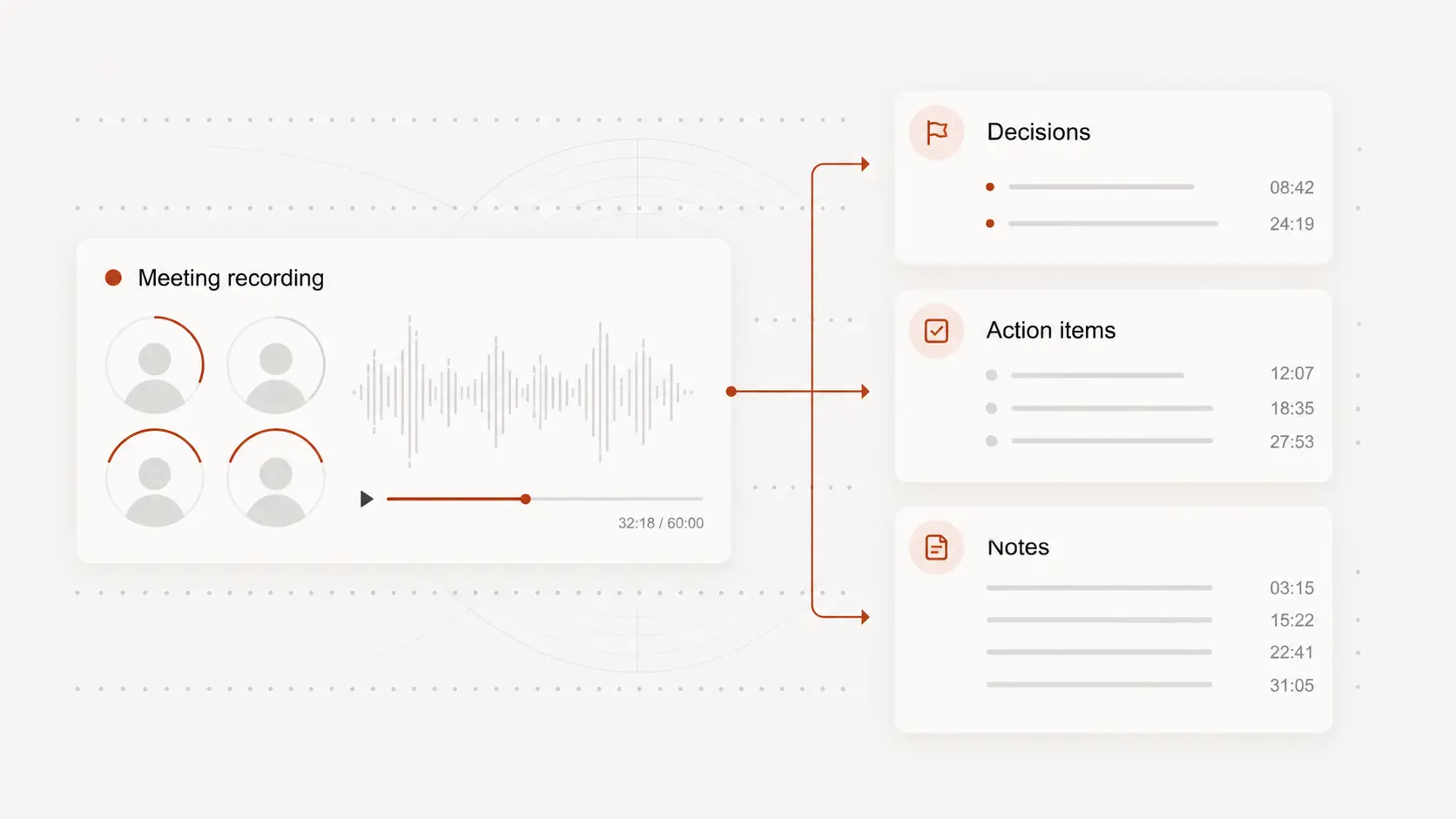
Meetings often contain decisions, blockers, customer questions, and action items spread across a long conversation.
A transcript helps you find the exact wording and turn scattered discussion into notes people can act on.
Review names and meeting terms
Company names, product labels, speaker names, and abbreviations can be hard for any transcript to get right on the first pass.
Check important terms against the recording before sending the text to a client, team, or archive.
Share notes after the call
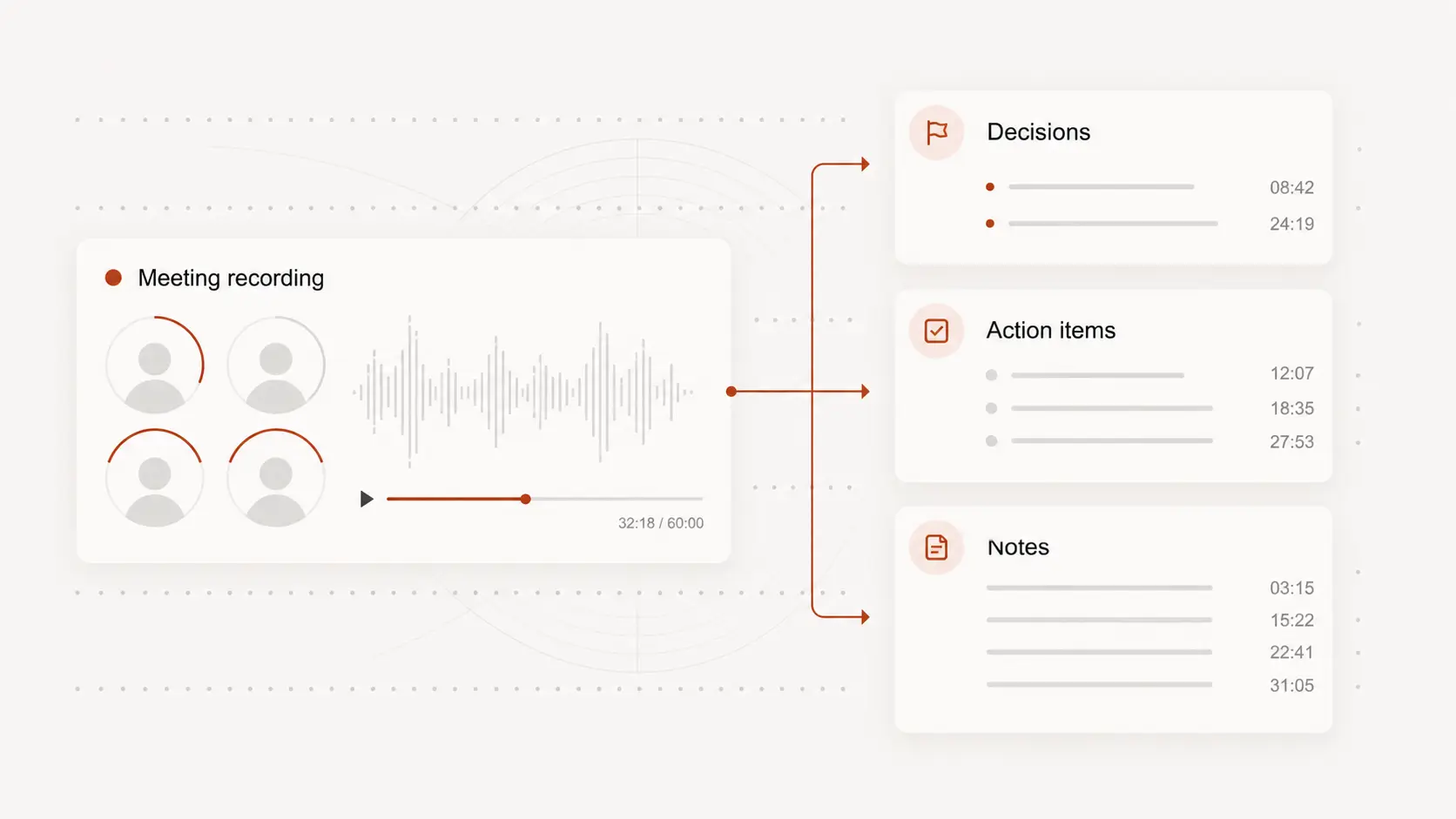
Use the transcript to prepare follow-up emails, meeting minutes, training notes, support summaries, or internal records.
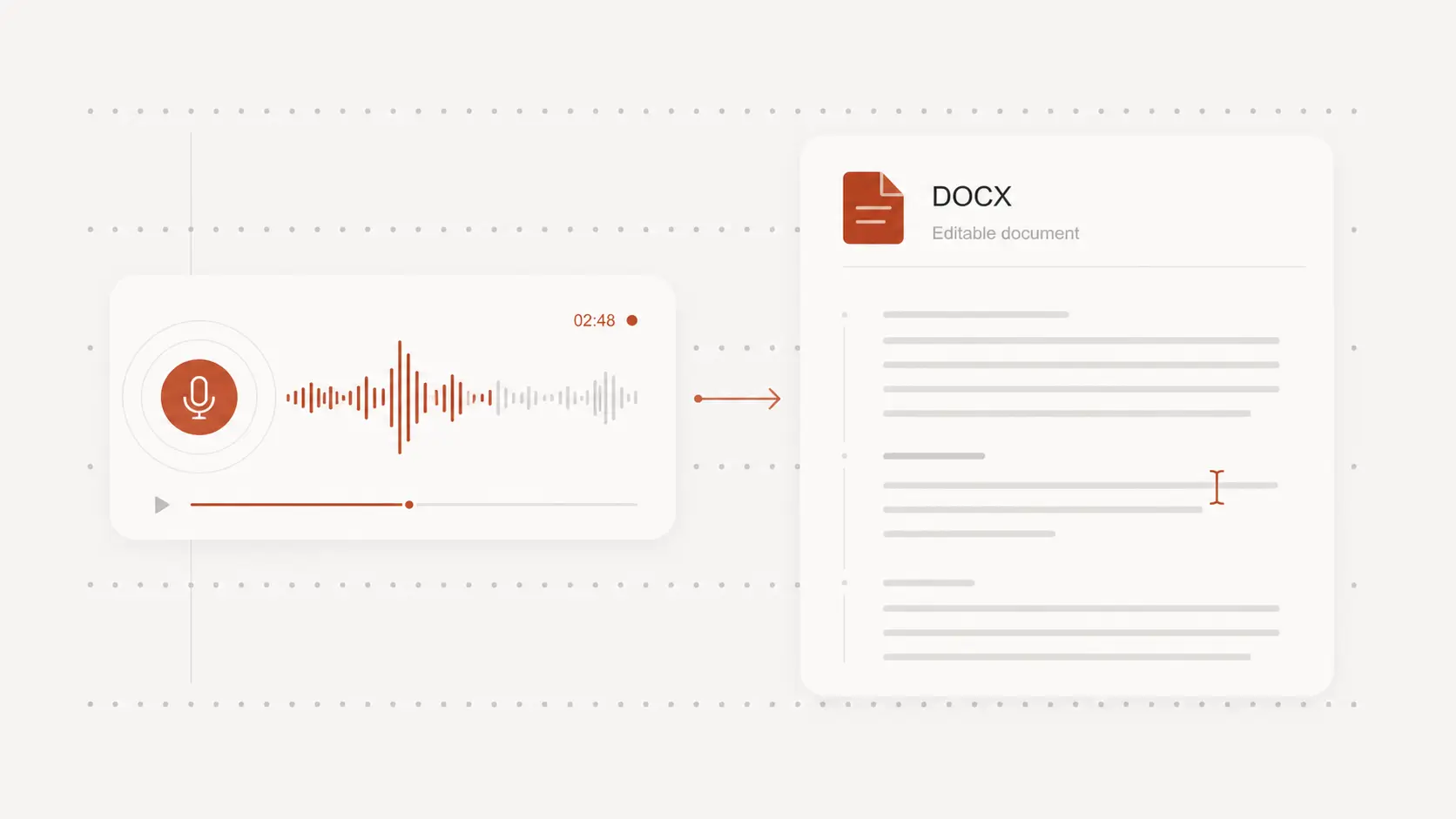
Export a clean text document when people need the conversation without sitting through the whole meeting again.