vtt files for movies
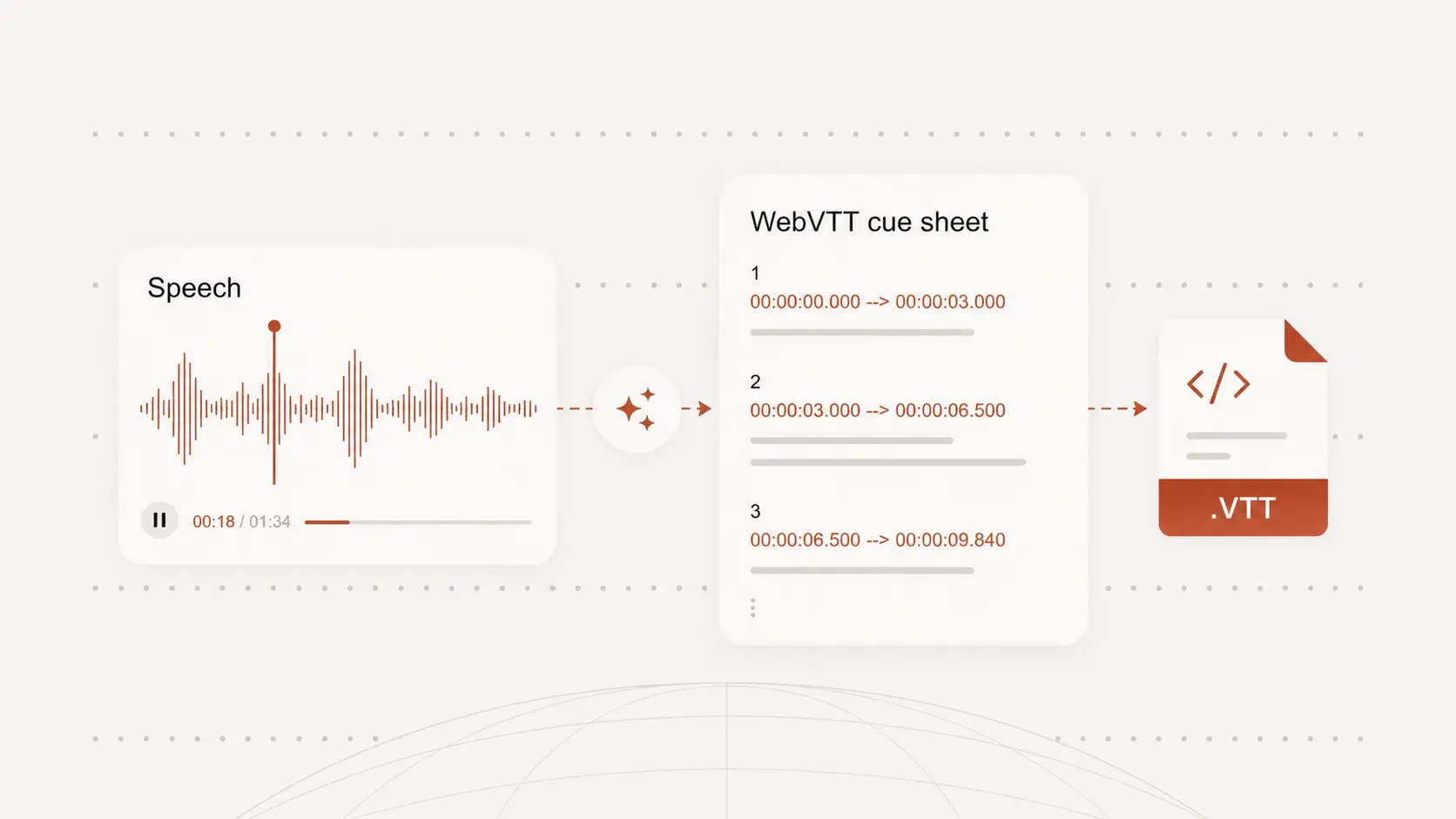
vtt files for movies turn dialogue into timed WebVTT text for web players and caption workflows. Start free with no signup.
Upload audio or video file, then click Transcribe.
Create WebVTT from movie dialogue
vtt files for movies should keep dialogue, narration, and key moments aligned with the scene.
Upload a movie file or separate dialogue track, generate WebVTT cues, and review the captions against the media.
Prepare captions for web playback
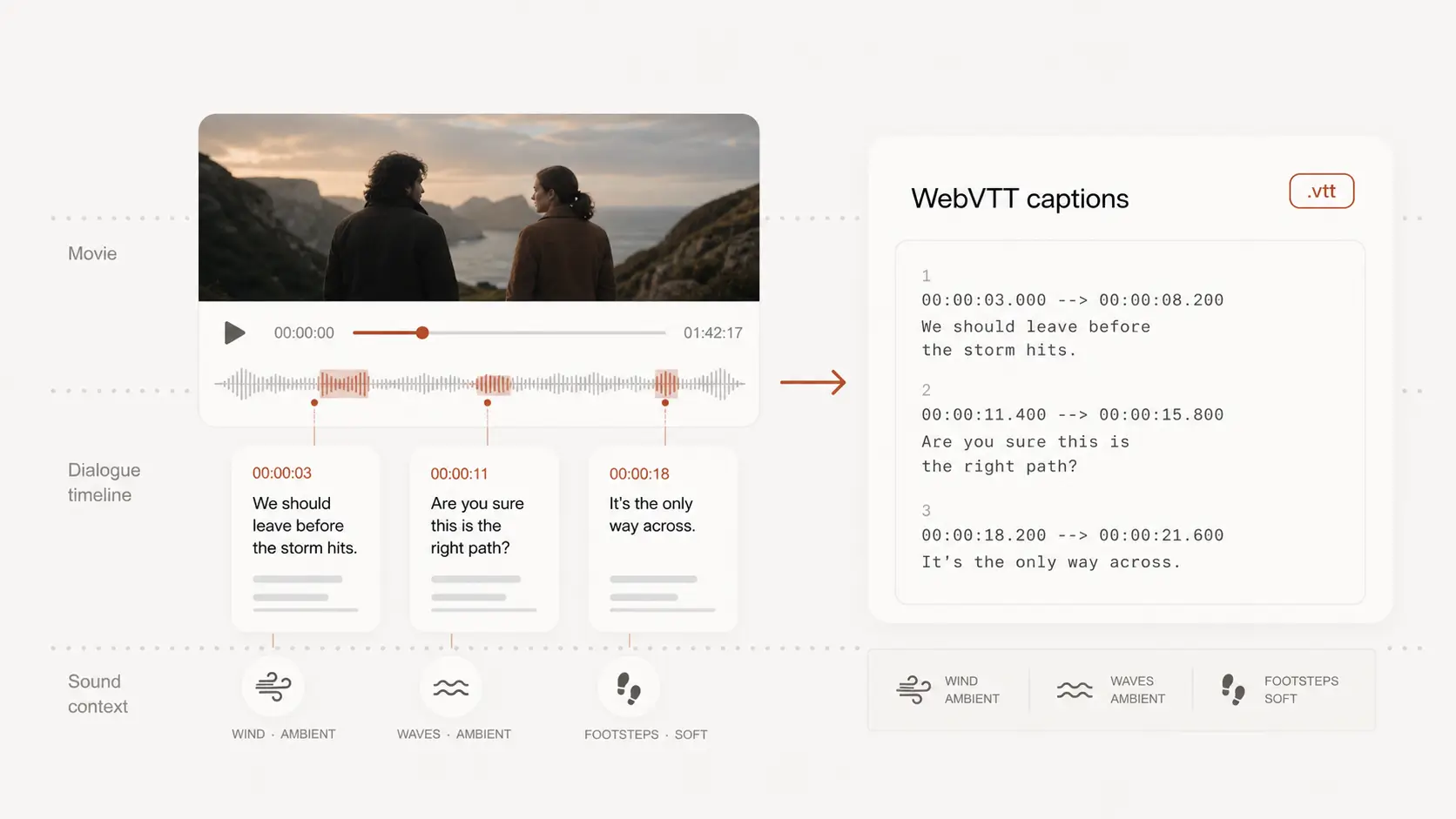
WebVTT is commonly used with browser video players, HTML track elements, course platforms, and private screening pages.
A .vtt file keeps captions separate from the movie, so you do not have to bake text into the picture.
Include speech and useful sound context
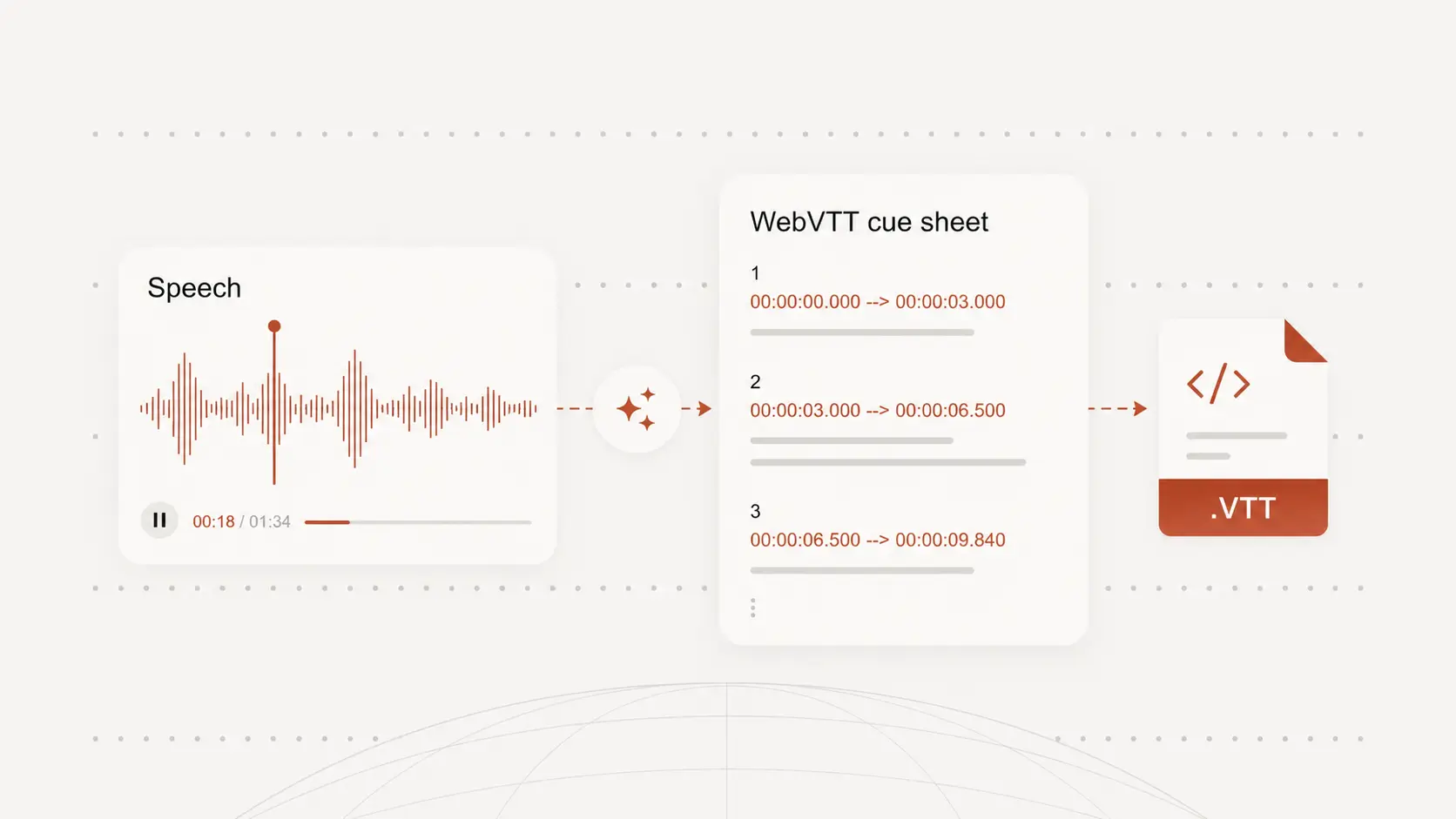
Movies may include quiet speech, overlapping voices, music, off-screen lines, and sound cues that matter to viewers.
Use the draft captions to decide what needs cleanup, what should stay as dialogue, and where extra context helps.
Review cues before delivery
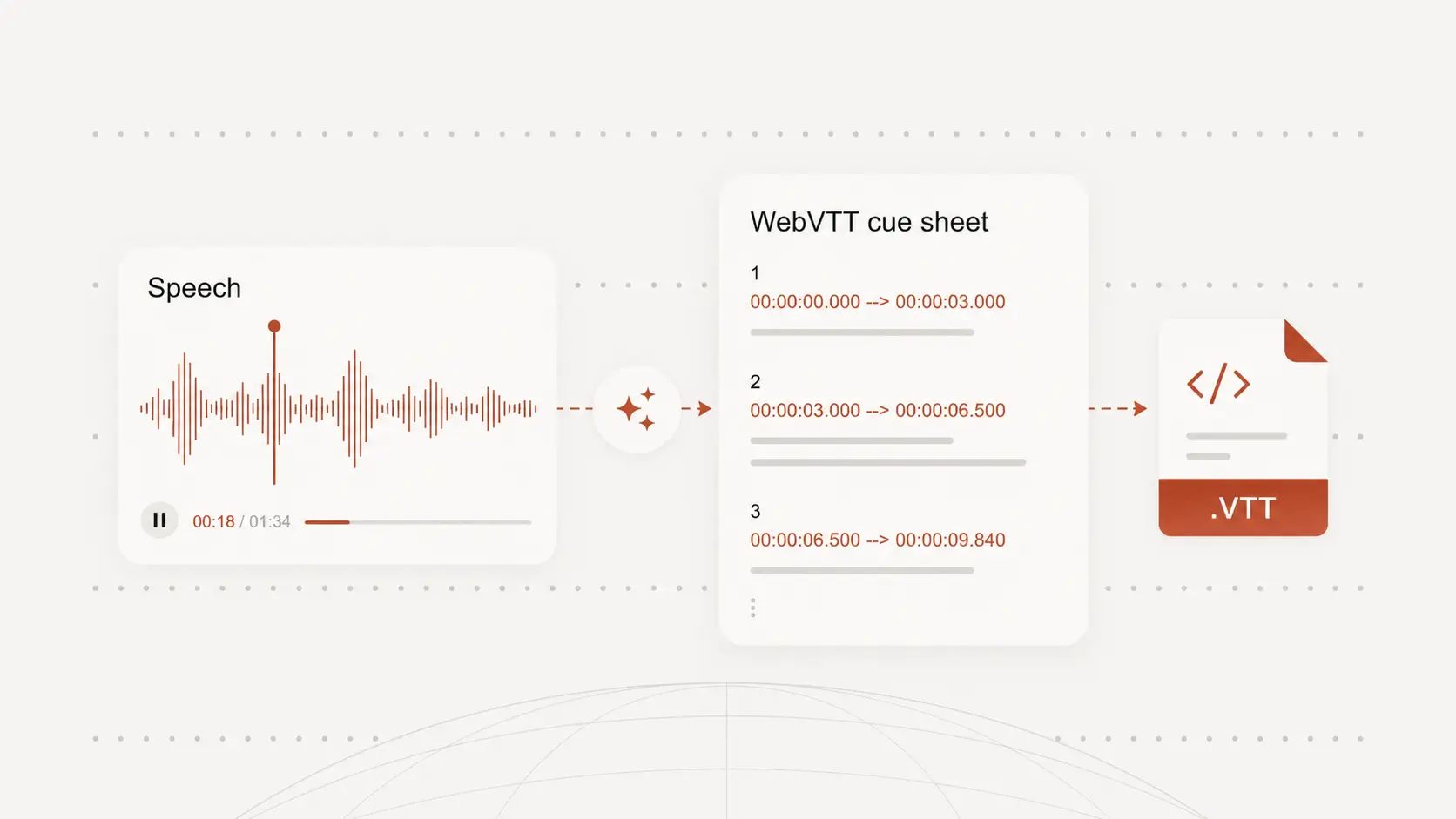
Caption timing affects how comfortable a movie feels to watch, especially during fast dialogue or scene changes.
Check cue length, line breaks, and important names before exporting the VTT file for playback or review.