video to notes converter
video to notes converter for free, no signup needed. Create a transcript from your video so important points can be copied into study notes, meeting notes, or project notes.
Upload audio or video file, then click Transcribe.
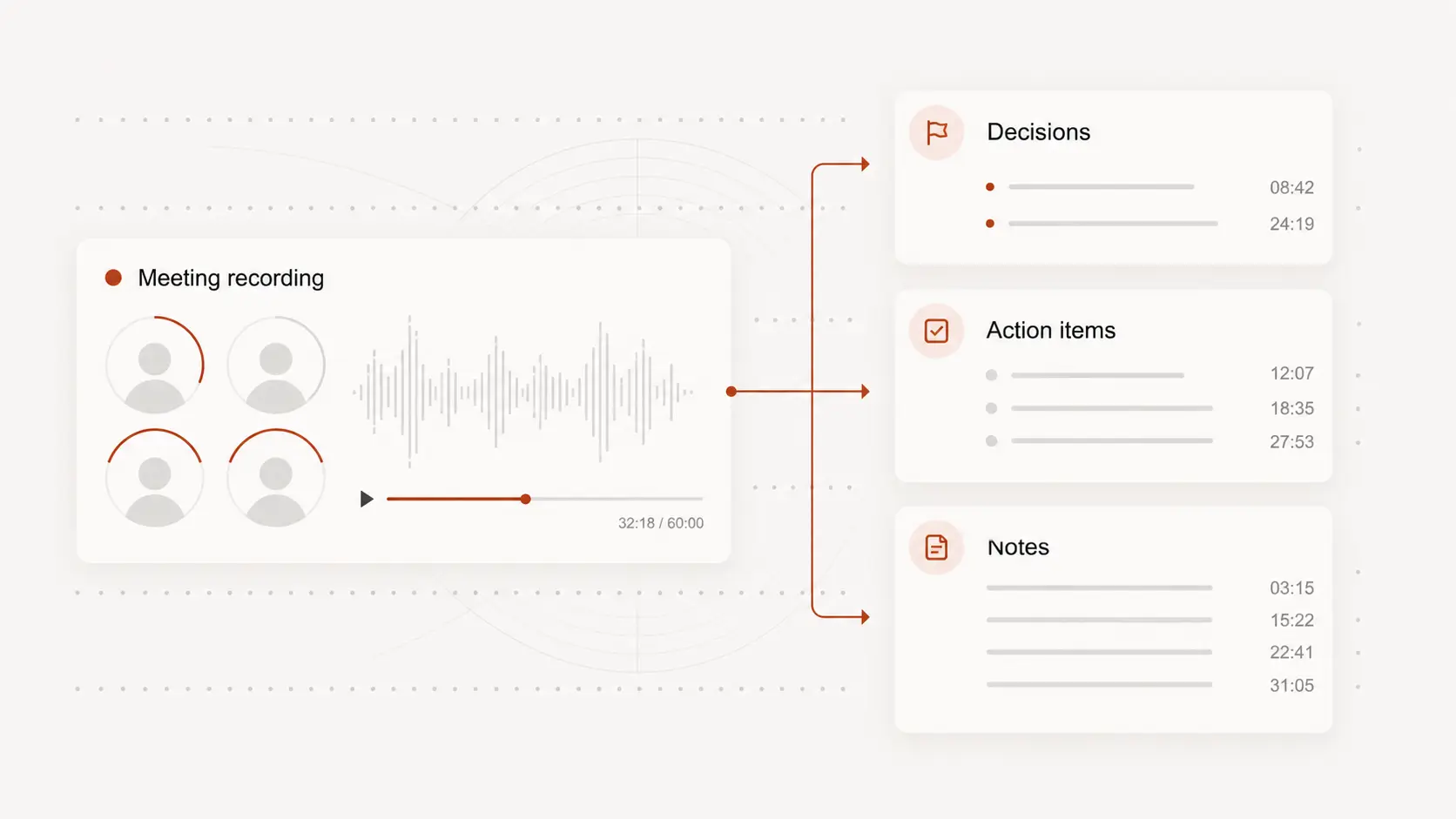
Pull key points from long videos
Long videos are hard to review when every answer or lesson is buried in the timeline. A transcript gives you a text base for finding important moments and shaping them into notes.
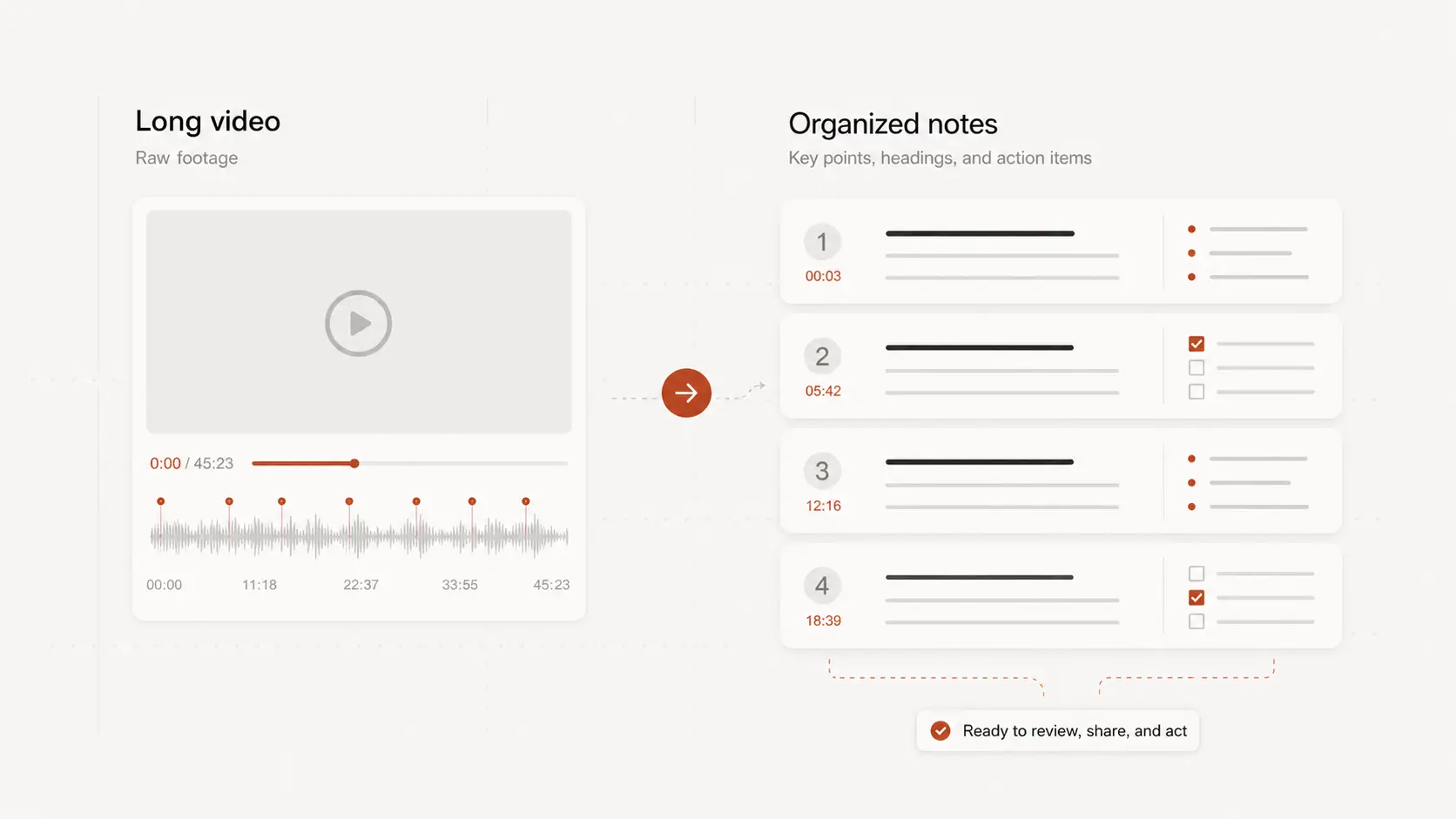
Use timestamps while reviewing
Notes are more reliable when you can trace them back to the source. Keep timestamped lines so a quote, decision, or explanation can be checked without rewatching the full video.
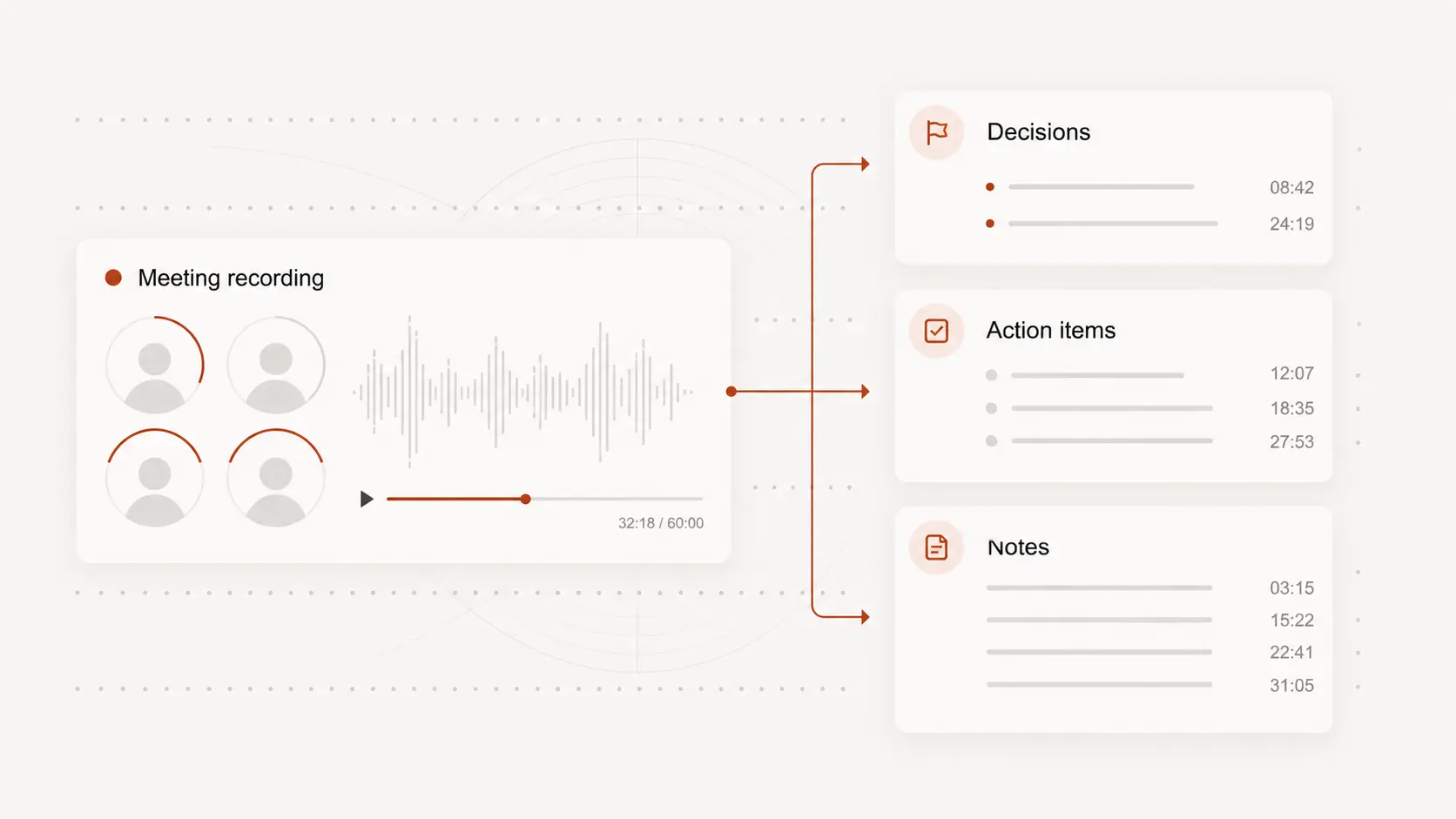
Handle lectures, calls, and trainings
Class recordings, webinars, team calls, and product walkthroughs all have different pacing. Turning the spoken parts into text makes it easier to organize definitions, steps, and action items.
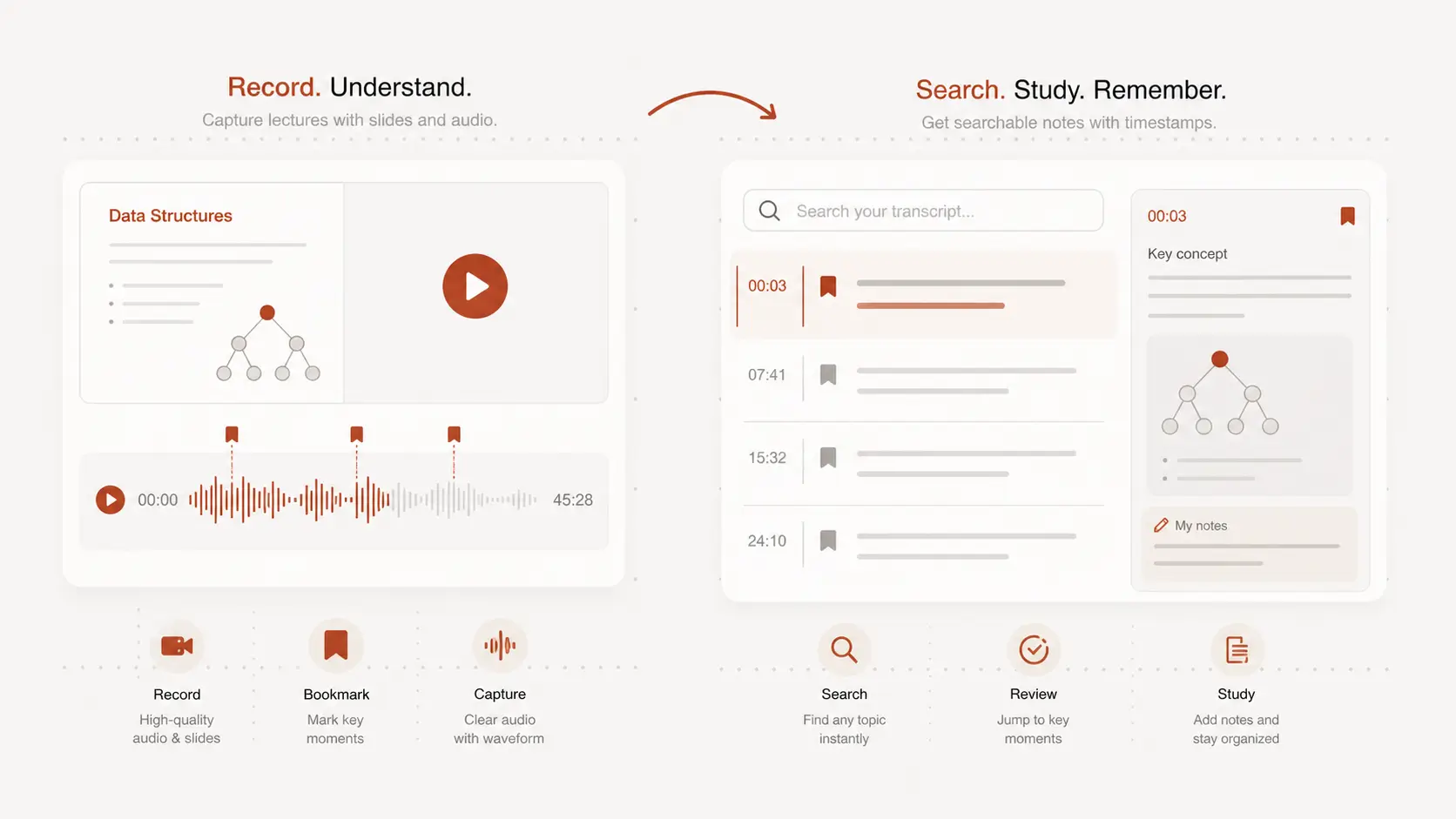
Edit before you share
Automatic text should be treated as a working draft when names, formulas, or technical terms matter. Review the transcript, trim what is not needed, and keep the parts that belong in your notes.