translate 720p from arabic
translate 720p from arabic helps you work from an Arabic HD video and create a translated draft for review, notes, or captions. Try it free without creating an account.
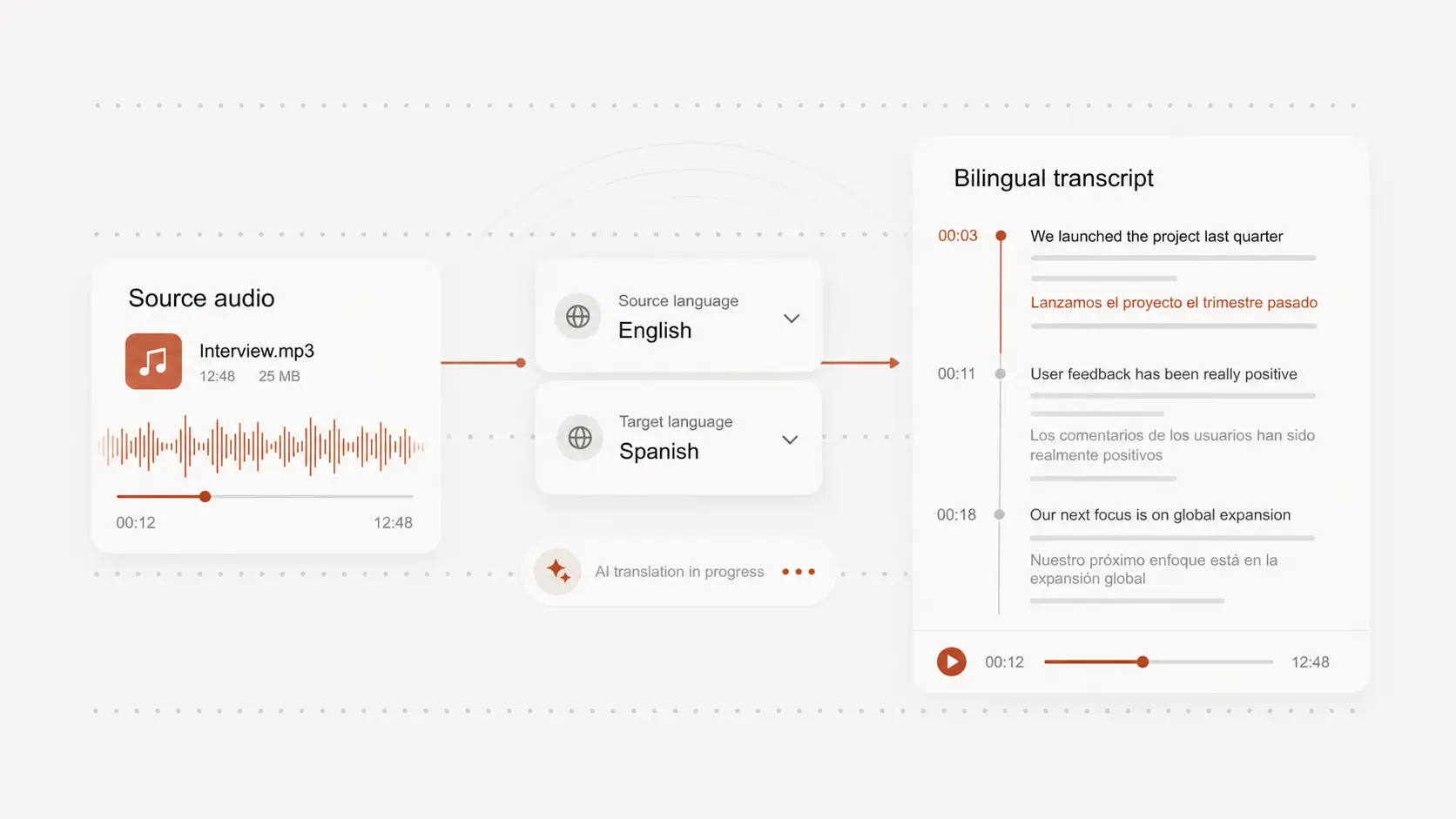
Upload audio or video file, then click Transcribe.
Translate speech from 720p Arabic video
A 720p Arabic video is clear enough for many lessons, interviews, clips, and social posts, but the spoken meaning can still be hard to follow.
Choose Arabic as the source language, pick the language you need, and create translated text from the audio.
Work with dialects and mixed terms
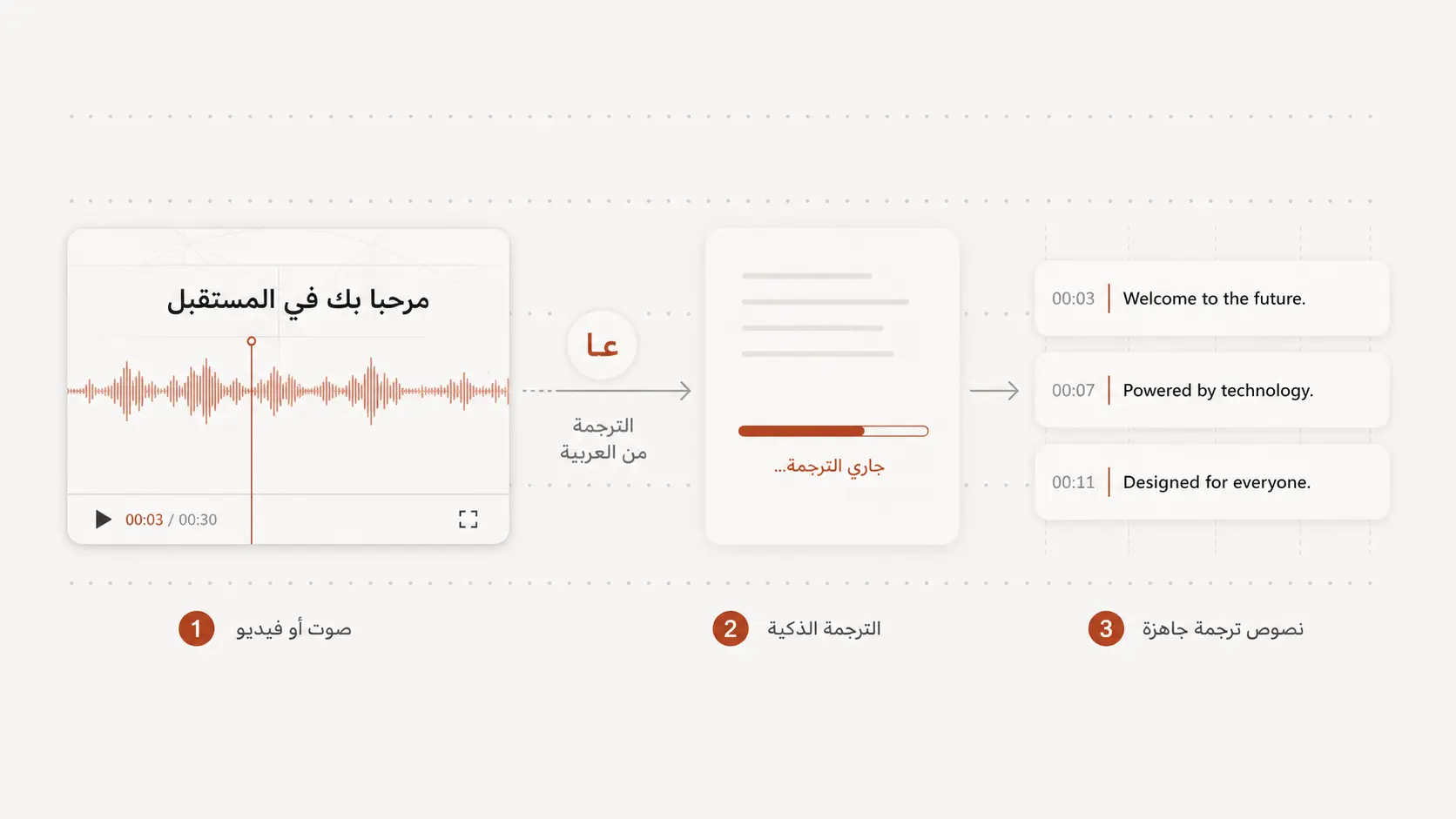
Arabic videos may move between MSA, regional dialects, English names, brand terms, and casual phrasing.
Review the translated draft carefully so names, places, and subject-specific wording stay accurate.
Create subtitles from the translation
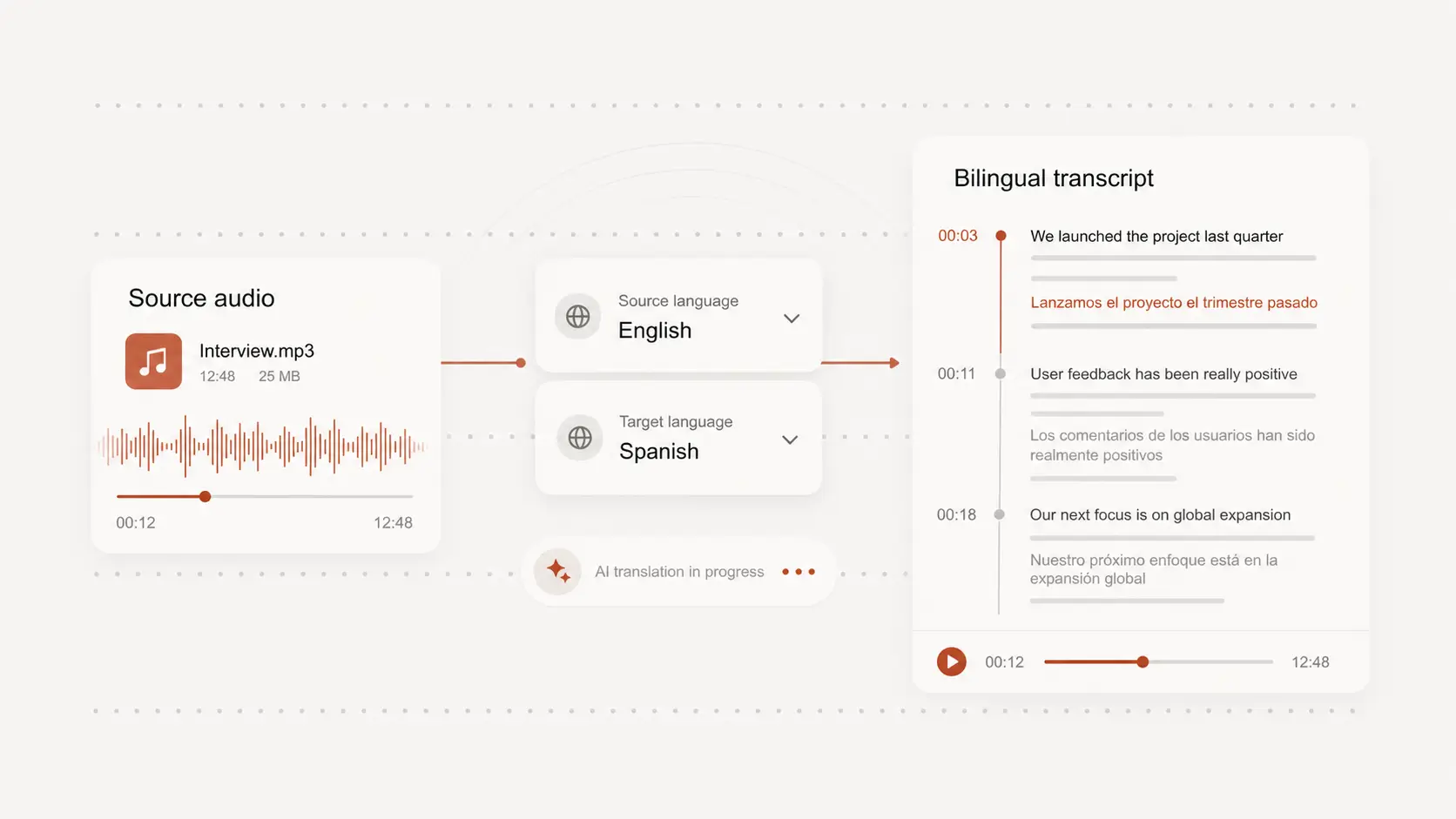
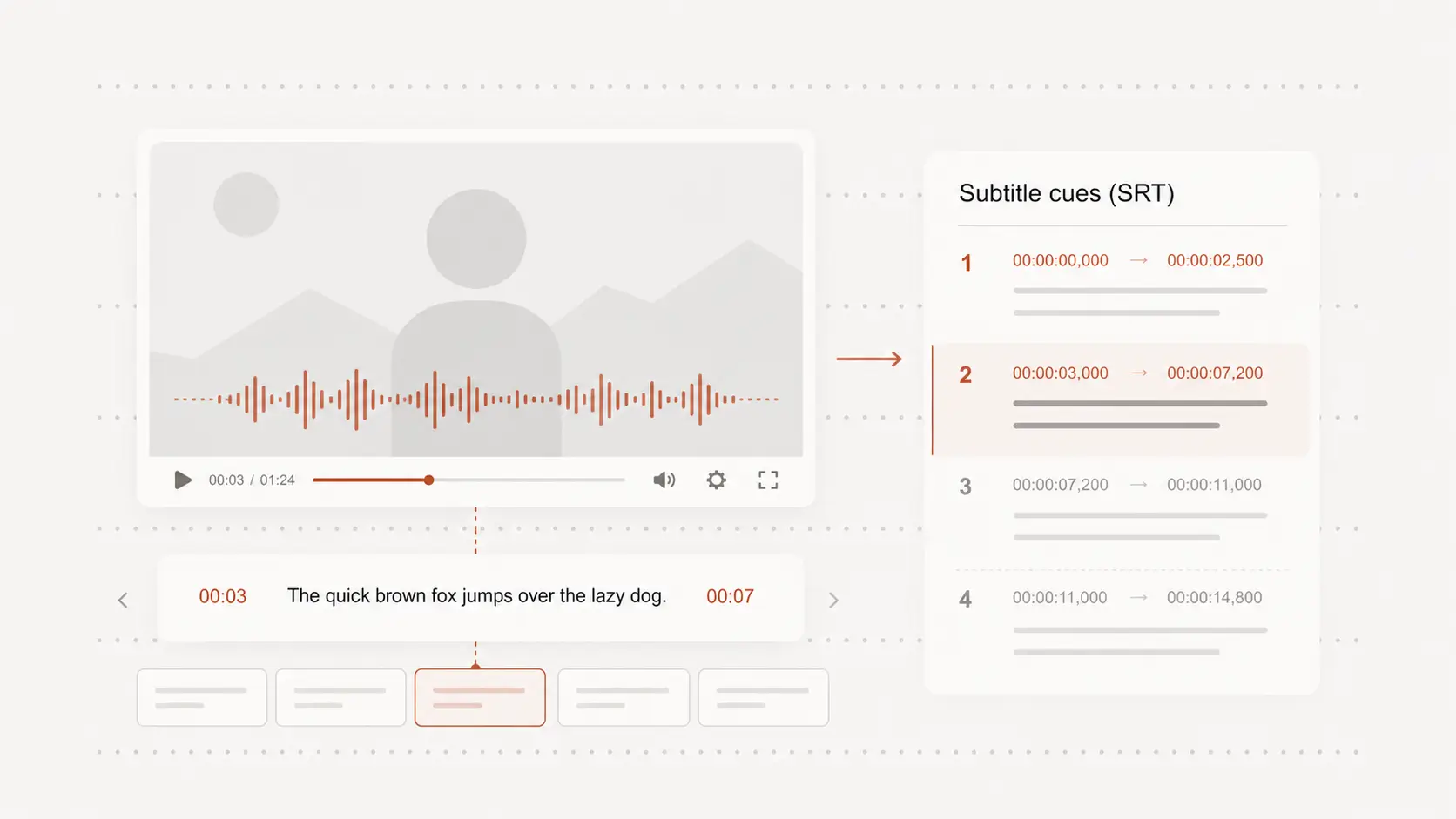
When viewers need to follow the video, timed text is more useful than a plain paragraph.
Use the transcript and translation as a base for captions, then check fast sections and pauses against the original 720p video.
Export a useful text version
Translated Arabic video text can support study notes, content review, research, localization, or internal sharing.
Download the reviewed result in a practical format after the meaning and timing have been checked.