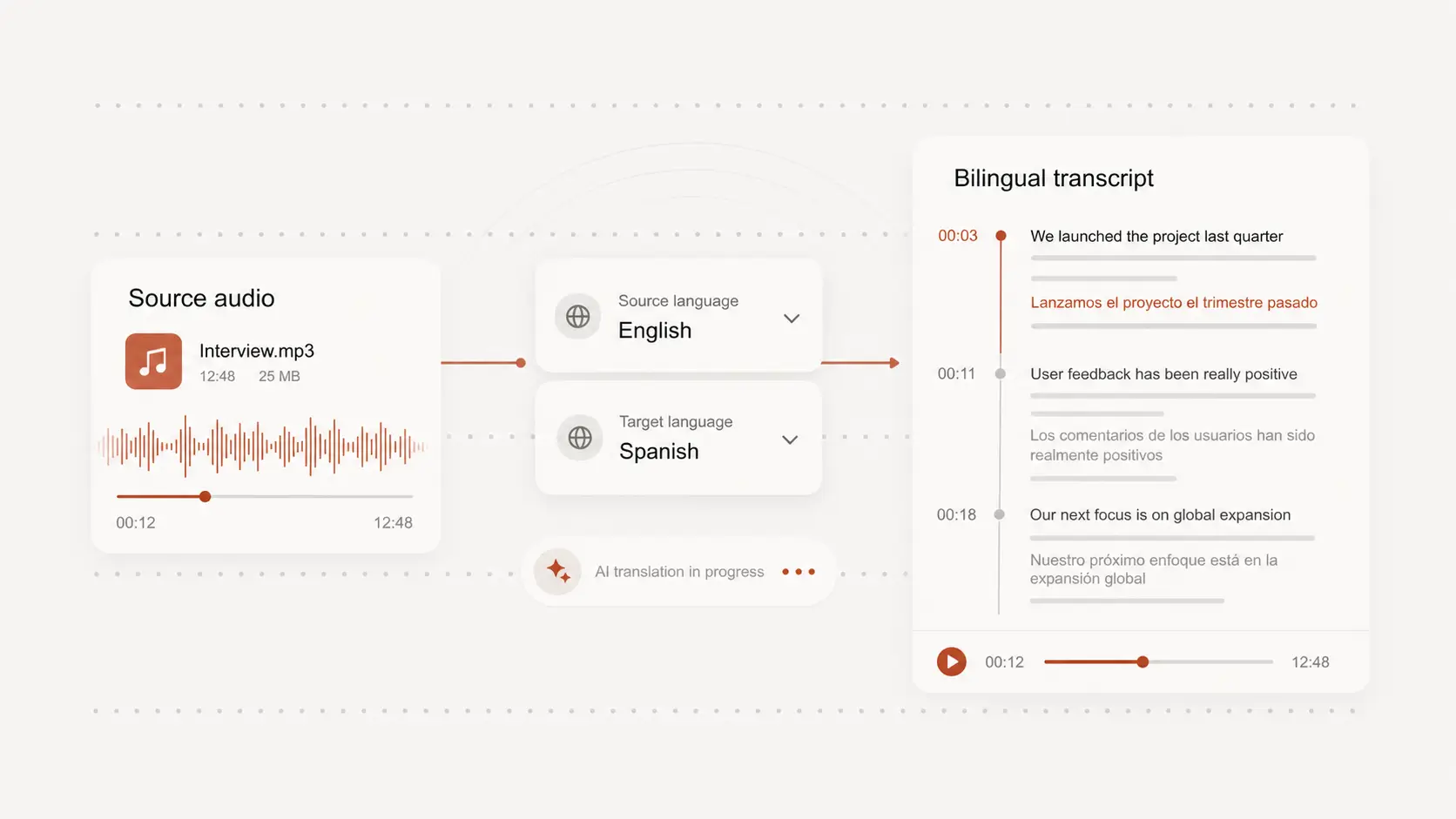
translate 1080p from arabic
translate 1080p from arabic helps you translate speech from Arabic full HD videos into readable text or subtitle-ready lines. You can try it free without creating an account.
Upload audio or video file, then click Transcribe.
Translate full HD Arabic speech
A 1080p Arabic video may be a course, webinar, interview, documentary clip, or polished creator video that needs careful wording.
Start from the spoken audio, then create translated text that can be reviewed before anyone relies on it.
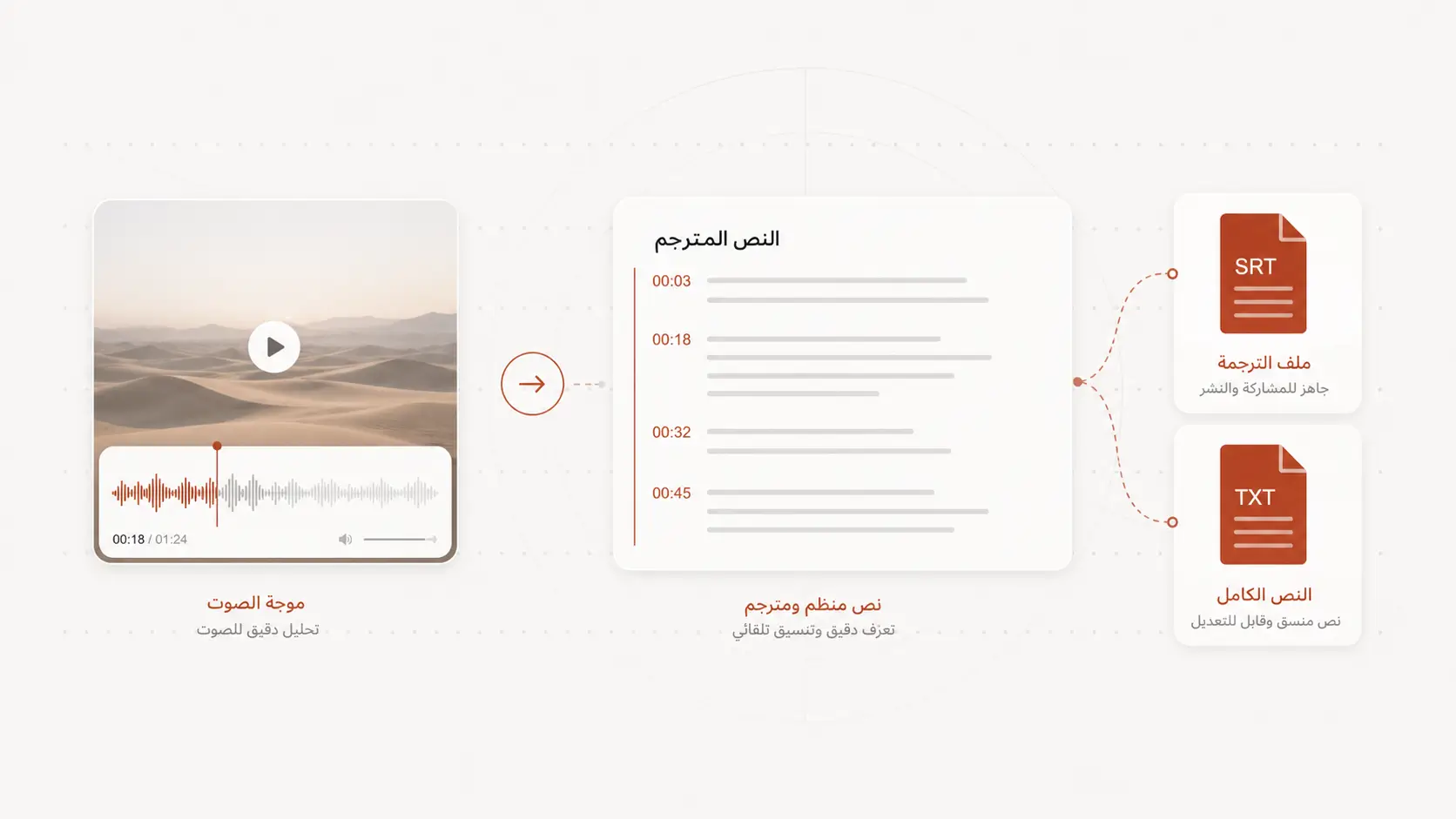
Prepare captions for viewers
Full HD videos are often meant to be watched closely, so captions need to be readable and timed with the speaker.
Use translated lines as a draft, then check pacing, names, and important phrases against the original video.
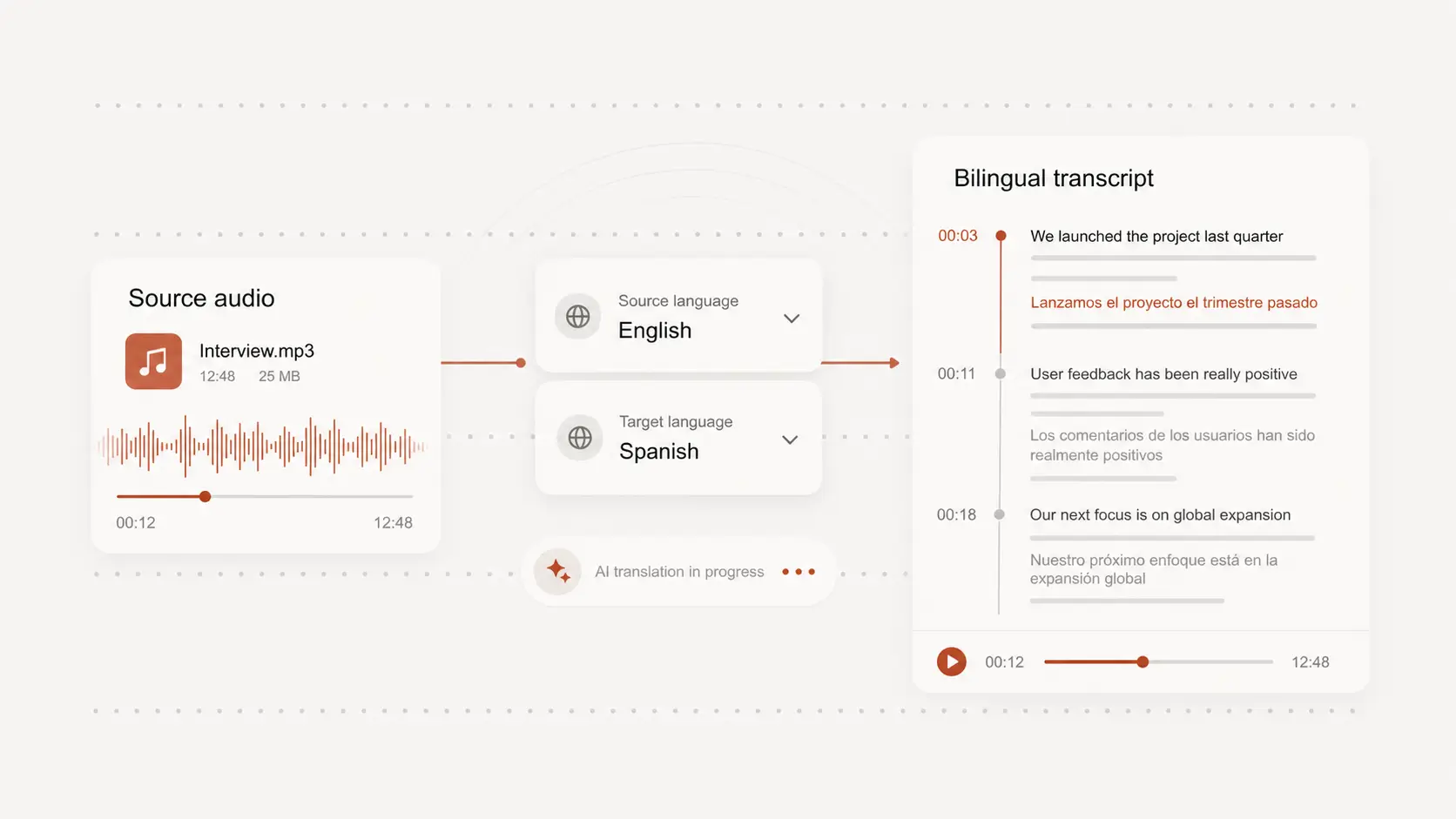
Handle formal and casual Arabic
Arabic speech can shift between formal narration, regional dialect, quoted English, and fast conversational sections.
Selecting Arabic as the source language gives the translation a clearer starting point for review and cleanup.
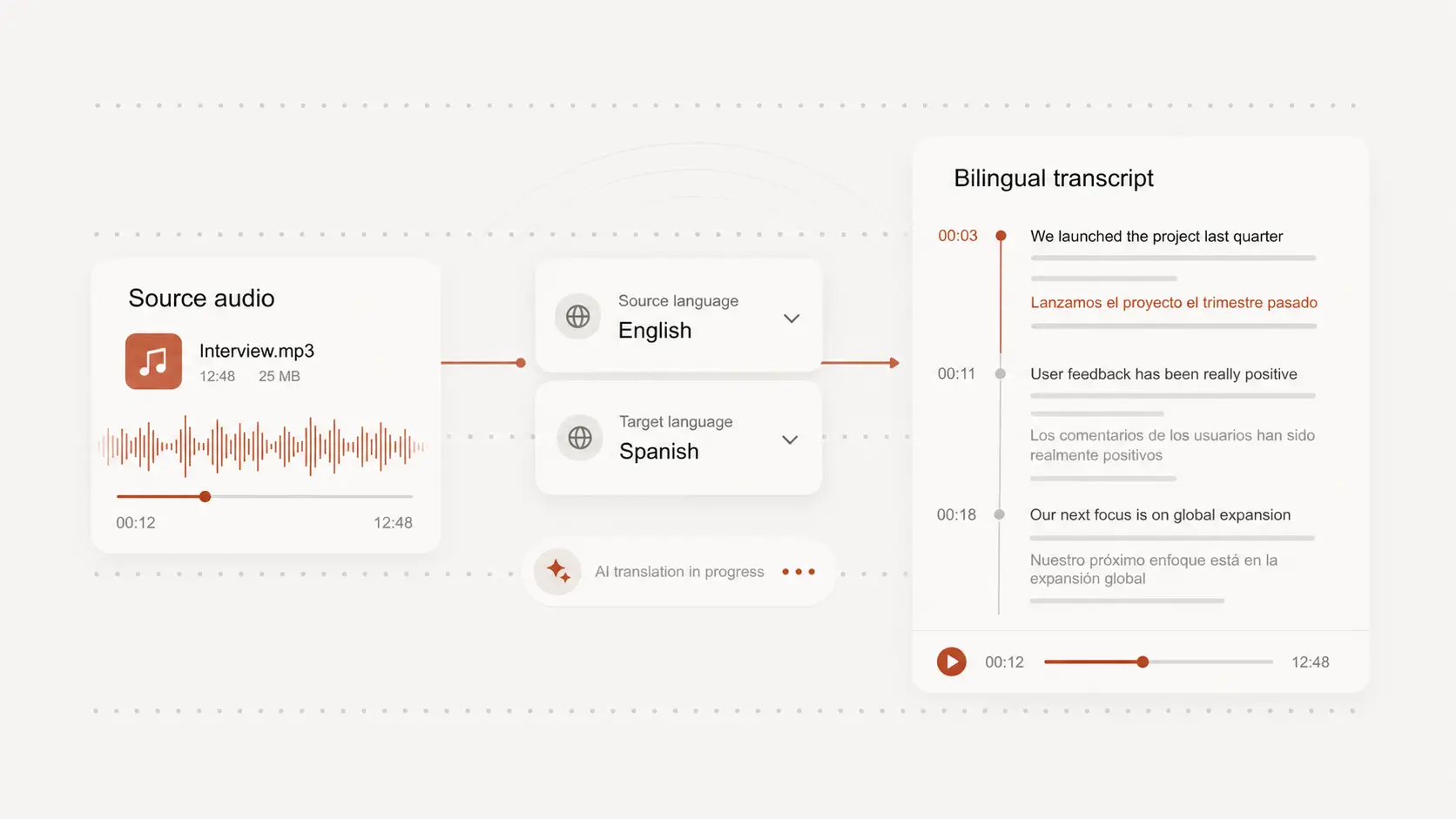
Keep a clean translated copy
A translated text version is useful for localization notes, course material, research, accessibility, or team review.
Export the final text or subtitle file after you have checked the wording that matters most.