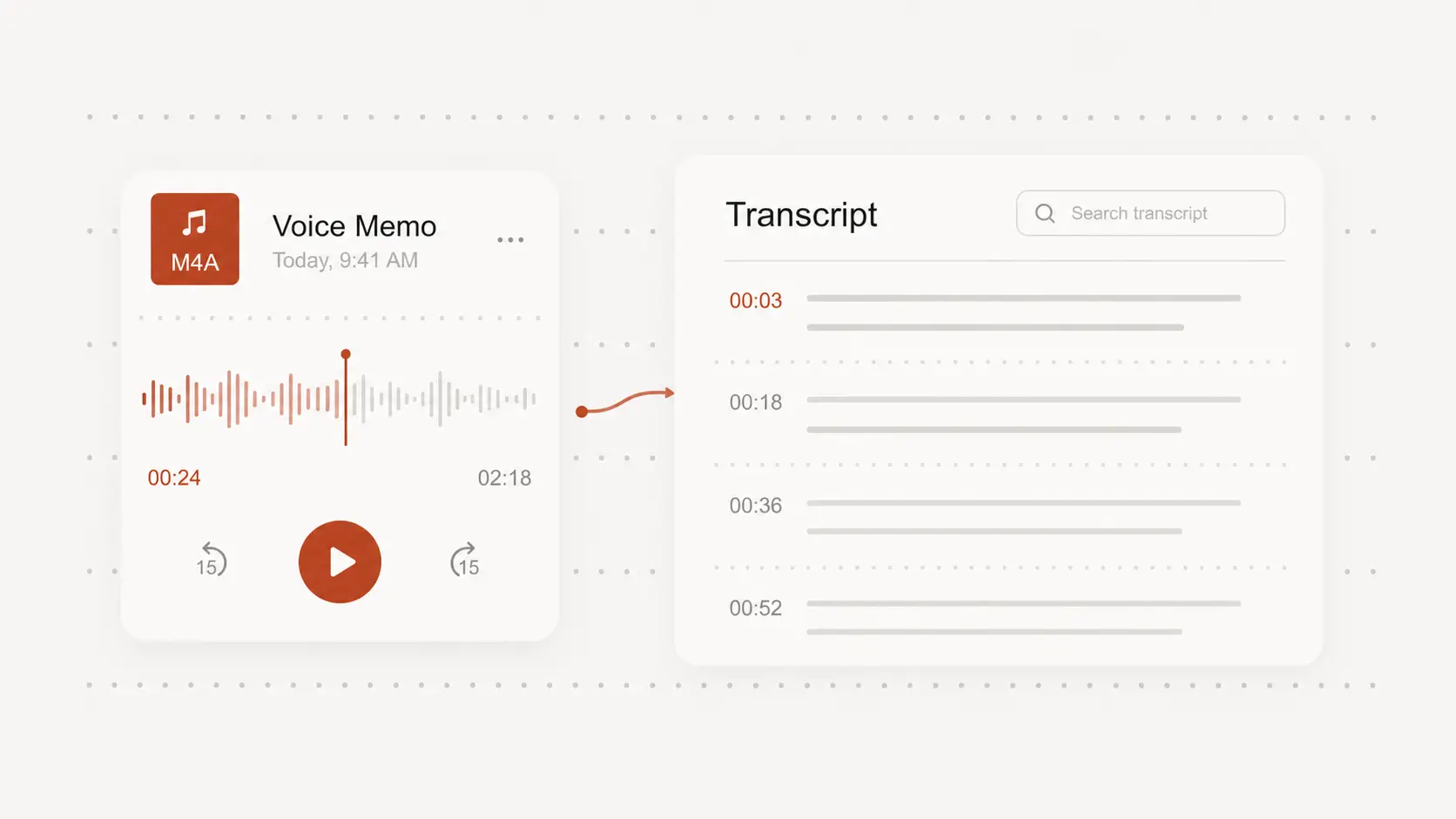
transcribe ogg
transcribe ogg audio when conversations, voice notes, interviews, or archived recordings need to become searchable text. Start free with no signup and review the result before export.
Upload audio or video file, then click Transcribe.
Upload an OGG recording directly
Add the OGG file as it is instead of converting it to another audio format first.
Direct upload is useful for recordings saved by voice applications, browsers, communication tools, and audio archives.
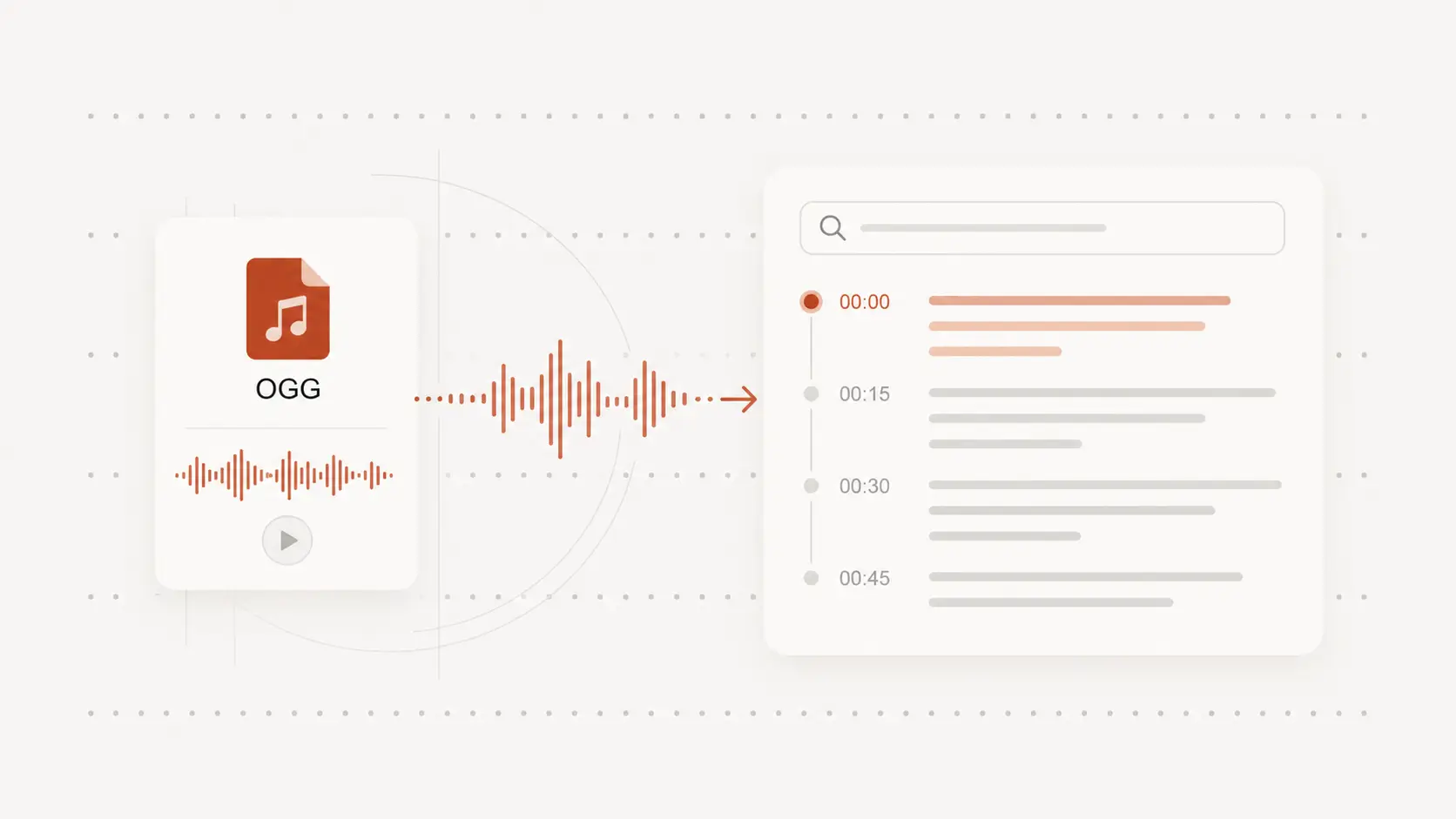
Turn OGG speech into searchable text
Transcribe interviews, discussions, voice notes, lectures, calls, and other spoken recordings.
The text makes important details easier to find, quote, organize, and reuse.
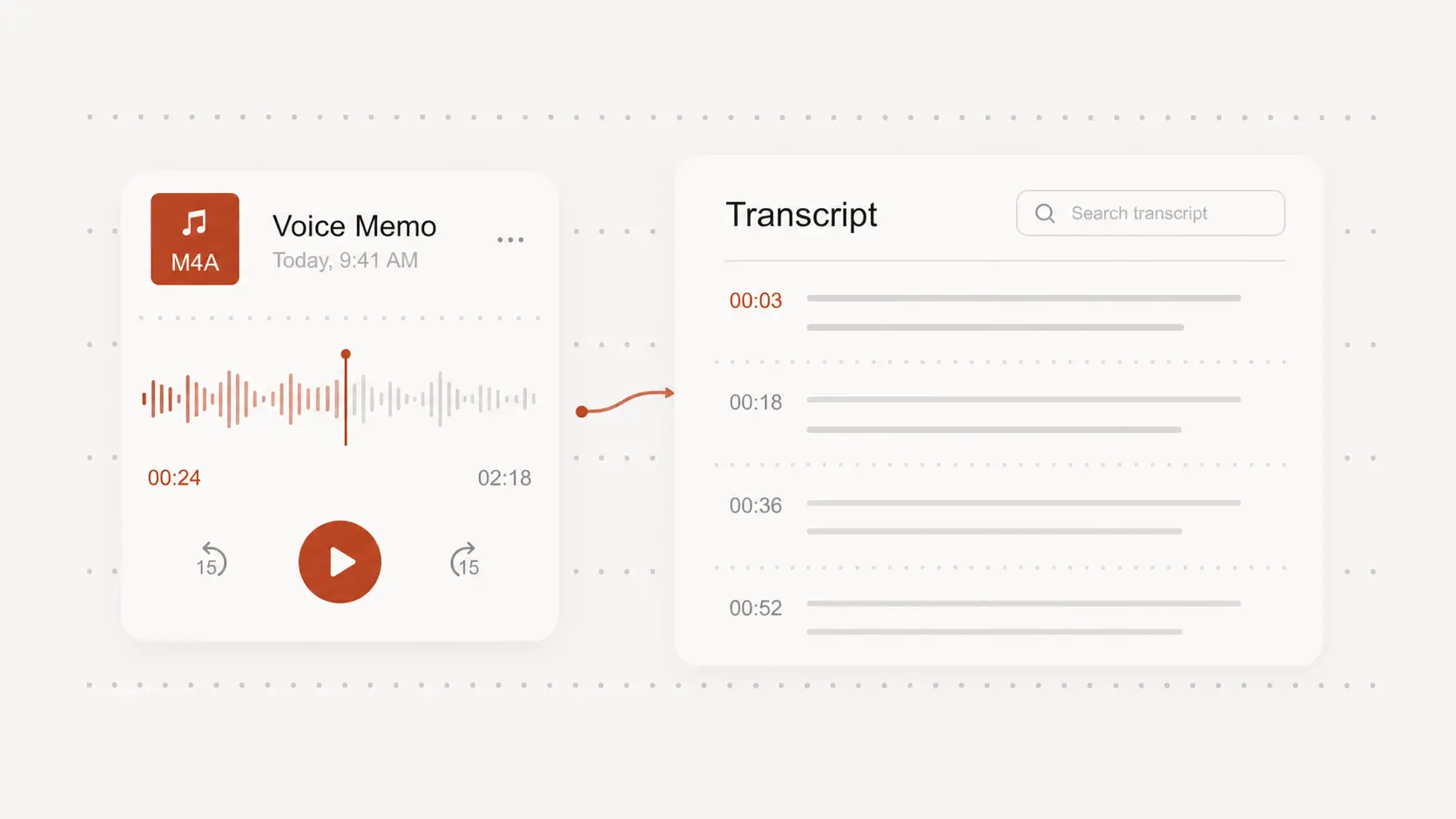
Review unclear audio with timestamps
Use timing information to revisit names, numbers, accents, overlapping speech, or sections affected by noise.
Correct the uncertain parts while keeping the rest of the transcript intact.
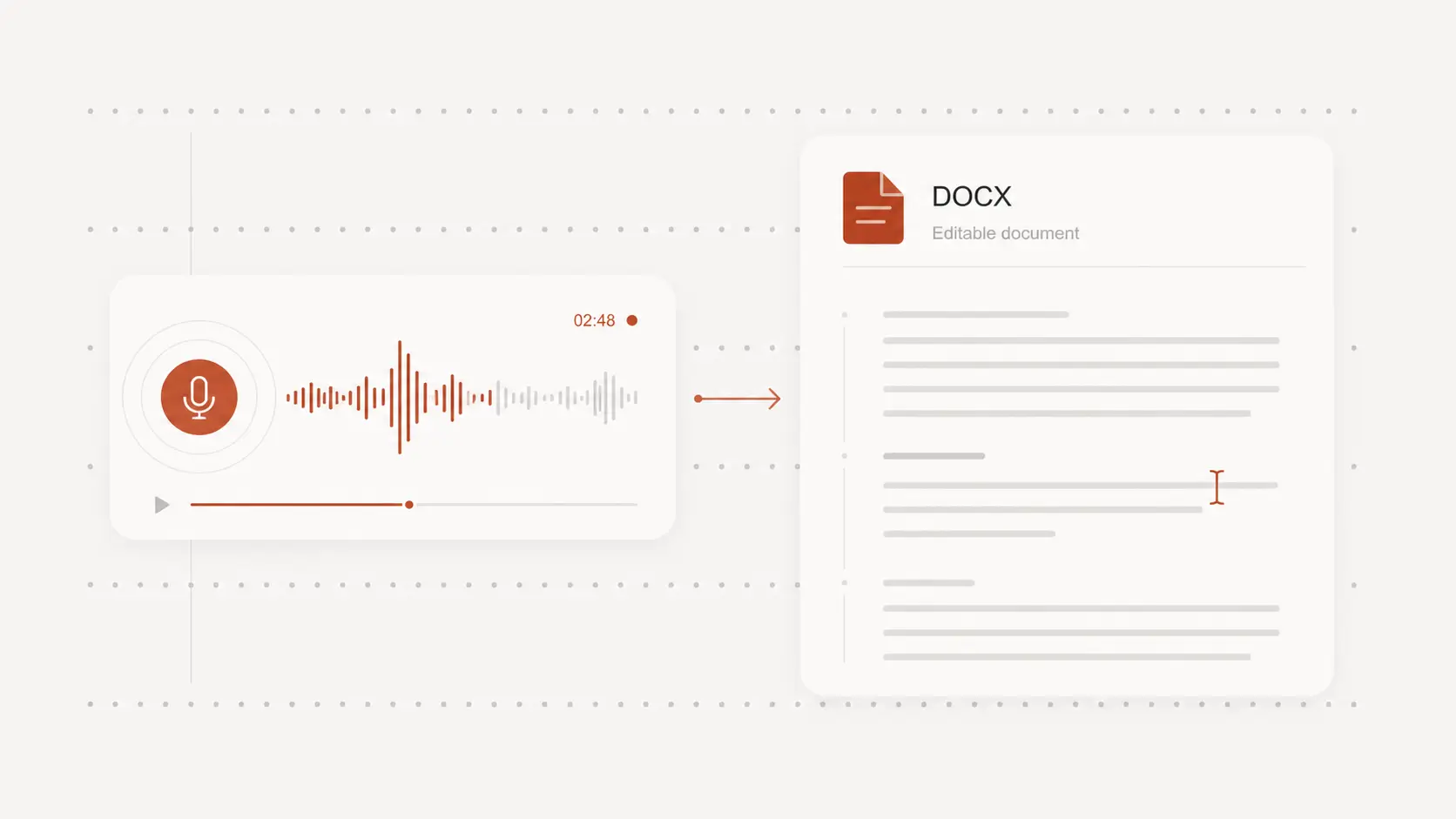
Export the OGG transcript for its next use
Download text, document, PDF, or CSV formats for notes, records, research, and collaboration.
Export SRT or VTT when the timing should remain available for captions or media review.