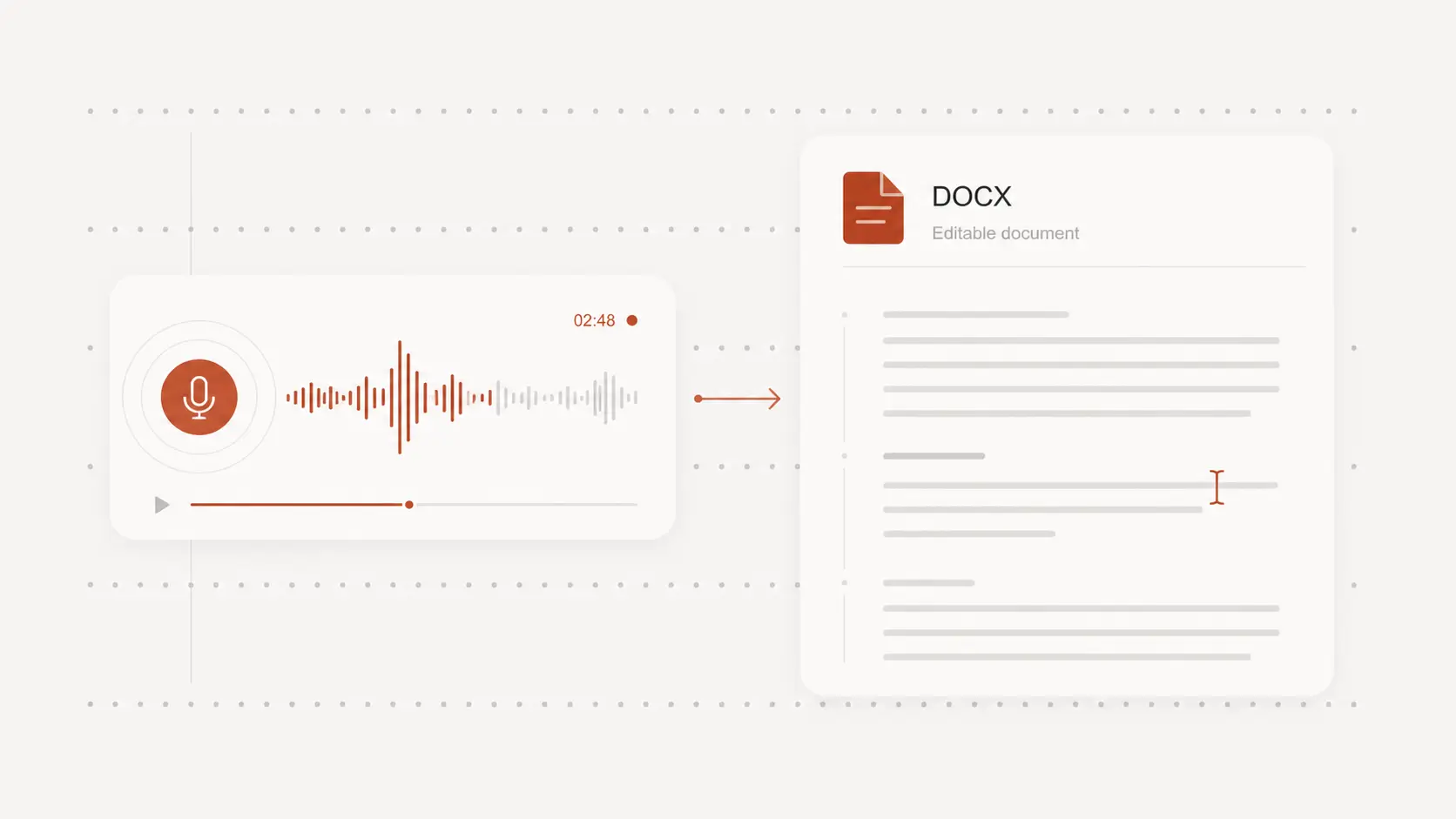
transcribe lectures to text
transcribe lectures to text helps you turn long class recordings into readable study material with timestamps. Upload audio or video and try it free without creating an account.
Upload audio or video file, then click Transcribe.
Turn class recordings into notes
Lecture recordings can be hard to revisit when definitions, examples, and assignments are spread across an hour of speech.
Convert the audio or video into text first, then shape the useful parts into study notes.
Review long lessons faster
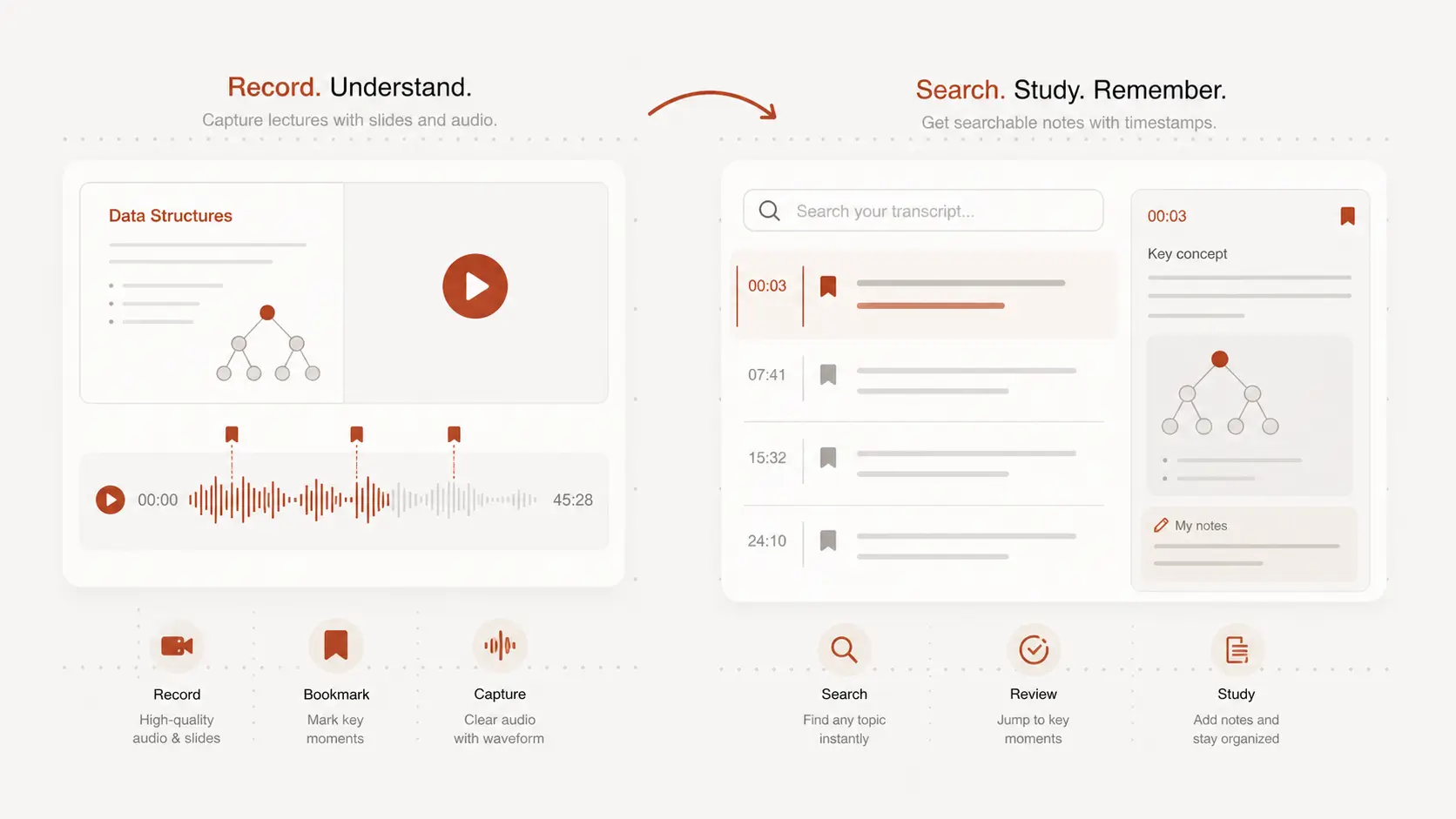
A transcript lets you skim the lecture before an exam, search for a term, and jump back to the part that needs another listen.
This is especially helpful for seminars, recorded classes, webinars, and dense technical explanations.
Keep timestamps for references
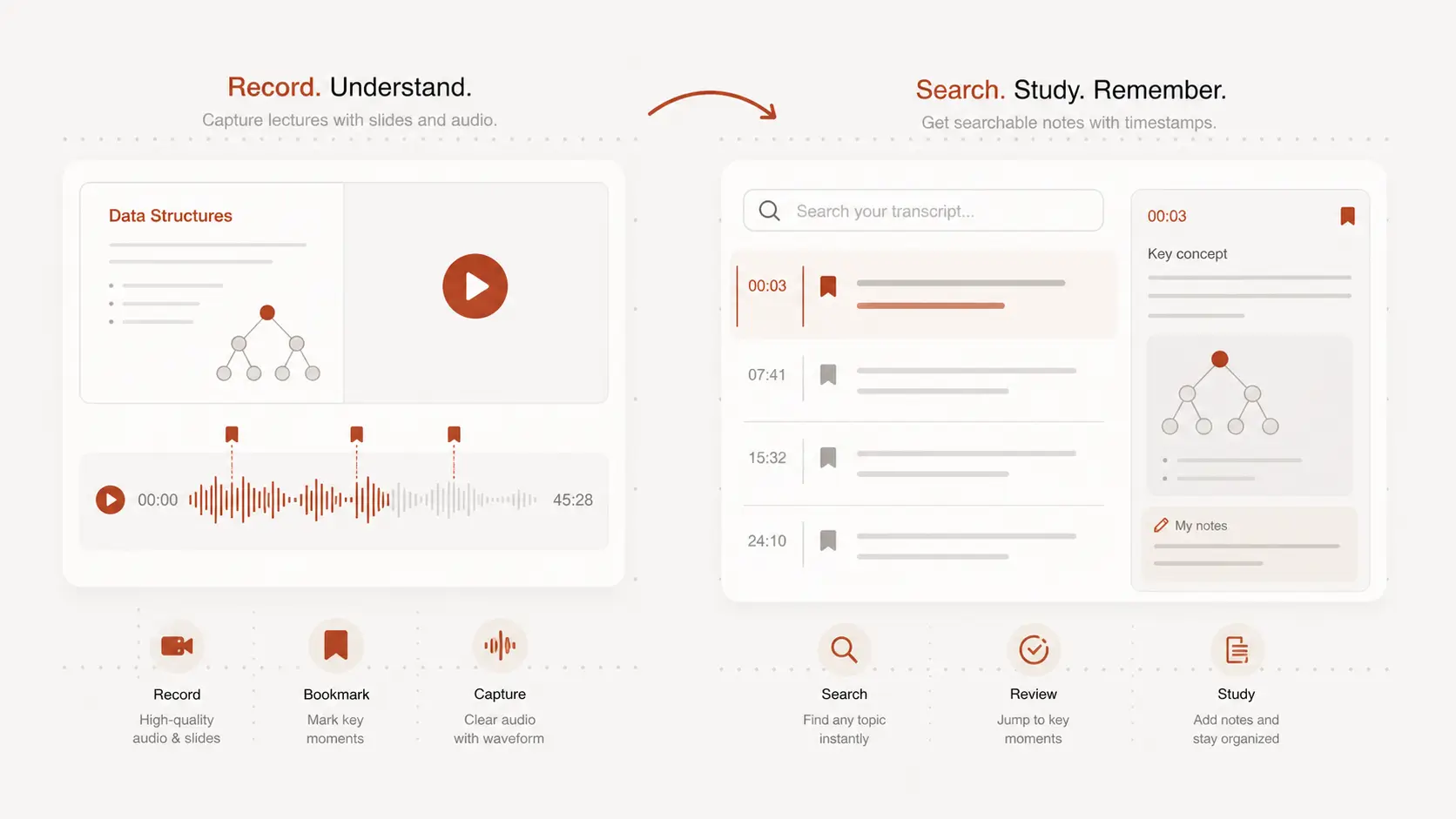
Timestamps make it easier to cite a moment, check a formula, or confirm what the instructor said.
Use the text as a working draft, then verify important names, numbers, and subject terms against the recording.
Use audio, video, or recording
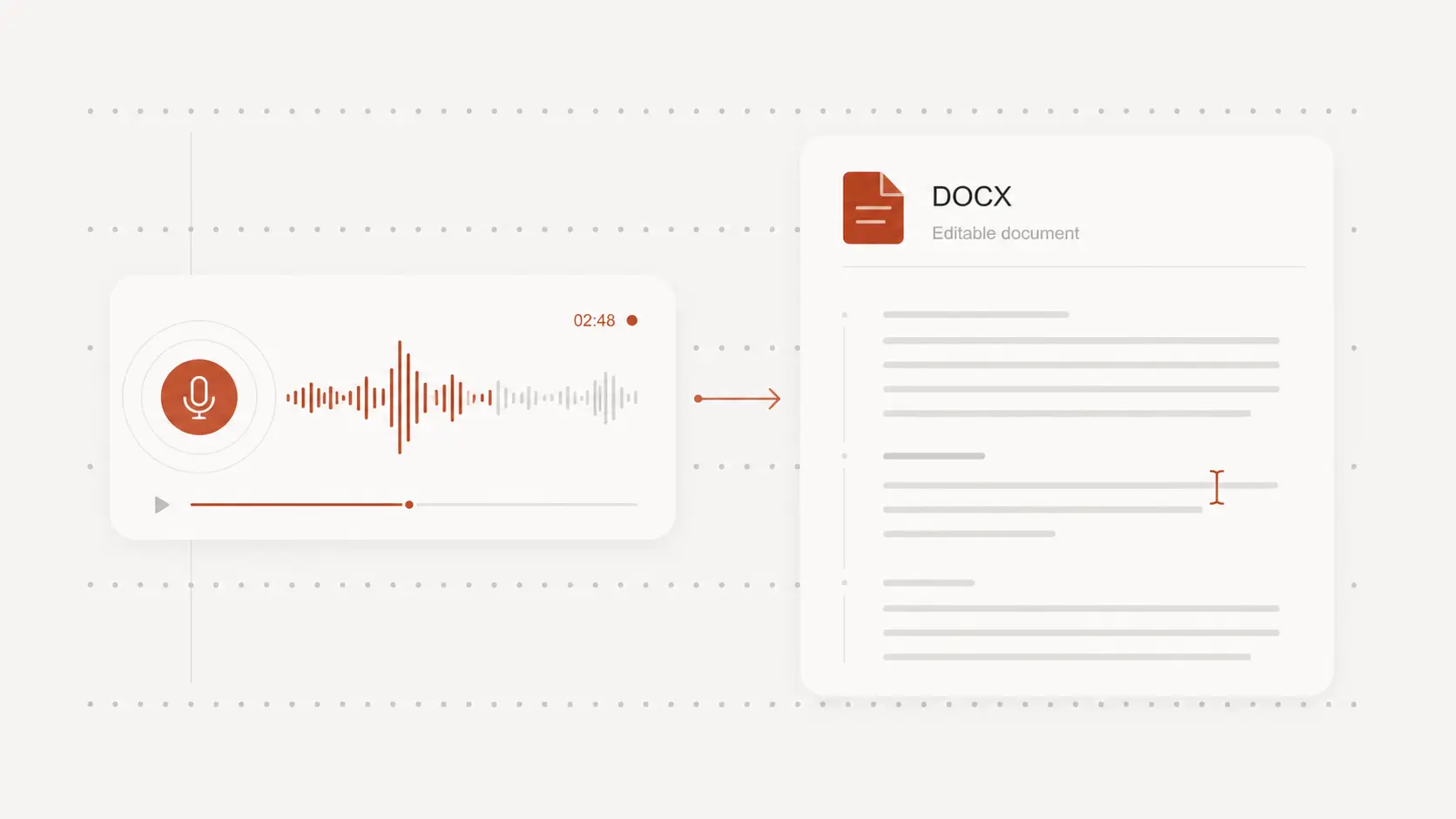
Upload a saved lecture file, paste a supported video link, or record from your microphone when you need a quick transcript.
After review, export the text for study guides, class notes, research summaries, or shared group materials.