srt gen
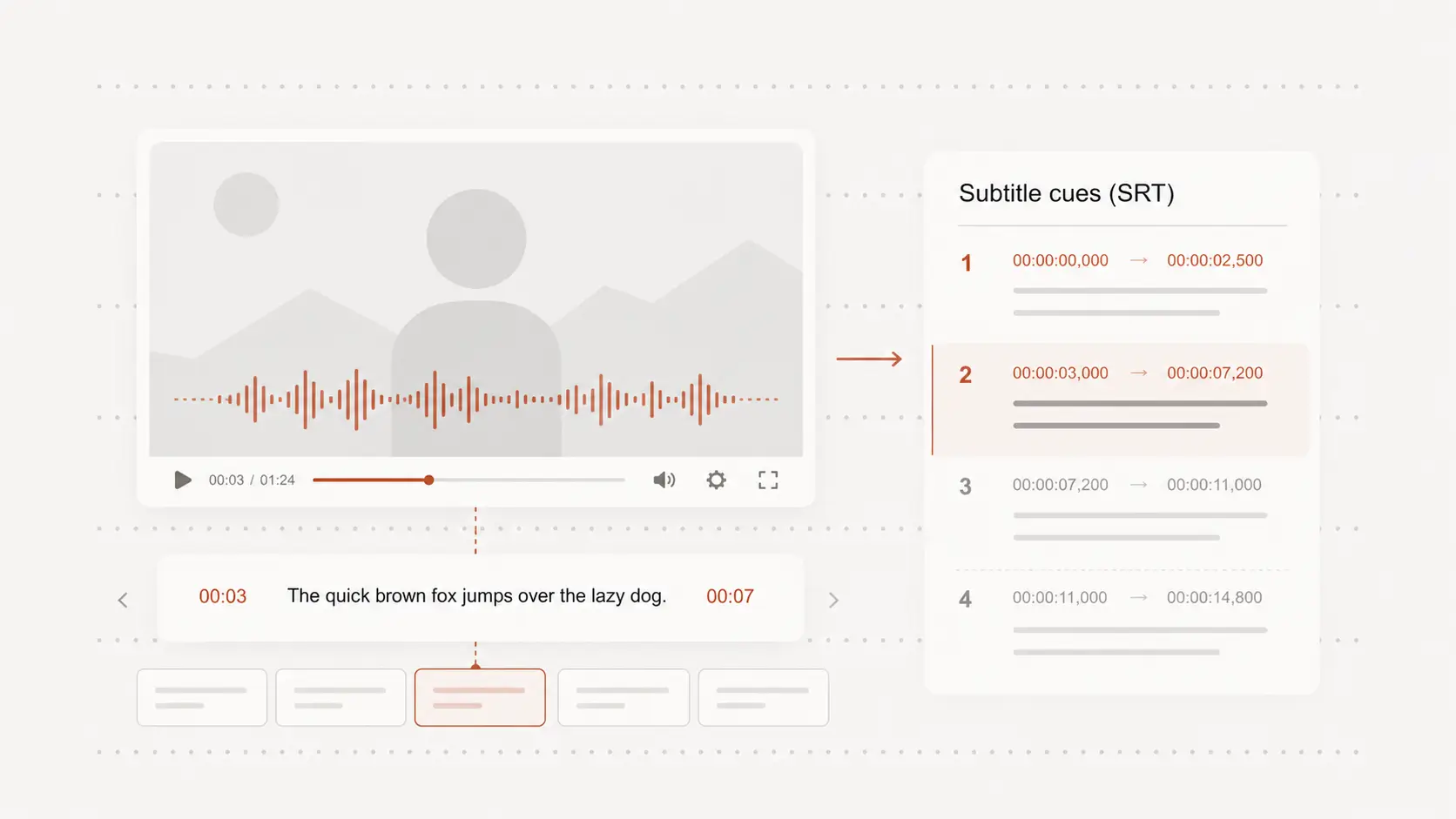
srt gen helps make timed subtitles for videos, lessons, clips, or edits without building the timestamp file by hand. Start free with no signup.
Upload audio or video file, then click Transcribe.
Generate timed subtitle cues
srt gen works best when each subtitle has readable text, a clear start time, and a clear end time.
Upload audio or video, create timed cues, and review the result before downloading the subtitle file.
Make video captions easier to publish
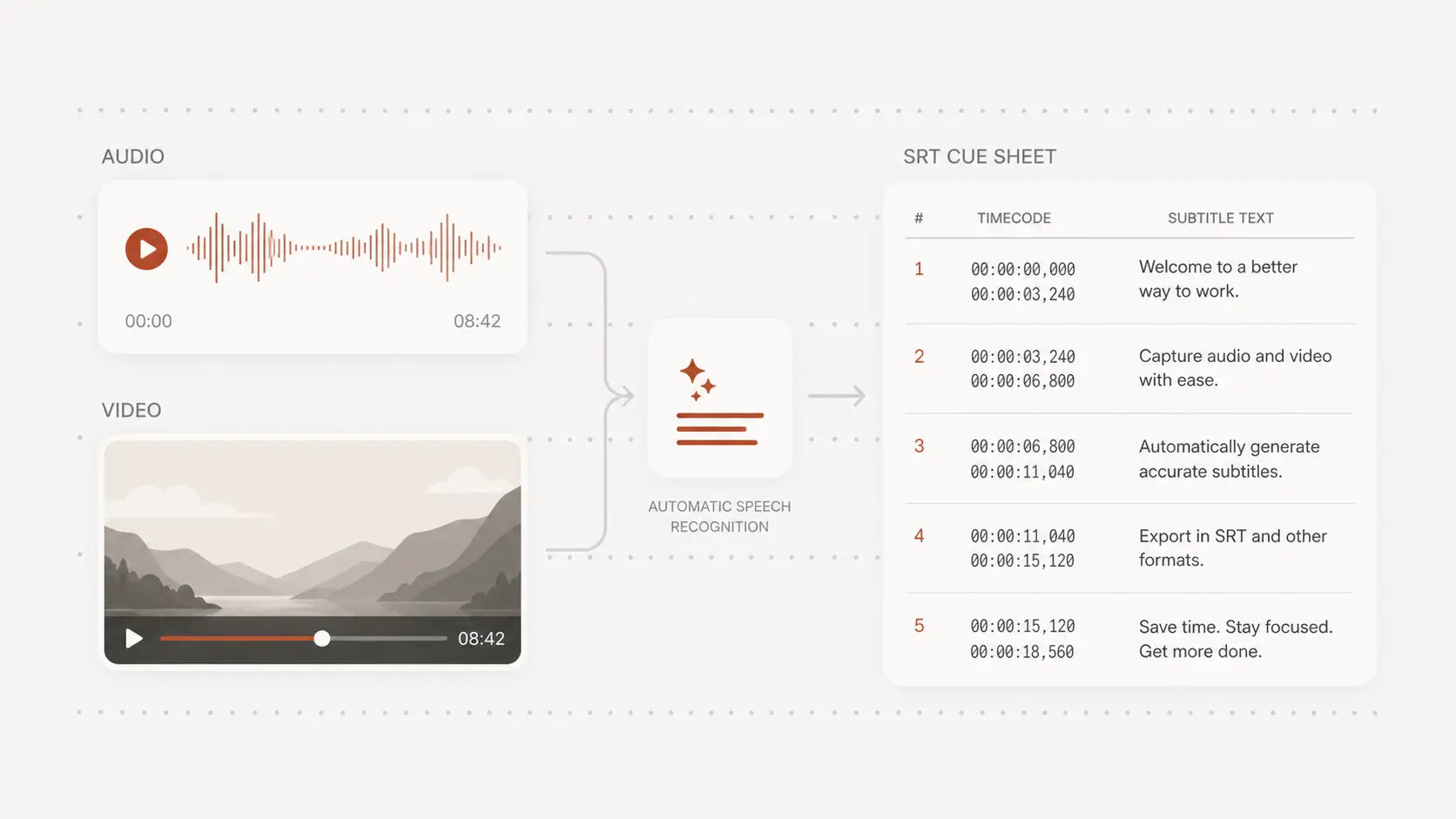
Many video platforms, editors, and review workflows can use SRT when captions need to travel with a finished clip.
The generated file saves you from typing timestamps by hand and gives you a practical starting point for publishing.
Check line breaks and timing
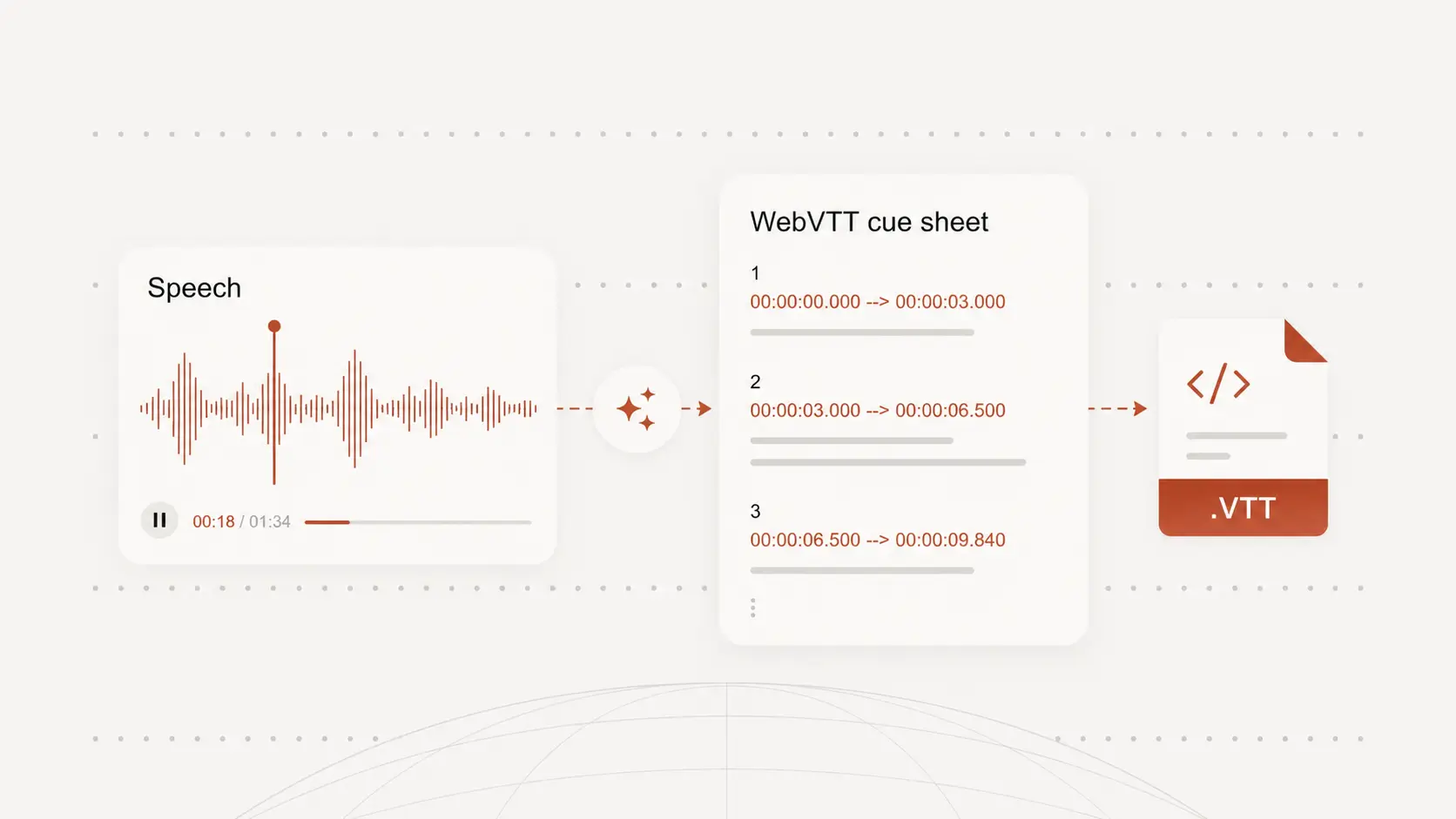
Good subtitles need short lines, sensible breaks, and timing that does not run ahead of the speaker.
Review fast sections, long pauses, and important wording so the captions feel clear when the video plays.
Download SRT and keep other formats
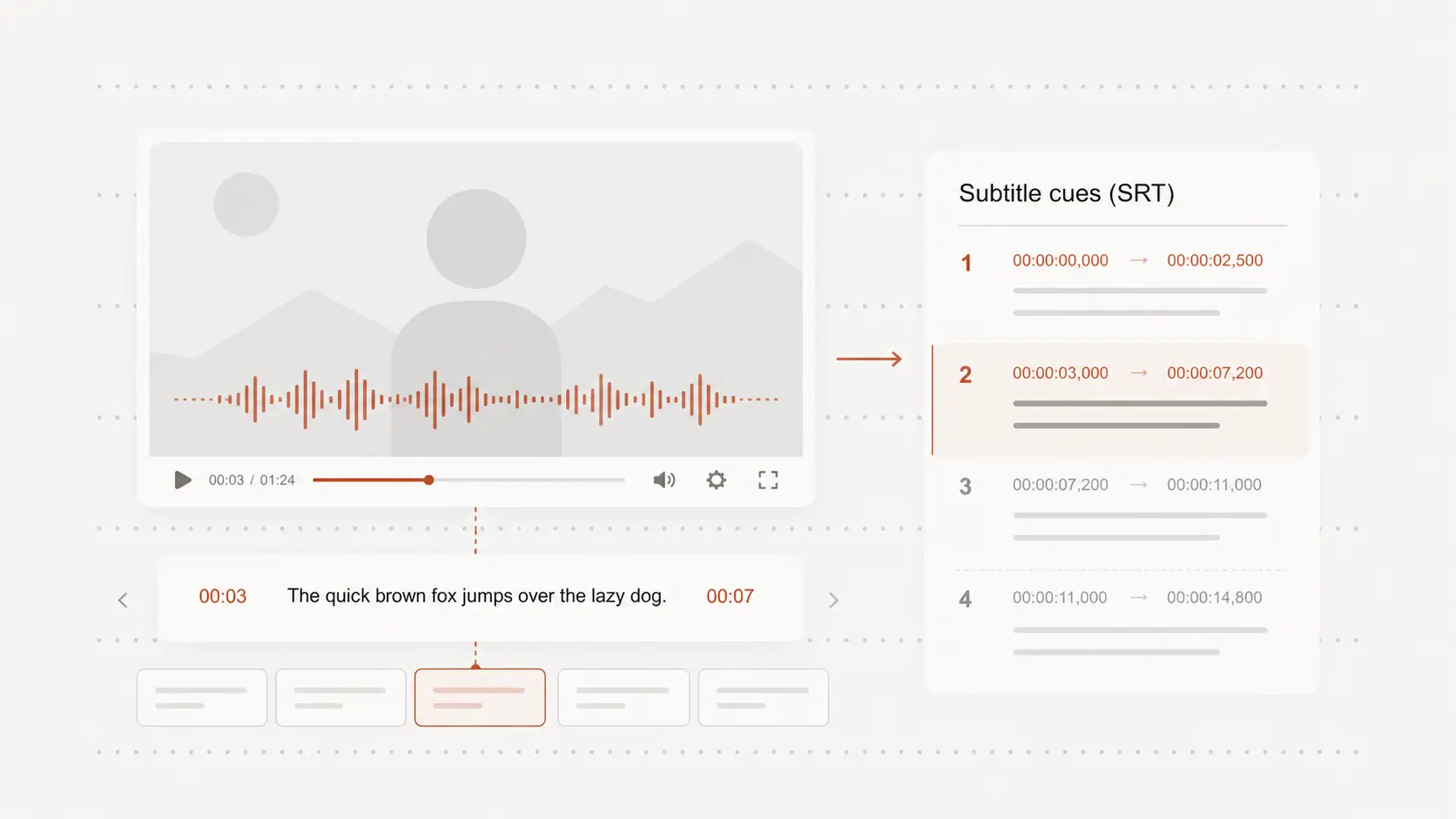
SRT is useful for subtitles, but the same transcript may also need TXT, DOCX, PDF, VTT, or another handoff format.
Create the transcript once, then export the file type that fits editing, review, publishing, or archiving.