“The timestamps give every excerpt a clear route back to the recording when I need to recheck tone or surrounding context.”
D
Dr. Hannah Cole
Qualitative researcher
Qualitative transcription turns recorded interviews, discussions, and observations into text ready for careful review. Start with one recording for free—there is no signup step.
Upload audio or video file, then click Transcribe.
Upload an interview, group discussion, or recorded observation and create text you can read closely. Keep participants’ own words tied to timestamps as you prepare the material for analysis.

Qualitative work often depends on how a participant describes an experience, including the phrases, pauses, and examples that carry meaning.
Read the transcript beside the recording and correct names, specialist terms, or unclear wording before using a passage as evidence.
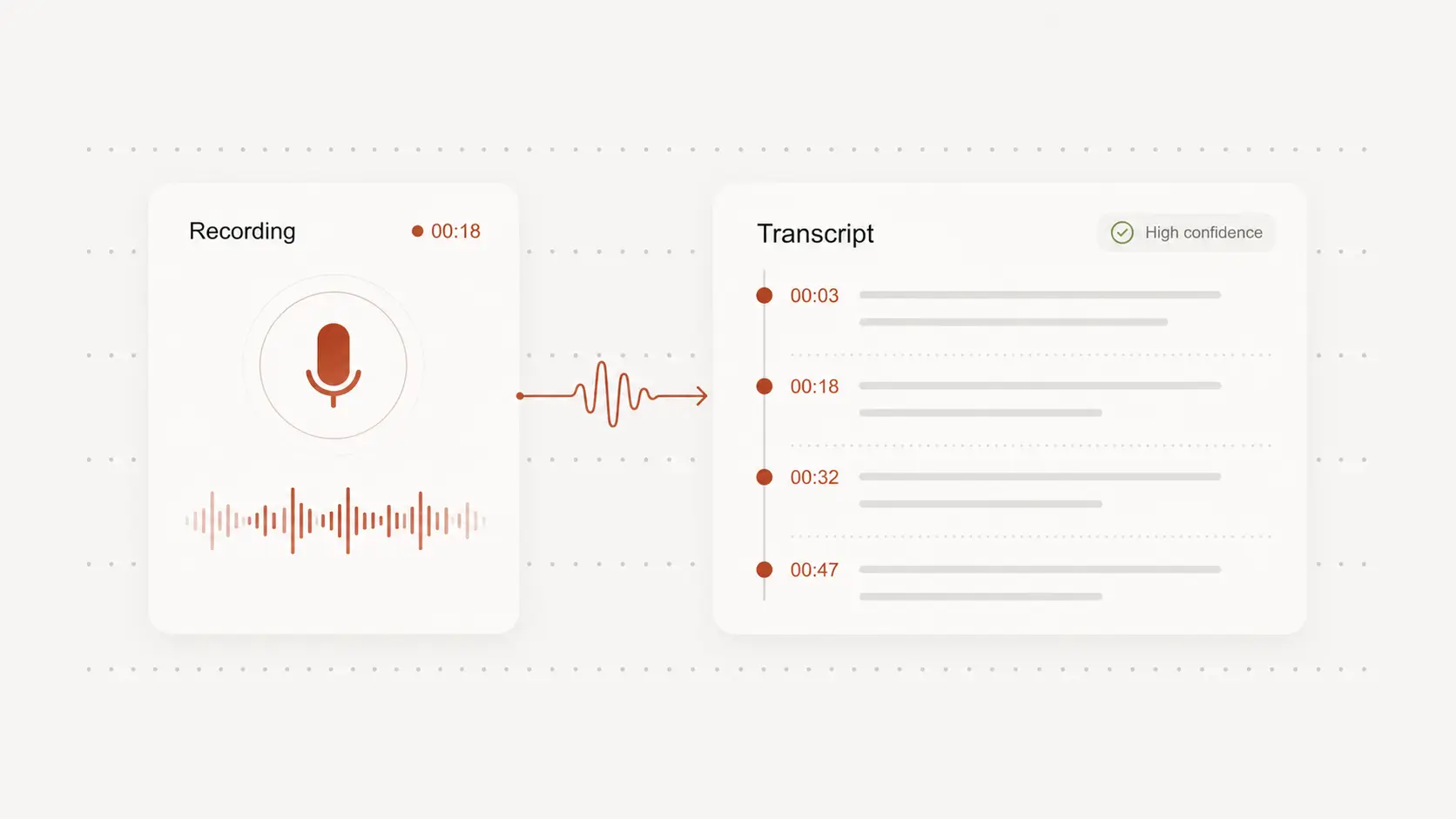
Searchable text and timestamps help you move through lengthy interviews, focus groups, and field recordings without relying on memory alone.
Find a recurring phrase or contrasting response, then return to the source audio to consider tone, sequence, and surrounding context.
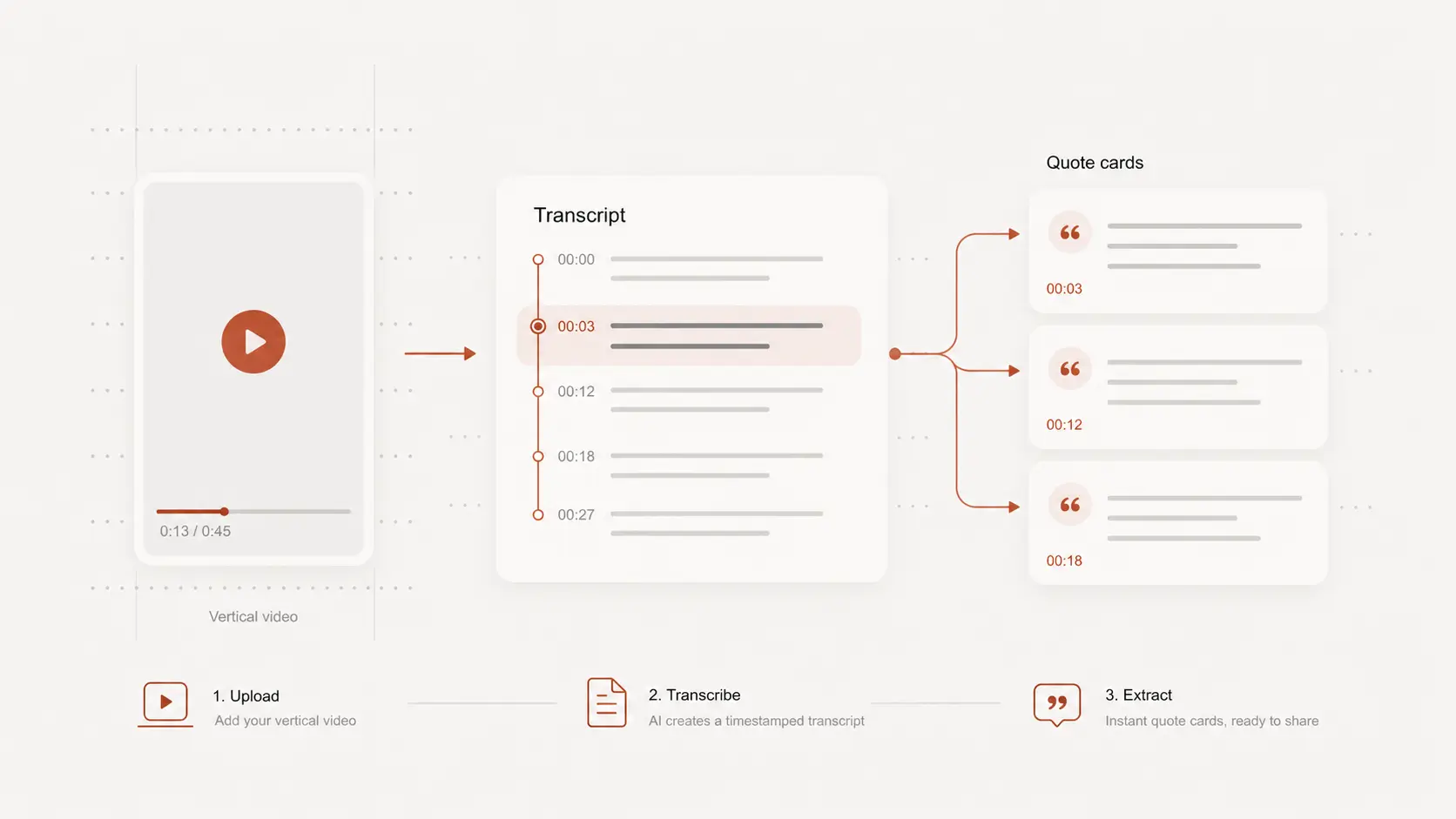
Review and standardize the draft before coding passages, comparing cases, or developing themes across sessions.
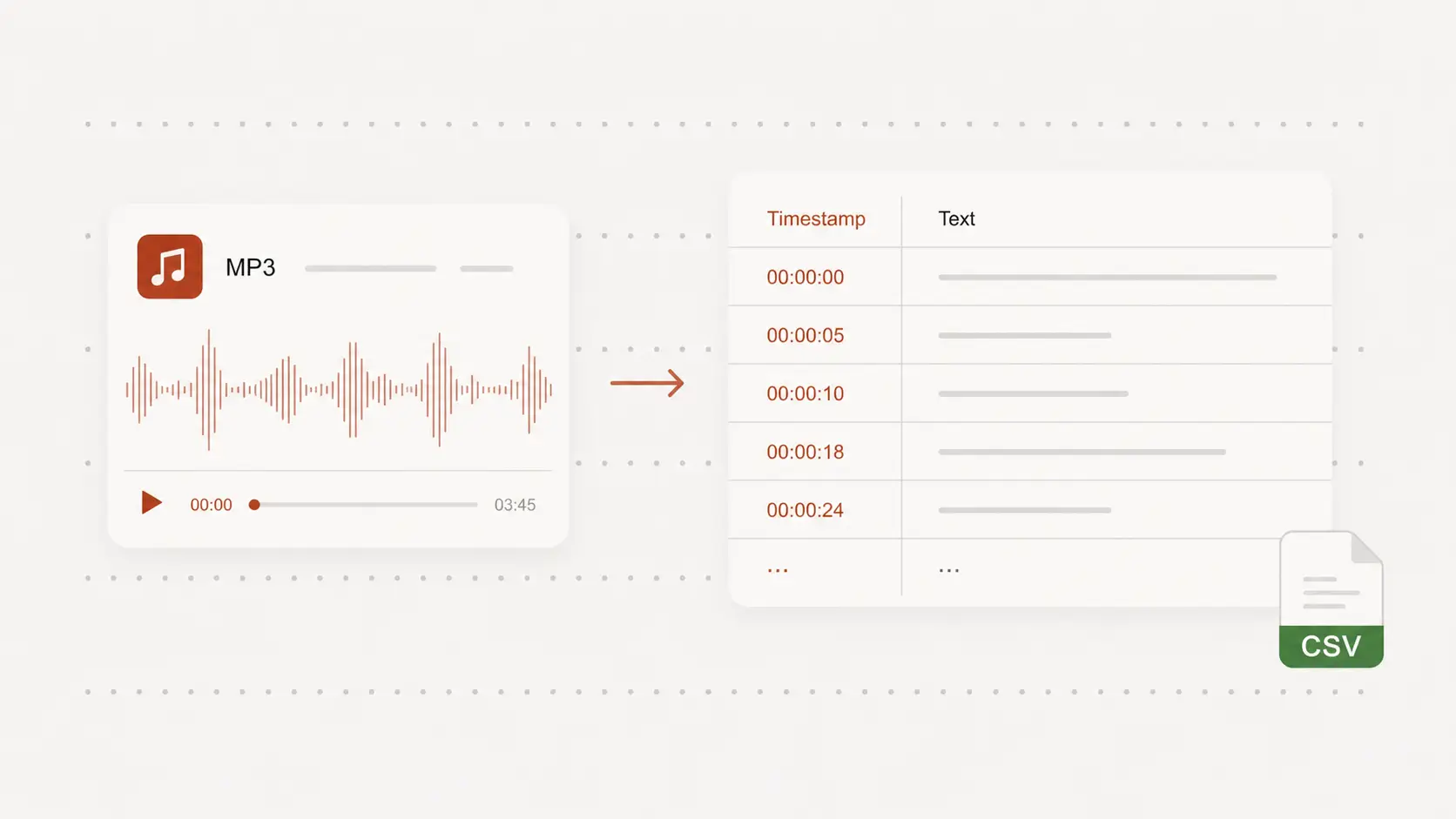
Export editable text or documents, then bring the reviewed material into the analysis workflow and research tools you already use.
Testimonials
Researchers working with interviews and group discussions value transcripts that keep quotations connected to the original recording. Editable text also makes review and coding easier to manage.
“The timestamps give every excerpt a clear route back to the recording when I need to recheck tone or surrounding context.”
Dr. Hannah Cole
Qualitative researcher
“Searchable interview text helps me notice repeated language across sessions before I begin formal coding.”
Mateo Ruiz
Doctoral candidate
“I can correct participant names and project terminology while listening, then export a cleaner working transcript.”
Fiona Kelly
Research associate
“Long customer interviews become easier to navigate when each comment stays attached to a point in the recording.”
Avery Brooks
UX researcher
“The transcript is a useful first pass for comparing responses while I keep the audio available for careful interpretation.”
Leila Hassan
Field researcher
“Editable exports let our team standardize the material before it moves into the rest of our analysis workflow.”
Thomas Nguyen
Research coordinator