opus to text
opus to text helps you read and search speech stored in the compact OPUS format. Start free with no signup and export the finished transcript in the format you need.
Upload audio or video file, then click Transcribe.
Upload OPUS without converting it first
Add an OPUS file directly instead of changing it to MP3 or WAV before transcription.
This keeps the workflow short when the recording already comes from a messaging, calling, or recording application.
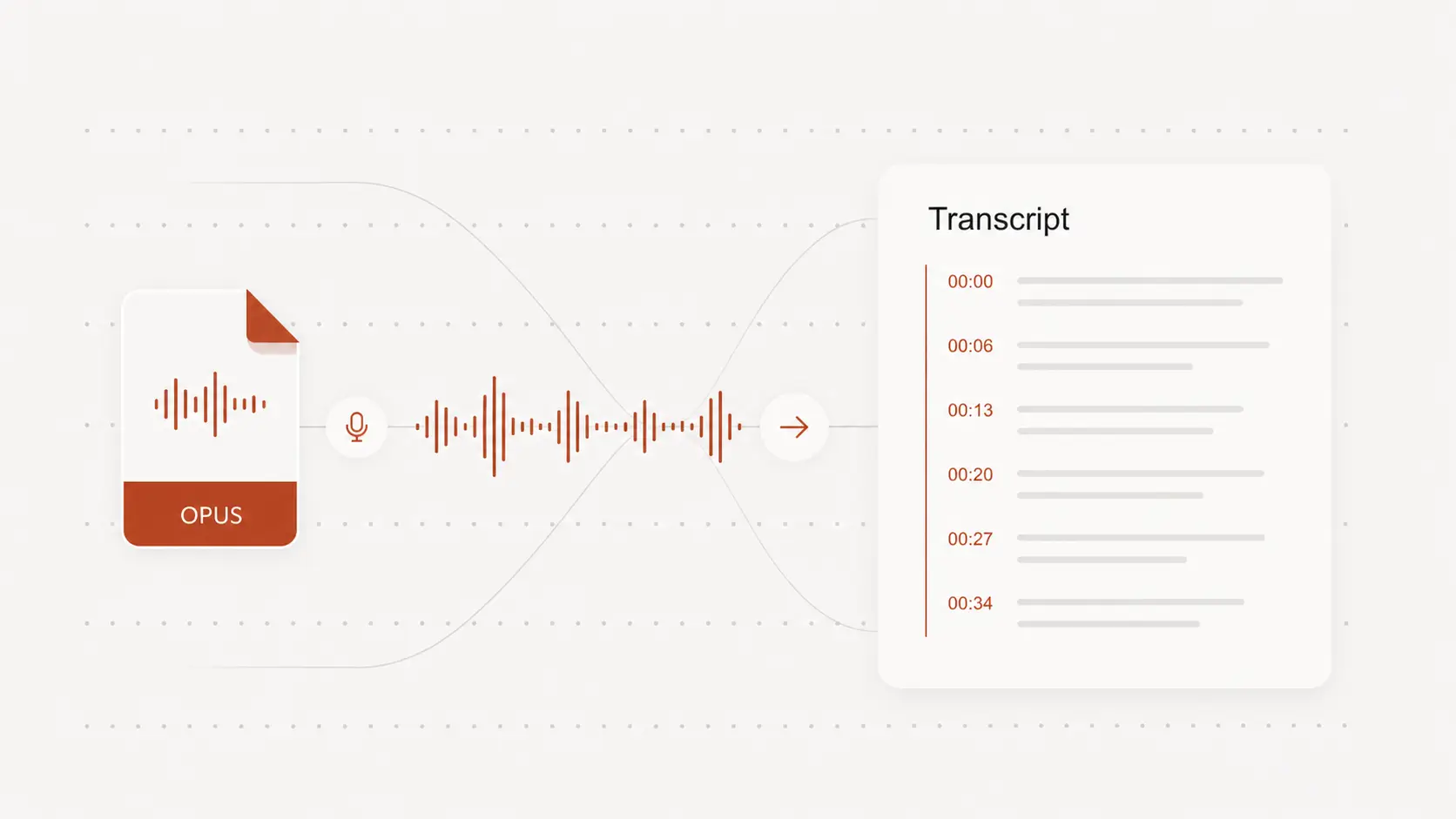
Transcribe voice messages, calls, and recordings
Convert interviews, meeting audio, voice notes, online calls, and other spoken OPUS files into searchable text.
Long recordings become easier to scan when the words are no longer locked inside the audio.
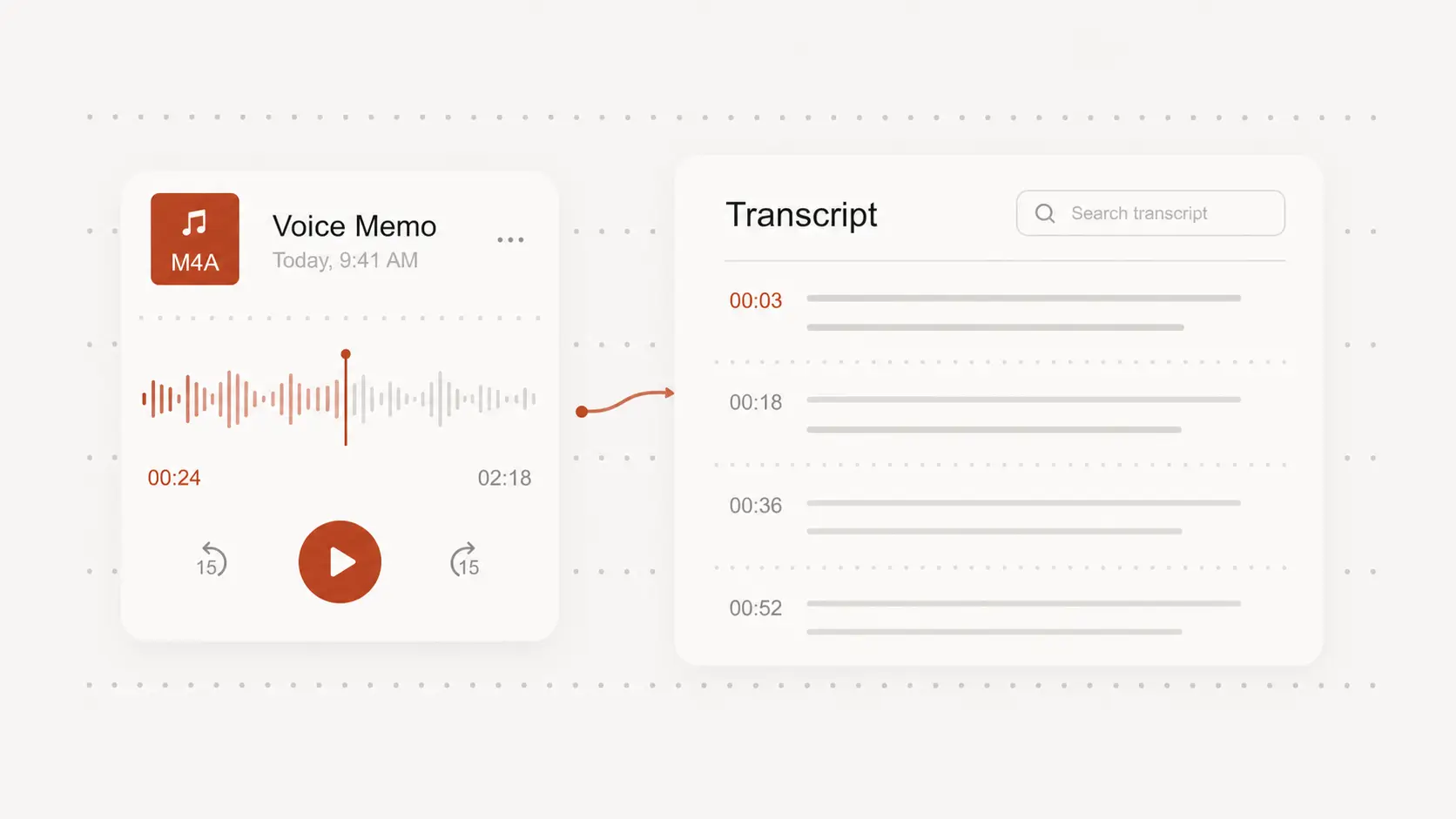
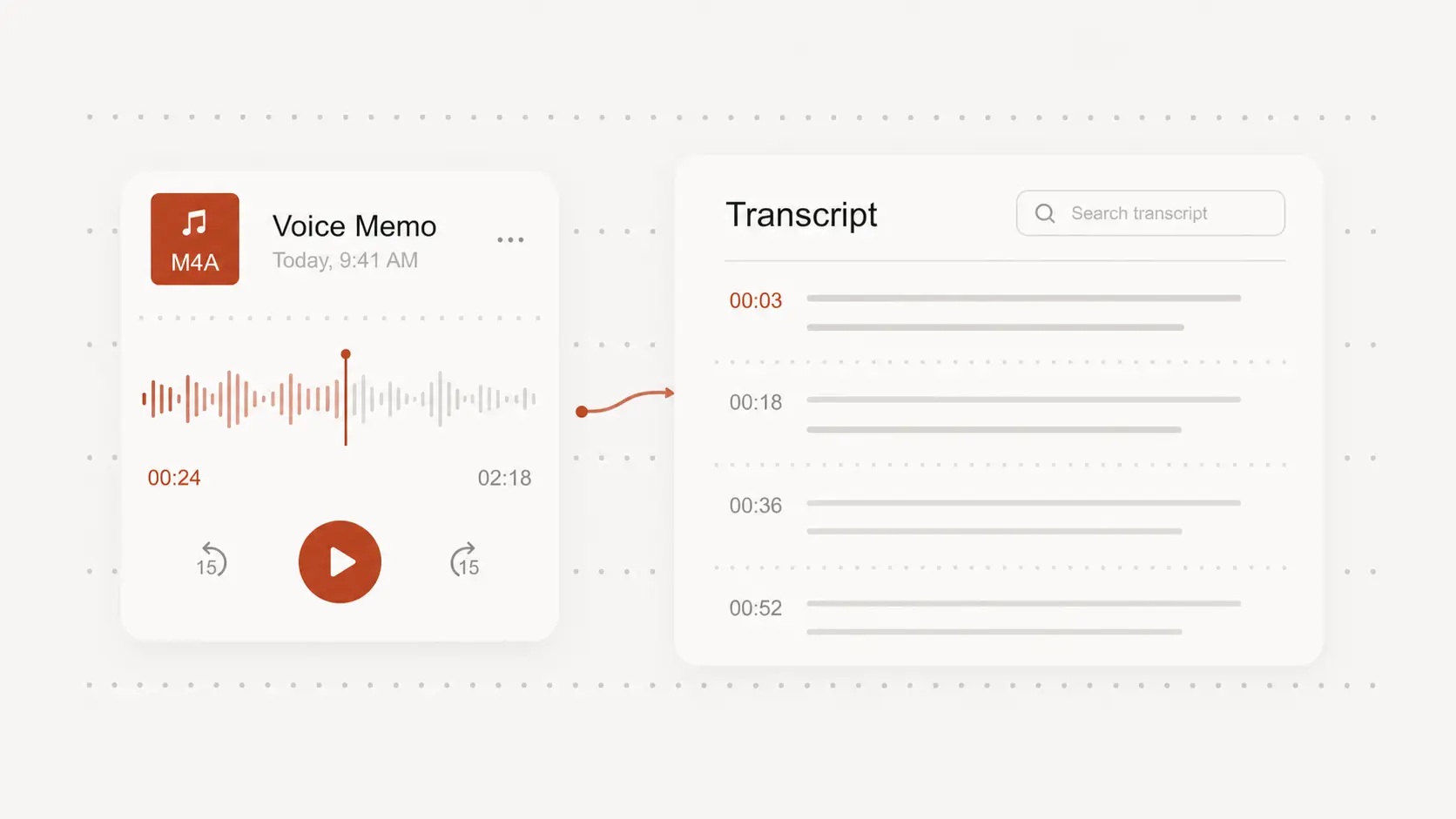
Use timestamps to verify the transcript
Check names, numbers, technical terms, and unclear sections against their original position in the OPUS recording.
Editing only the uncertain passages is faster than replaying the entire file.
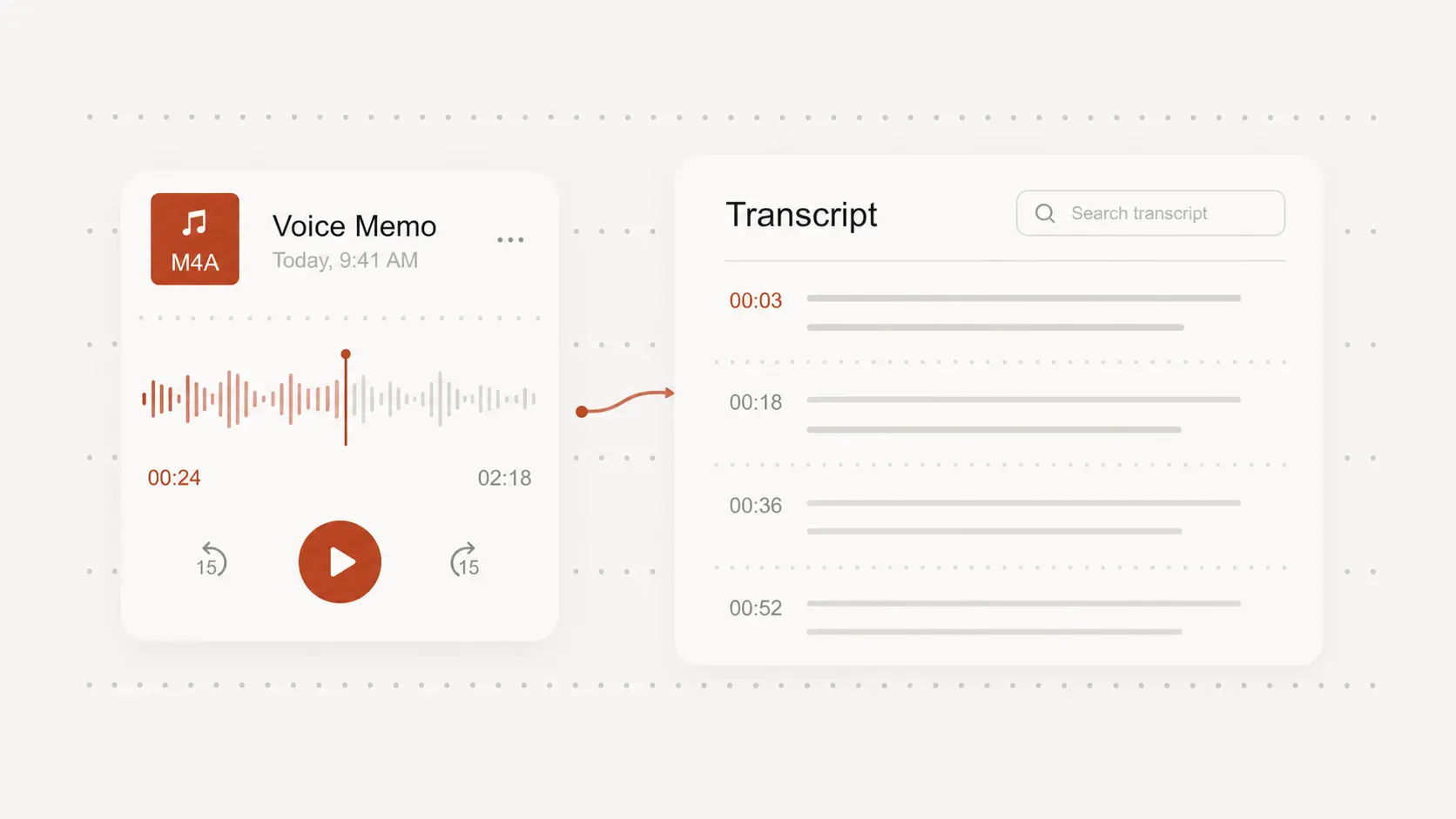
Export OPUS speech in useful formats
Download TXT, DOCX, PDF, or CSV for reading, editing, documentation, and research.
Choose SRT or VTT when the transcript also needs subtitle timing.