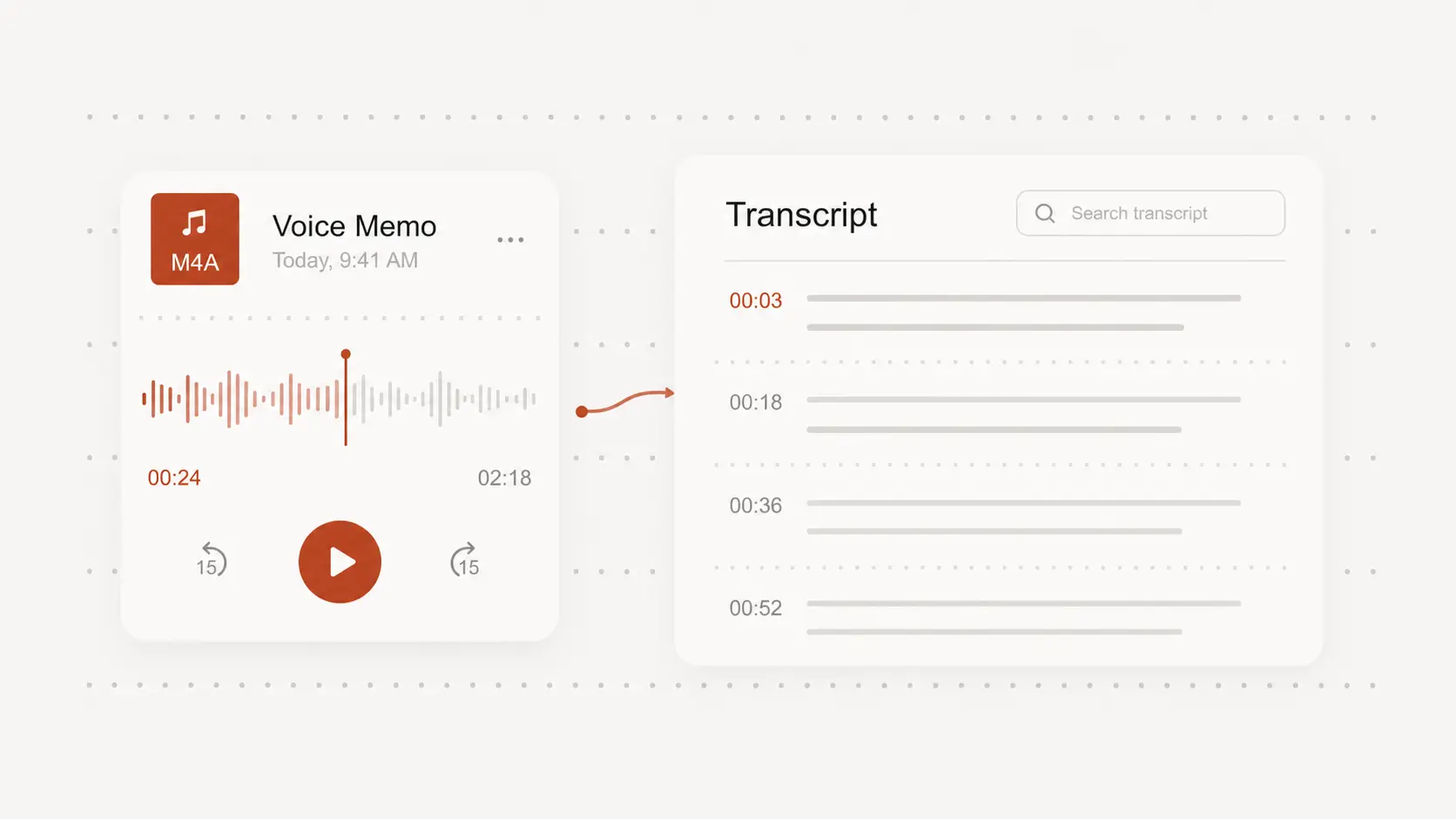
m4a file to transcript
m4a file to transcript for free, no signup needed. Add an M4A audio file and create a readable transcript you can review, copy, and export.
Upload audio or video file, then click Transcribe.
Turn voice memos into text
M4A files often come from phones, recorders, and meeting apps where the useful details are trapped in playback. Convert the speech into text so names, dates, decisions, and follow-ups are easier to find.
Keep the recording context
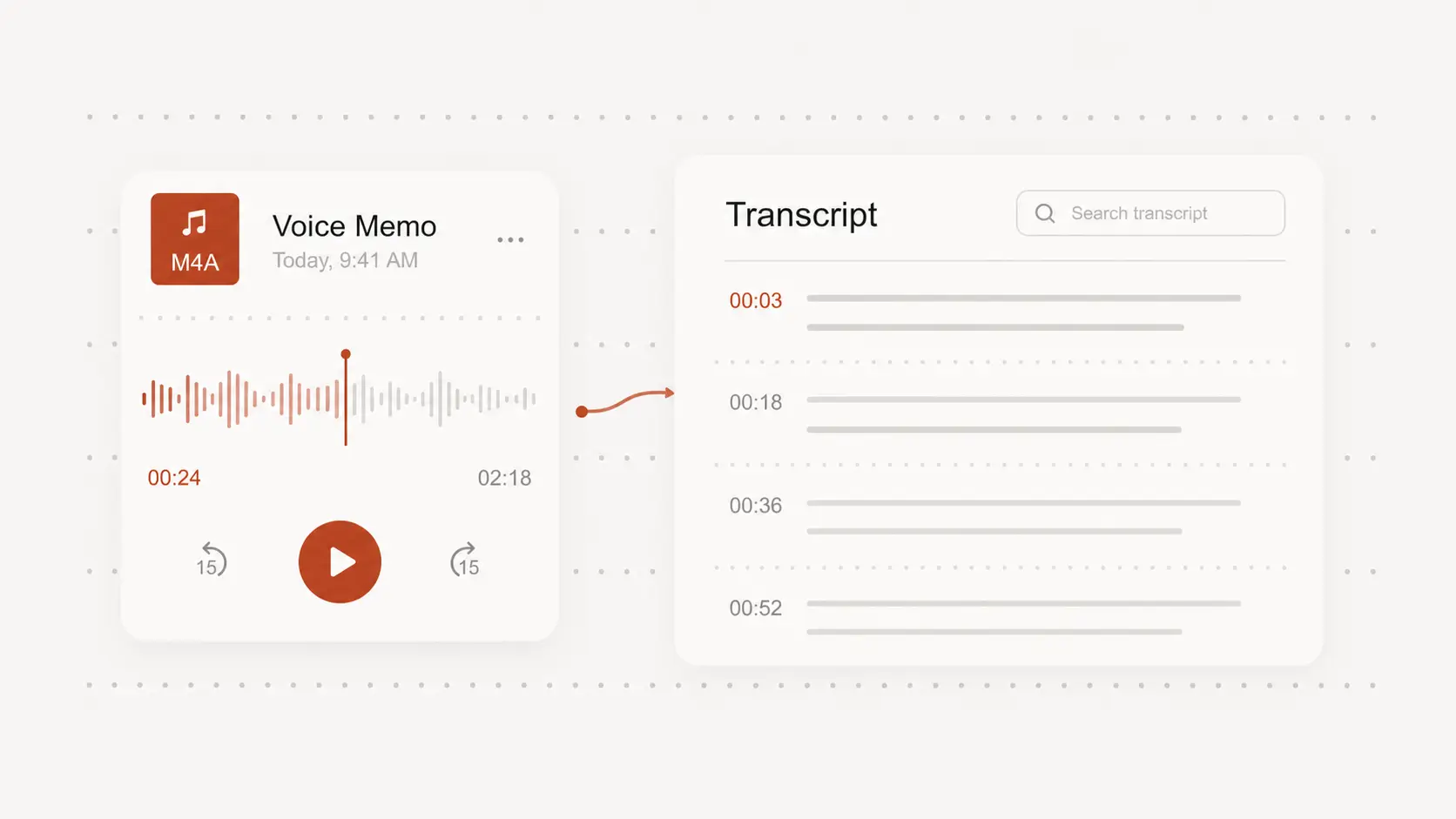
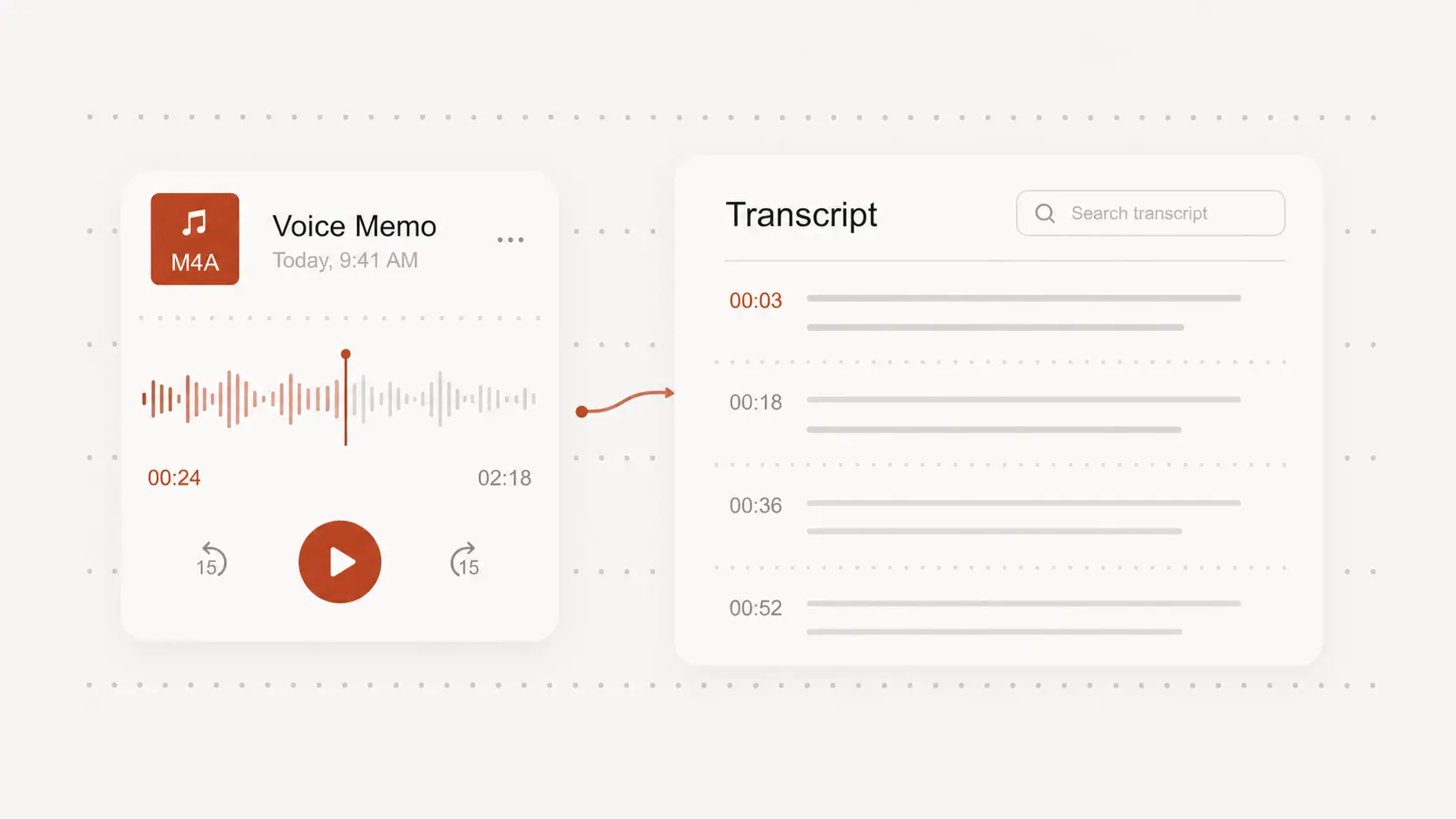
A transcript is easier to scan when timestamps stay close to the spoken lines. Use them to jump back to unclear words, quiet sections, or moments where the speaker changes topic.
Clean up calls and interviews
M4A recordings can include pauses, filler words, room noise, and uneven volume. Start with a draft transcript, then edit important quotes and terms against the original audio.
Export a practical transcript
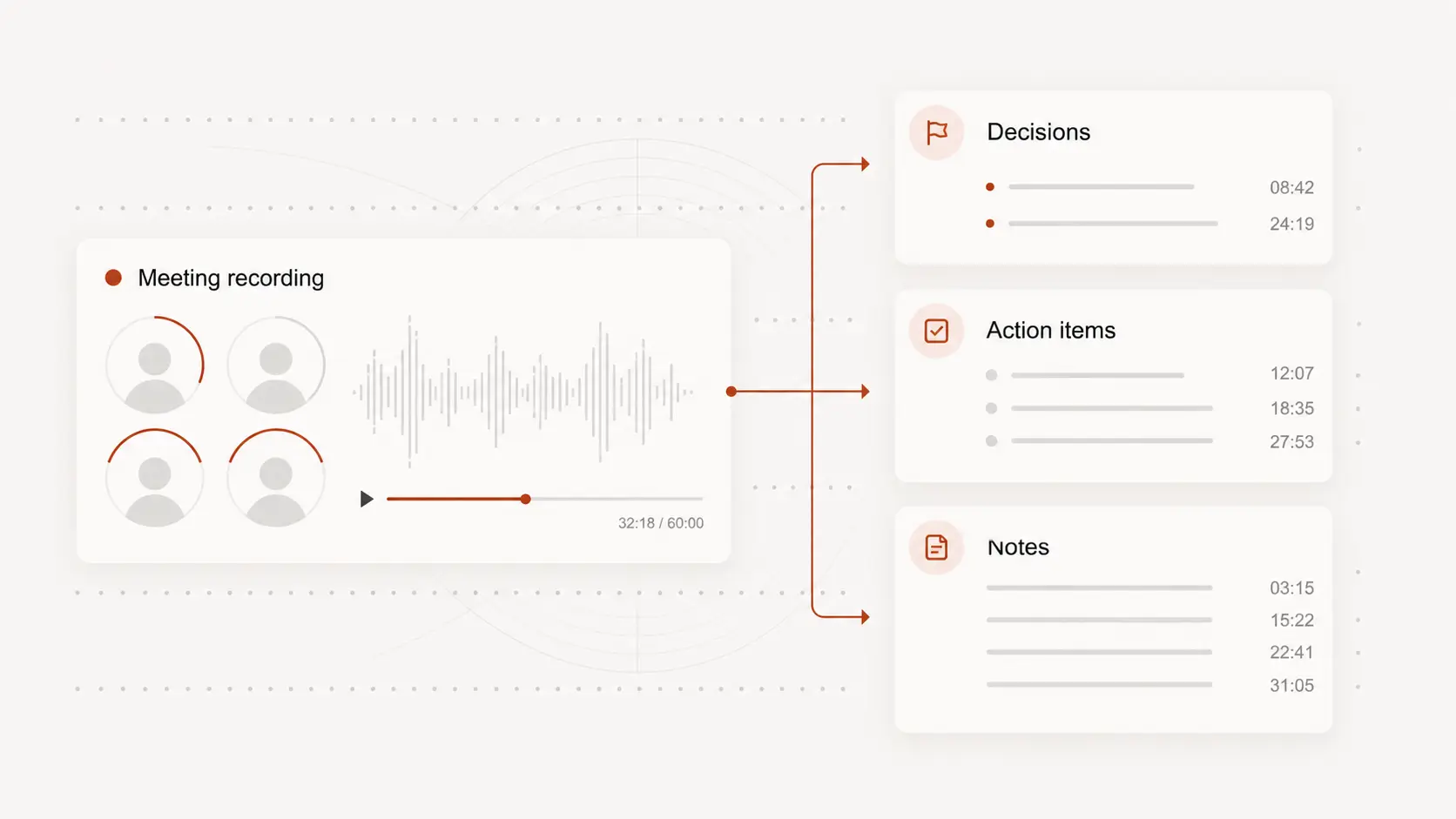
Use the finished text for notes, client records, research, captions, or documentation. Download a text, document, PDF, or subtitle format depending on how you need to share it.