“I can verify the customer’s requested date and wording before I send a follow-up that commits our team.”
J
Jordan Blake
Account manager
Call transcription converts recorded phone calls, sales conversations, and support calls into searchable text. Upload a permitted recording and try it free—no signup required.
Upload audio or video file, then click Transcribe.
Upload a call recording you are permitted to use and follow the conversation as timestamped text. Search for important details, review unclear moments, and prepare a written record for follow-up.

Calls can move quickly through names, dates, prices, addresses, and next steps that are difficult to capture accurately while speaking.
Use the draft transcript to locate those details, then replay the original moment before relying on the text for a follow-up or record.
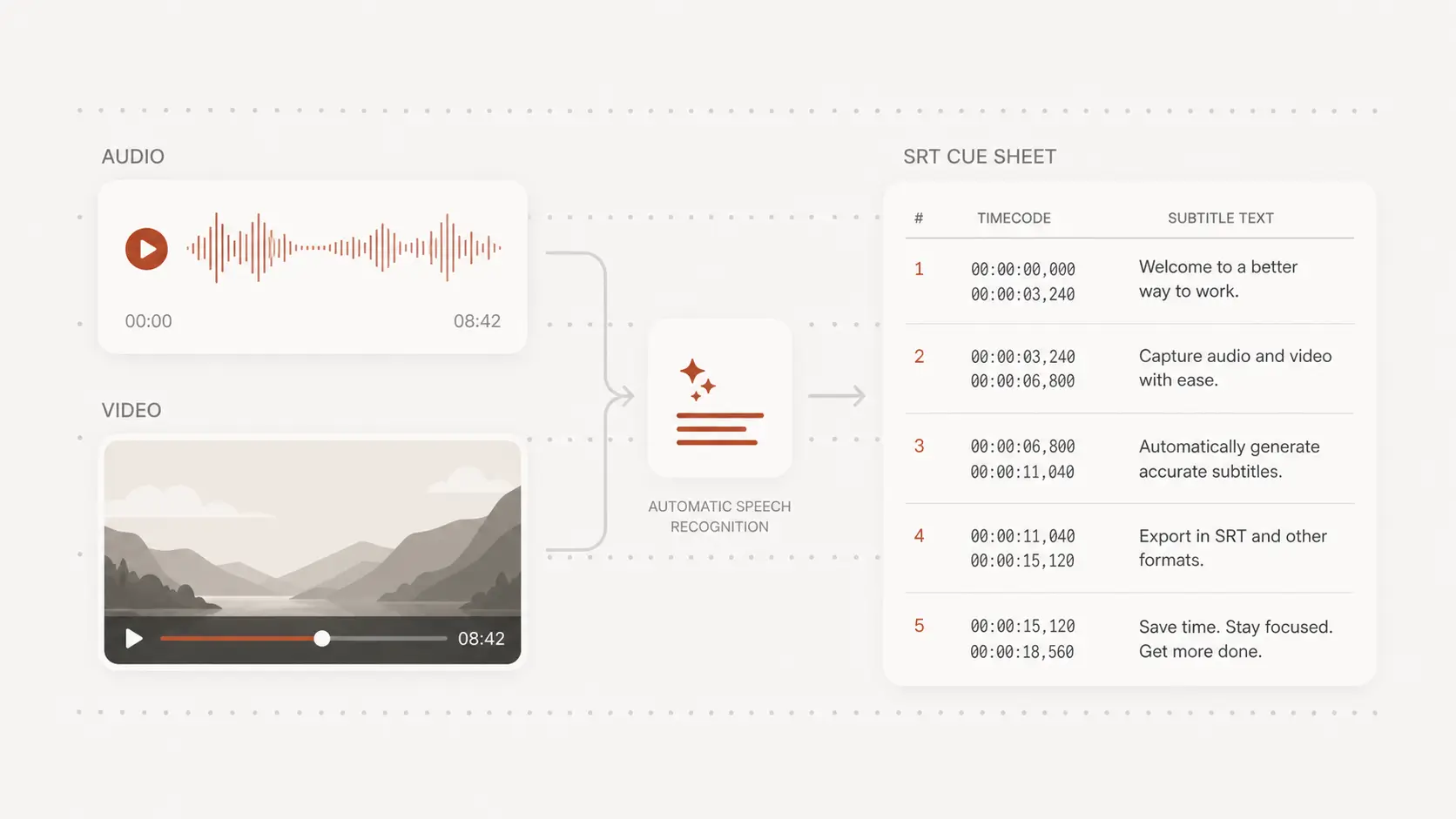
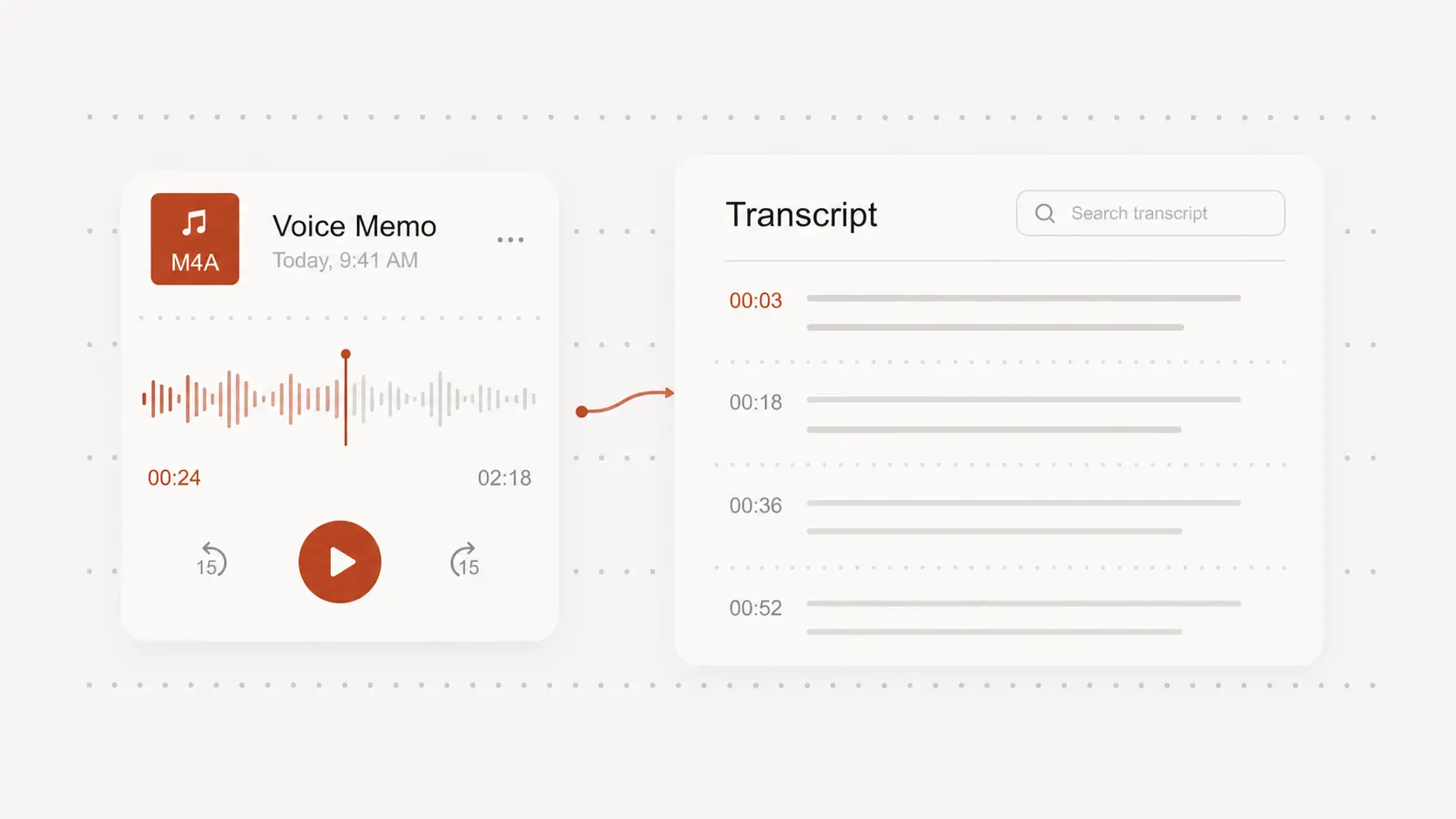
Timestamps help you move between questions, answers, objections, and resolutions without listening to the call from the beginning.
They also keep a selected passage connected to the surrounding conversation when wording or intent needs a closer review.
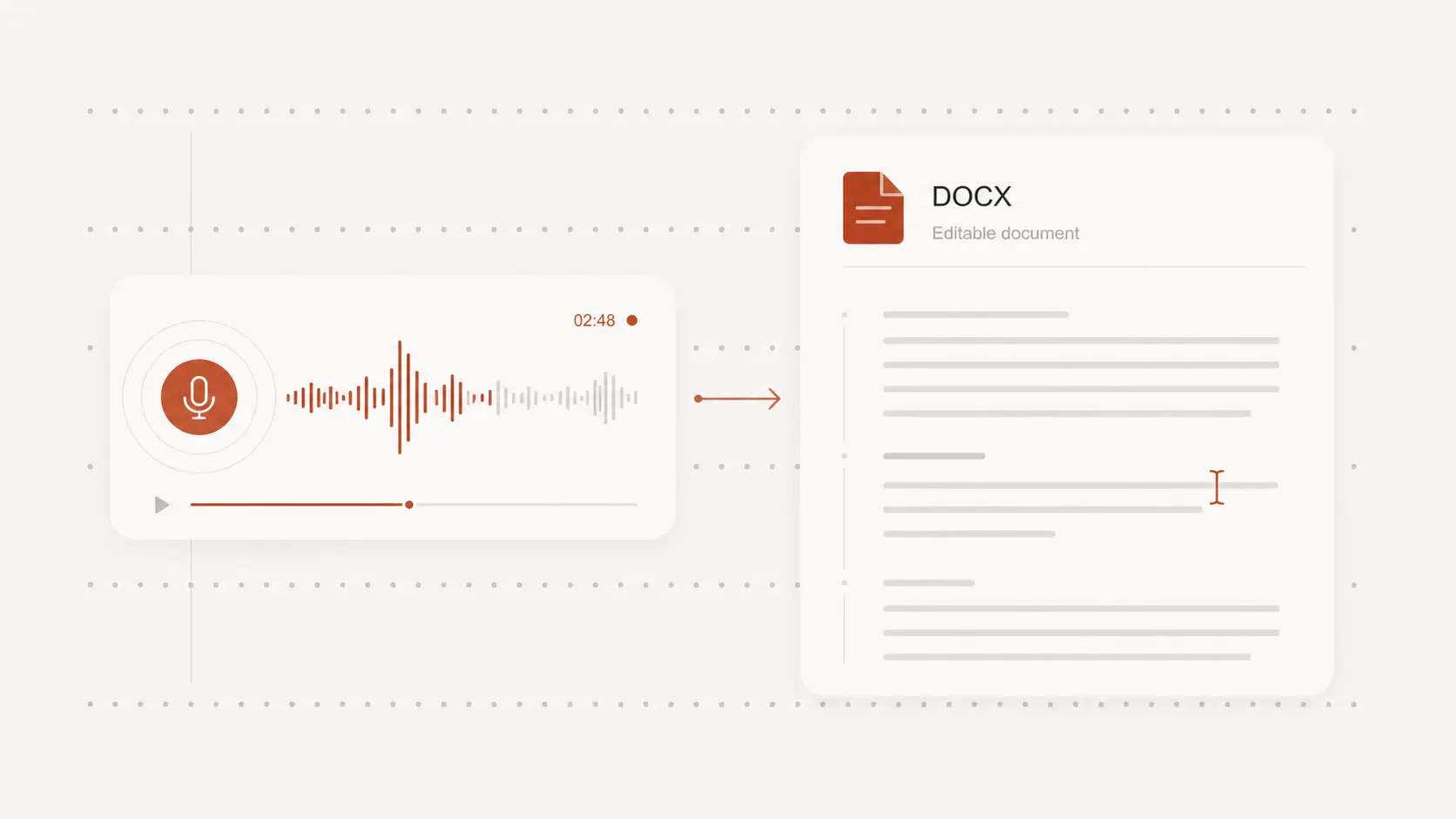
Turn reviewed call text into notes for a customer response, a training discussion, or an internal record while keeping the source conversation available for context.
Export an editable document for the workflow you already use, and only upload conversations you have permission to record and process.
Testimonials
A searchable call transcript makes details easier to verify before the next response or coaching session. Teams value clear timestamps and text they can adapt to their existing process.
“I can verify the customer’s requested date and wording before I send a follow-up that commits our team.”
Jordan Blake
Account manager
“The transcript lets us discuss a specific support exchange without making everyone listen to the complete call.”
Mei Lawson
Support lead
“Timestamps help me return to the question that changed the conversation and review how the response was handled.”
Eric Dalton
Sales coach
“Searching the call text is much faster when I need one product name, price, or promised next step.”
Sara Ibrahim
Customer success manager
“Editable exports fit our existing review process without forcing the team into another call-management system.”
Lucas Bennett
Operations analyst
“Keeping each excerpt connected to the recording makes coaching conversations more specific and easier to verify.”
Tanya Moore
Training specialist