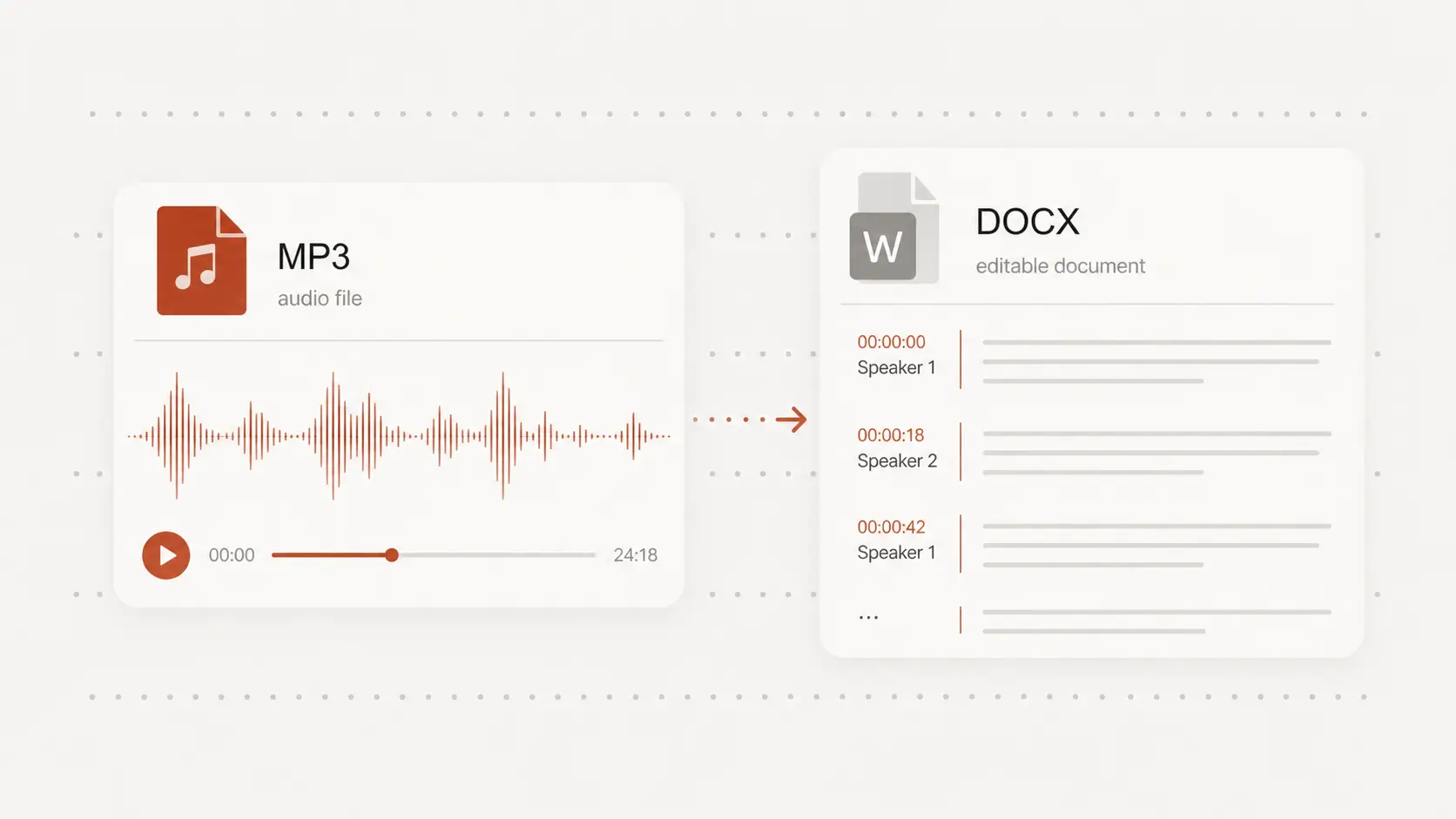
Audio To DOC Converter
audio to doc turns meetings, interviews, lectures, podcasts, and voice notes into documents you can edit and share. Create a Word-compatible DOCX for free, with no signup required.
Upload audio or video file, then click Transcribe.
Audio to DOC from the files you already have
Bring in MP3, WAV, M4A, FLAC, AAC, OGG, and other common recordings instead of limiting the document to one audio format.
The spoken content becomes readable transcript text that you can review before creating the DOCX.
An editable DOCX, not a flat transcript
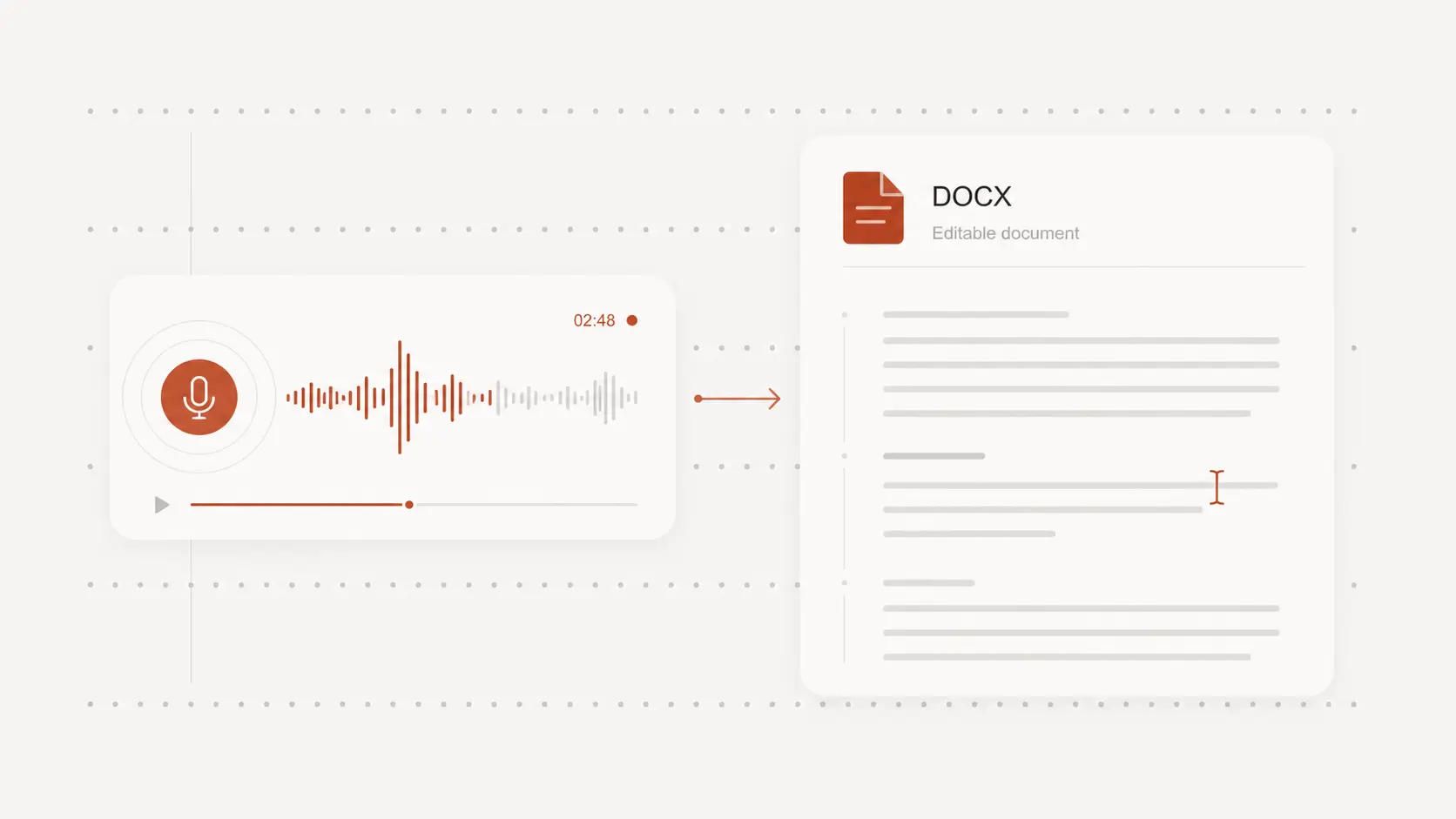
Audio to DOC gives you a Word-compatible file that remains editable after download.
Open it in Microsoft Word, Google Docs, Pages, or another document editor to correct names, reorganize sections, and continue writing.
Speaker and timestamp context when it matters
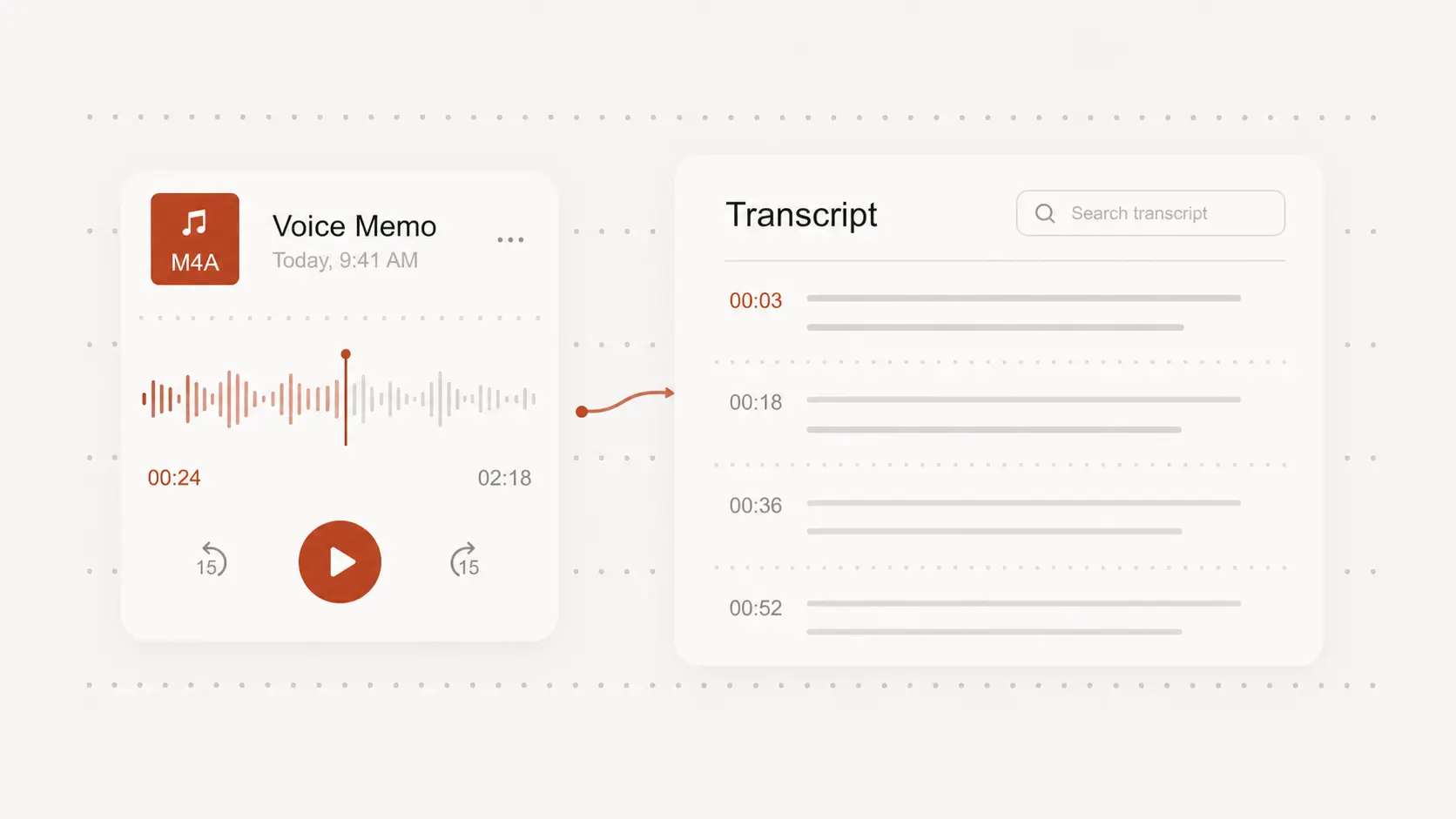
Keep timestamps and available speaker labels when the document needs to point back to specific voices or moments in the recording.
Leave those details out when you want cleaner prose for a report, draft, or set of notes.
Audio to DOC for notes, drafts, and records
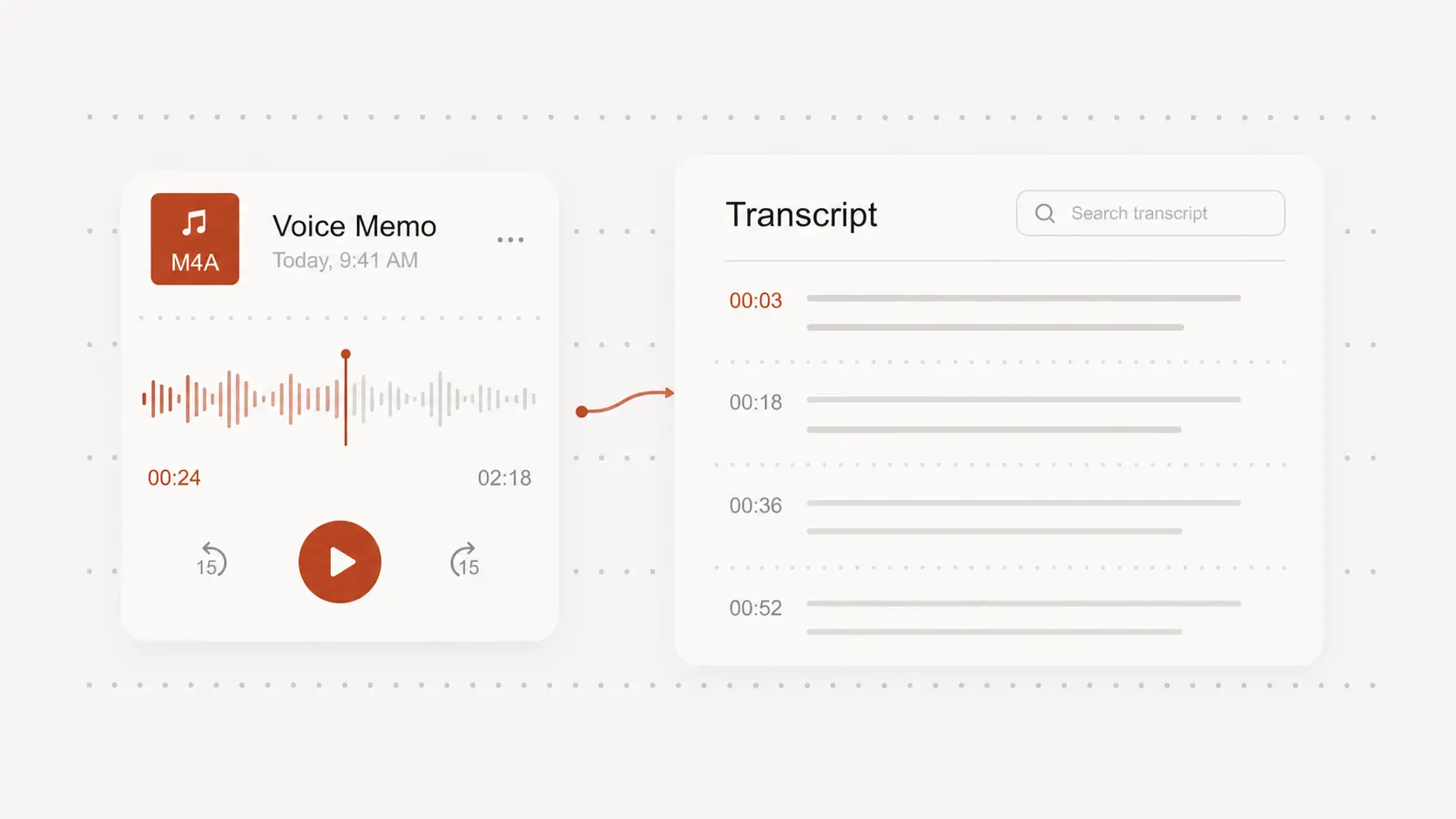
Turn meeting discussions, interviews, lessons, research recordings, and spoken ideas into documents that are easier to search and revisit.
Pull out quotes, add comments, prepare minutes, or shape the transcript into a working draft without replaying the entire recording.