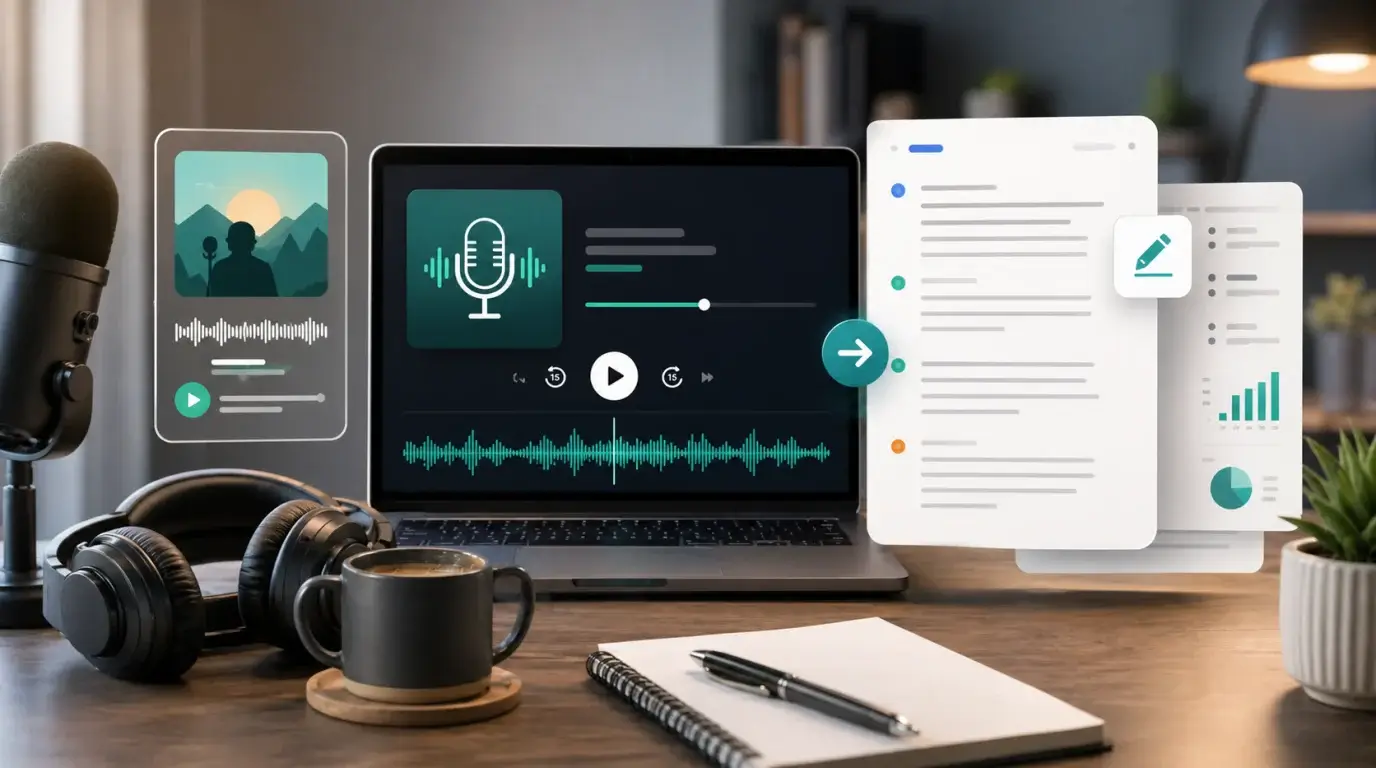
How do I transcribe a Spotify podcast to text?
Learn how Spotify podcast transcripts work for listeners and creators, and how to transcribe podcast audio when no transcript is available.
The short answer
Some Spotify podcasts have transcripts, but not every episode and not every creator has transcript access. If a transcript is available in the Spotify app, listeners may see it in the episode experience. Creators using Spotify for Creators may be able to view, download, upload, or manage episode transcripts when eligible.
If no transcript is available, use the original podcast audio file or a permitted copy and transcribe it with an audio to text tool.
If you are a listener
Open the podcast episode in Spotify and check whether a transcript appears in the player or episode page. If it does, use it for reading along and finding sections.
If the transcript is missing, Spotify may not have generated one for that episode or the creator may not have made it available.
If you are the creator
In Spotify for Creators, check the episode details for transcript controls. Spotify supports transcript management for eligible creators, including downloading a transcript file such as VTT, editing it outside Spotify, and uploading a corrected version.
For the cleanest transcript, upload your original WAV, MP3, or M4A recording to NeatScribe before or after publishing. If you also publish clips on YouTube, Instagram, or TikTok, you can keep those platform transcripts in the same workflow. You can then use the transcript on your website, in show notes, and in accessibility materials.
Respect rights and privacy
Do not republish someone else’s podcast transcript without permission. Even if you can hear the episode publicly, the audio and transcript are still creative work.
For personal study, research notes, or quote finding, keep transcripts private unless you have the right to share them.
Listener workflow versus creator workflow
Listeners are limited to what Spotify exposes in the app. Creators have more control because they can access their own episode files and creator tools.
If you are the creator, the best transcript source is your original episode audio before it is distributed. It is cleaner, easier to manage, and safer from a rights perspective.
In NeatScribe, upload that original audio file, choose the spoken language, generate the transcript, and review names, sponsor reads, URLs, and guest details before publishing the text.
Use transcripts beyond accessibility
Podcast transcripts help accessibility, but they also help search, show notes, content repurposing, quote extraction, and internal archives.
A good podcast transcript can become an article, newsletter, social clip script, or research reference. Clean the transcript into sections so readers can scan it without listening to the full episode.
More Posts

What is the 60/30/10 rule in filmmaking?
Understand how the 60/30/10 rule can guide color balance, visual hierarchy, and emphasis in a film scene.


What is research in film production?
Learn how research supports film production, from story and character work to locations, visuals, interviews, and accuracy.
How to add captions in iMovie
Learn how to add caption-like text in iMovie, what the app can and cannot do, and how to keep captions readable.