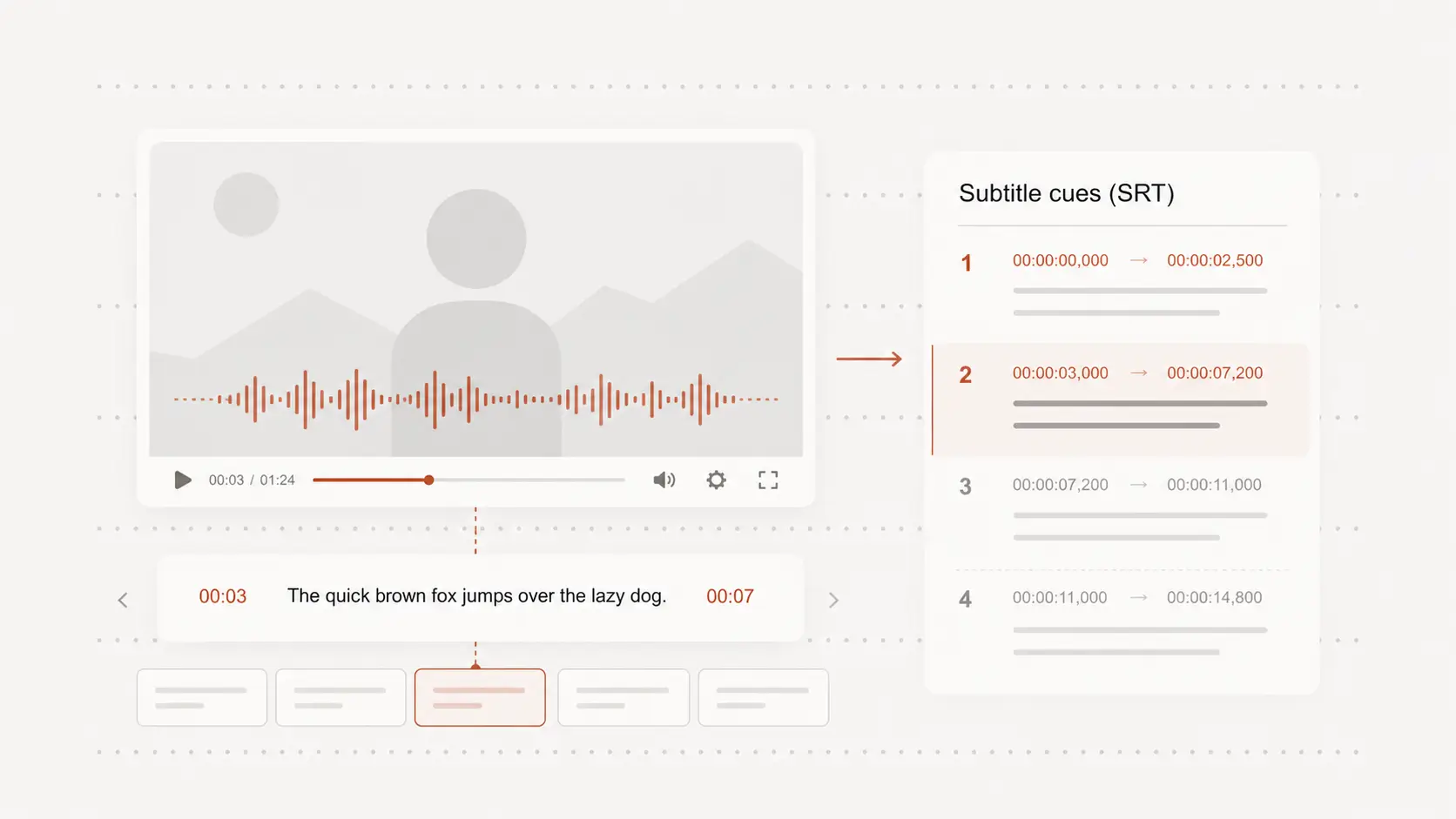
youtube to srt
youtube to srt turns a public video into subtitle cues you can review and download. Start free with no signup by pasting the video link and choosing its spoken language.
Paste link
Create SRT from a YouTube link
Paste a public YouTube video URL instead of downloading the entire video and uploading it again.
The spoken content is prepared as subtitle text with timing for each cue.
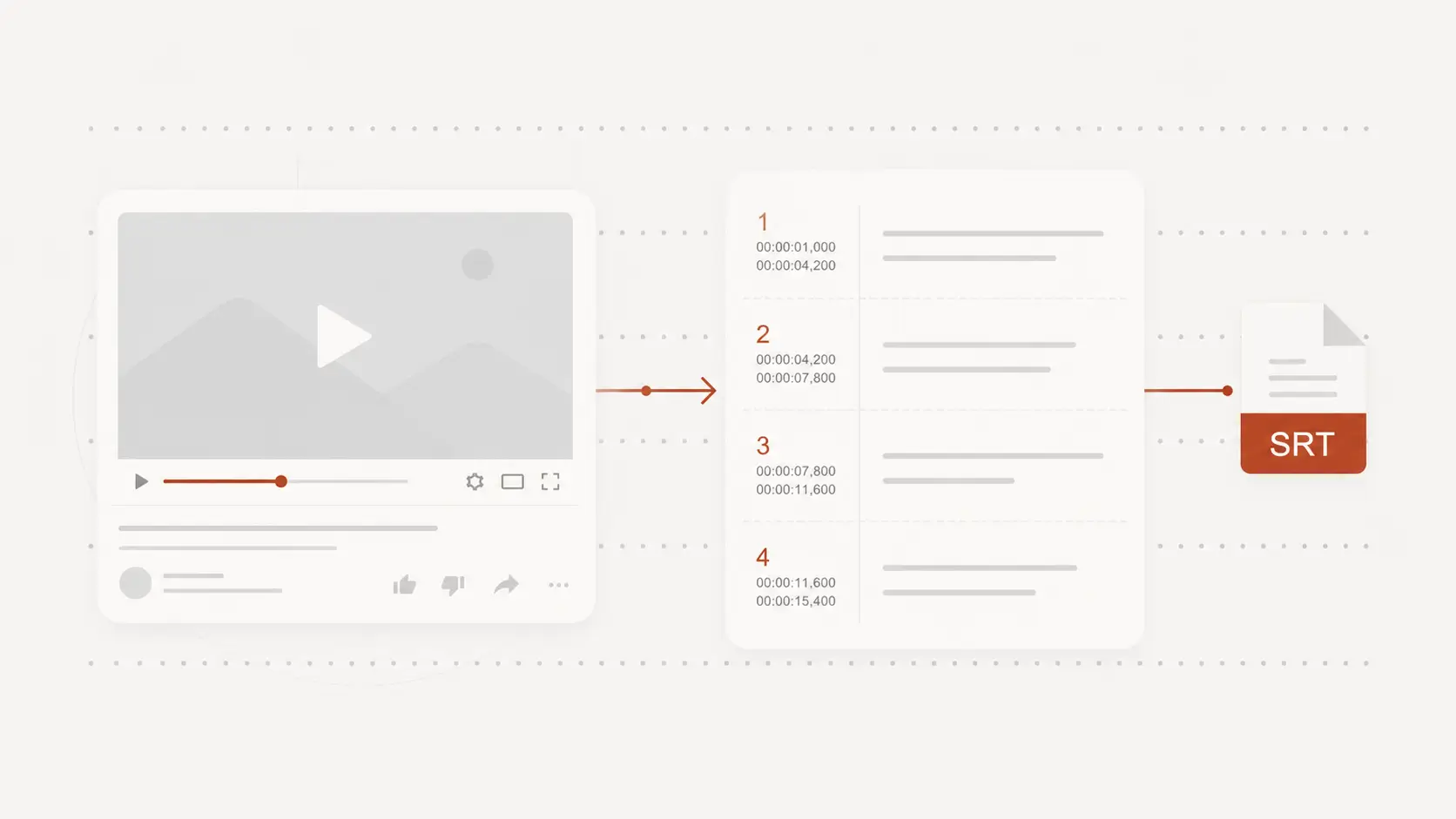
Generate subtitles for videos without a usable file
Create an SRT draft for lessons, interviews, presentations, tutorials, and other public videos you need to caption.
This is useful when you have the YouTube link but do not have the original MP4.
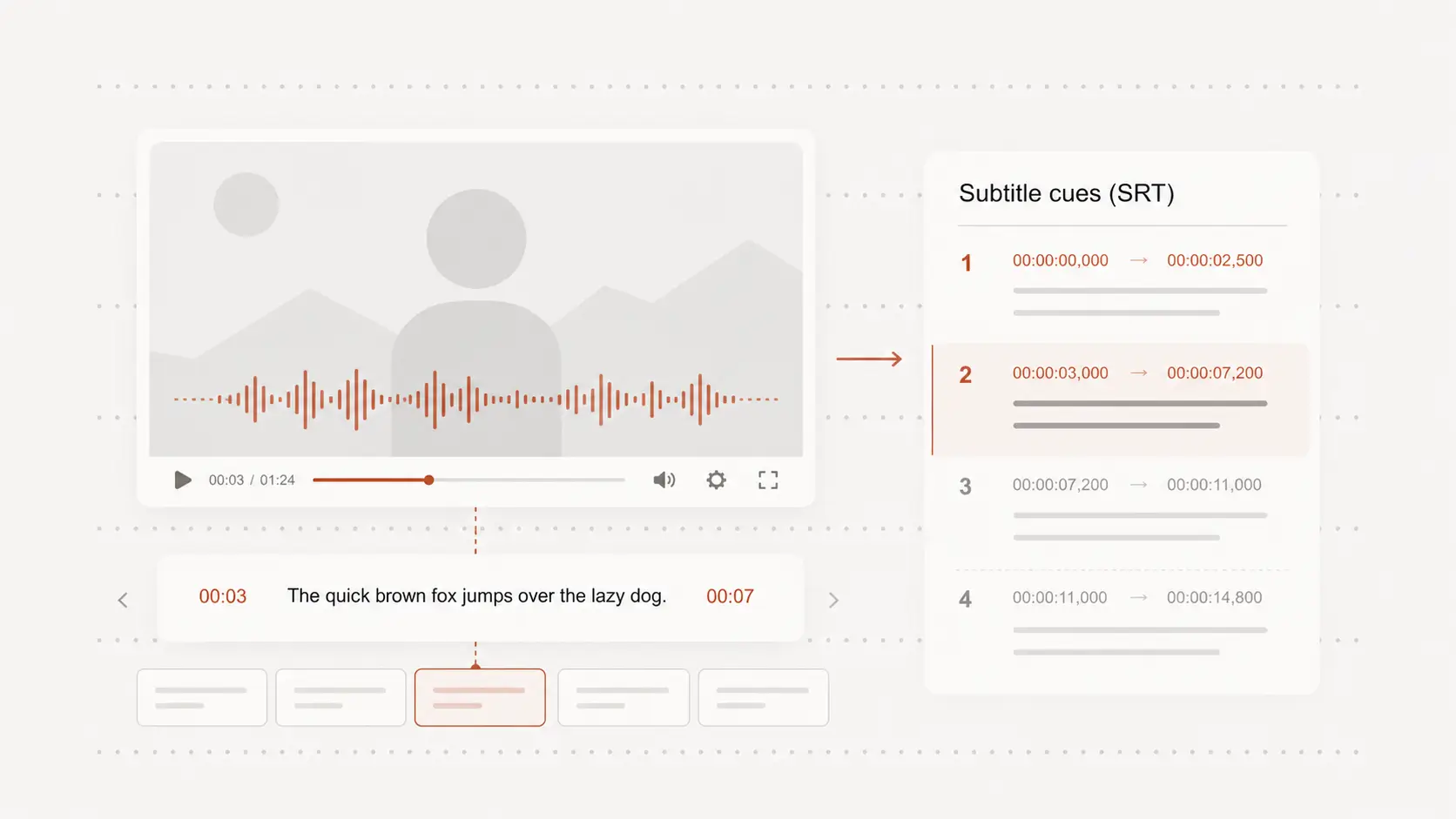
Check subtitle text and timing
Review names, terminology, punctuation, line breaks, and fast speech before using the SRT elsewhere.
Timestamps let you compare each uncertain cue with the matching moment in the video.
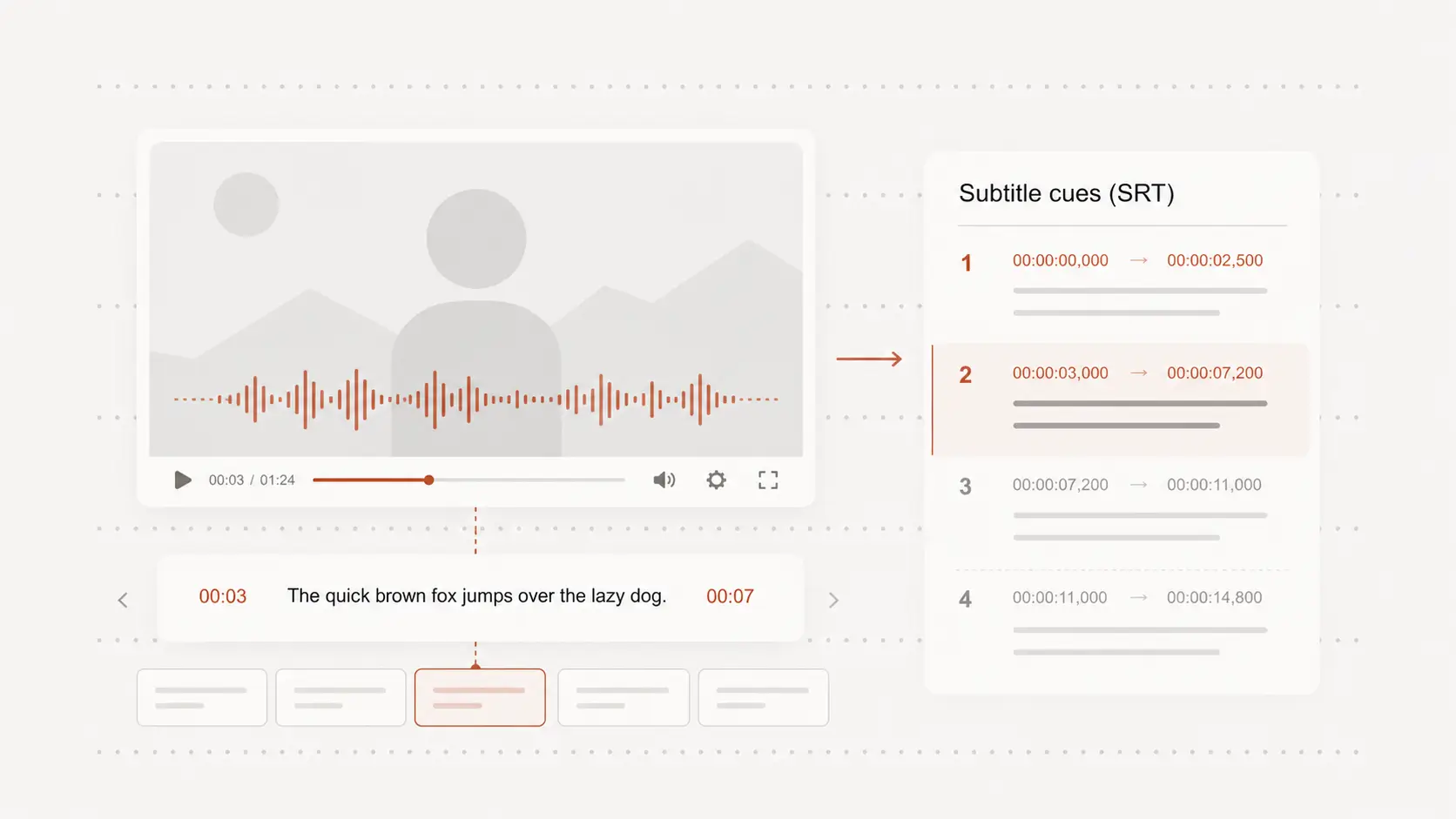
Download SRT for editing or publishing
Use the finished SRT in compatible video editors, media players, learning systems, and publishing workflows.
Because the subtitles remain separate, you can continue correcting or translating them without changing the video.