mp4 to subtitle converter
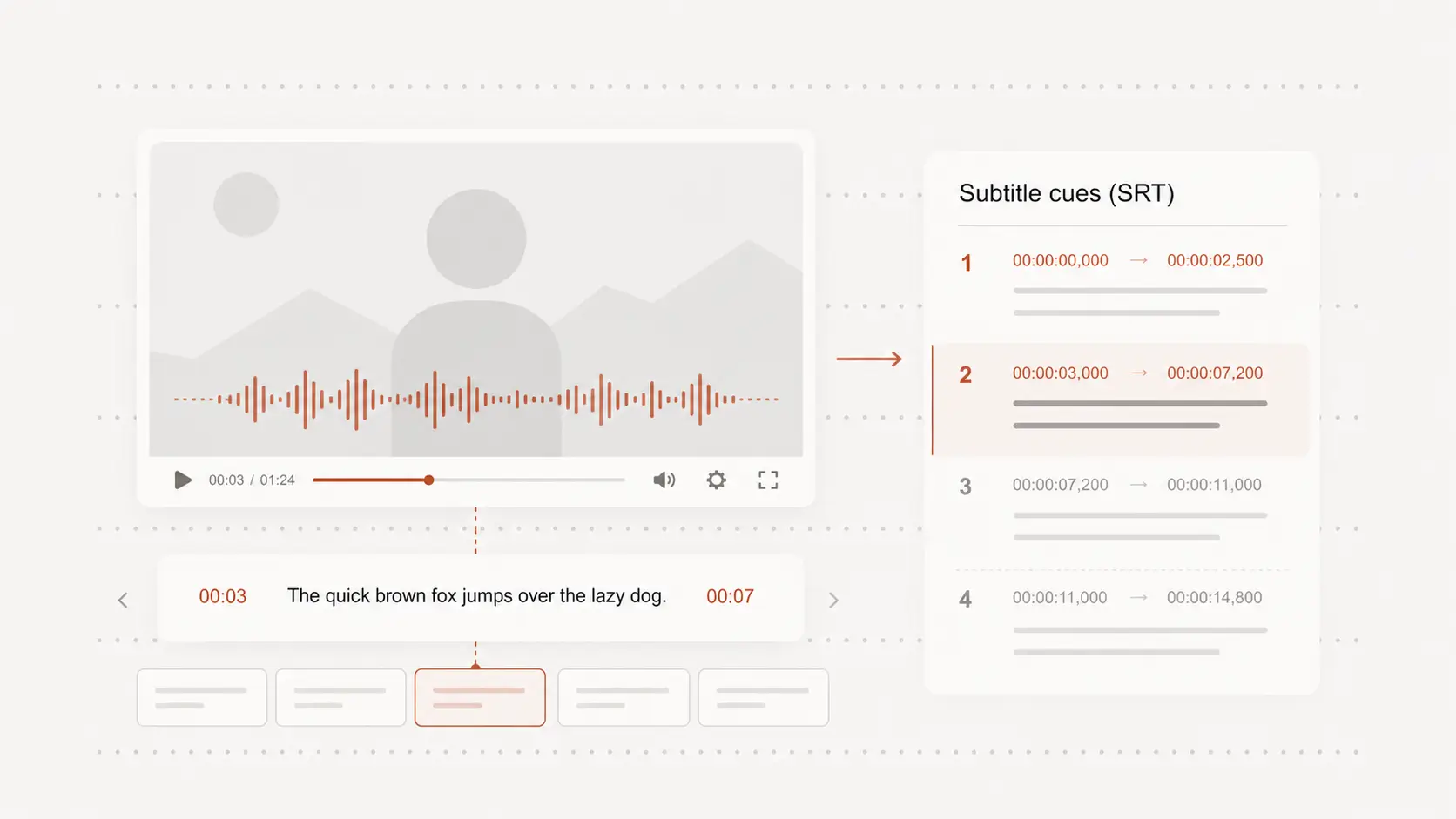
mp4 to subtitle converter turns spoken video into subtitle text with start and end times. Begin free with no signup, then review the cues before downloading them.
Upload audio or video file, then click Transcribe.
Turn MP4 speech into timed subtitles
Upload an MP4 interview, lesson, presentation, social clip, or screen recording to create timestamped subtitle cues.
The timing saves you from writing every line and timestamp manually.
Prepare SRT or VTT for your video
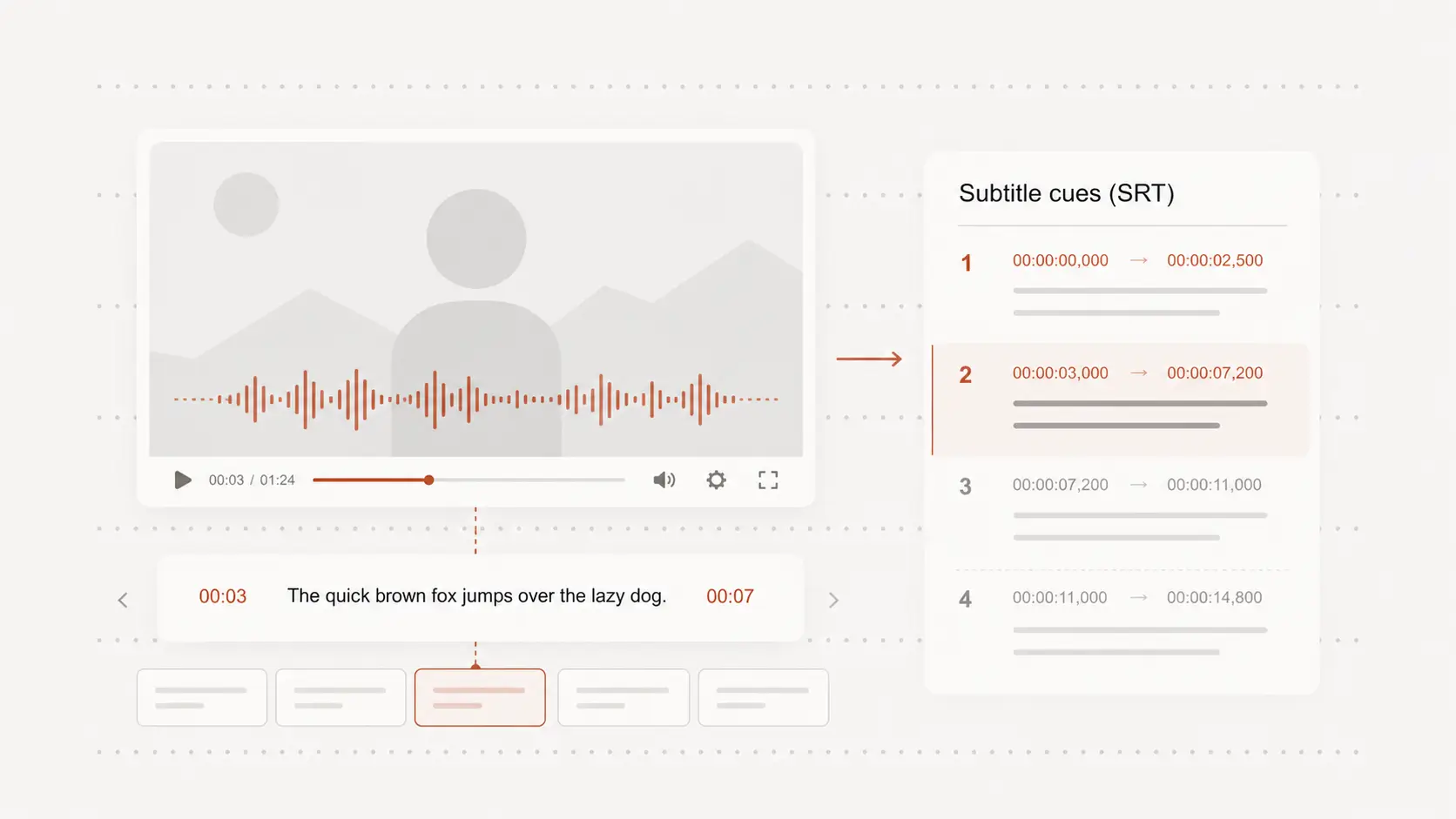
Export SRT for common video editors and publishing platforms, or choose VTT for compatible web players.
Both formats keep subtitle text separate from the original MP4 file.
Review timing, wording, and line breaks
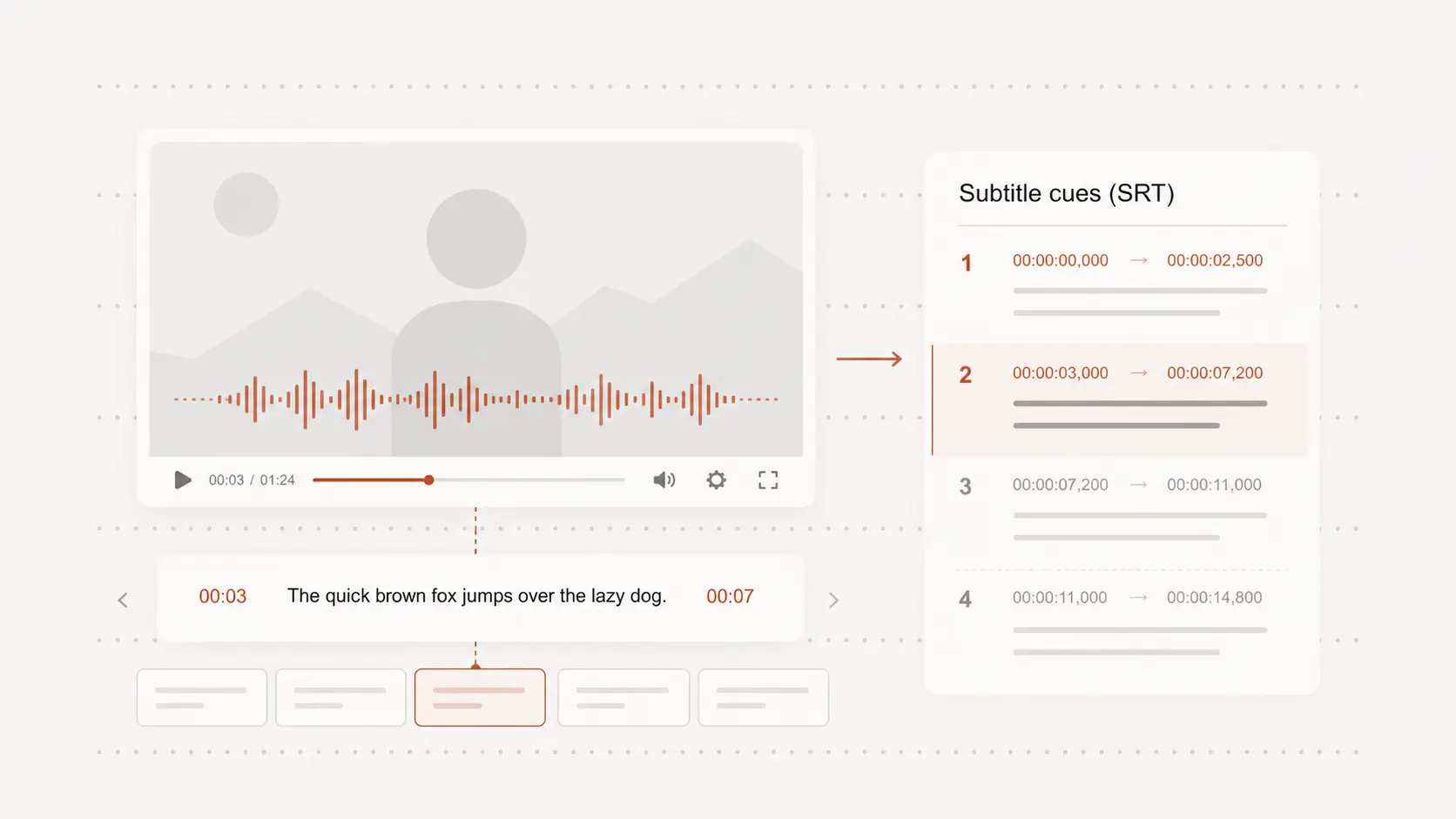
Check names, technical terms, punctuation, and fast sections before publishing the subtitles.
Shorter lines and sensible timing make captions easier to follow while the video plays.
Edit subtitles without rendering the MP4 again
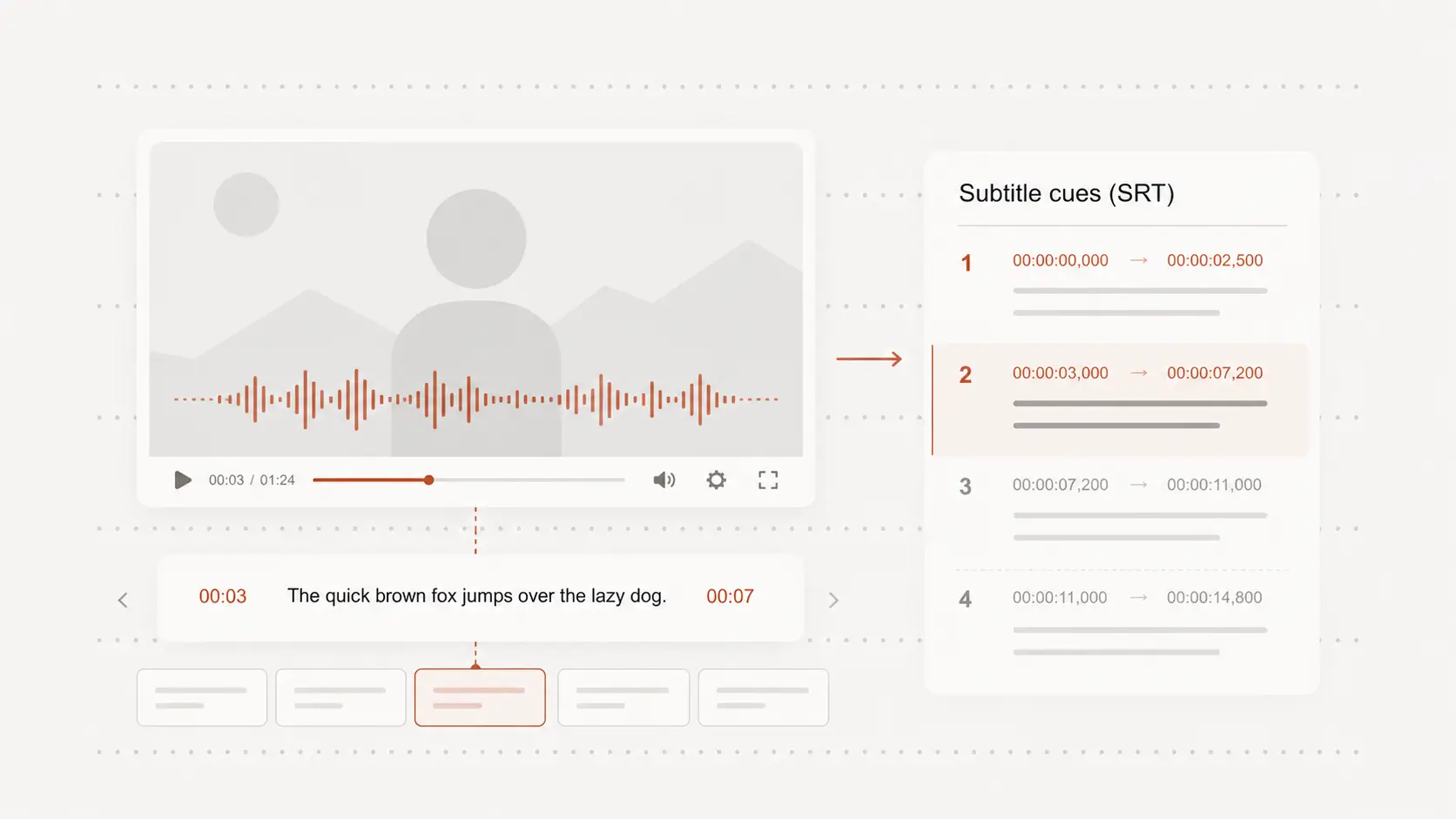
A separate subtitle file can be corrected, translated, or replaced without encoding a new video.
Keep the original MP4 untouched while preparing different subtitle versions for different uses.