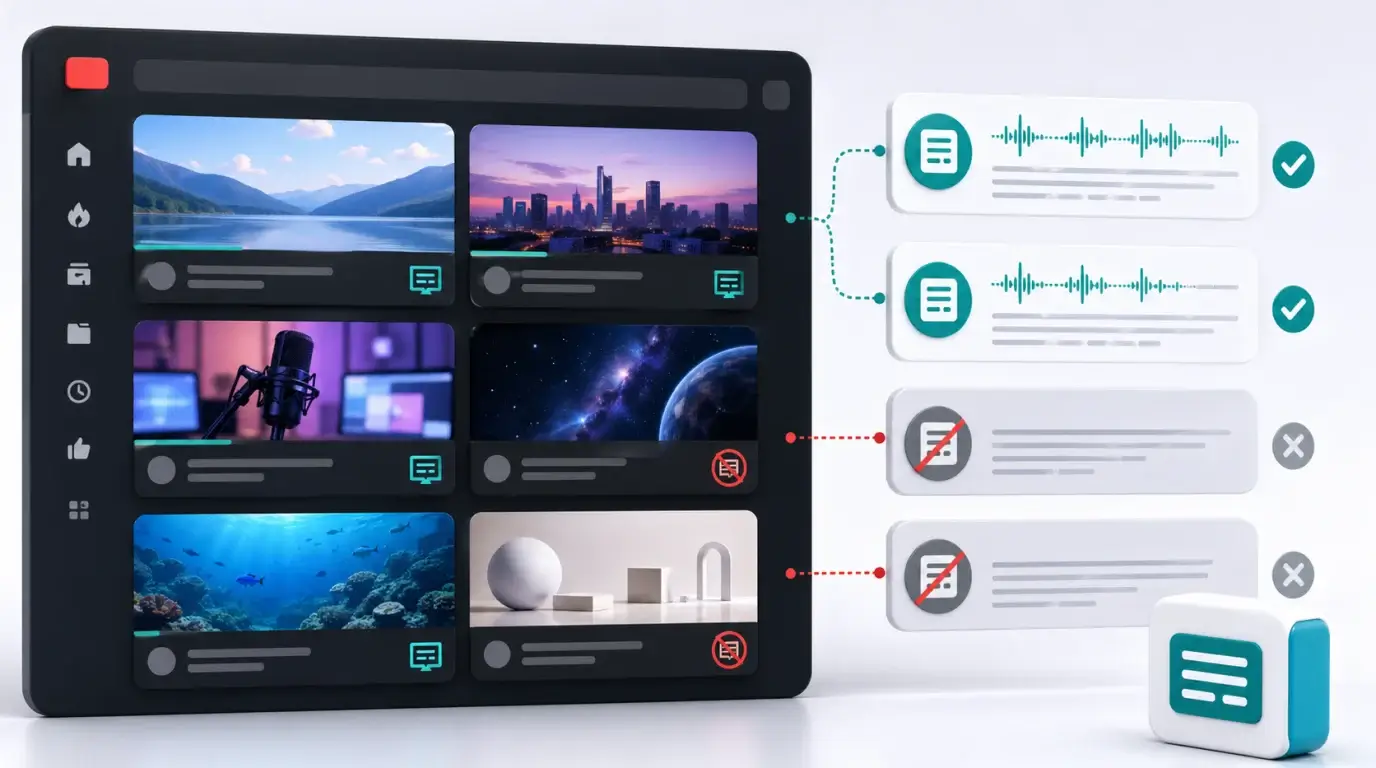
Do all YouTube videos have a transcript?
Learn why some YouTube videos have transcripts, why others do not, and what to do when the transcript button is missing.
The short answer
No. Not all YouTube videos have a transcript. YouTube can show a transcript when captions are available, including creator-uploaded captions or eligible auto-generated captions. If a video has no captions, unsupported language, poor audio, or restricted settings, the transcript option may be missing.
When a transcript is available, YouTube lets you view caption text and jump to specific parts of the video.
Why a transcript may be missing
The video may not have captions. Automatic captions may not be available for the language. The audio may be too noisy, contain overlapping speakers, include music-heavy sections, or have speech that YouTube cannot recognize well.
Some videos also have limited transcript visibility depending on video type, account settings, age restrictions, live stream processing, or creator choices.
How to check quickly
Open the YouTube video, expand the description area or menu, and look for “Show transcript.” If it appears, open the transcript and click any line to jump to that timestamp.
If you only see captions in the player but no transcript panel, try another browser or the desktop version. YouTube’s interface changes over time, and transcript placement can differ between mobile and desktop.
What to do if there is no transcript
If you own the video, use NeatScribe to generate your own transcript or caption draft. You can use NeatScribe’s YouTube transcription workflow, or upload the original video/audio file if you already have it.
For videos you are allowed to process, this turns the audio into searchable text so you can quote, summarize, or find sections without watching the full video again. If you do not own the video, make sure you have permission before downloading, transcribing, or republishing any content.
Captions and transcripts are related
A YouTube transcript is usually based on caption data. If a video has captions, YouTube may be able to display those captions as a transcript. If captions are missing, the transcript is usually missing too.
Creator-uploaded captions are often better than automatic captions. Auto captions are useful, but they are still machine-generated and need review before you quote them.
What creators should do
If you publish YouTube videos, add accurate captions or review the automatic ones. Captions help accessibility, search, and viewers who watch without sound.
Keeping your own transcript outside YouTube is also useful. It lets you turn the video into blog content, support documentation, social posts, or subtitles for other platforms without depending on one interface.
NeatScribe is a practical way to keep that transcript outside YouTube because the same workspace can handle uploaded audio, uploaded video, and supported platform sources such as YouTube, Instagram, and TikTok.
More Posts

What is research in film production?
Learn how research supports film production, from story and character work to locations, visuals, interviews, and accuracy.

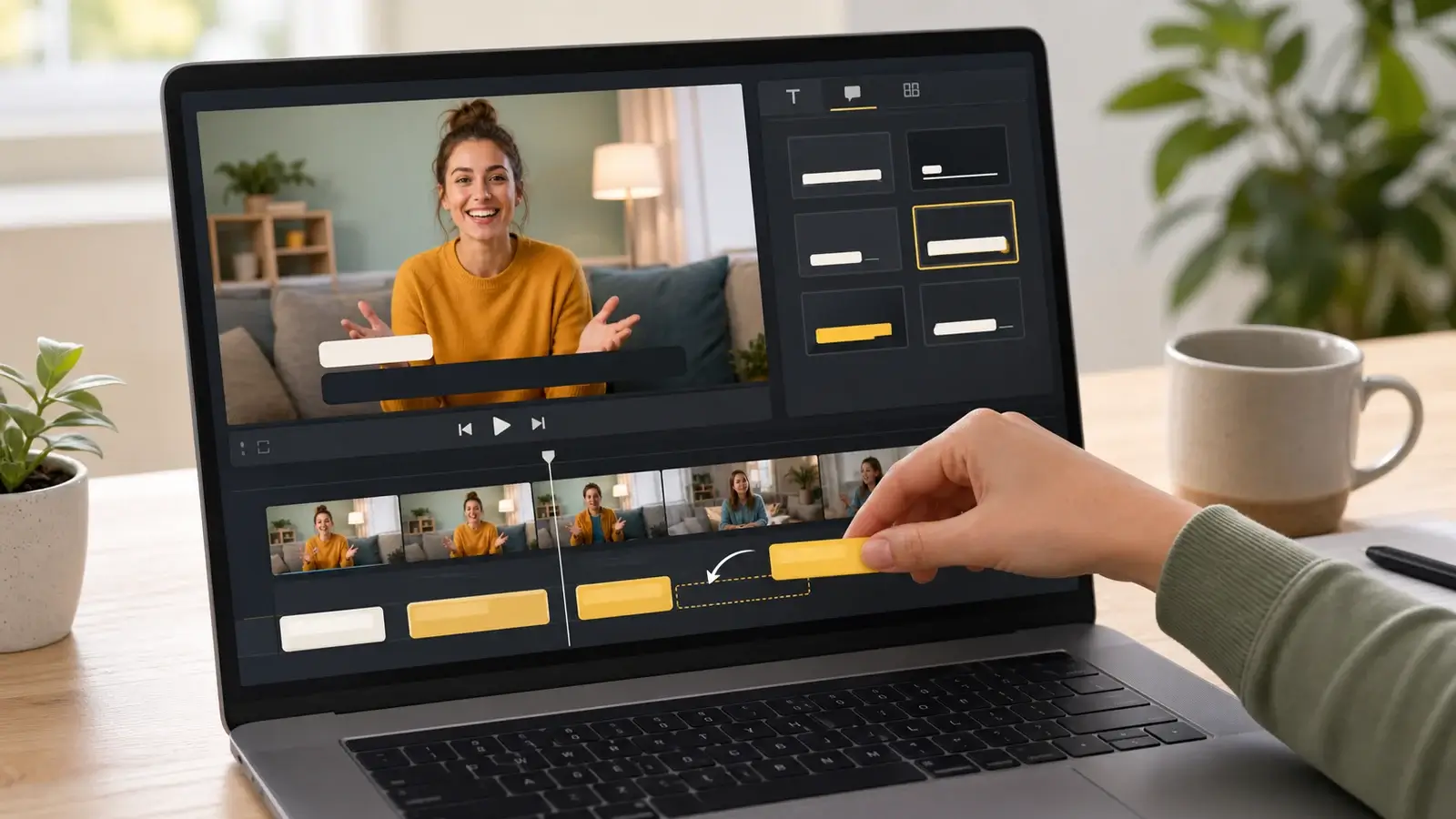
How to add captions in iMovie
Learn how to add caption-like text in iMovie, what the app can and cannot do, and how to keep captions readable.
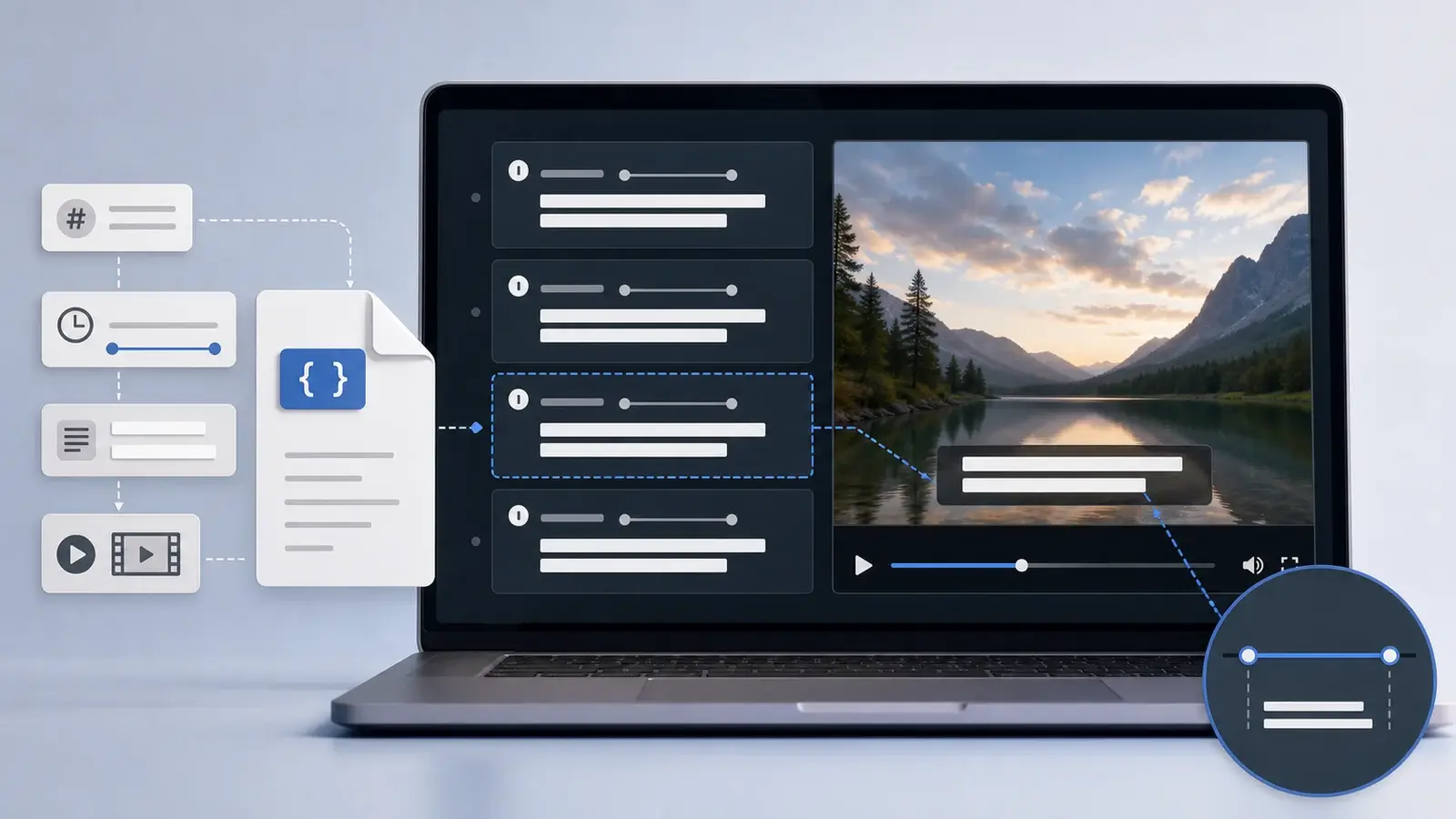
What is an SRT file?
Learn what an SRT file is, what its timestamps mean, and how this plain text subtitle format is commonly used.