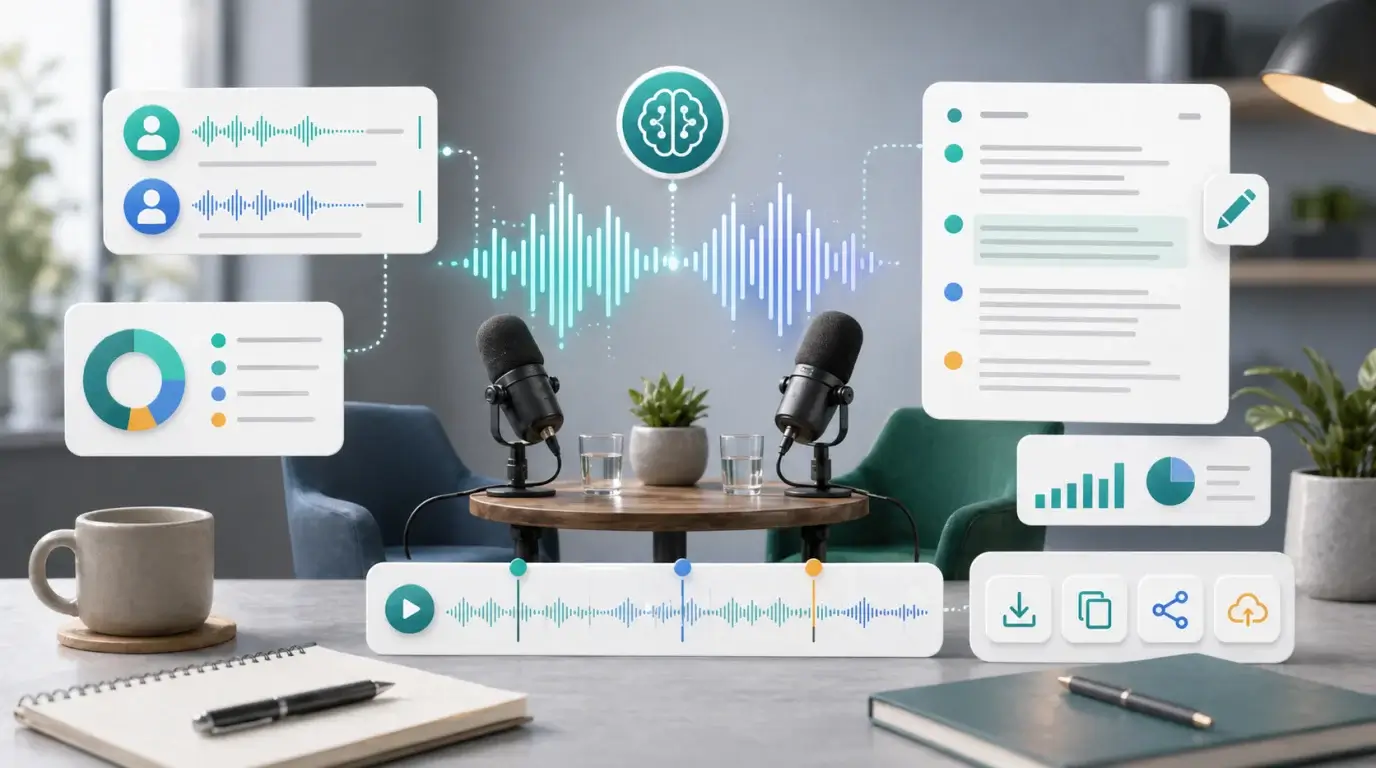
What AI tools can transcribe interviews?
Learn what to look for in AI interview transcription tools, including speaker labels, privacy, exports, summaries, and accuracy.
The short answer
The best AI tool for interview transcription depends on your interview type. For simple one-on-one recordings, you need accurate audio to text, speaker labels, timestamps, and easy export. For research or journalism, you also need privacy controls, searchable transcripts, and careful quote review.
NeatScribe is a practical option when you want to upload an interview recording and turn it into readable text without building a speech-to-text workflow yourself.
What features matter most
Look for support for your audio format, language selection, speaker separation, timestamps, export formats, and editing. A good interview transcript should let you find quotes quickly and correct important terms without fighting the interface.
If your interviews include customers, patients, students, employees, or research participants, privacy matters as much as accuracy. Review how the tool stores audio, who can access transcripts, and whether you can delete files.
When AI is enough
AI transcription is usually enough for internal notes, first drafts, content repurposing, and finding useful moments. It is especially helpful when you have hours of interviews and need searchable text quickly.
For legal, medical, academic, or published quotes, review the audio manually before relying on the transcript. AI can mishear names, numbers, technical terms, and emotional nuance.
A reliable interview workflow
Record the interview with a good microphone, keep speakers close to the mic, avoid background noise, and save the original file. Upload it to NeatScribe, choose the language, generate the transcript, then review key quotes while listening to the source audio.
Finally, turn the transcript into the format you actually need: research notes, a case study, a blog draft, meeting notes, subtitles, or an interview archive.
Compare tools with the same audio
The only fair way to compare transcription tools is to test them with the same interview recording. Use a clip with the accents, background noise, and speaker setup you normally deal with.
Check not only raw accuracy, but also how easy it is to edit, export, search, and identify speakers. A slightly less accurate transcript in a better editor may still save time.
Protect interview subjects
Interview recordings can contain sensitive stories, names, workplaces, and personal details. Before uploading, confirm that your consent process and privacy expectations allow transcription.
After transcription, store the audio and text carefully. Delete drafts you do not need, and verify quotes before publishing them.
More Posts

What is the 60/30/10 rule in filmmaking?
Understand how the 60/30/10 rule can guide color balance, visual hierarchy, and emphasis in a film scene.


What is research in film production?
Learn how research supports film production, from story and character work to locations, visuals, interviews, and accuracy.
How to add captions in iMovie
Learn how to add caption-like text in iMovie, what the app can and cannot do, and how to keep captions readable.