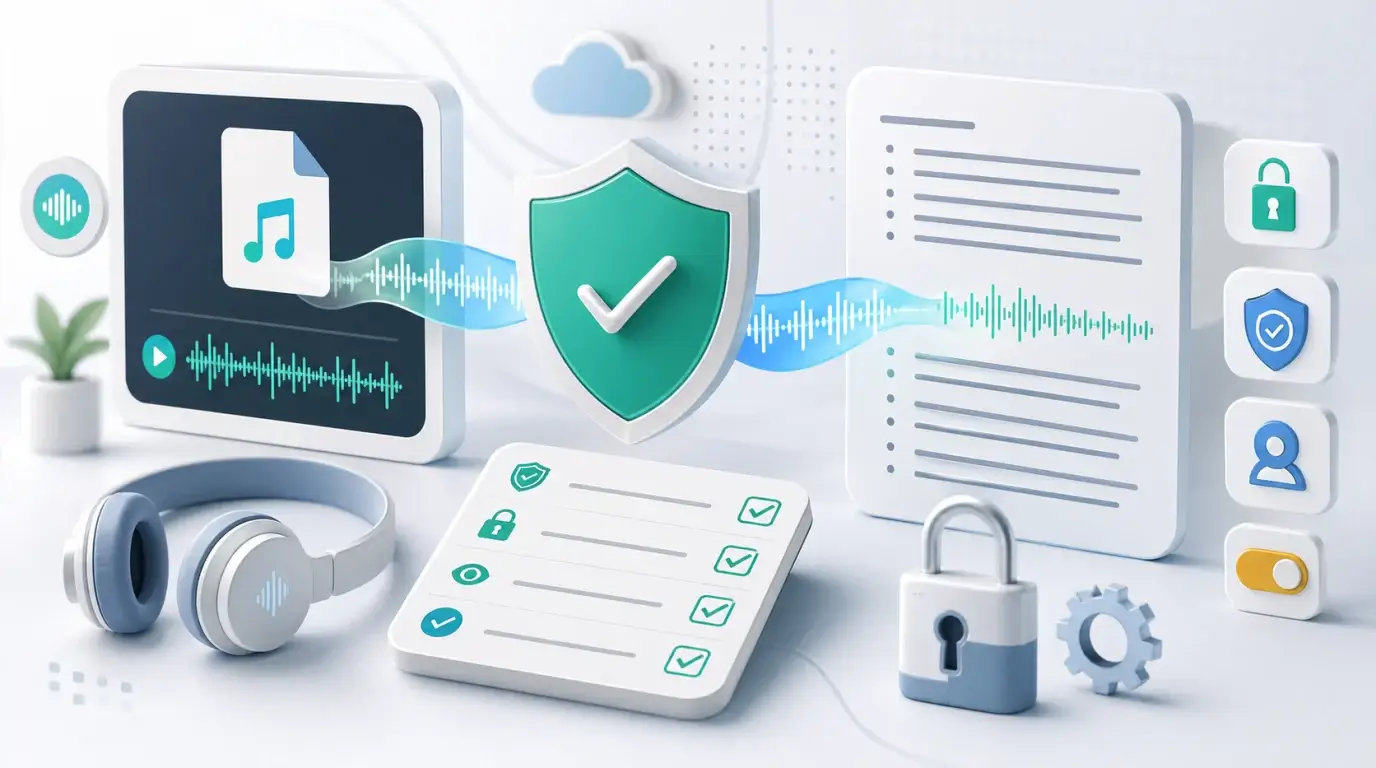
What safe free websites can I use to transcribe audio to text?
Learn how to choose a safer free audio transcription website and what privacy checks to make before uploading a recording.
The short answer
You can use free audio transcription websites for low-risk recordings, but “free” does not automatically mean “safe.” Before uploading private meetings, interviews, client calls, student data, medical discussions, or legal material, check how the site stores, processes, and deletes your files.
A safer website should use HTTPS, explain its privacy policy clearly, support file deletion, avoid surprising public sharing, and tell you whether uploaded audio is used to improve models or services.
What to check before uploading
Look for a privacy policy, terms of service, upload limits, deletion controls, account security, and export options. If a website does not say what happens to your audio, do not upload sensitive recordings.
Also check whether the transcript will be public, whether files are kept after processing, and whether you can delete both the audio and text. For sensitive content, a paid tool with clearer controls is often safer than an unknown free site.
When free is reasonable
Free transcription can be fine for public audio, personal notes, test clips, short voice memos, or content you already plan to publish. It is also useful when you want to compare accuracy before committing to a workflow.
For business meetings, research interviews, customer calls, or internal strategy sessions, treat the recording as confidential. Use a tool you trust, review its data handling, and avoid uploading files that include personal information unless you are comfortable with the provider’s policies.
A practical option
NeatScribe is built for people who want a simple transcription workflow without wrestling with developer tools. You can use it for audio files, video files, and supported platform transcription workflows such as YouTube, Instagram, and TikTok, then review the transcript before using it in notes, summaries, or documents.
No transcription website can make poor audio perfect. The best safety and quality habit is to start with the cleanest file, upload only what you need, and delete old files when you no longer need them.
Red flags to avoid
Be careful if a free transcription site has no company information, no privacy page, no deletion policy, or asks you to upload sensitive recordings without explaining storage. Also be cautious with sites that surround the upload flow with aggressive ads or ask for unnecessary permissions.
If a recording includes private names, financial information, medical details, legal discussions, unreleased product plans, or customer data, treat it as sensitive by default.
Safer habits
Test a new service with a short non-sensitive clip first. Check the transcript quality, file handling, export options, and deletion controls before uploading anything important.
Keep a local copy of the original audio, download the transcript after review, and remove files from the service when you are finished. A free website can be useful, but your workflow should still protect the people in the recording.
More Posts

What is research in film production?
Learn how research supports film production, from story and character work to locations, visuals, interviews, and accuracy.

How to add captions in iMovie
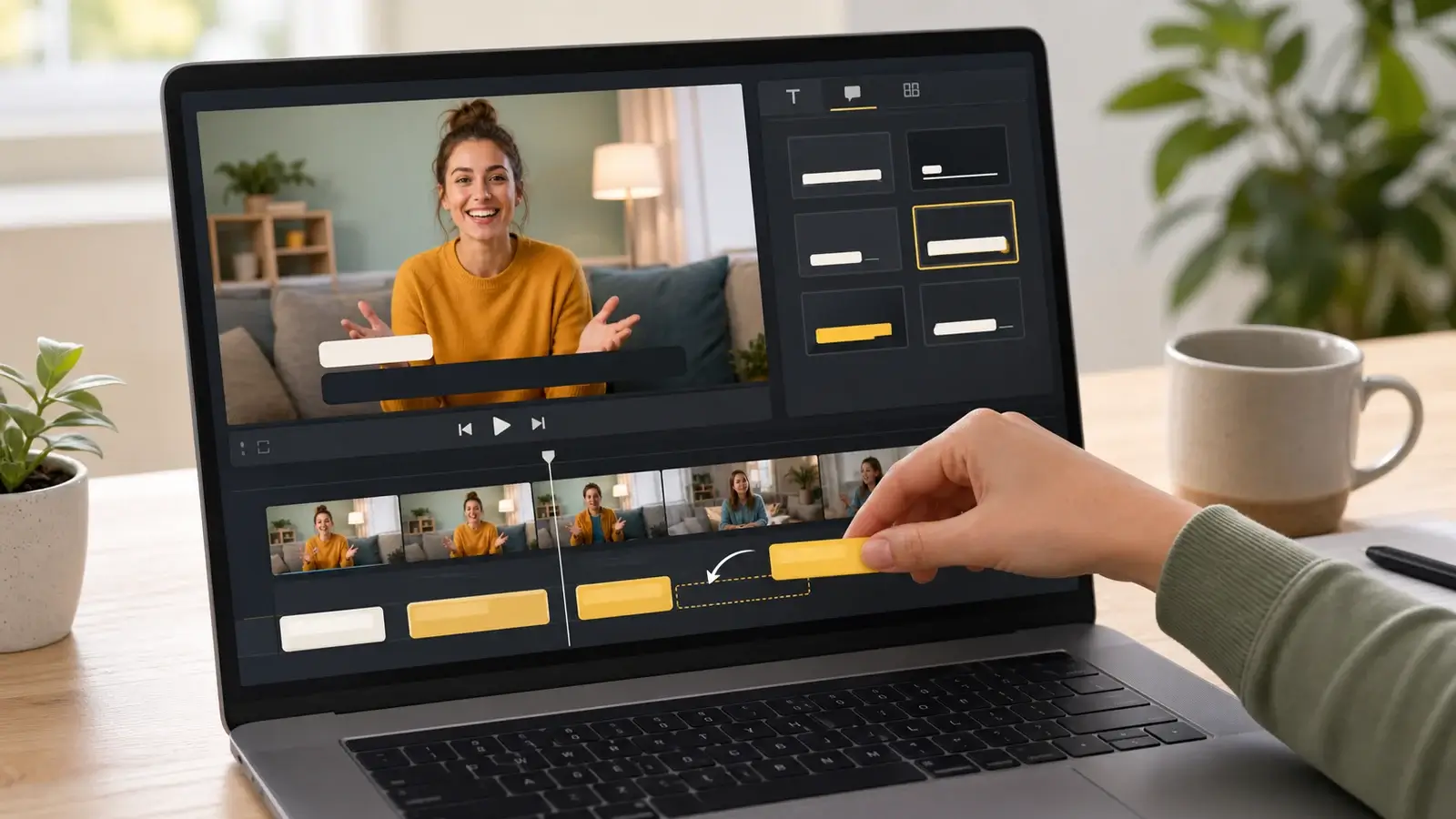
Learn how to add caption-like text in iMovie, what the app can and cannot do, and how to keep captions readable.
What is an SRT file?
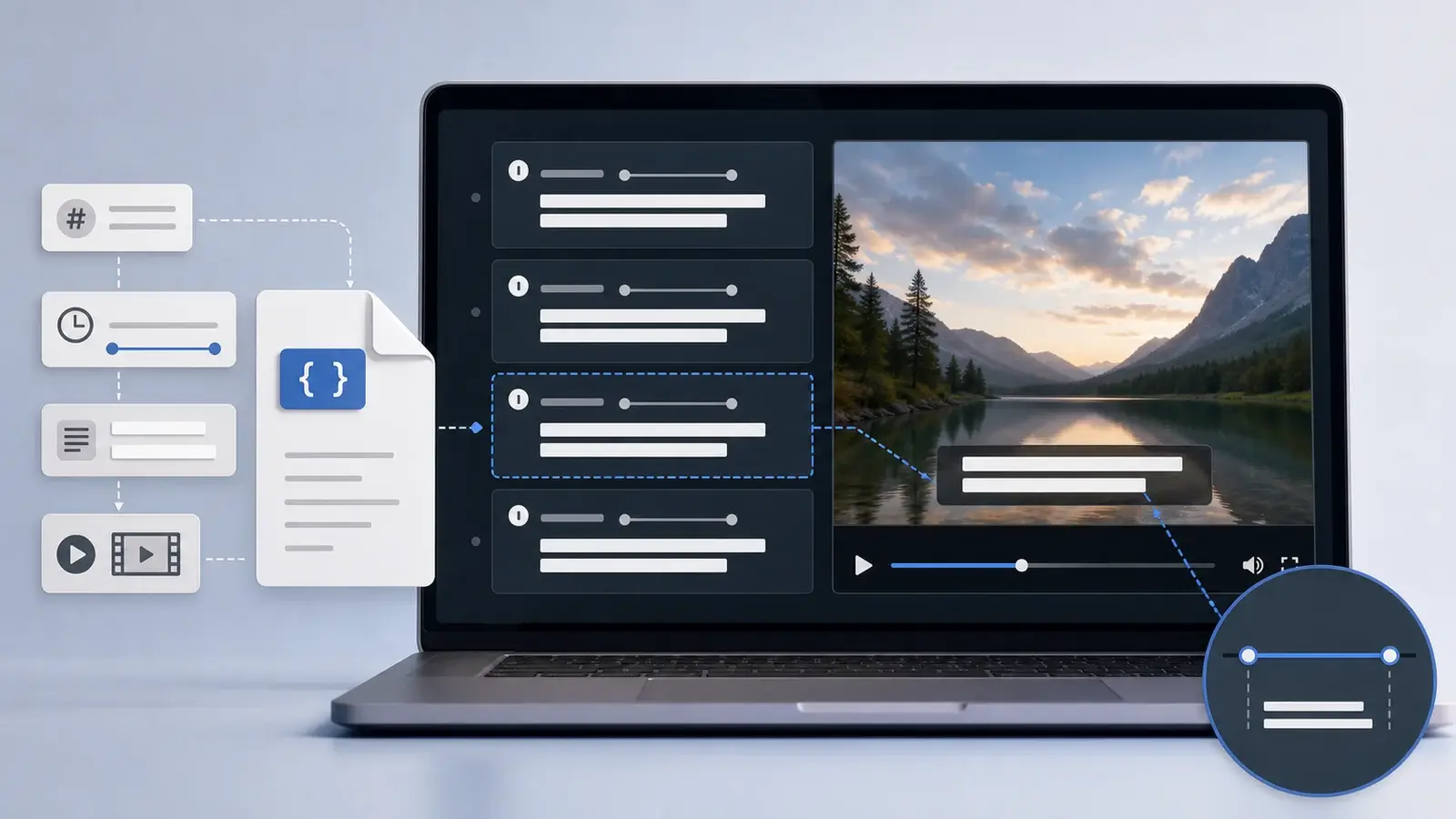
Learn what an SRT file is, what its timestamps mean, and how this plain text subtitle format is commonly used.