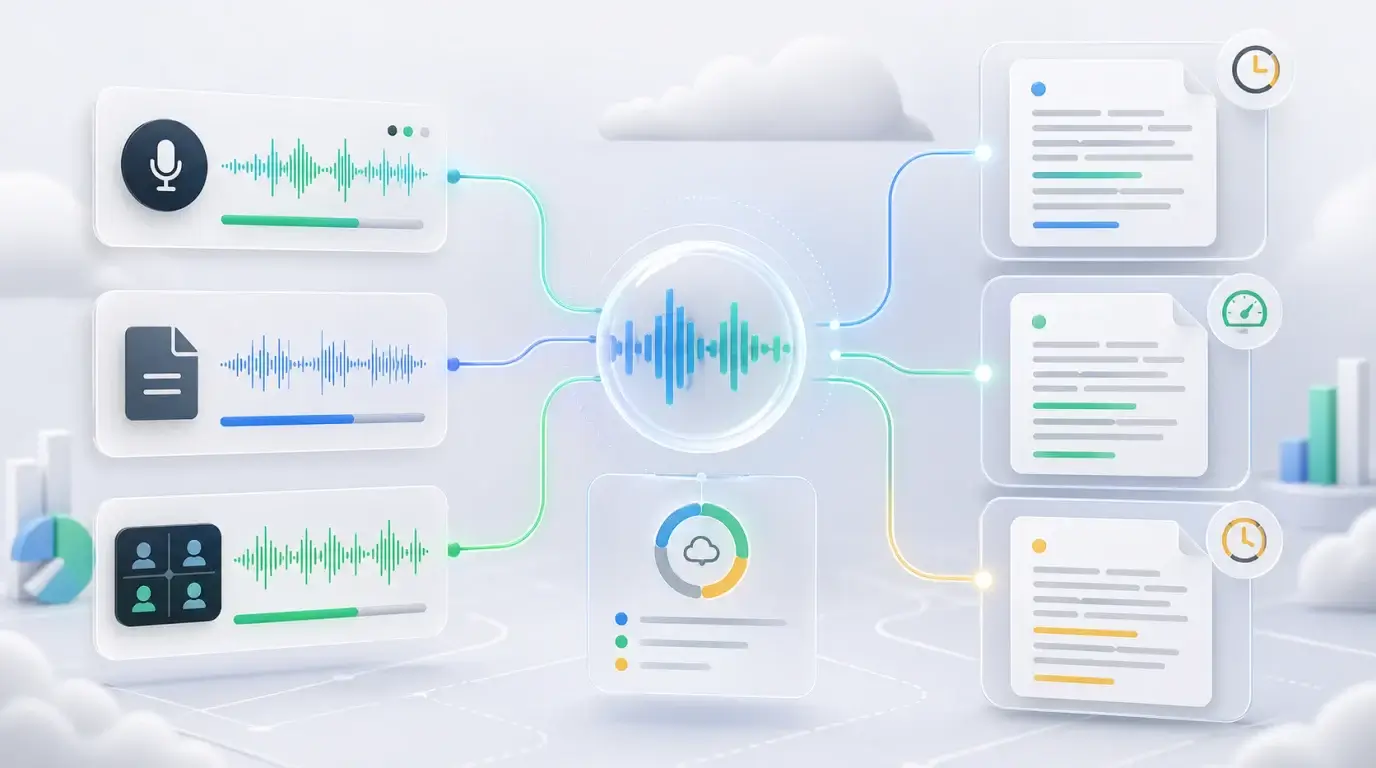
How long does it take for Google to transcribe audio to text?
Compare Google Meet, Google Docs voice typing, Recorder, and Google Cloud Speech-to-Text processing times for audio transcription.
The short answer
There is no single “Google transcription time” because Google has several speech-to-text products. Google Docs voice typing works as you speak. Google Meet transcripts are created after a meeting ends. Google Cloud Speech-to-Text can process uploaded audio asynchronously, and the time depends on the file and configuration.
As a practical rule, live tools are near real time, meeting tools may appear after the meeting, and uploaded-file transcription can range from faster than real time to slower than real time when audio is long, noisy, or complex.
Which Google product are you using?
If you mean Google Meet, the transcript depends on meeting transcription being available and turned on. The saved file usually appears after the meeting finishes and is shared through Drive or email.
If you mean Google Docs voice typing, it is designed for live dictation through your microphone, not for uploading a finished audio file. If you play audio through speakers into the microphone, accuracy often drops because the sound path is worse than uploading the original file.
If you mean Google Cloud Speech-to-Text, developers can send audio to the API and receive results through synchronous, streaming, or long-running recognition methods. Longer audio is typically handled asynchronously.
What affects transcription time
The biggest factors are audio length, file quality, language, speaker overlap, background noise, and whether speaker labels or timestamps are requested. A clean ten-minute voice memo is simple. A two-hour meeting with five people talking over one another is harder.
Upload speed also matters. If the file is large, slow internet can add more time before transcription even begins.
A faster workflow for normal users
If you are not building with Google Cloud and simply need text from a recording, upload the audio or video file directly to a transcription app. NeatScribe is built for that workflow: upload the file, choose the language, wait for processing, then review and export the transcript.
This avoids the confusion of choosing between Google Docs, Meet, Recorder, and developer APIs when your real goal is simply audio to text.
How to estimate your own timing
Start with the length of the audio. A short voice memo should finish quickly in most tools. A long meeting, podcast, or lecture can take longer because the system has more speech to process and more opportunities for errors.
Then look at audio quality. Clear speech, one speaker at a time, and little background noise make transcription faster and easier to review. Heavy echo, music, accents, and several speakers talking at once usually increase cleanup time even if processing itself finishes quickly.
The part people forget
Transcription time is not only processing time. You also need time to upload the file, choose settings, wait for the result, review mistakes, and export the text. For important work, the review step is often where the real time goes.
That is why a simple audio to text workflow matters. A tool that gives you a clean editor and export options can save more time than a tool that only returns raw text.
More Posts

What is the 60/30/10 rule in filmmaking?
Understand how the 60/30/10 rule can guide color balance, visual hierarchy, and emphasis in a film scene.


What is research in film production?
Learn how research supports film production, from story and character work to locations, visuals, interviews, and accuracy.
How to add captions in iMovie
Learn how to add caption-like text in iMovie, what the app can and cannot do, and how to keep captions readable.