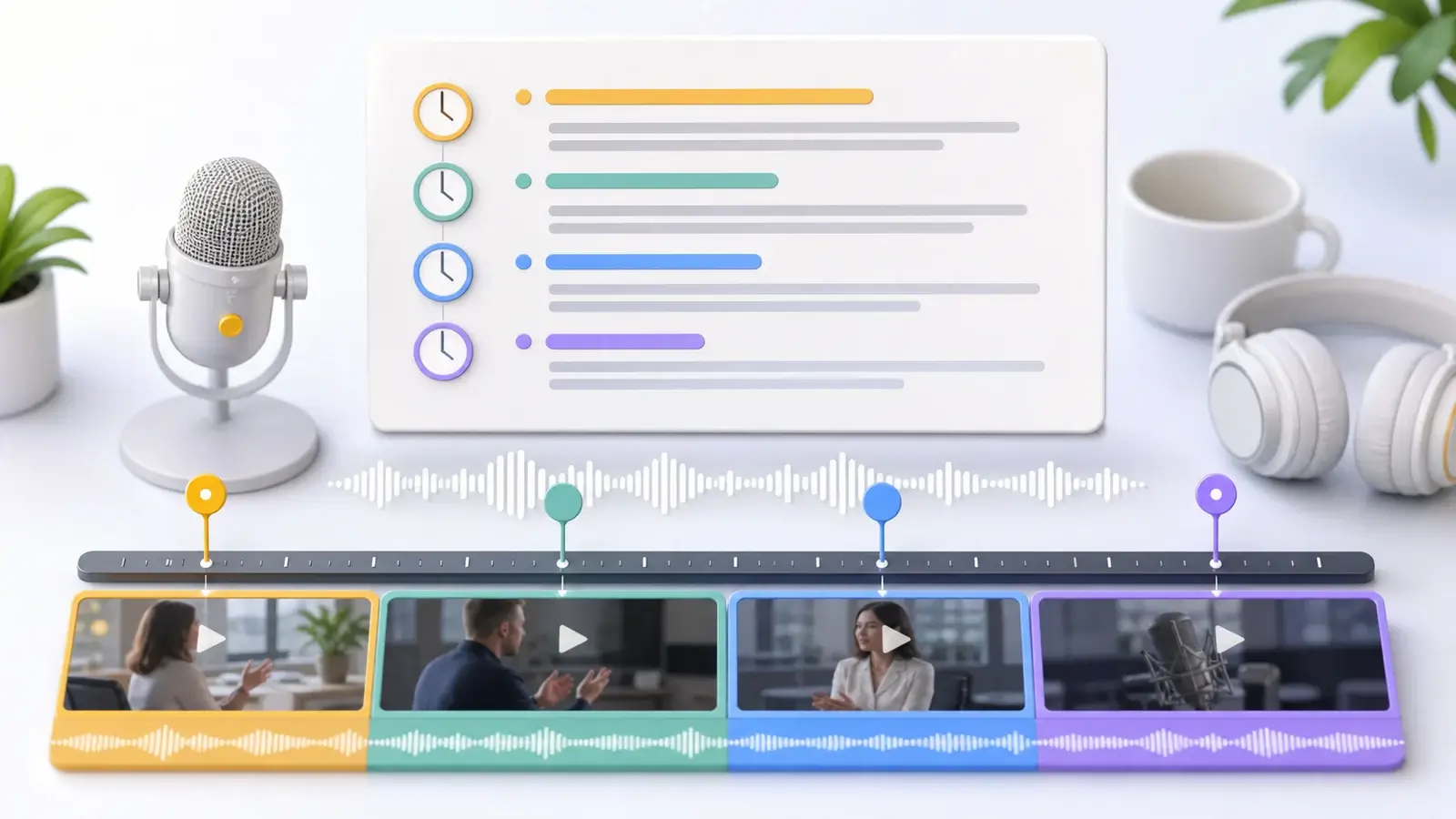
What is a time coded transcript?
Learn what a time coded transcript is, how timestamps work, and how it differs from subtitles and plain transcripts.
The short answer
A time coded transcript is a transcript that includes timestamps showing when each section of speech happens in the audio or video. The timestamps may appear every few seconds, at each speaker change, at each paragraph, or at important moments.
The purpose is simple: a reader can move from the written transcript back to the exact moment in the recording. That makes the transcript easier to verify, edit, cite, and review.
What the time codes mean
A time code is a marker for a position in the media file. A simple timestamp may look like [01:23], meaning one minute and twenty-three seconds from the start. A longer file may use [01:12:45], meaning one hour, twelve minutes, and forty-five seconds.
In production settings, timecode may include frames, such as 01:12:45:18. That format is common in film, television, and editing workflows because frames matter when someone needs to cut video precisely.
For normal transcripts, minute-and-second timestamps are often enough. For professional post-production, legal review, or broadcast workflows, a more exact timecode format may be required.
Example of a time coded transcript
A simple time coded transcript might look like this:
[00:00:03] Interviewer: Can you start by telling me what the project is about?

[00:00:08] Speaker: The project is a short documentary about how small businesses recover after a major storm.

[00:00:17] Interviewer: What made you choose that topic?

[00:00:20] Speaker: We wanted to focus on the people doing quiet work after the news cameras leave.
This is still a transcript, not a subtitle file. The text is arranged for reading and reference. It does not need to be broken into short caption cues unless it will appear on screen during playback.
Timestamp intervals
Different workflows use different timestamp intervals. Some transcripts place a timestamp at the start of every paragraph. Some add timestamps at speaker changes. Some use fixed intervals, such as every 30 seconds or every 60 seconds.
Frequent timestamps make it easier to locate exact moments, but they can make the transcript harder to read. Sparse timestamps keep the page cleaner, but the reader may need to search longer in the recording.
The best choice depends on the job. An editor reviewing interview footage may want frequent timestamps. A reader using the transcript as notes may prefer fewer interruptions.
When time codes are useful
Time coded transcripts are useful for video editing because editors can find strong quotes and key moments quickly. They are useful in research because teams can connect notes and analysis back to the original recording.
They are also useful for legal, business, and meeting review. If someone needs to confirm exactly what was said, a timestamp makes the source easier to check.
For podcasts, webinars, training videos, and interviews, time codes help turn long recordings into usable reference documents.
Time coded transcript vs subtitle file
A time coded transcript and a subtitle file both use timing, but they are not the same thing.
A time coded transcript is meant to be read as a document. It may contain long paragraphs, speaker labels, and broader timestamp markers.
A subtitle file is meant to be displayed during playback. It usually contains short lines, start and end times for every cue, and formatting rules that keep text readable on screen.
For example, a transcript timestamp may say:
[00:02:14] Speaker: The main issue is not the camera. It is the lighting.A subtitle cue would usually be shorter and more precisely timed:
00:02:14,000 --> 00:02:17,000
The main issue is not the camera.

00:02:17,100 --> 00:02:19,500
It is the lighting.
Both formats are useful. They just serve different reading and playback needs.
What to check
When using a time coded transcript, make sure the timestamps match the correct media file. If the audio was trimmed, converted, or exported from a different timeline, the transcript can drift out of sync.
Also check whether the timestamp refers to the start of a paragraph, the exact word, or a broader section. That detail matters when someone needs to verify a quote precisely.
A good time coded transcript saves time because it connects words to moments. It helps people move between reading, listening, watching, editing, and reviewing without guessing where something happened.
More Posts

What is research in film production?
Learn how research supports film production, from story and character work to locations, visuals, interviews, and accuracy.

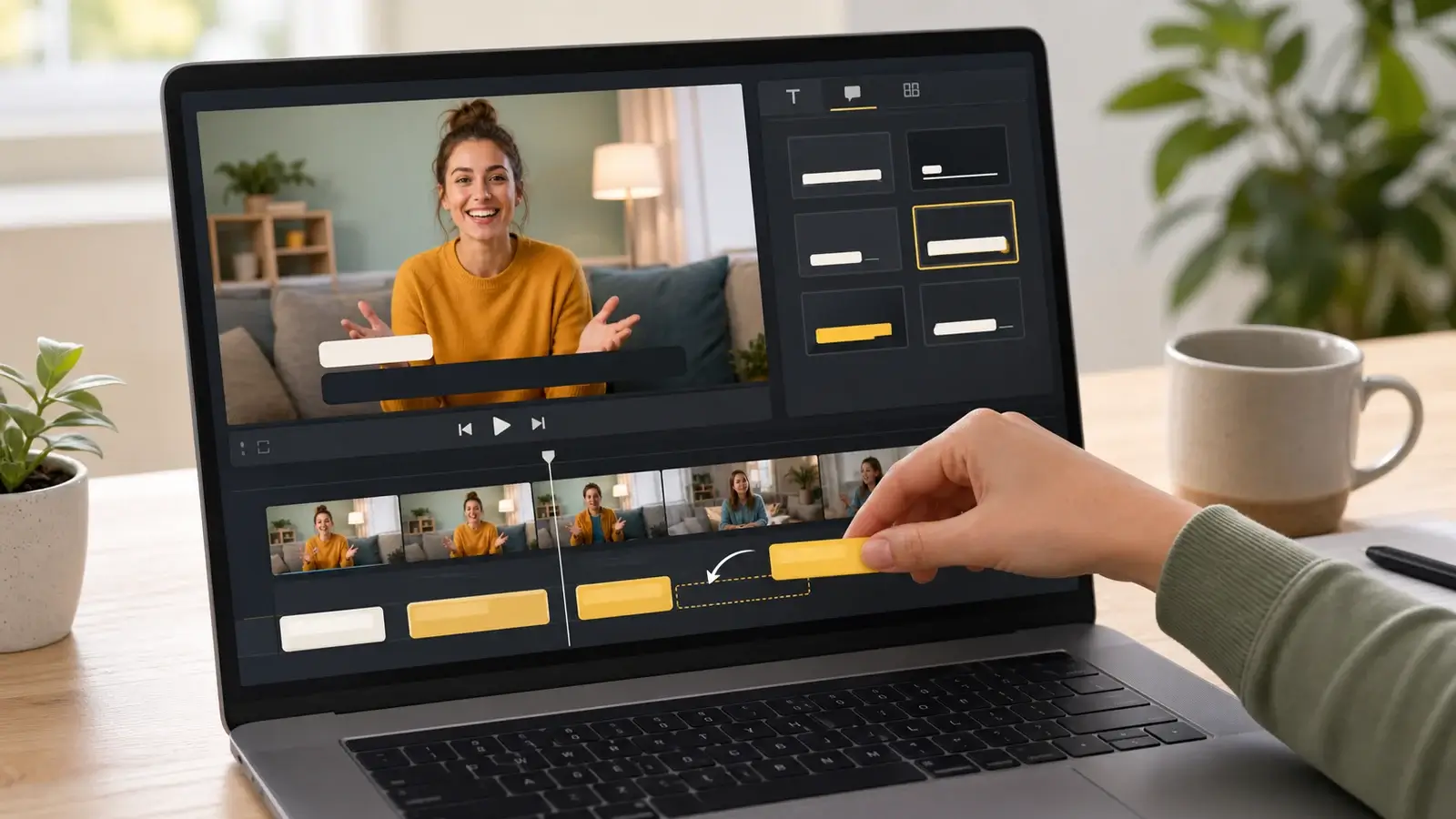
How to add captions in iMovie
Learn how to add caption-like text in iMovie, what the app can and cannot do, and how to keep captions readable.
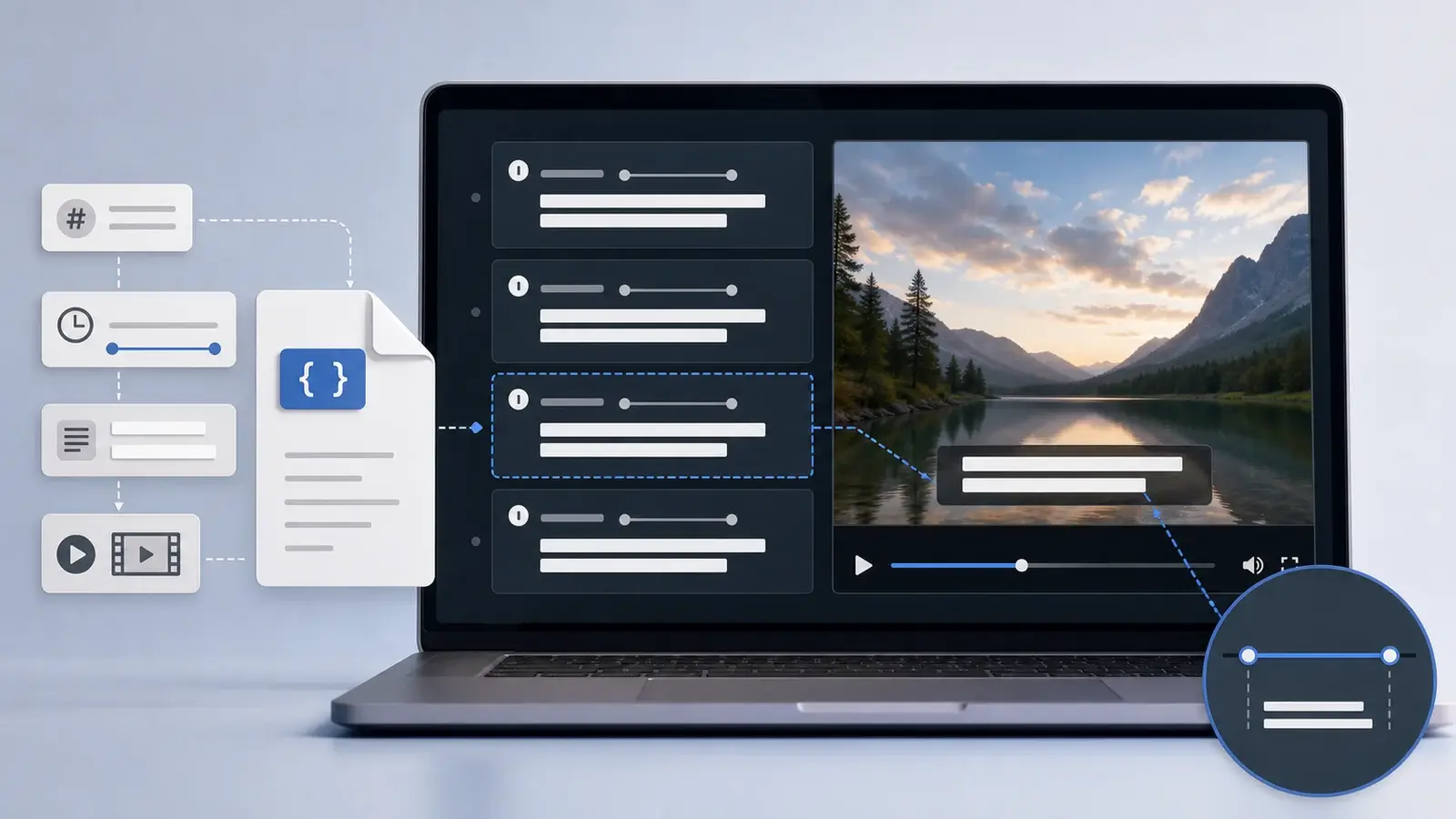
What is an SRT file?
Learn what an SRT file is, what its timestamps mean, and how this plain text subtitle format is commonly used.