What does a video transcript look like?
See what a video transcript can include, with plain text and time-coded examples for common video workflows.
The short answer
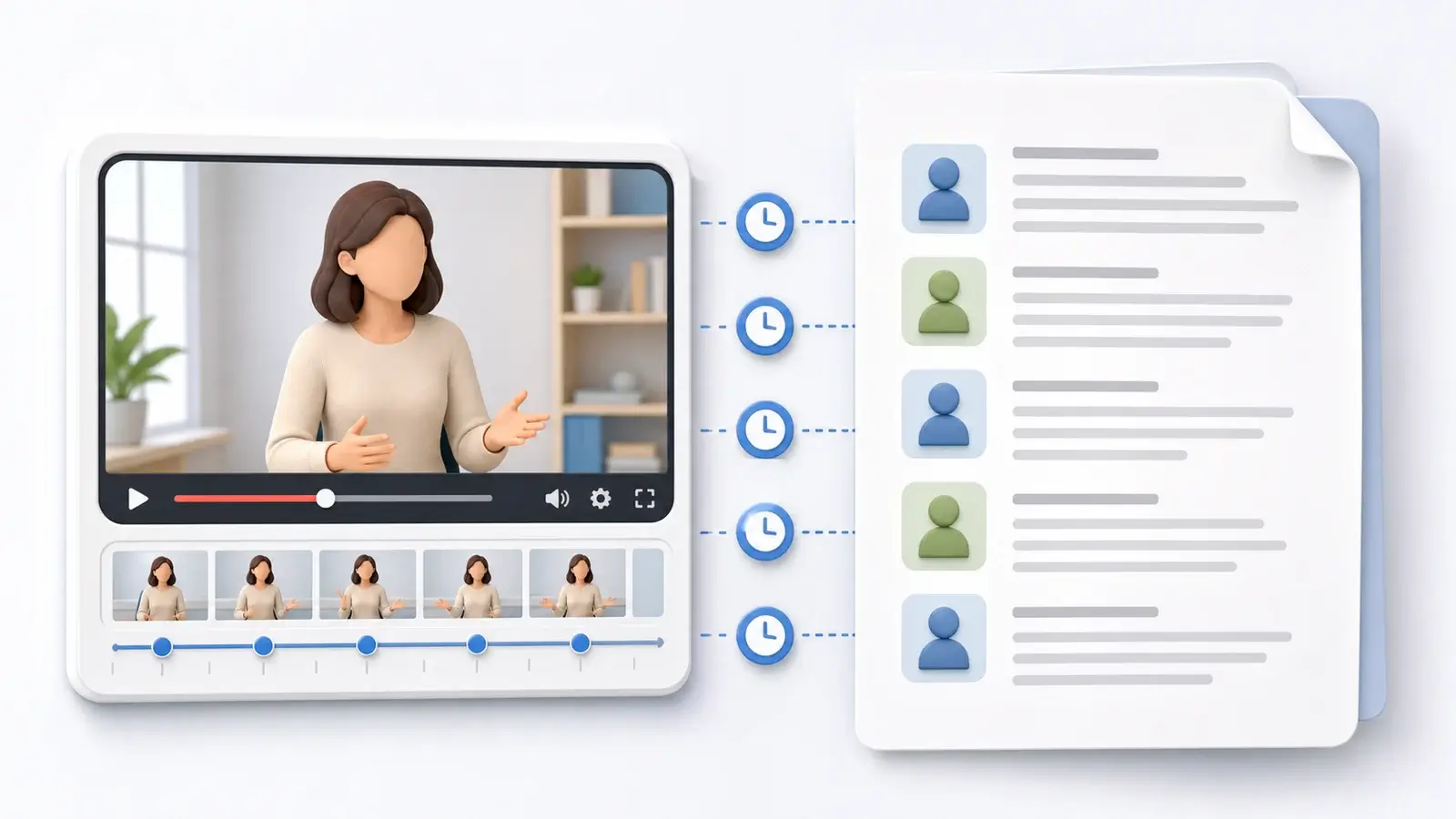
A video transcript usually looks like a written version of everything important that can be heard in the video. At minimum, it includes the spoken words. Depending on the purpose, it may also include speaker names, timestamps, sound descriptions, music cues, or notes about important visual information.
Some video transcripts read like a clean article. Others look more like a production document with time codes next to each section. The right format depends on whether the transcript is for accessibility, editing, research, SEO, captions, or internal notes.
Plain video transcript example
A simple transcript may look like this:
Host: Welcome back. Today we are going to compare three ways to prepare a podcast episode for publishing.

Guest: The biggest mistake is waiting until the edit is finished before thinking about the transcript. If you plan for it early, the transcript can help with show notes, clips, and accessibility.

Host: That makes sense. So the transcript is not just an afterthought.
This format is easy to read because it removes technical timing details. It works well for blog posts, searchable archives, interview records, and meeting notes.
Time-coded video transcript example
A time-coded transcript may look like this:
[00:00:04] Host: Welcome back. Today we are going to compare three ways to prepare a podcast episode for publishing.

[00:00:12] Guest: The biggest mistake is waiting until the edit is finished before thinking about the transcript.

[00:00:21] Host: That makes sense. So the transcript is not just an afterthought.
This format helps readers connect text to exact moments in the video. Editors, researchers, producers, and reviewers often prefer time-coded transcripts because they make it easier to find a scene, verify a quote, or create notes from a long recording.
What a transcript may include
A basic transcript includes dialogue. A more complete transcript may include speaker labels such as "Host," "Guest," "Narrator," or a person's name.
It may include non-speech audio when that audio matters. Examples include laughter, applause, music, a phone ringing, a long pause, or a sound that changes the meaning of the scene.
For accessibility-focused transcripts, important visual information may also be included. If a chart appears on screen, a person points to a location, or text appears in the video without being spoken, a descriptive transcript may mention that information so the transcript still makes sense on its own.
Transcript vs captions vs subtitles
A transcript is usually read separately from the video. It can be long-form, paragraph-based, and easier to scan. It may or may not include timestamps.
Captions appear on screen while the video plays. They are split into short timed segments and often include non-speech audio information for viewers who cannot hear the audio.
Subtitles also appear on screen, but the word is often used for translated dialogue or text intended for viewers who can hear the audio but need the spoken language displayed or translated.
In practice, people sometimes use these terms loosely. The important difference is format. A transcript is designed for reading. Captions and subtitles are designed for synchronized playback.
Clean transcript vs verbatim transcript
A clean transcript is lightly edited for readability. It may remove filler words, repeated phrases, and false starts. For example, "I, um, I think we should start now" might become "I think we should start now."
A verbatim transcript keeps speech closer to exactly what was said. It may include filler words, stutters, repeated words, unfinished sentences, and meaningful pauses. This can be useful for legal work, qualitative research, performance analysis, or any situation where the way something was said matters.
What to watch for
The transcript should match its purpose. If it is for quick reading, make it clean and organized. If it is for editing, include timestamps. If it is for accessibility, include meaningful audio and visual context. If it is for quotes, verify important lines against the video.
A good video transcript is not just a wall of words. It is a structured record that helps someone understand, search, reference, and reuse the video without replaying it from the beginning.
More Posts

What is research in film production?
Learn how research supports film production, from story and character work to locations, visuals, interviews, and accuracy.

How to add captions in iMovie
Learn how to add caption-like text in iMovie, what the app can and cannot do, and how to keep captions readable.
What is an SRT file?
Learn what an SRT file is, what its timestamps mean, and how this plain text subtitle format is commonly used.